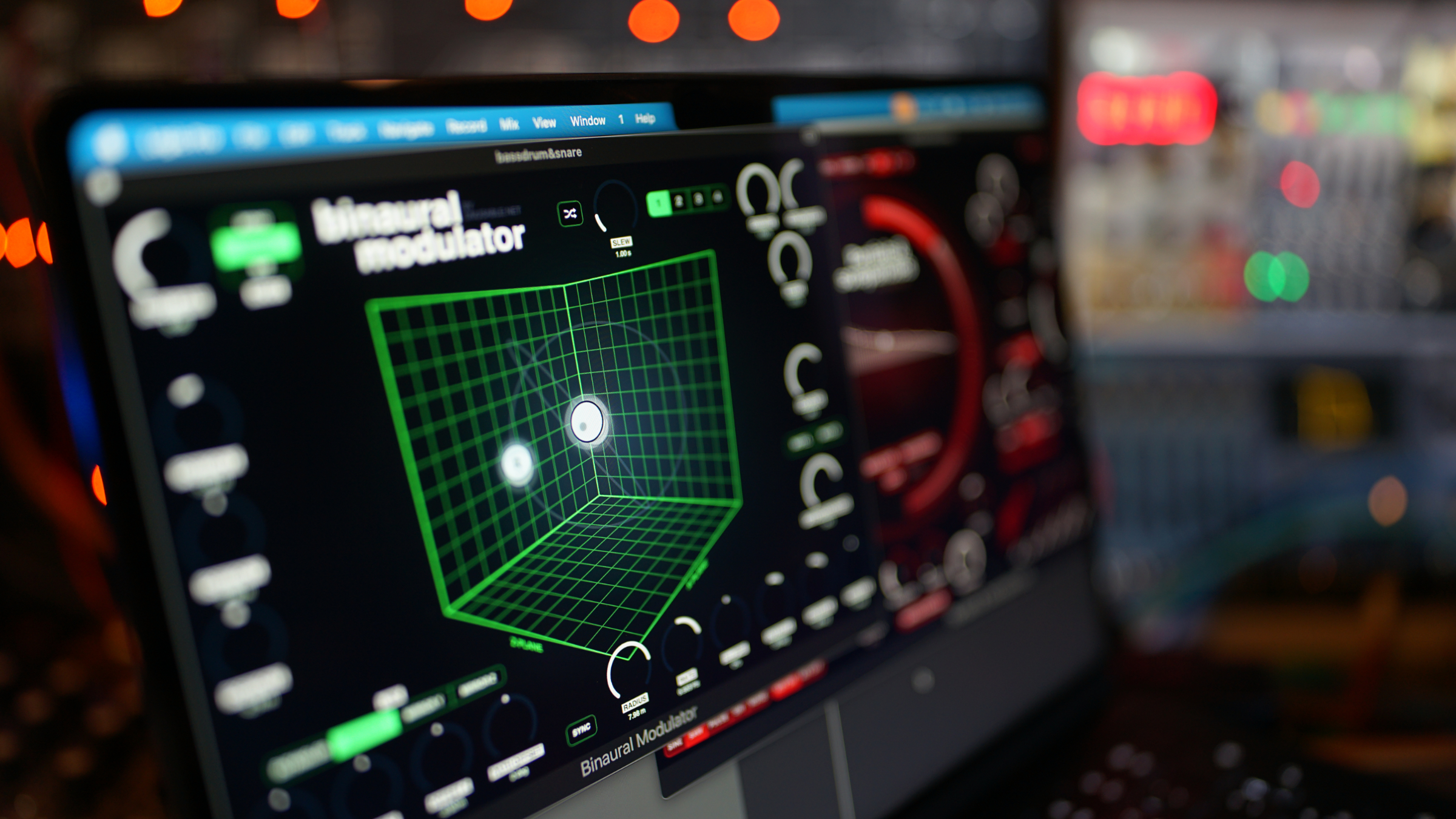
Residual Breakdown is out
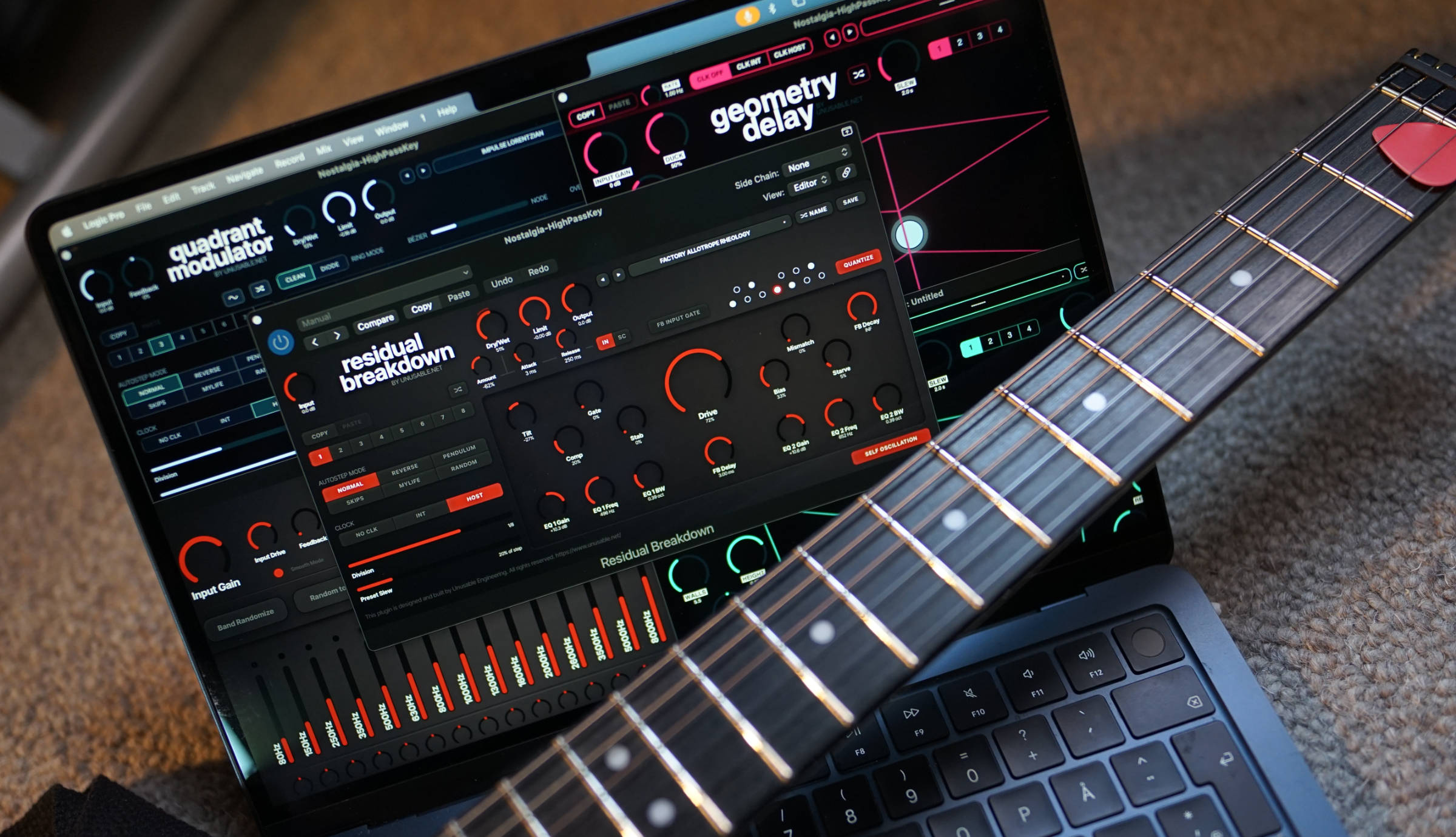
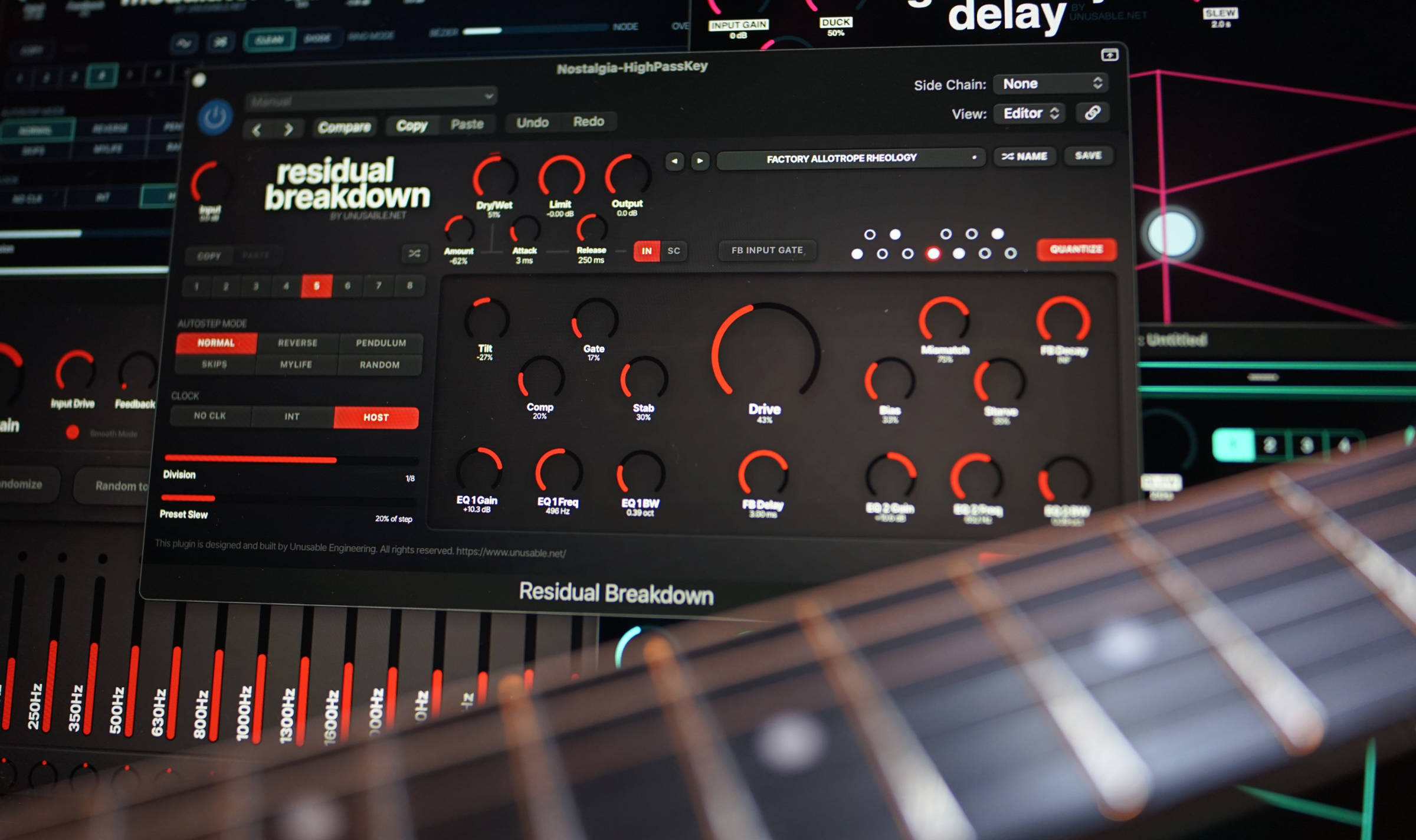
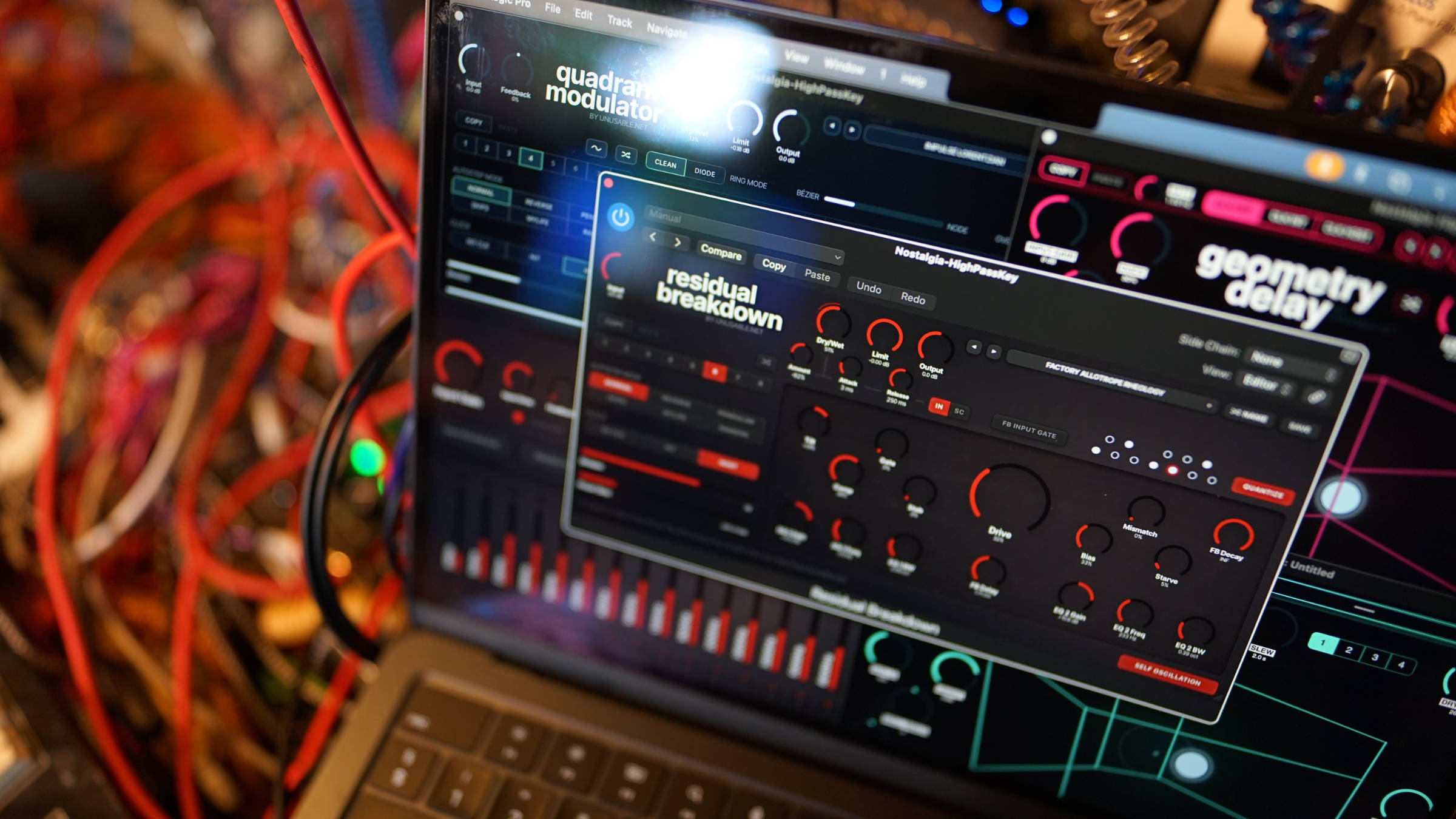
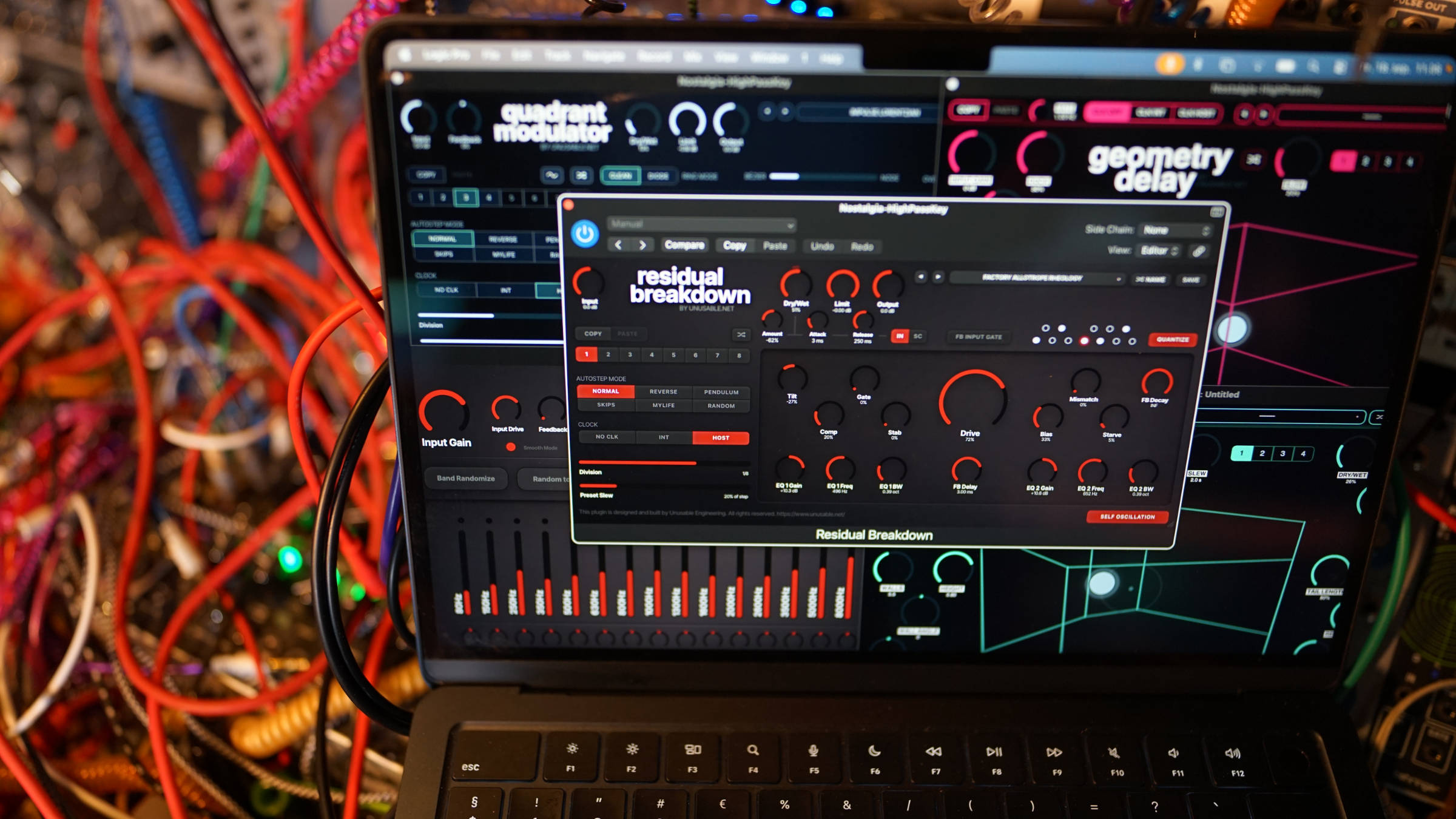
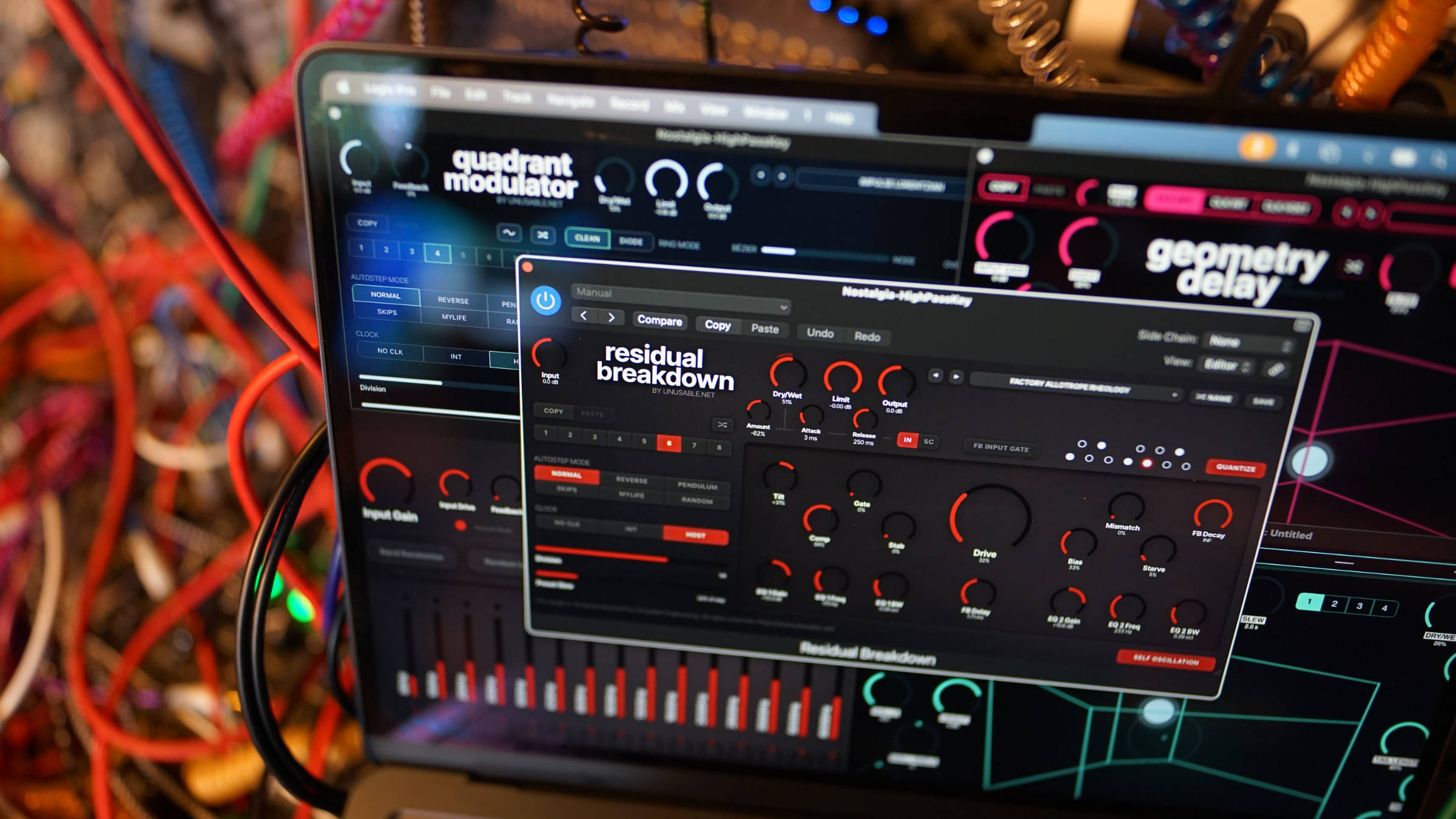
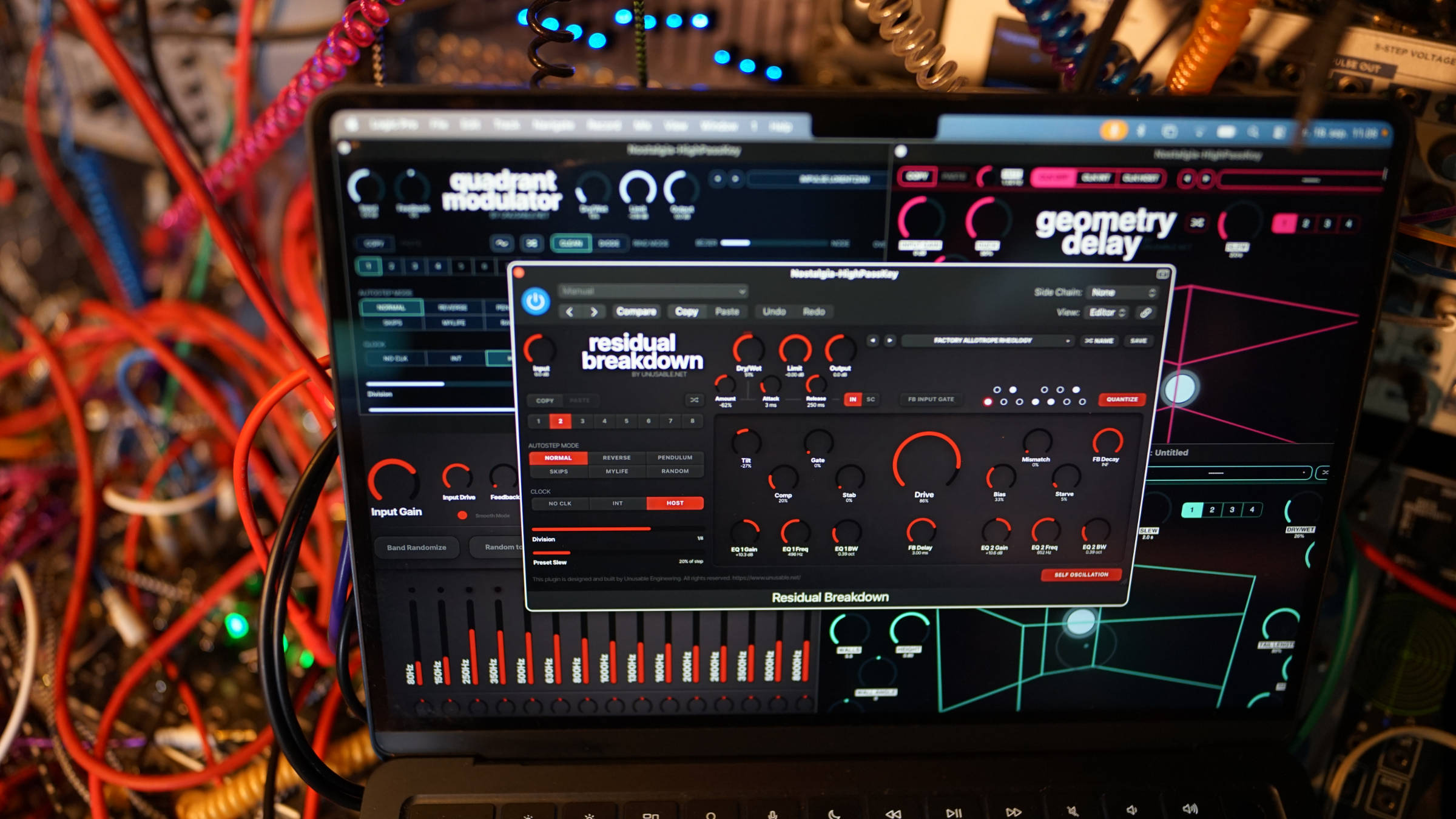
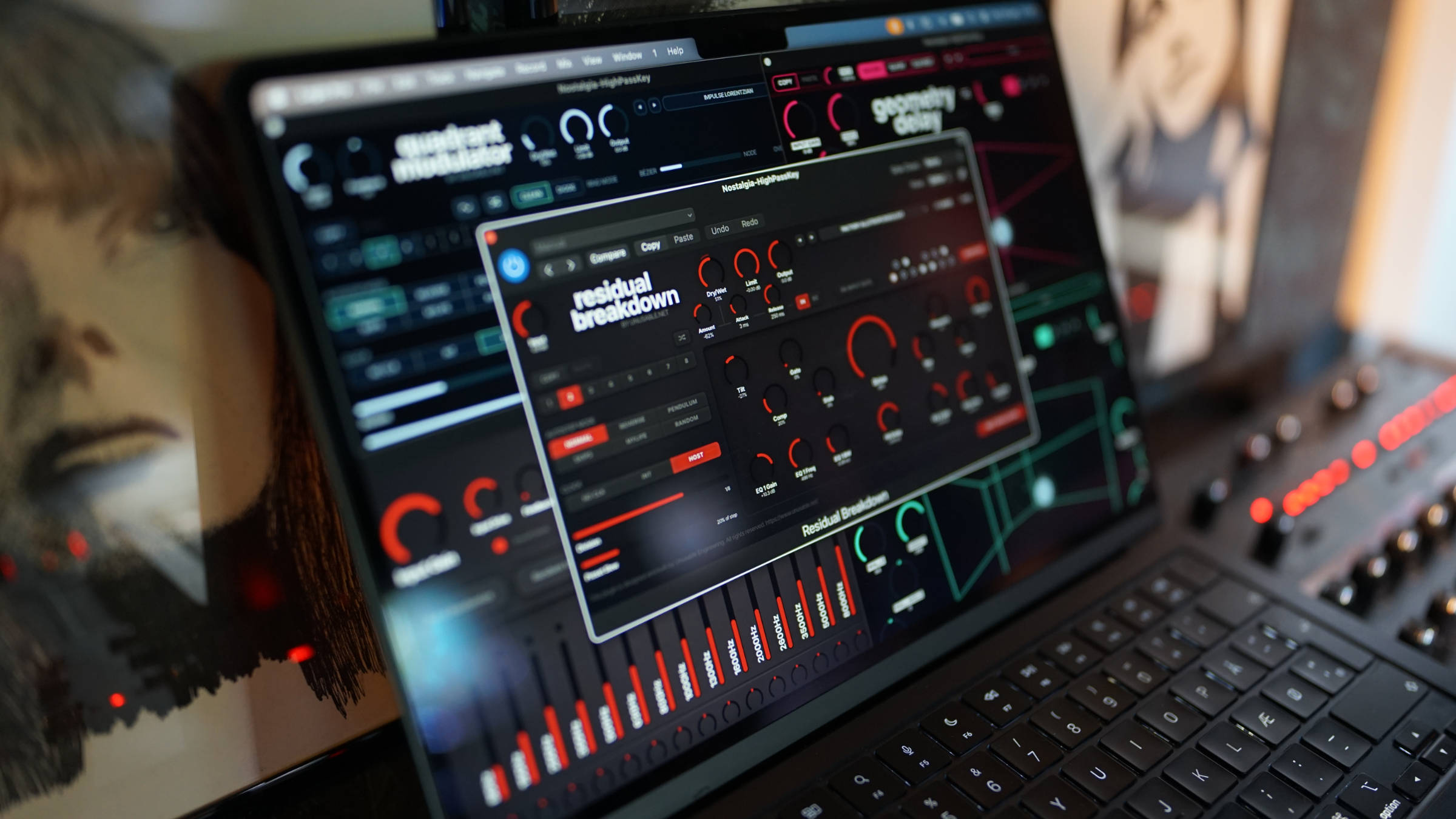
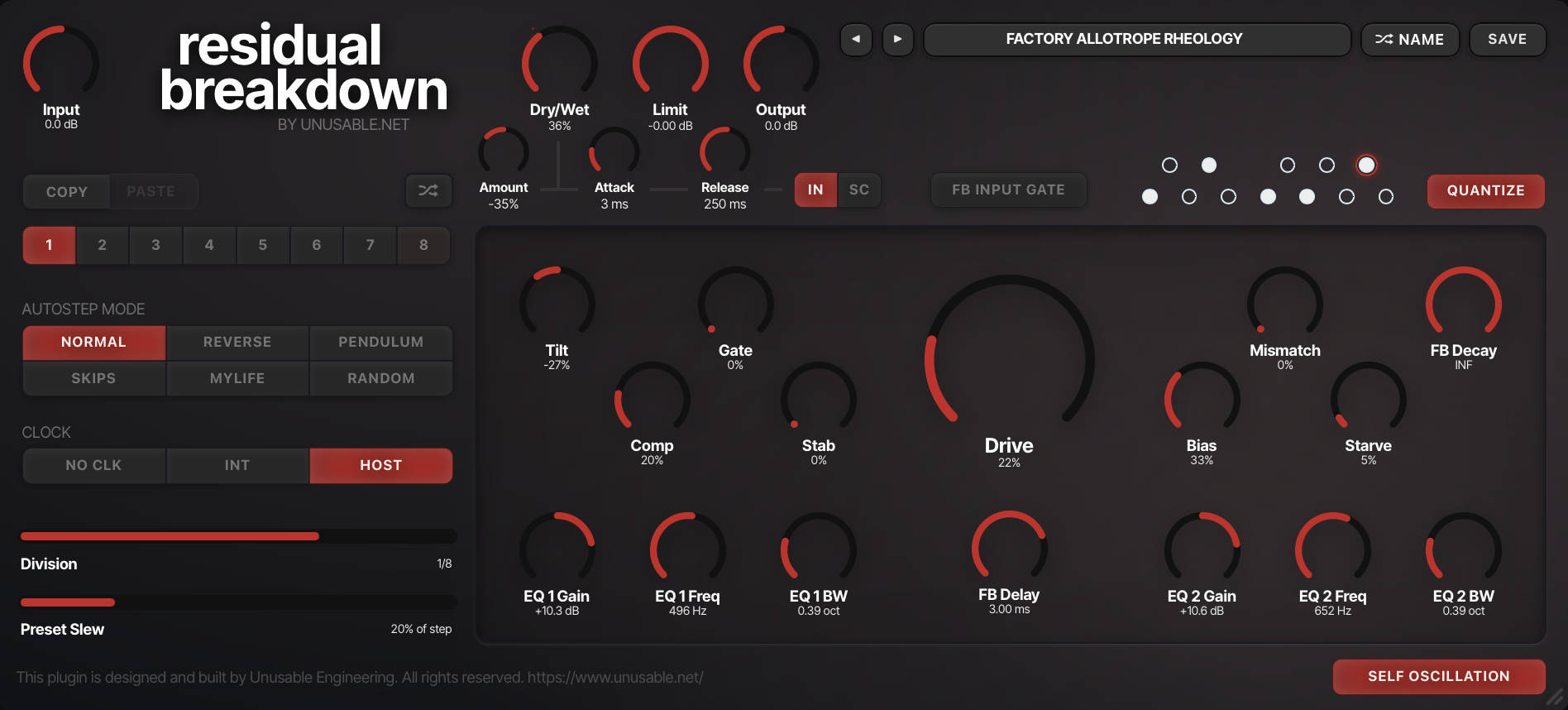
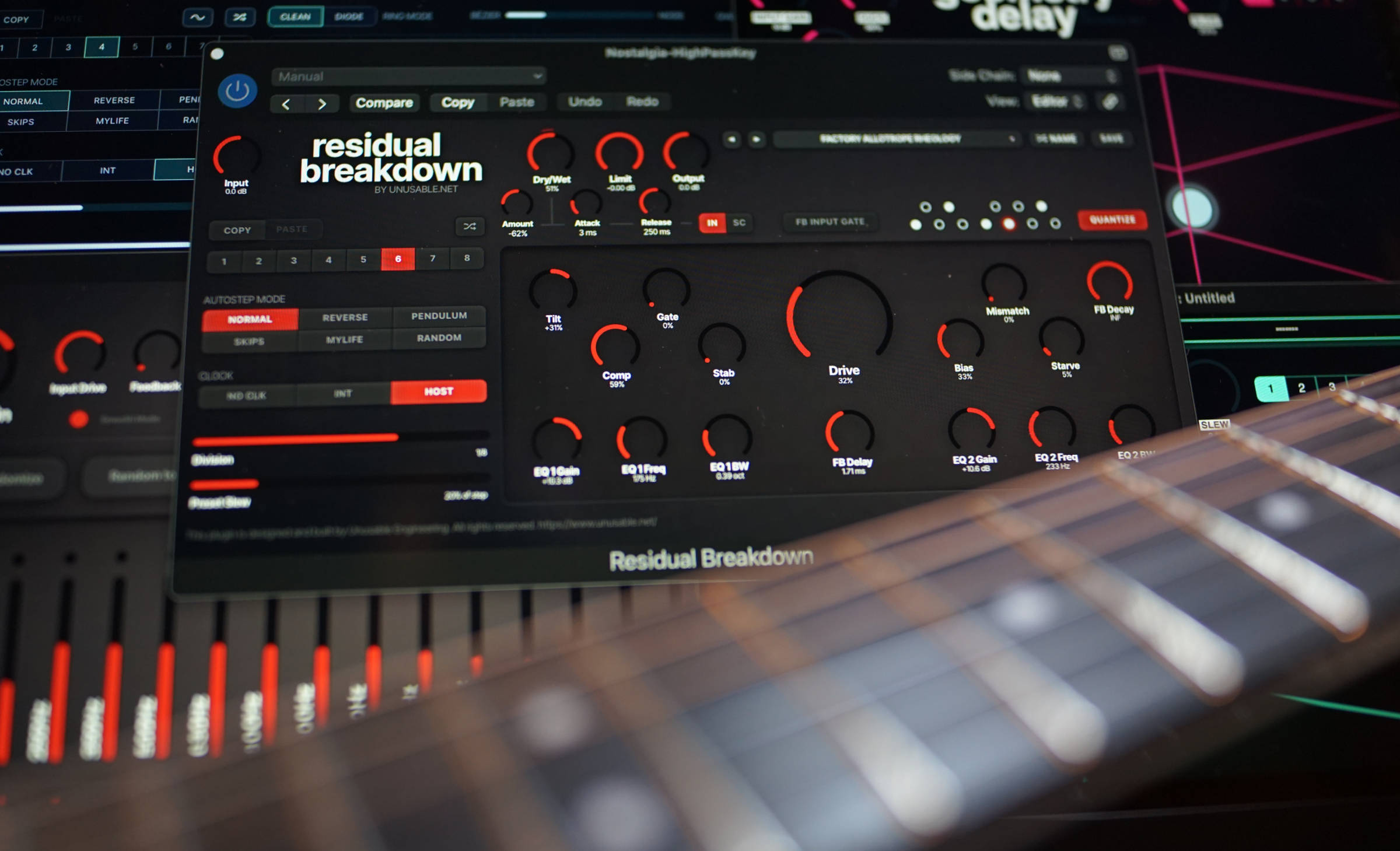
Residual Breakdown is a transistor-inspired fuzz built around interacting circuit controls, unstable feedback and an eight-slot sequencer.
It moves from dense saturation and hard clipping to gated sputter and sustained self-oscillation. The result is a distortion effect that can also behave like a tuned feedback instrument.
A fuzz circuit extended in software
Drive, Comp, Gate, Stab, Bias, Mismatch and Starve shape one connected nonlinear system. Each control changes its response according to the surrounding settings, producing distortion that shifts with input level and playing dynamics. Self-oscillation can be disabled when a more direct fuzz is needed.
The feedback tone can be constrained to a custom pitch-class set and follows MTS-ESP tuning when a compatible master is available. FB Delay and FB Decay shape the regenerative loop while keeping some of its instability intact.
Eight slots store the fuzz, feedback timing, Tilt and two output EQ bands. They can step from the internal clock or host sync, or morph continuously with Preset Slew. A main-input or side-chain envelope follower moves Dry/Wet in either direction with separate Attack and Release controls.
Residual Breakdown is available for macOS AU/VST3 and Windows VST3. It is included in Emulated Effects Pack and Full
Suite v2.
Product page: https://www.unusable.net/effects/residual-breakdown/
Quadrant Modulator is out
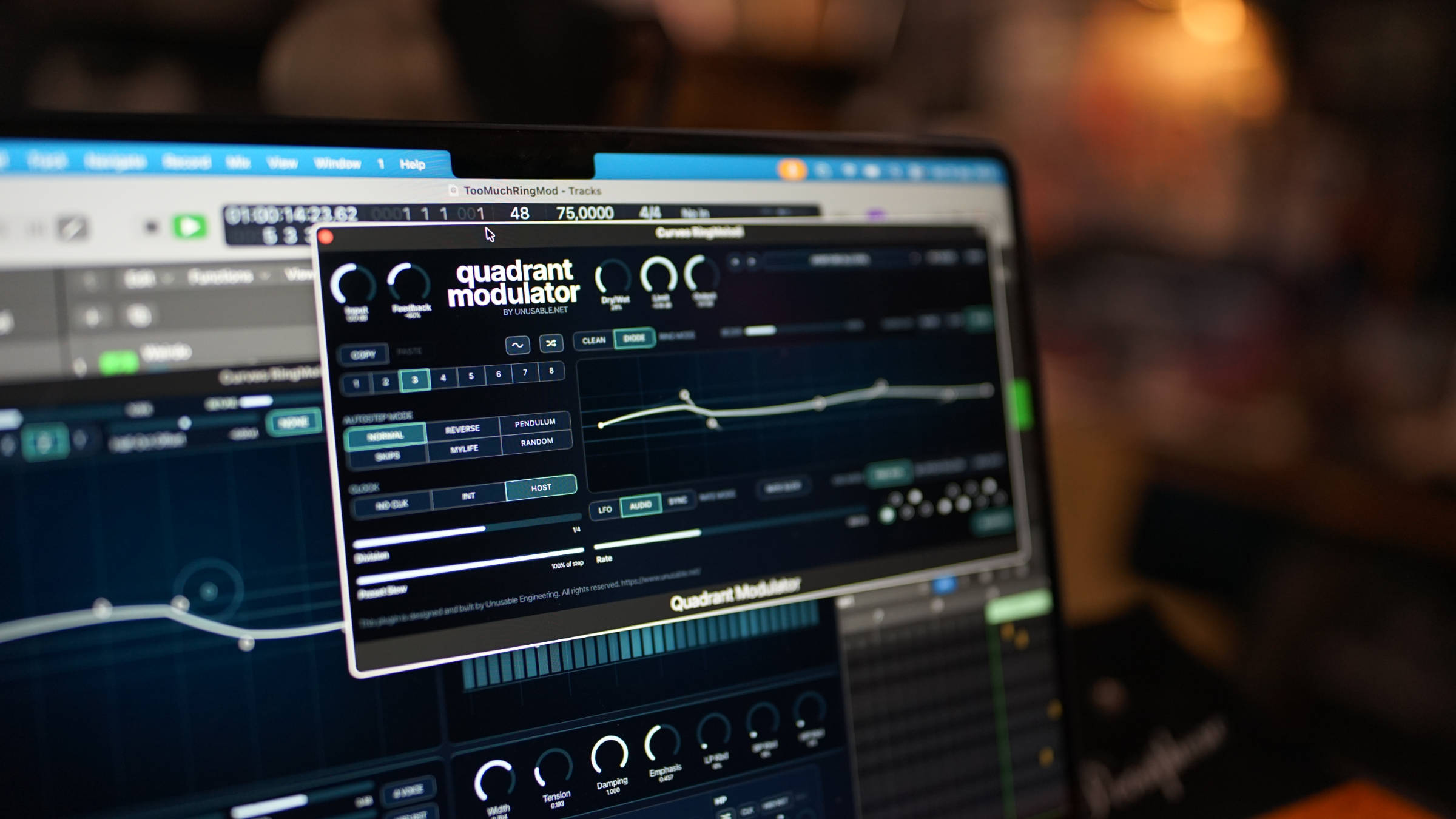
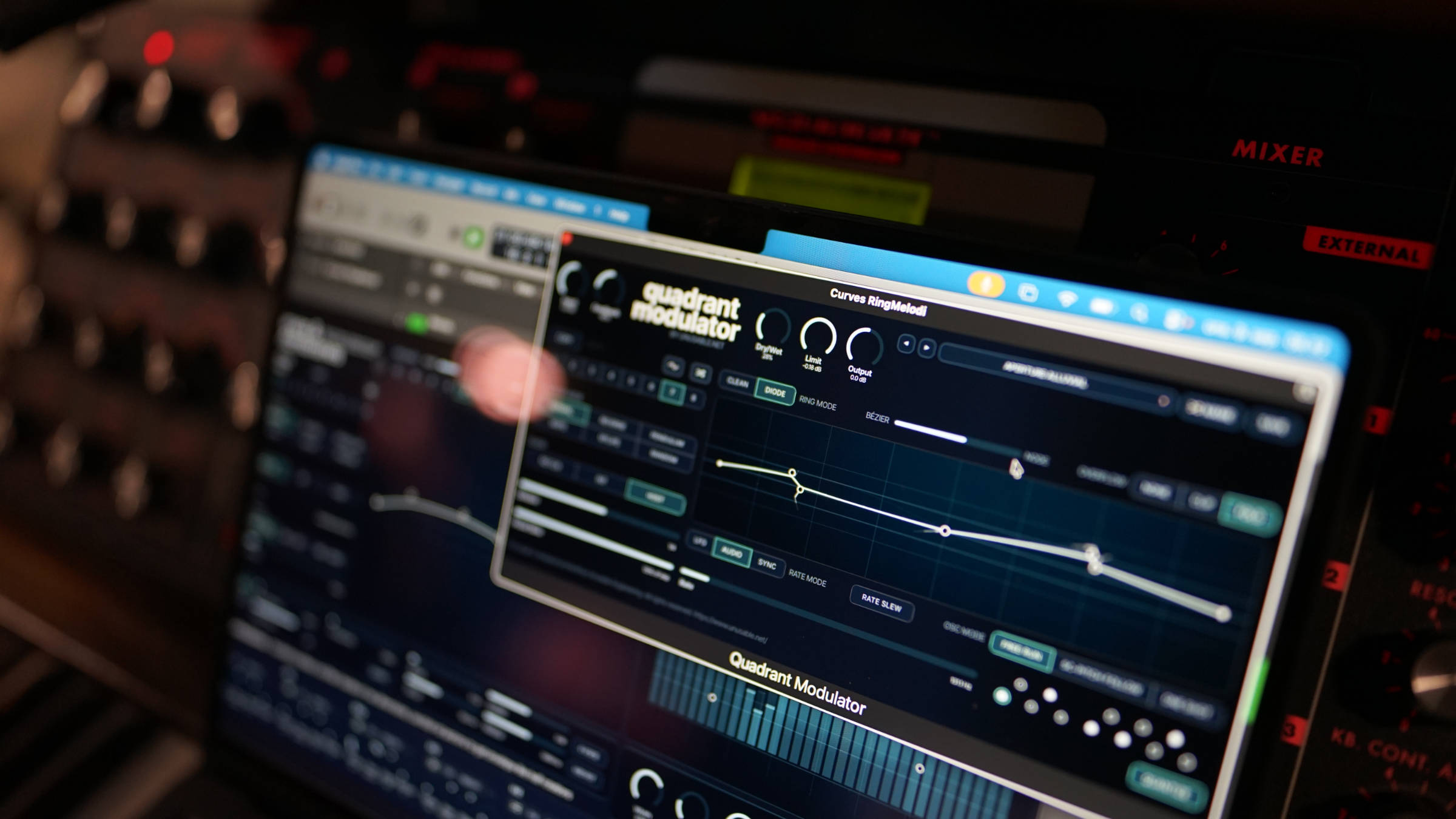
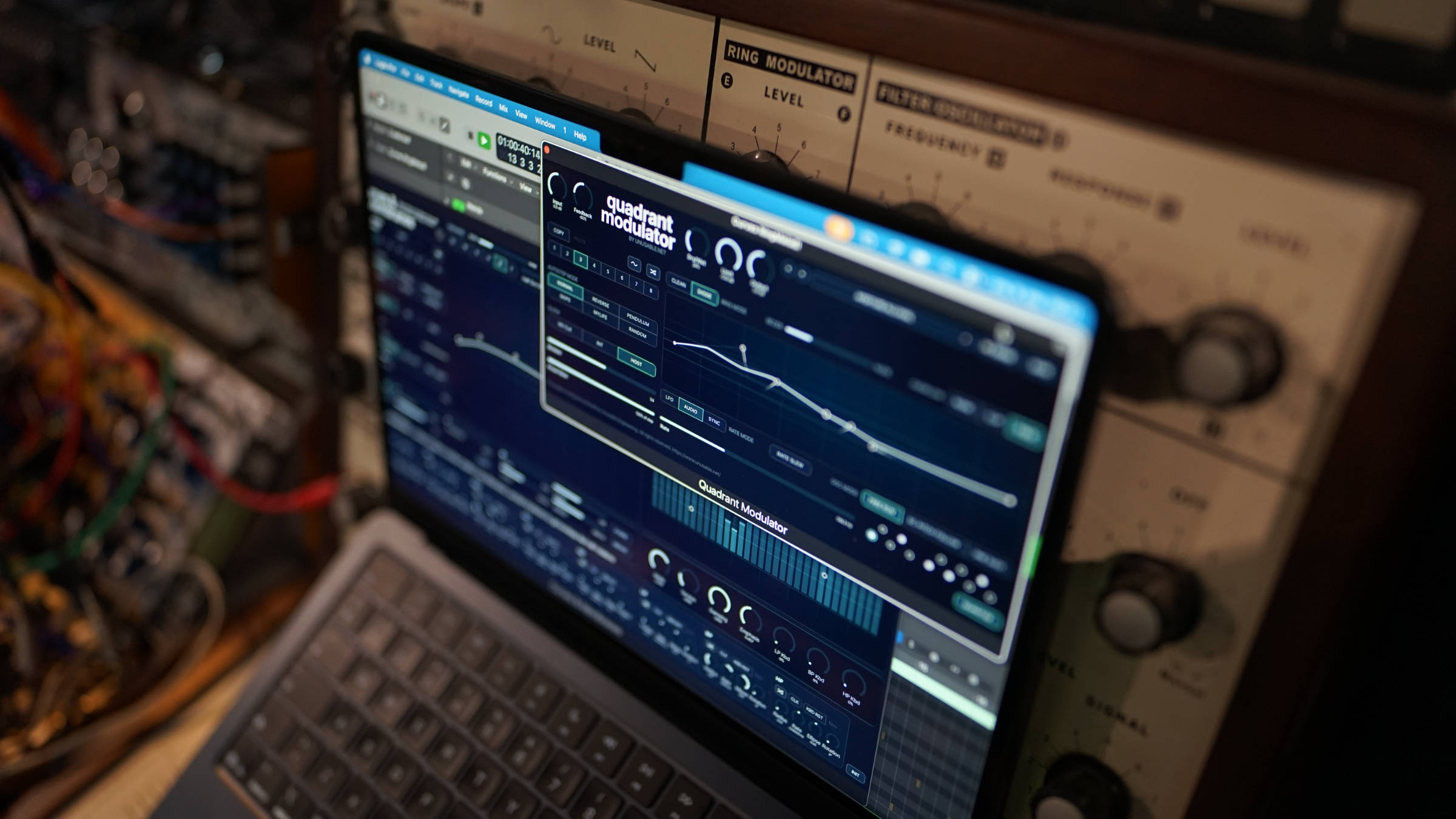
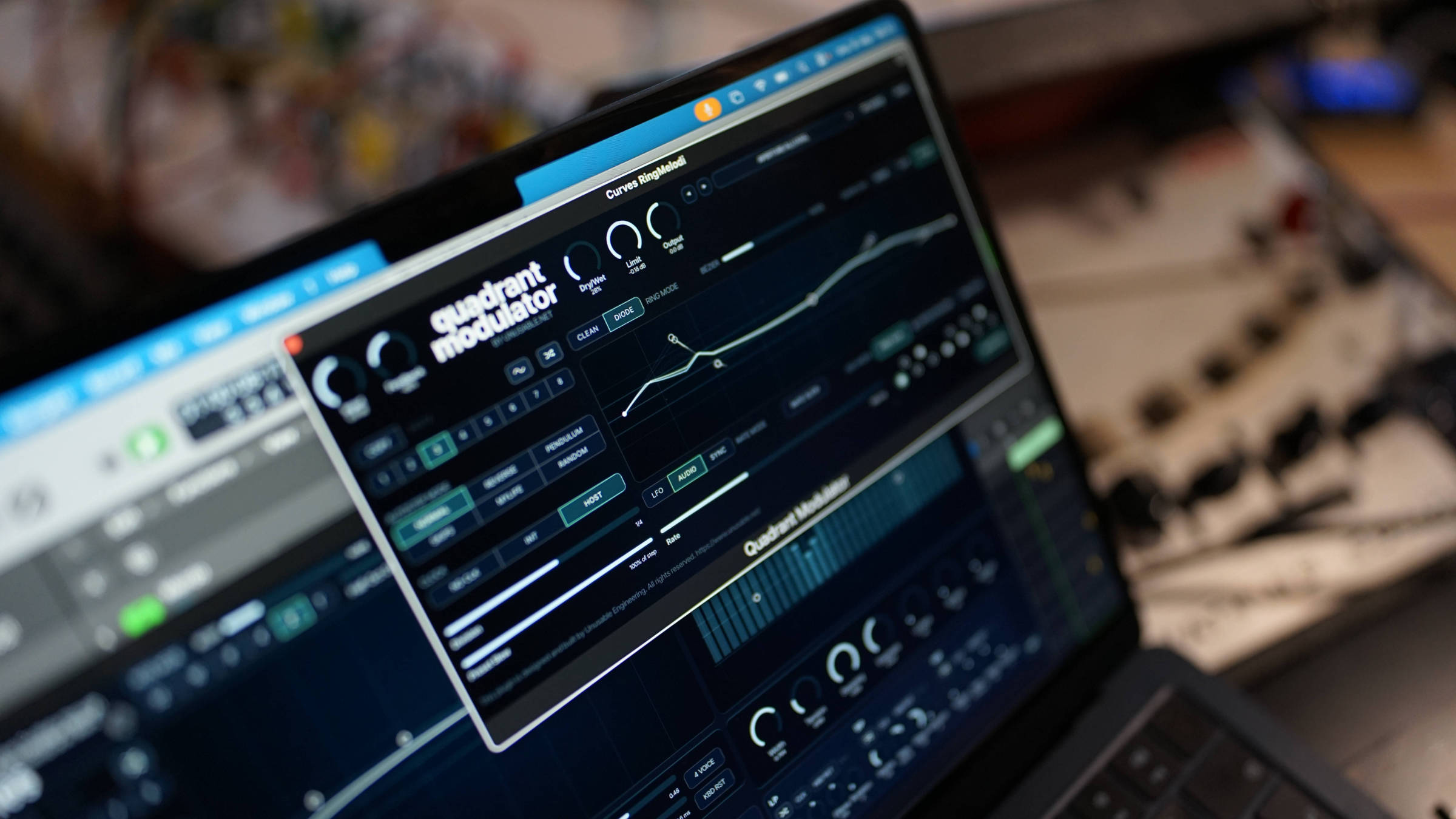
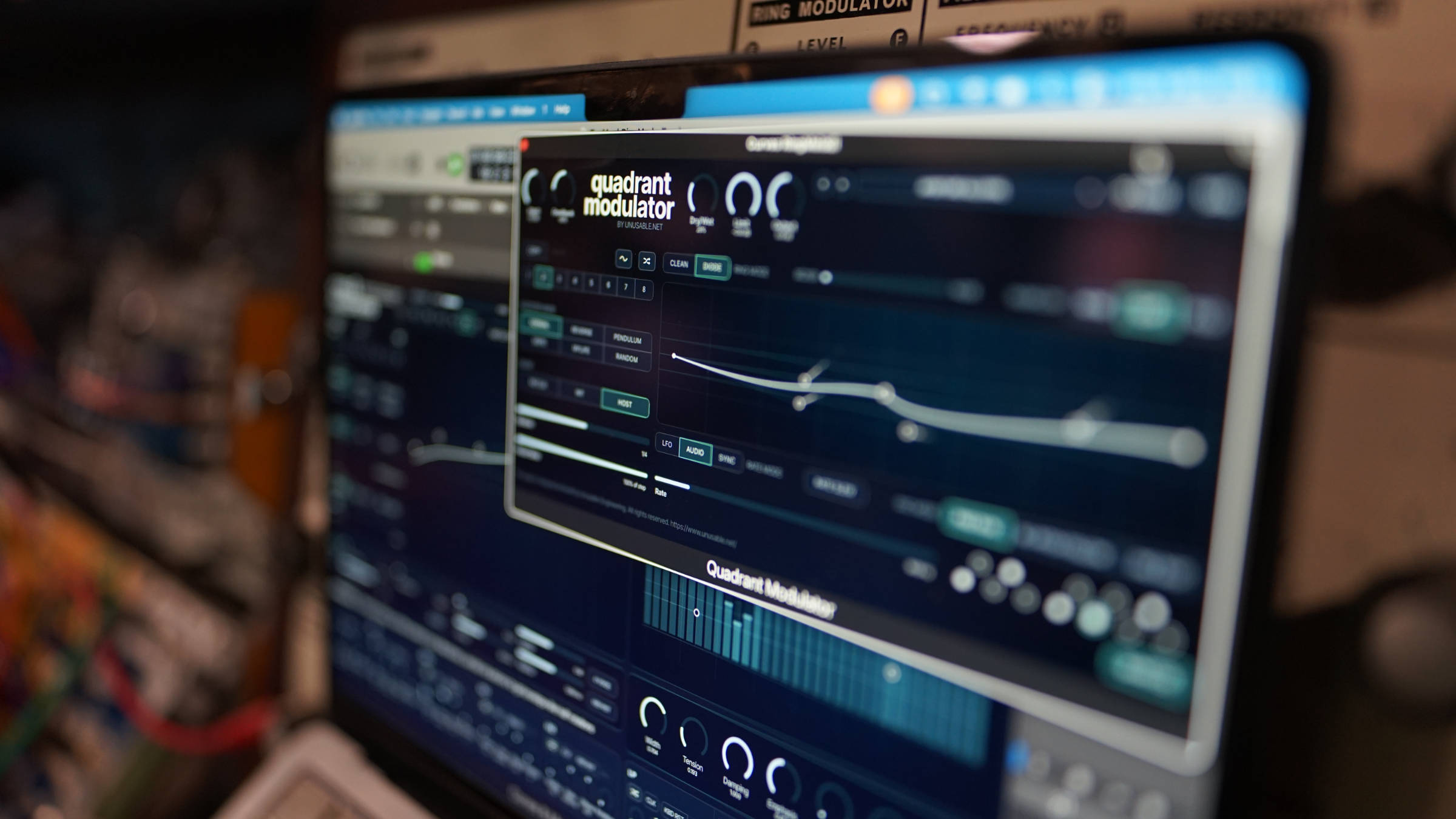
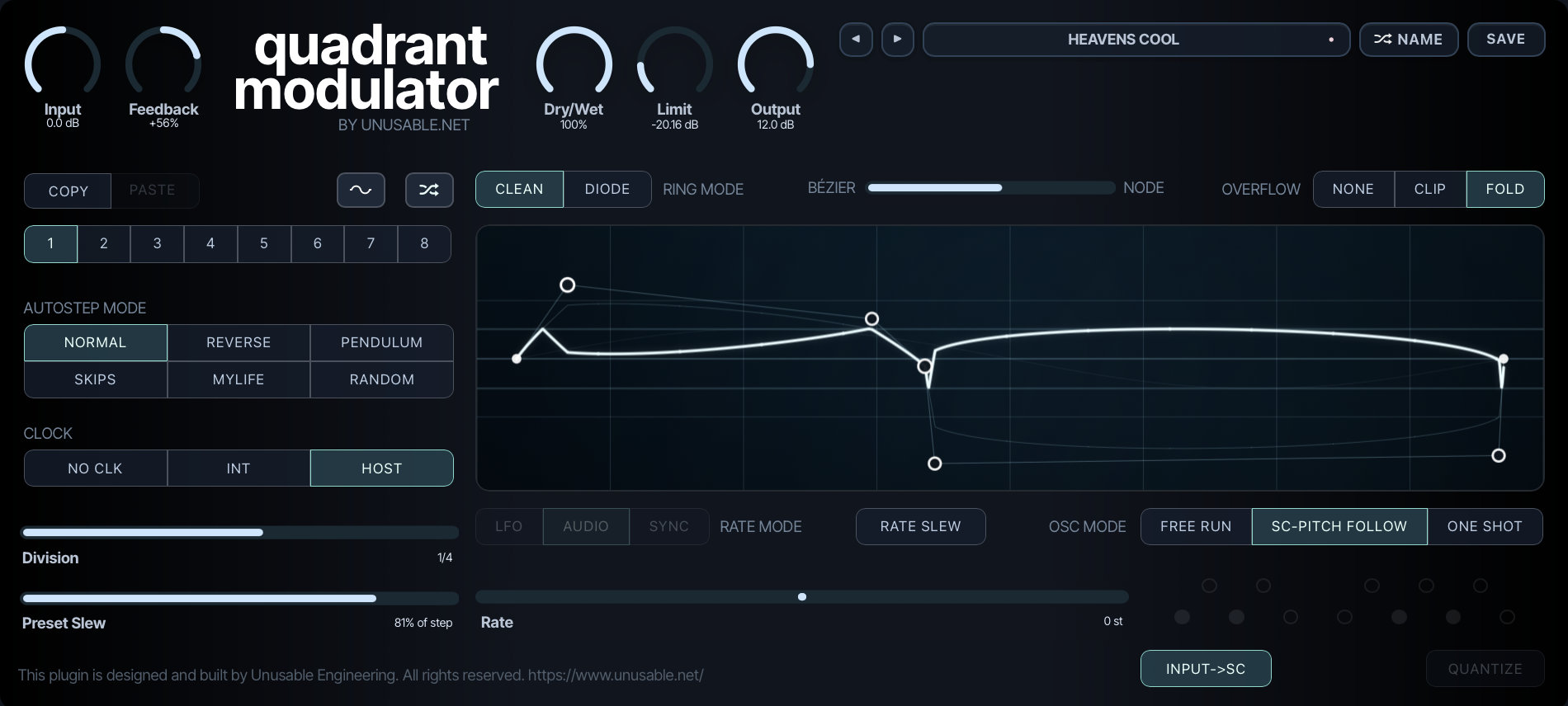
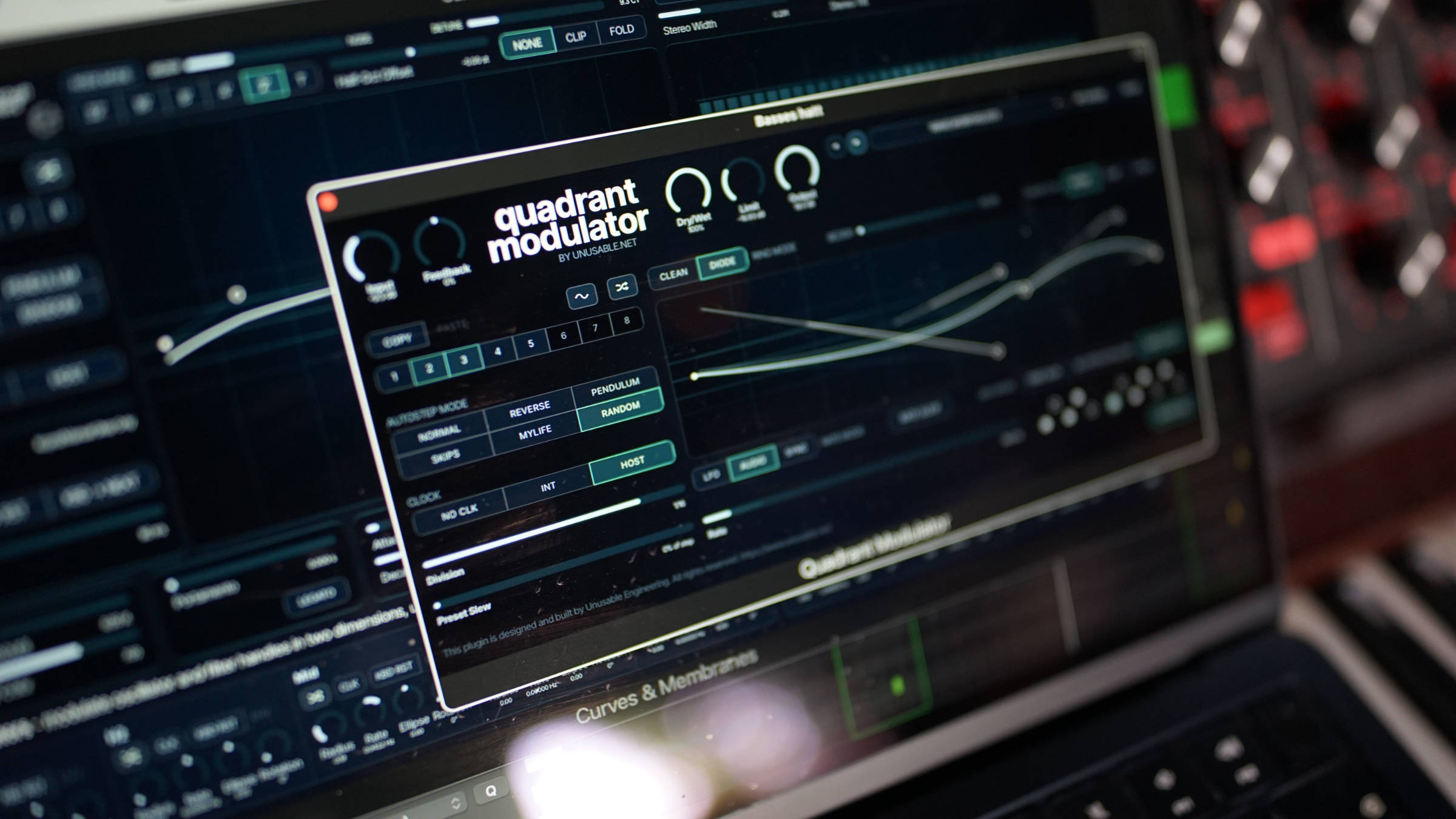
Quadrant Modulator is a four-quadrant multiplier with a drawable Bézier/Node oscillator, side-chain pitch following, one-shot modulation and an eight-slot waveform sequencer.
It moves between ring modulation, amplitude shaping, tuned modulation, clocked clicks and pitch sequences. Clean and Diode models, wet-path feedback and a tube-style output limiter extend the range further.
Quadrant Modulator
The oscillator runs freely from LFO rates to 14 kHz, follows the pitch of a monophonic input or side-chain through a phase-locked loop, or plays one complete waveform cycle in One Shot mode. Free rates can be quantized to a selected note set, synchronized divisions follow the host, and MTS-ESP tuning is supported.
Eight slots store waveform geometry, Bézier/Node position, Clip/Fold state, oscillator rate or synchronized division, pitch-follow offset and Rate Slew. The sequencer can morph slowly between modulation shapes or create pitched patterns with slides on selected transitions.
Quadrant Modulator is 29 EUR including 25% VAT. It is included in Scientist Suite and Full Suite v2.
Product page: https://www.unusable.net/effects/quadrant-modulator/
Walkthrough: https://youtu.be/uNMlndy2M9E
Sound examples: https://youtu.be/ucppkRqpAHA
September updates across the lineup
Curves & Membranes, Partials & Discrepancies, Frequency Guillotine, Harmonic Dissector, Tension Reactor, Ensemble Diffuser and Cavitation Fractures also receive new modes and workflow updates in September.
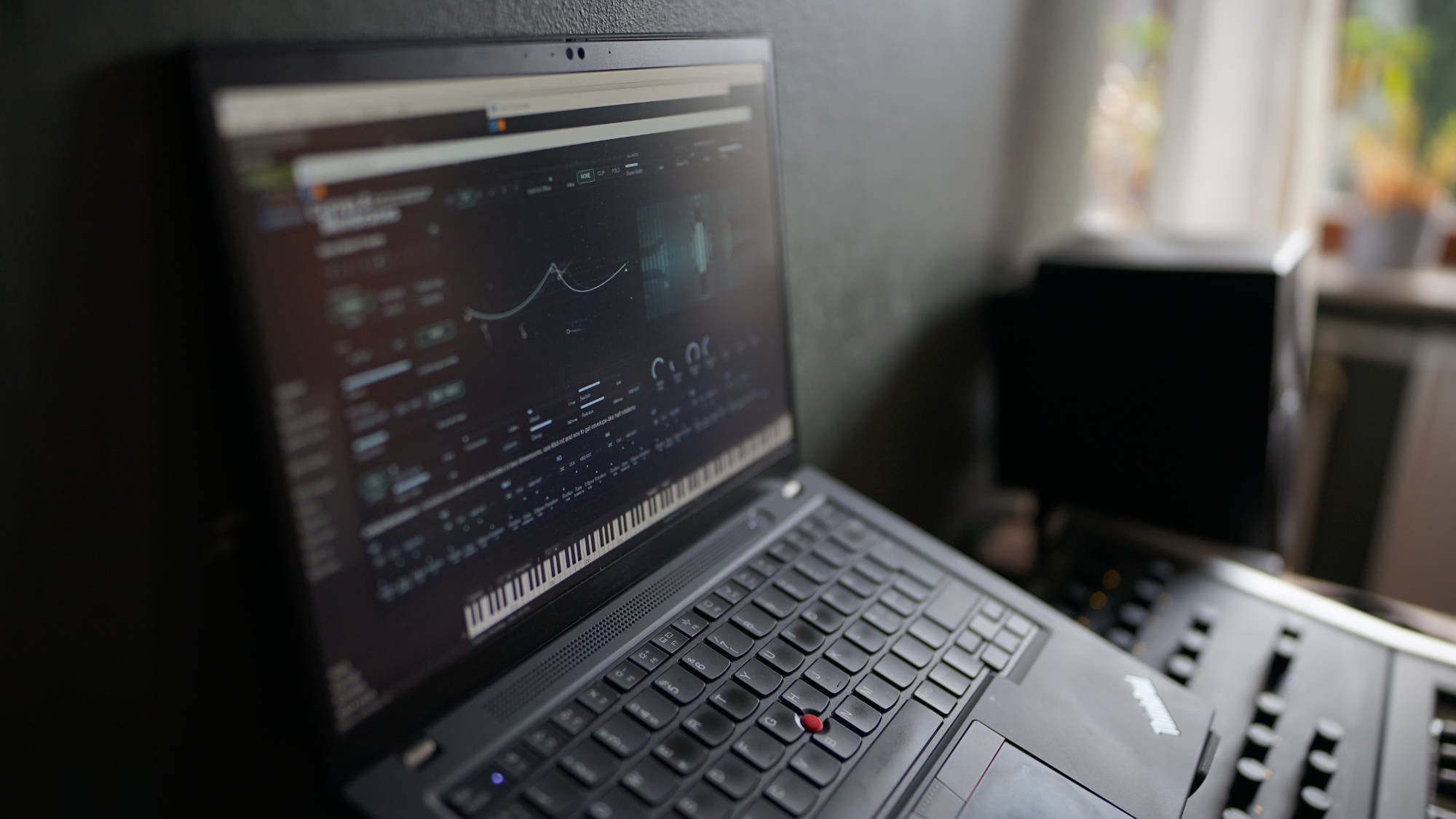
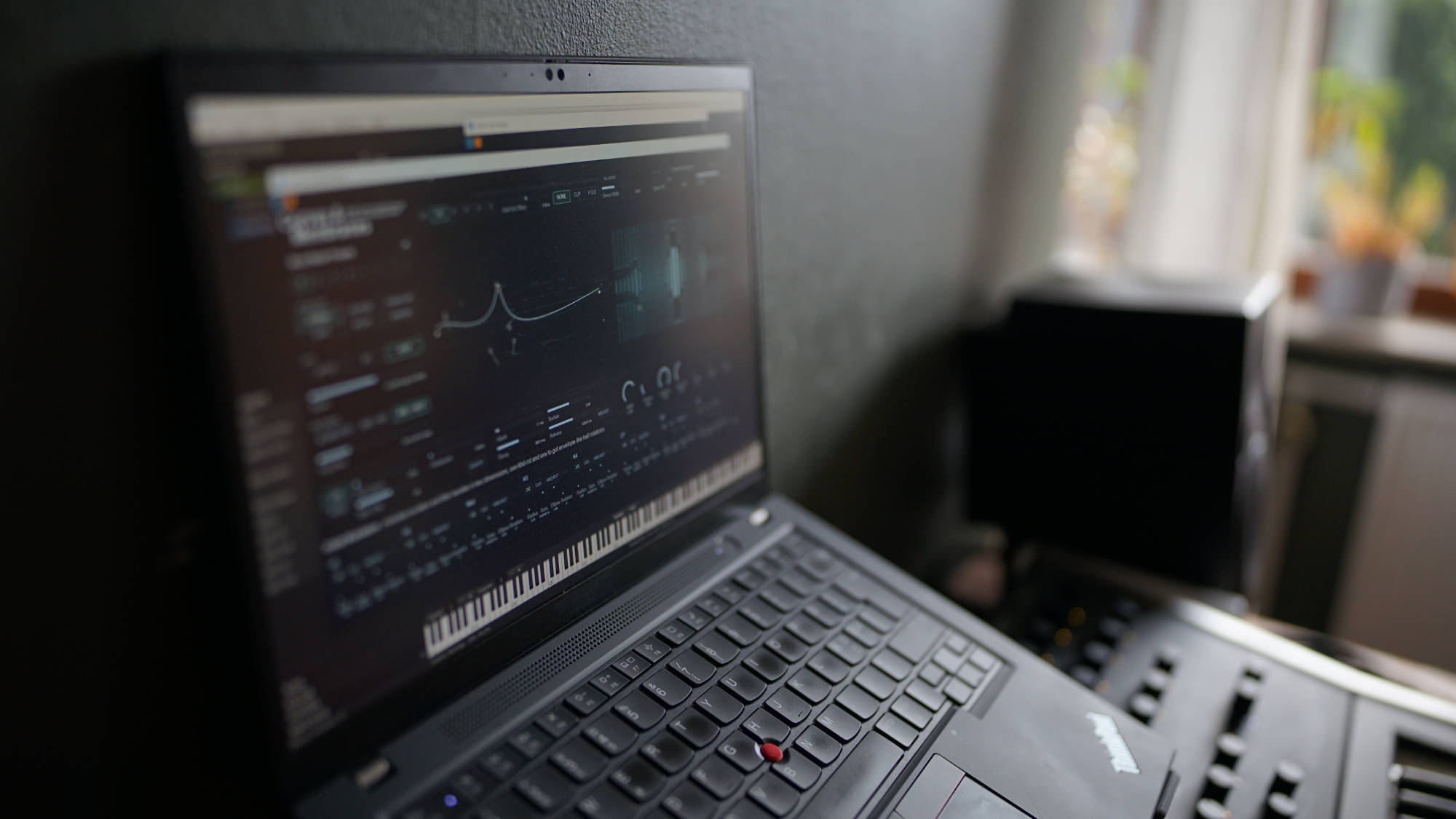
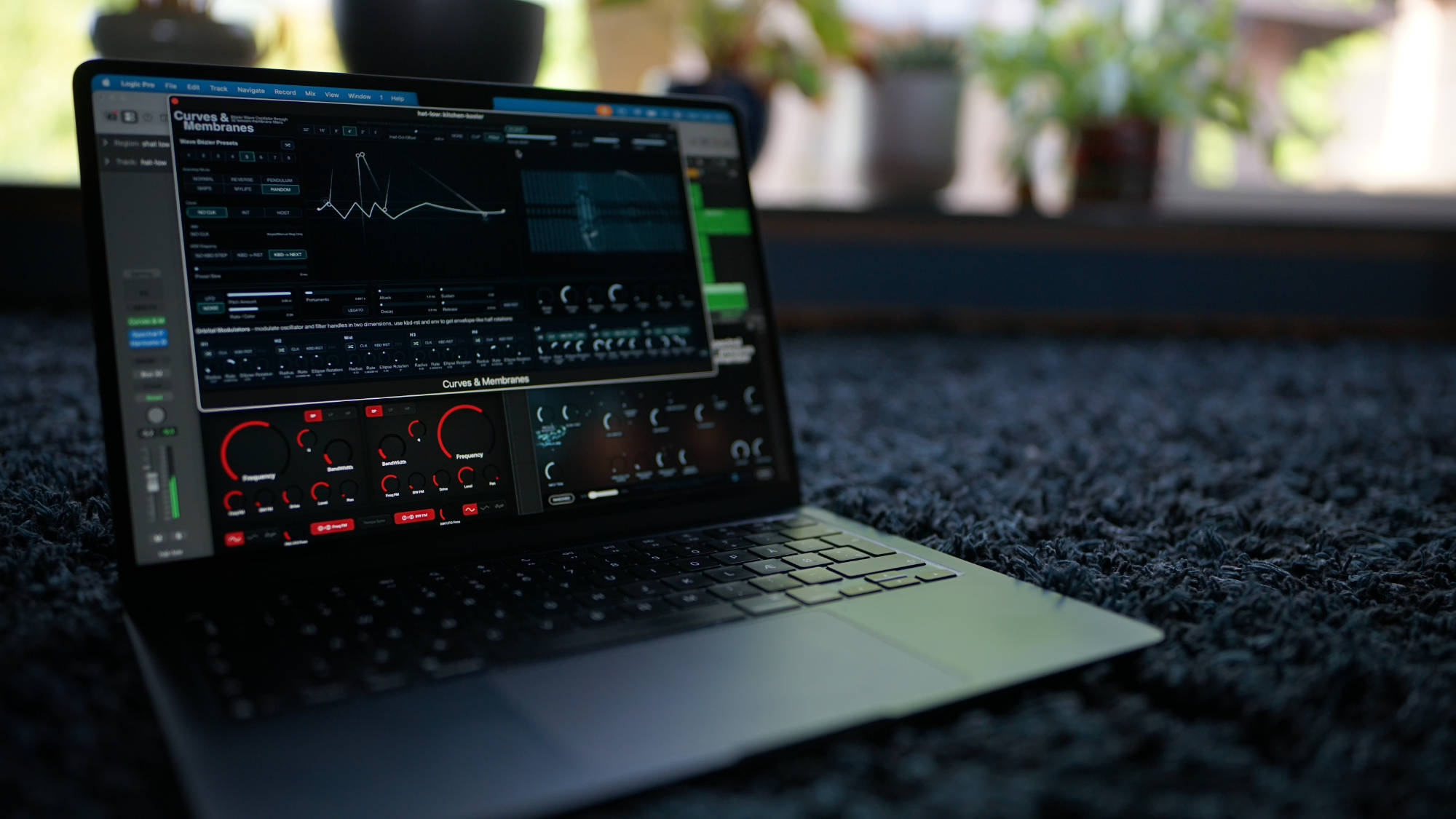
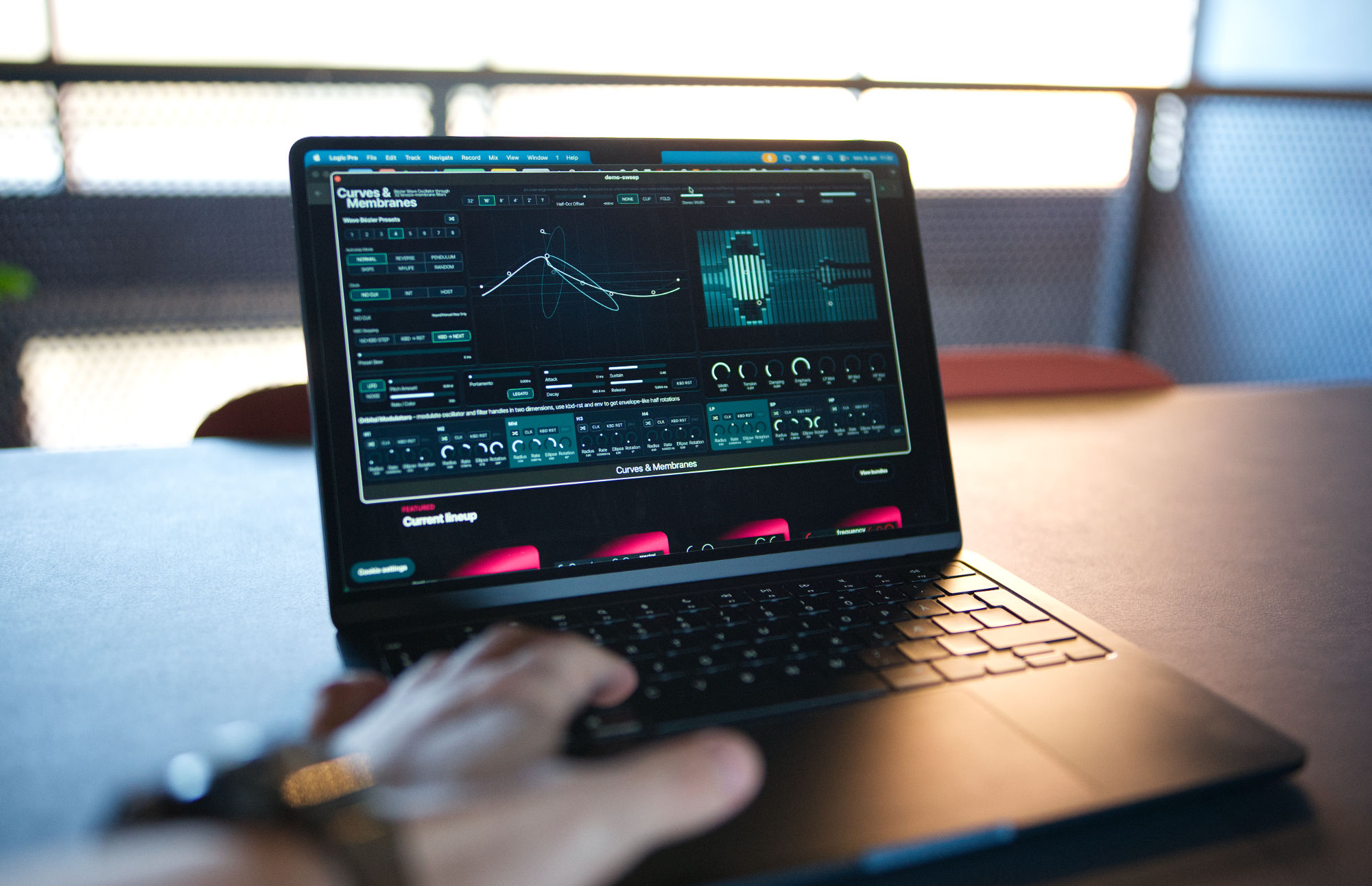
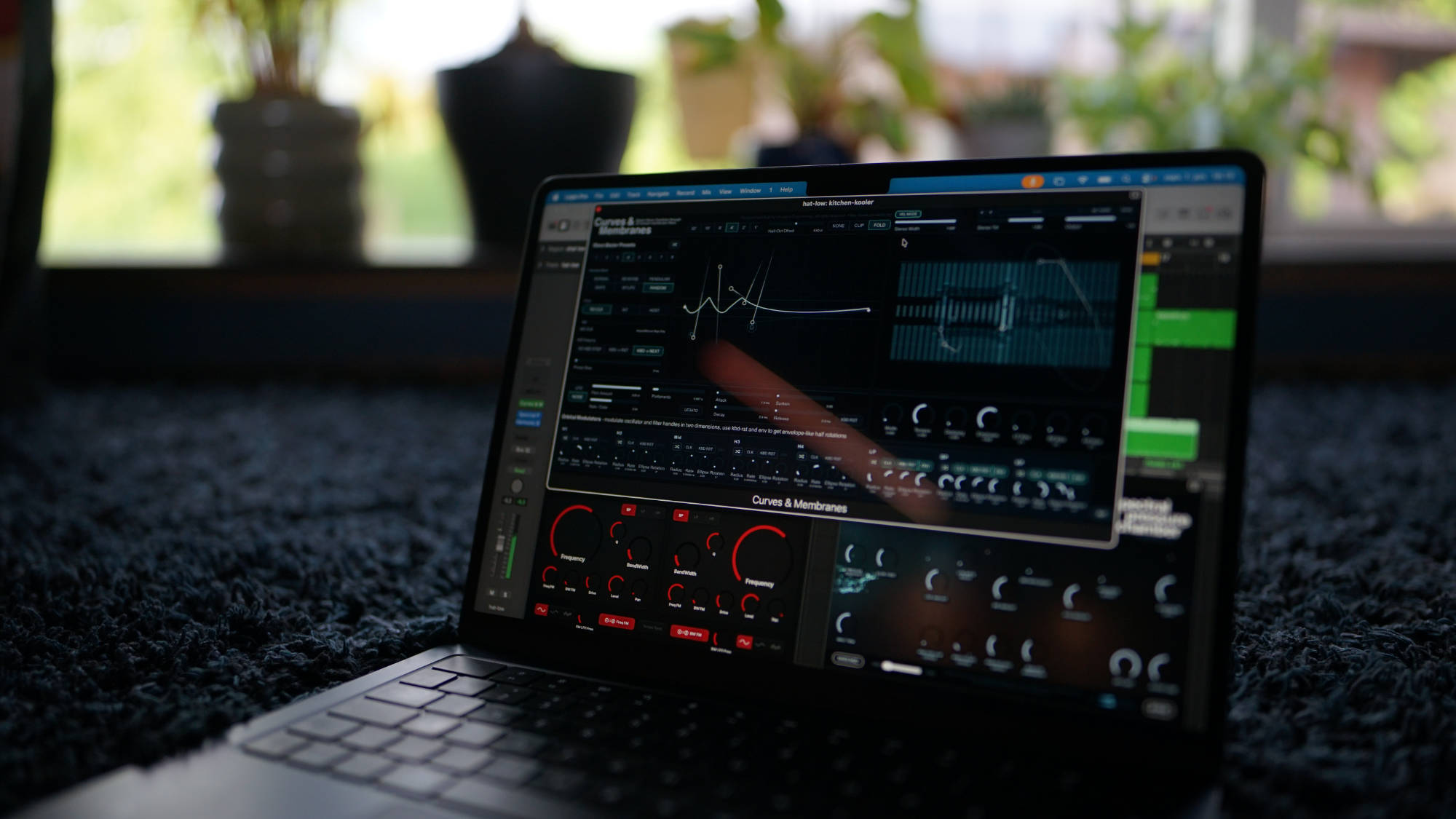
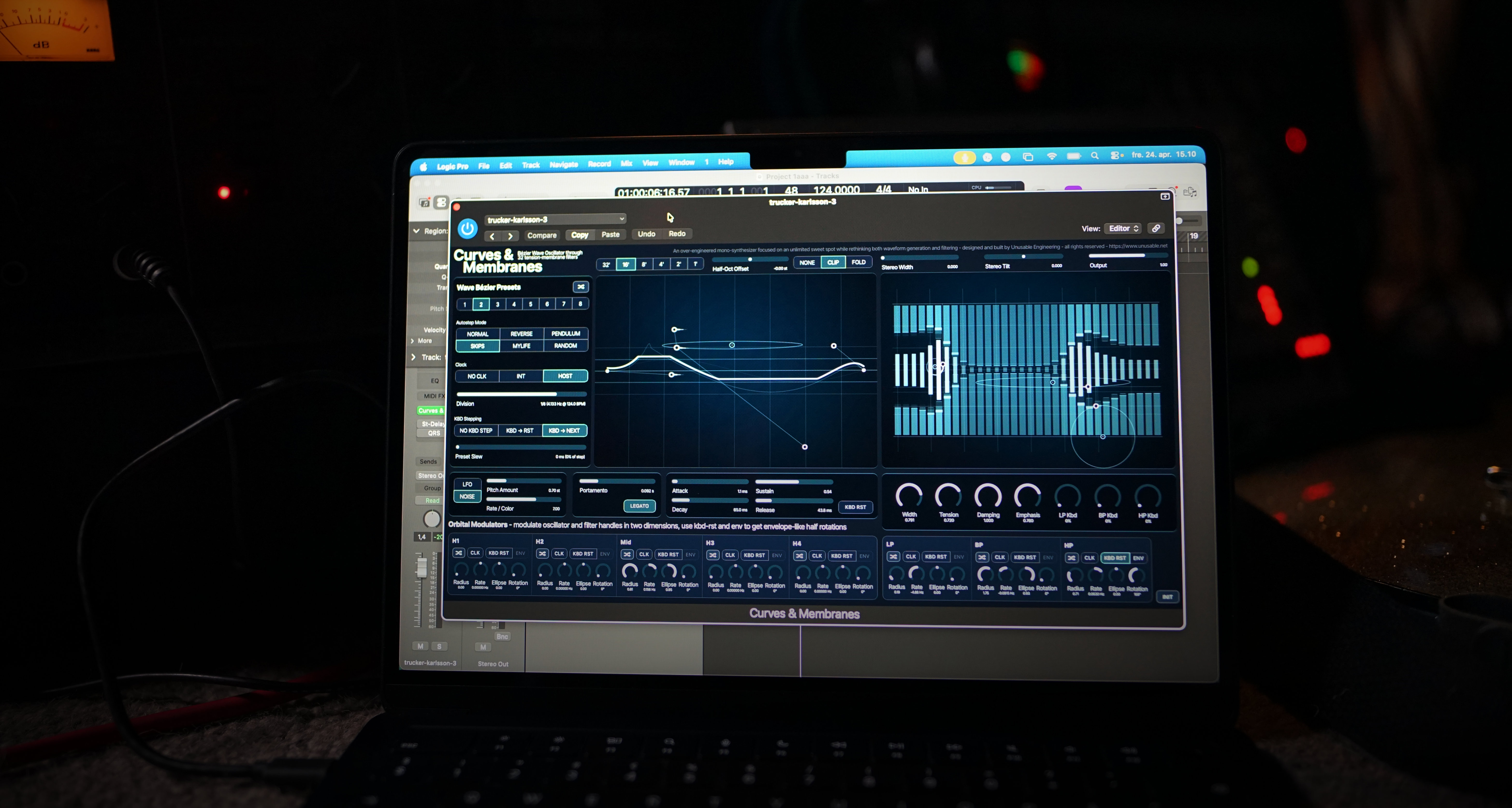
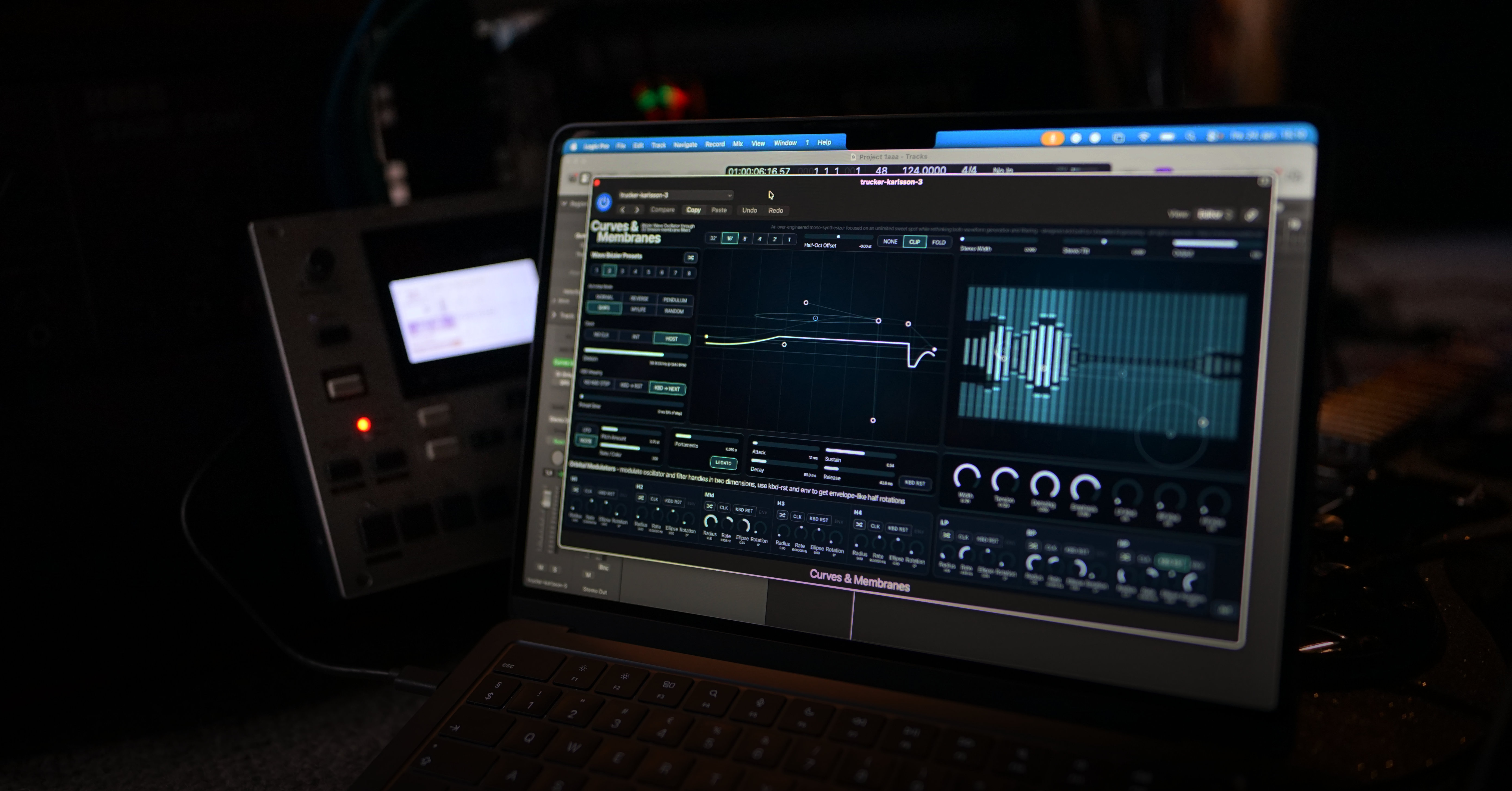
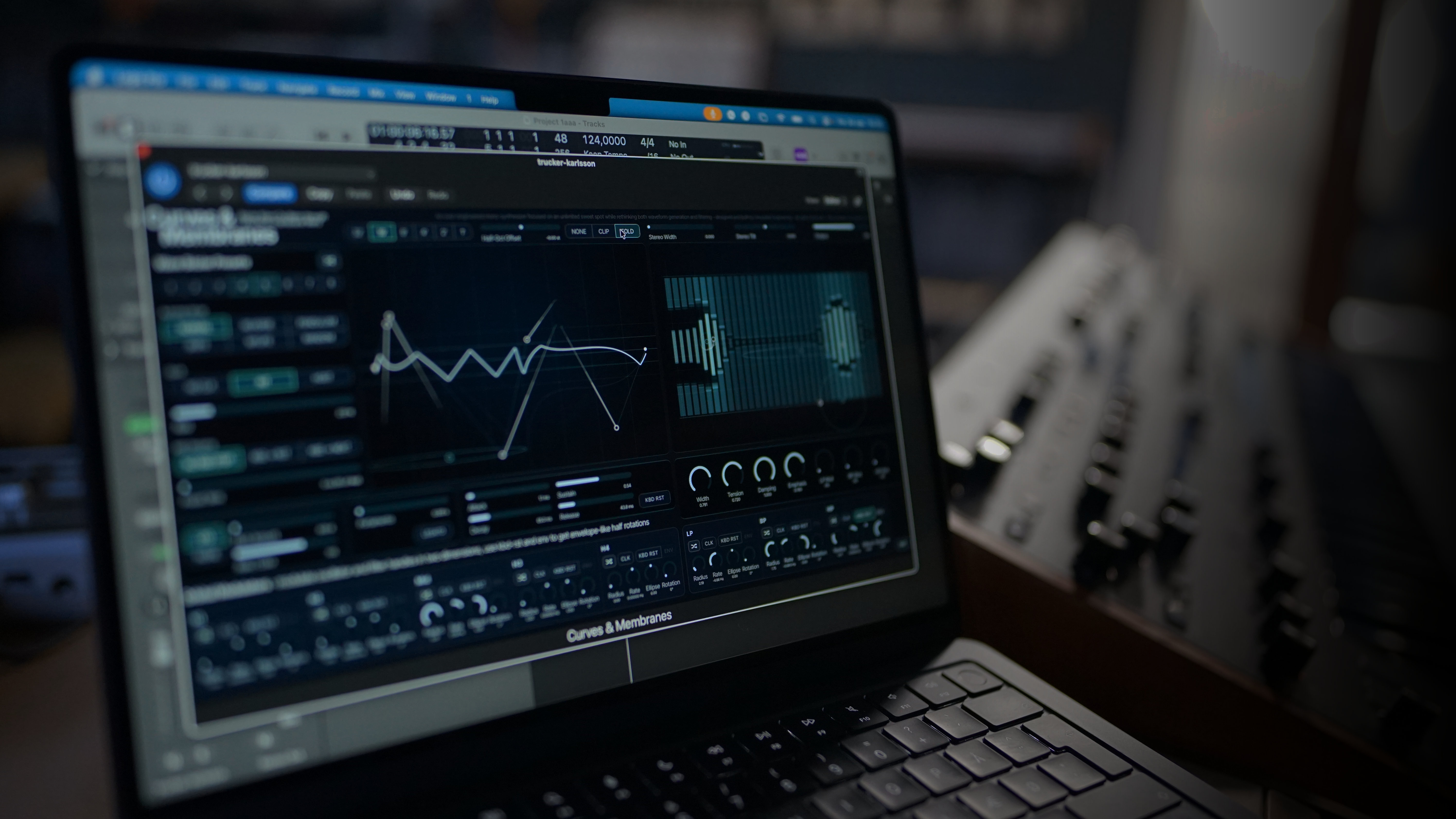
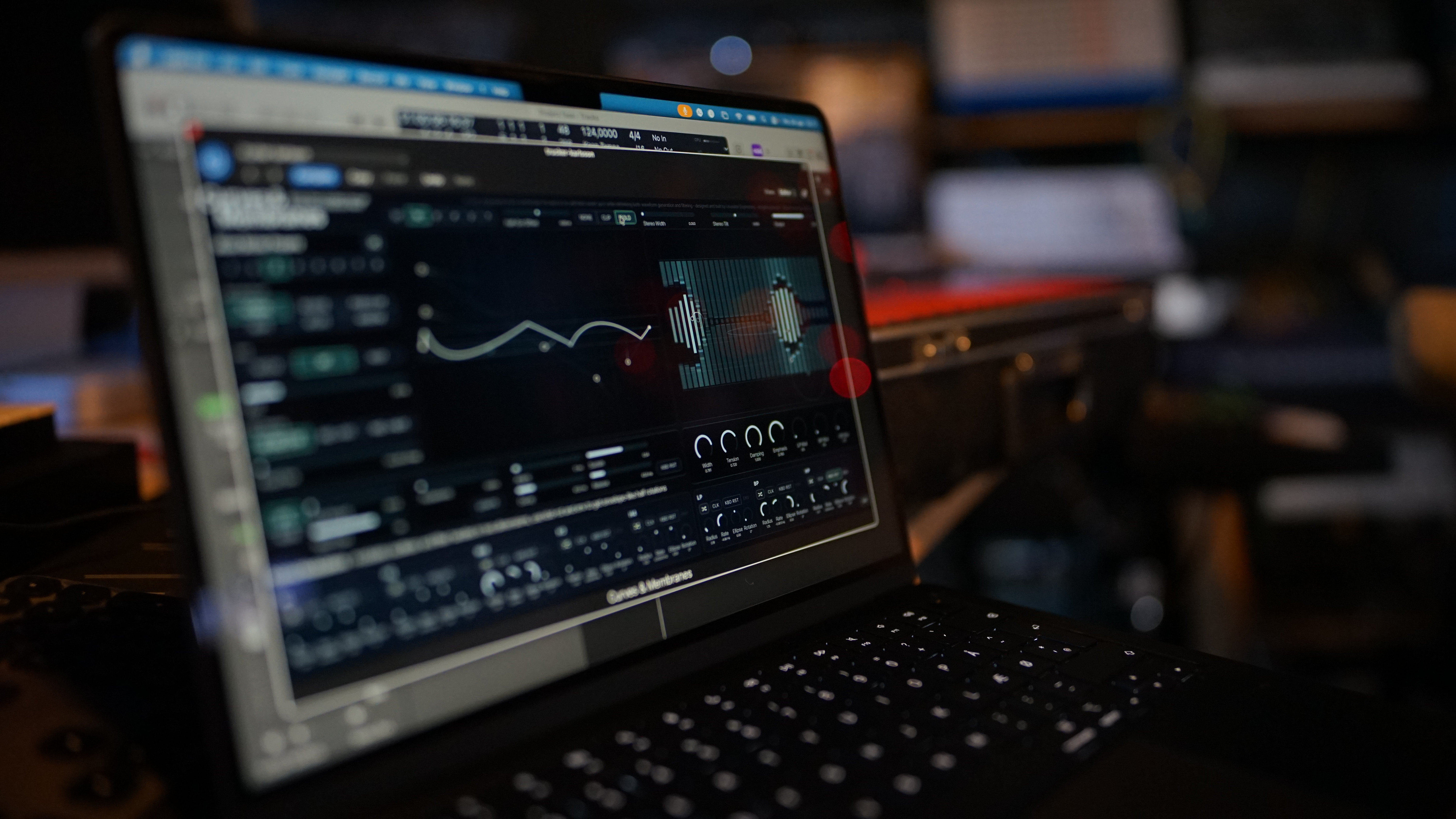
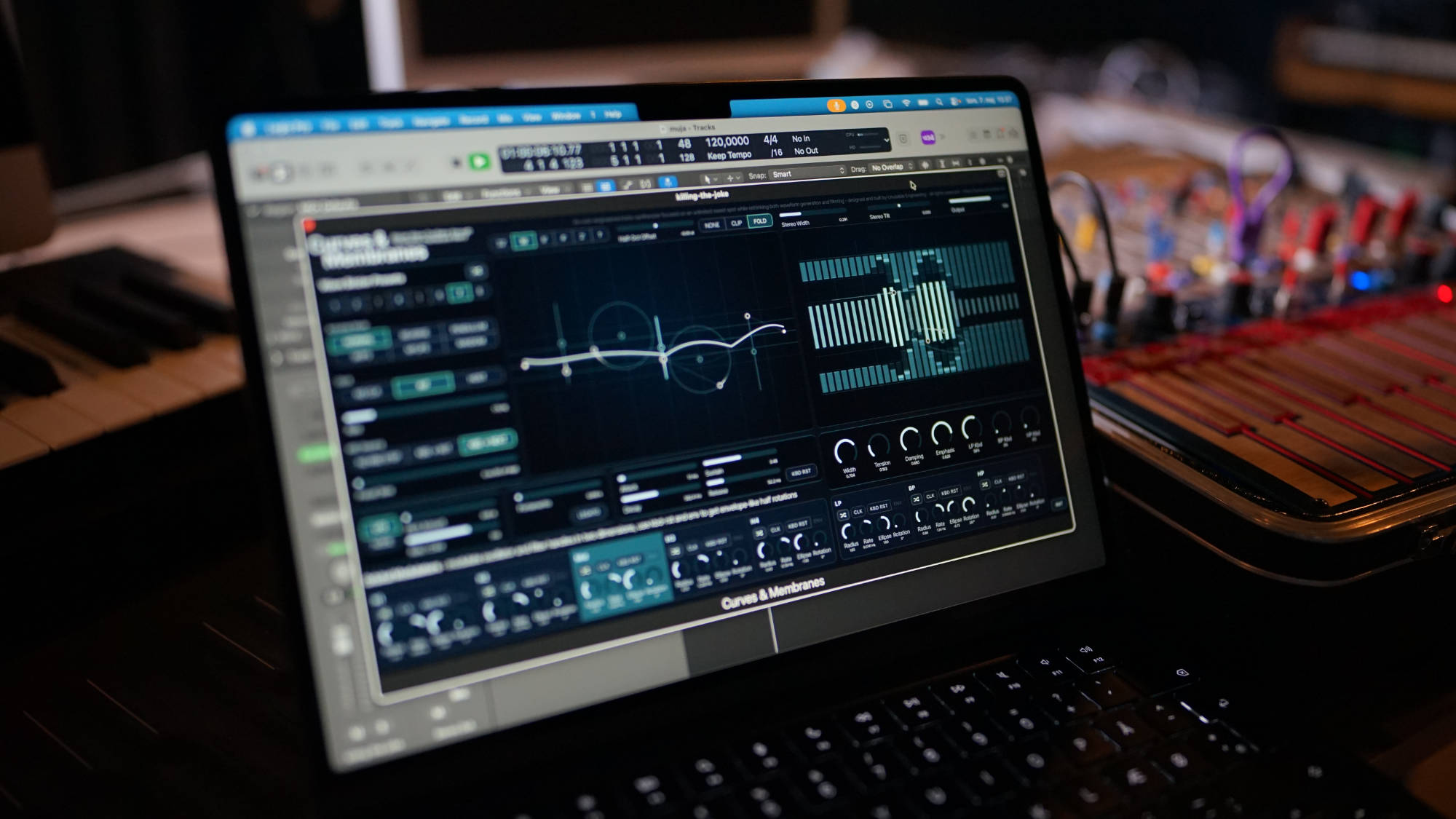
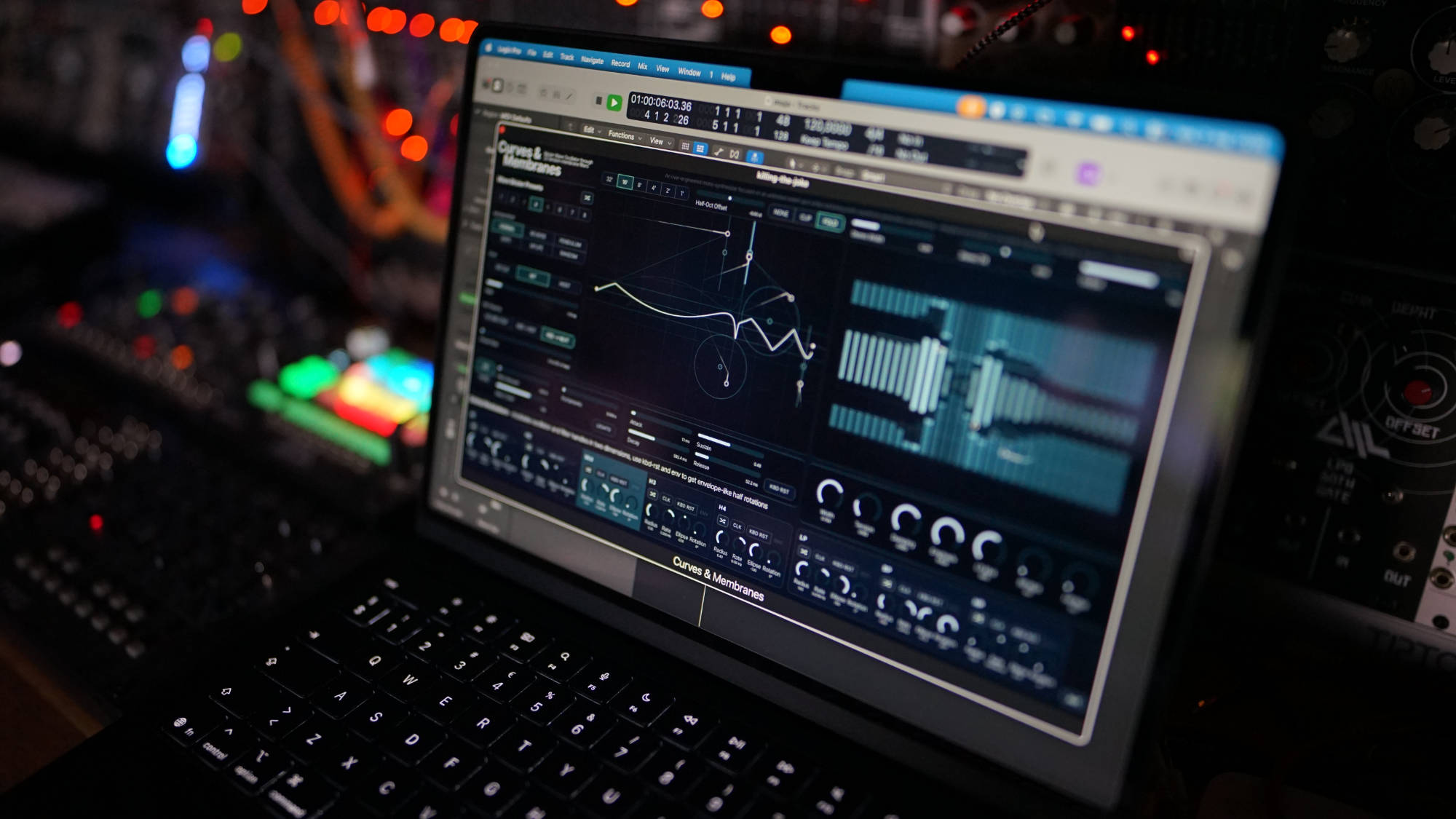
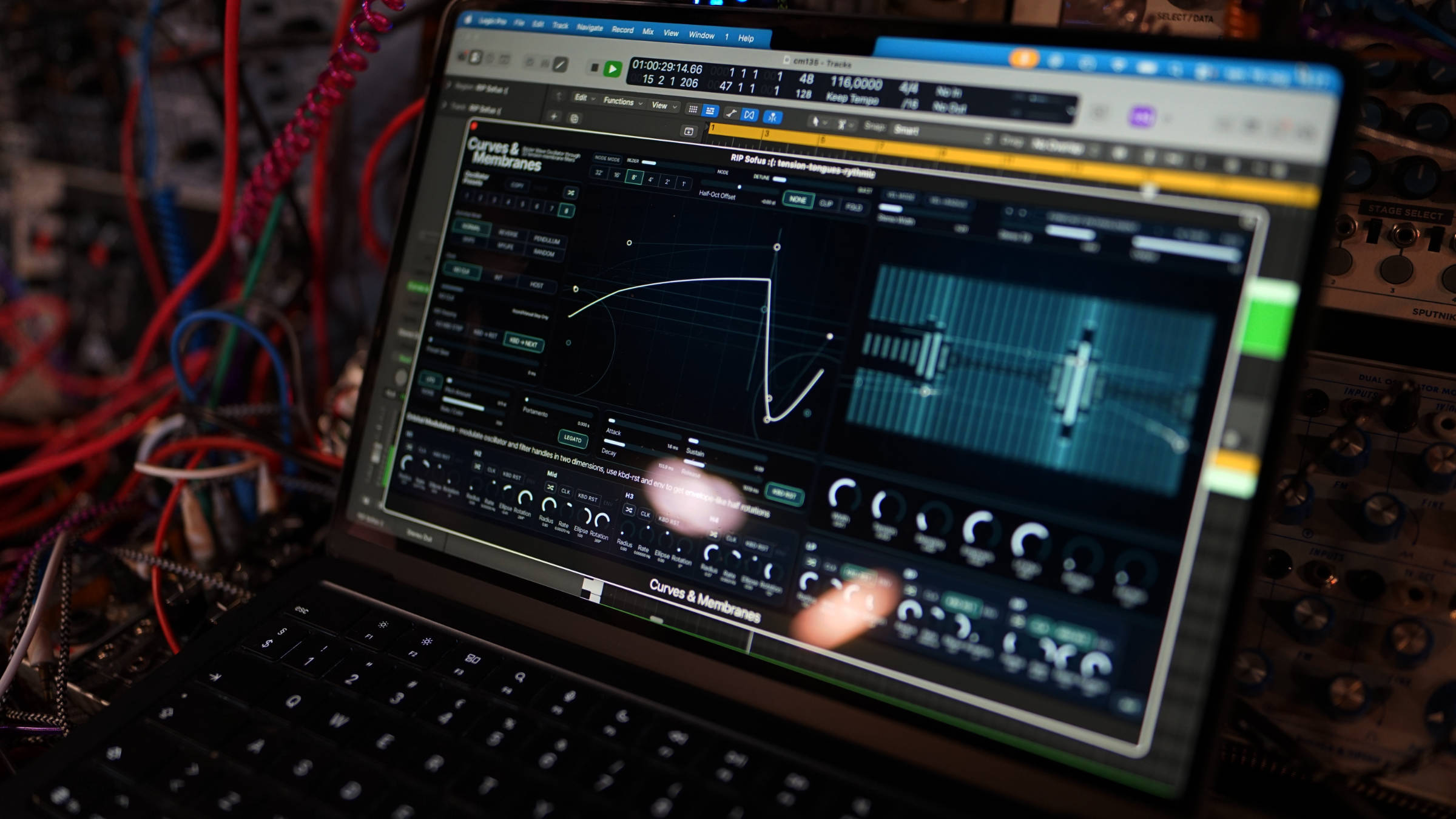
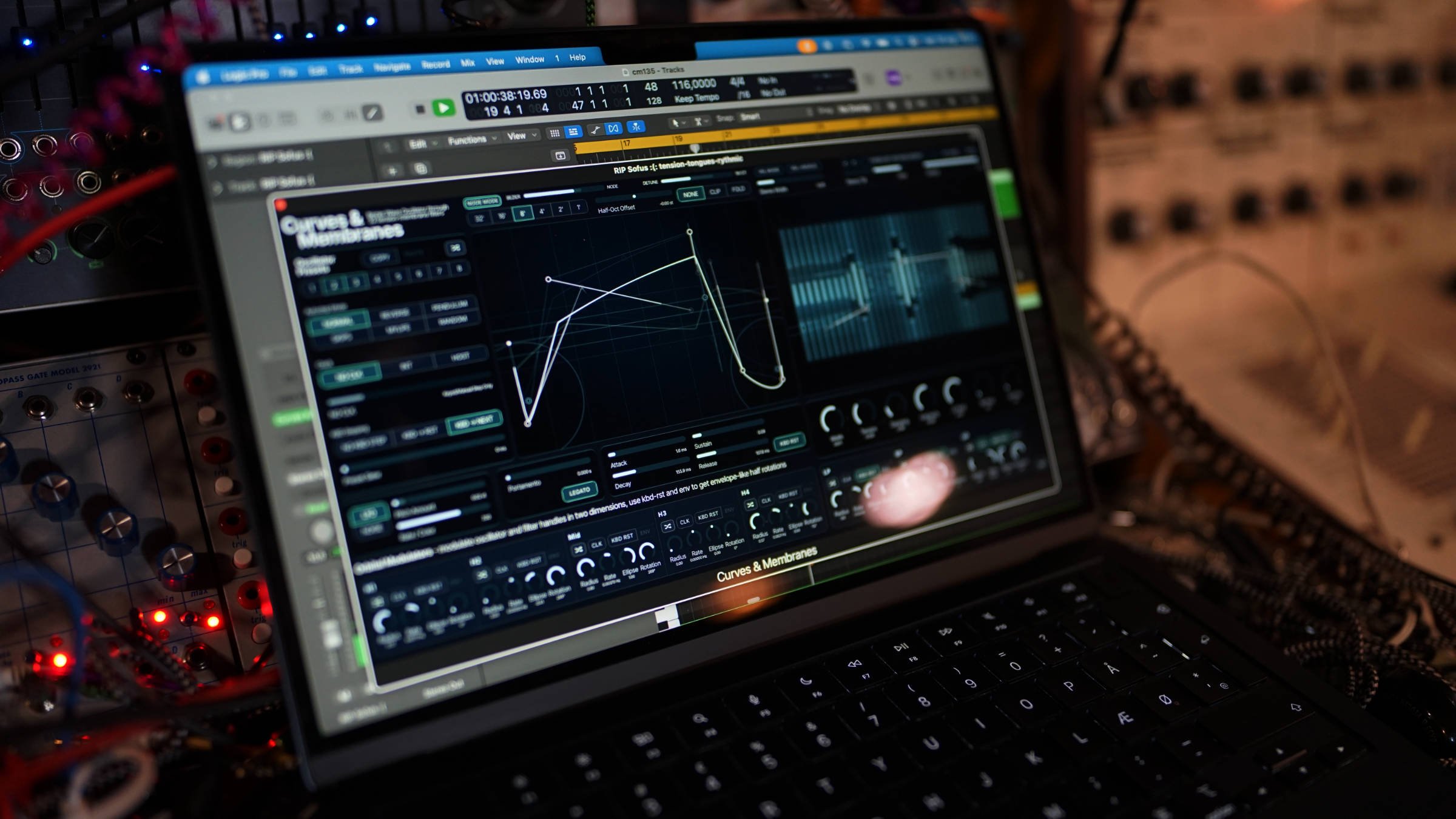
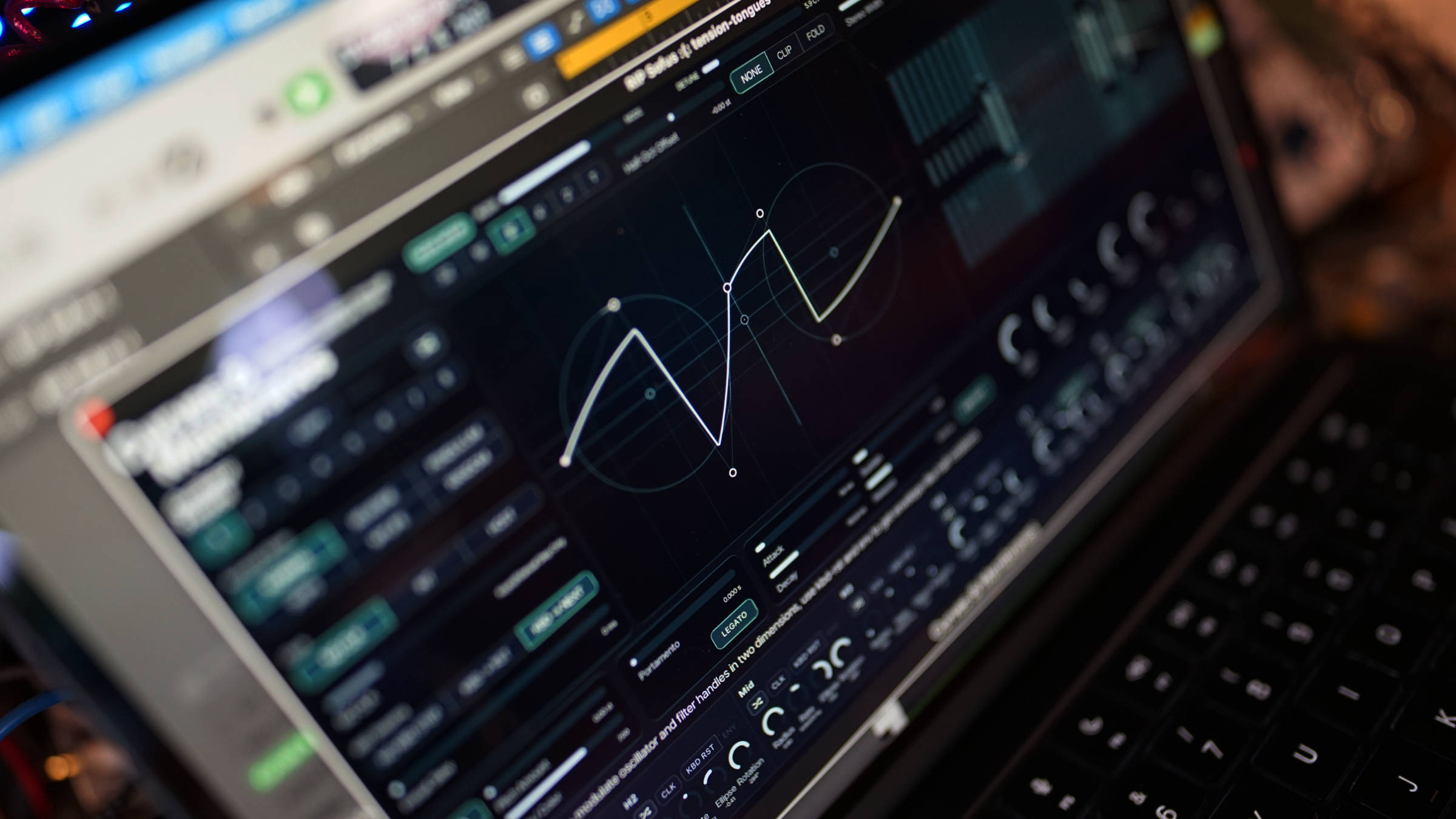
Curves & Membranes 1.4.0
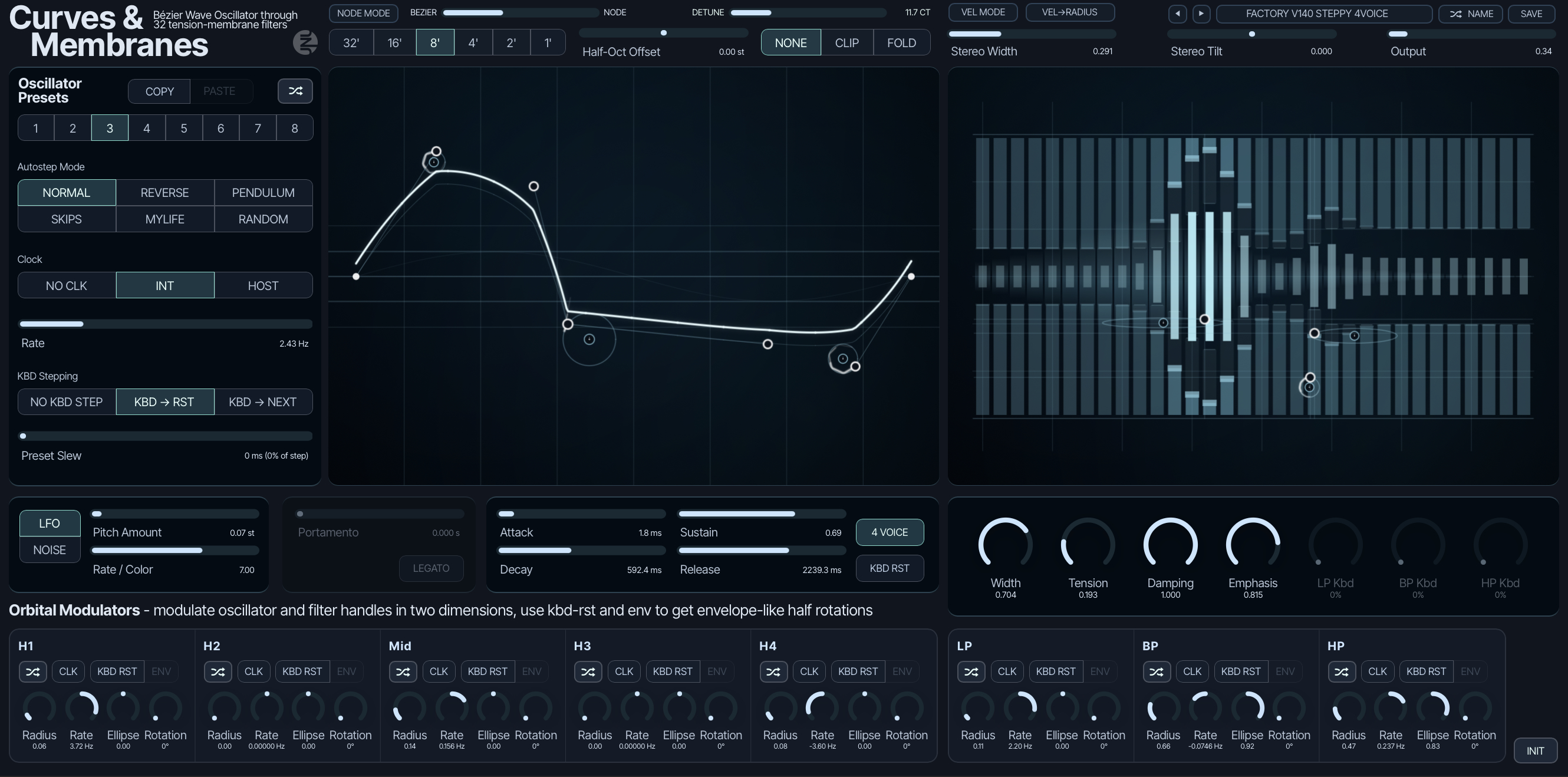
Four Voice Mode is the main change. Curves & Membranes can now play four oscillator voices with round-robin allocation and voice stealing. The membrane and filter remain shared, turning the original monosynth into a four-voice paraphonic instrument.
Expression Mode adds per-note MPE control. Each voice receives its own pressure envelope, pitch bend and CC74-controlled oscillator geometry. Together, Four Voice Mode and Expression Mode turn the instrument into an expressive four-voice synth while retaining the character of the shared membrane filter.
Velocity Slot Morphing gives each voice its own shape. Note velocity can set the position between active oscillator slots. Soft and hard notes can start with different waveform geometry before entering the shared signal path.
Voice overlays show the active oscillator shapes. Each playing voice appears as a dim waveform in the editor. Its brightness follows the voice level, making the independent movement visible. This makes sure that you still can follow the sounds movement with both eyes and ears.
Wave editing is faster. The editor now includes axis-locked movement, full-wave scaling and inversion, smoother Bézier/Node morphing, expanded Copy/Paste and multi-step Undo/Redo.
Partials & Discrepancies 1.3.2
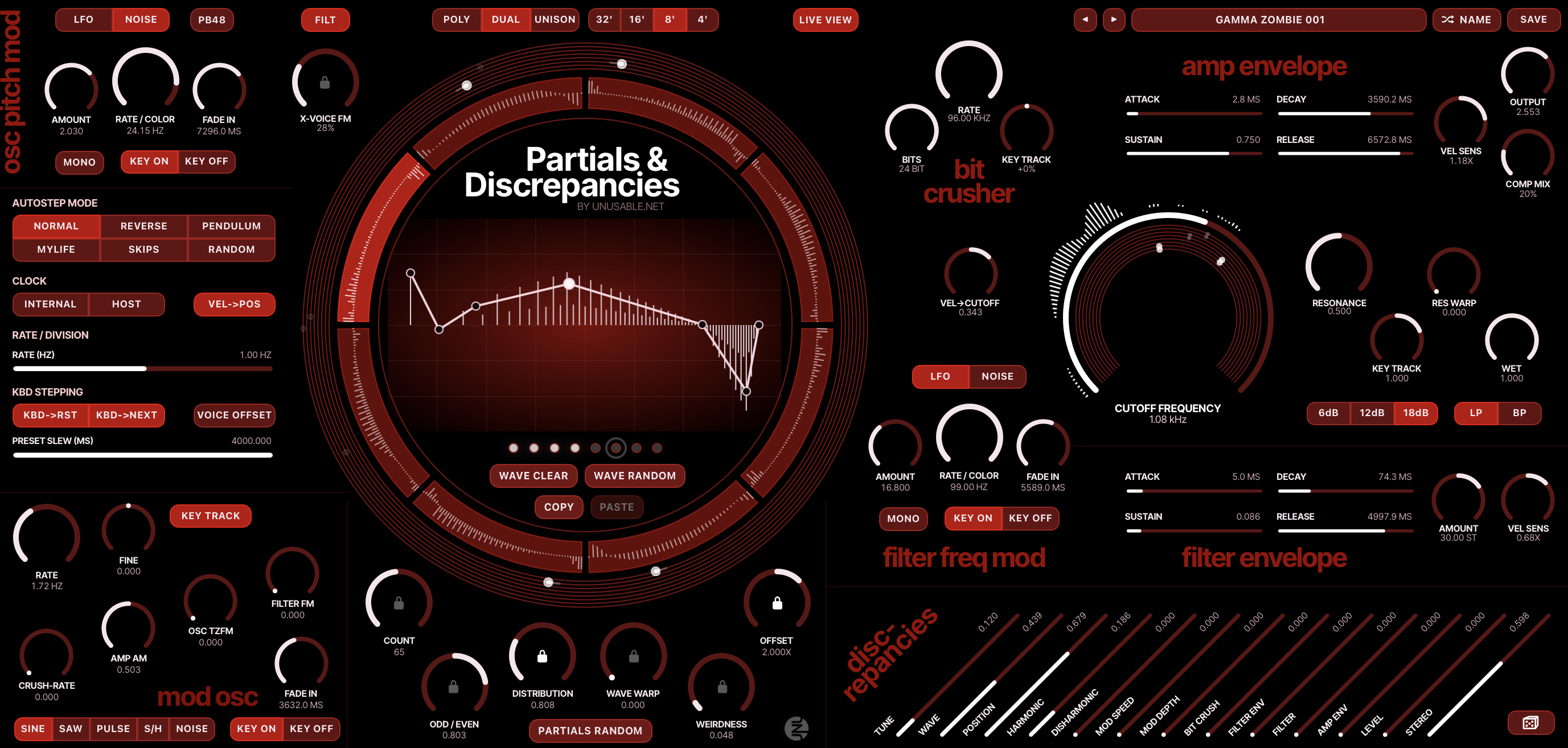
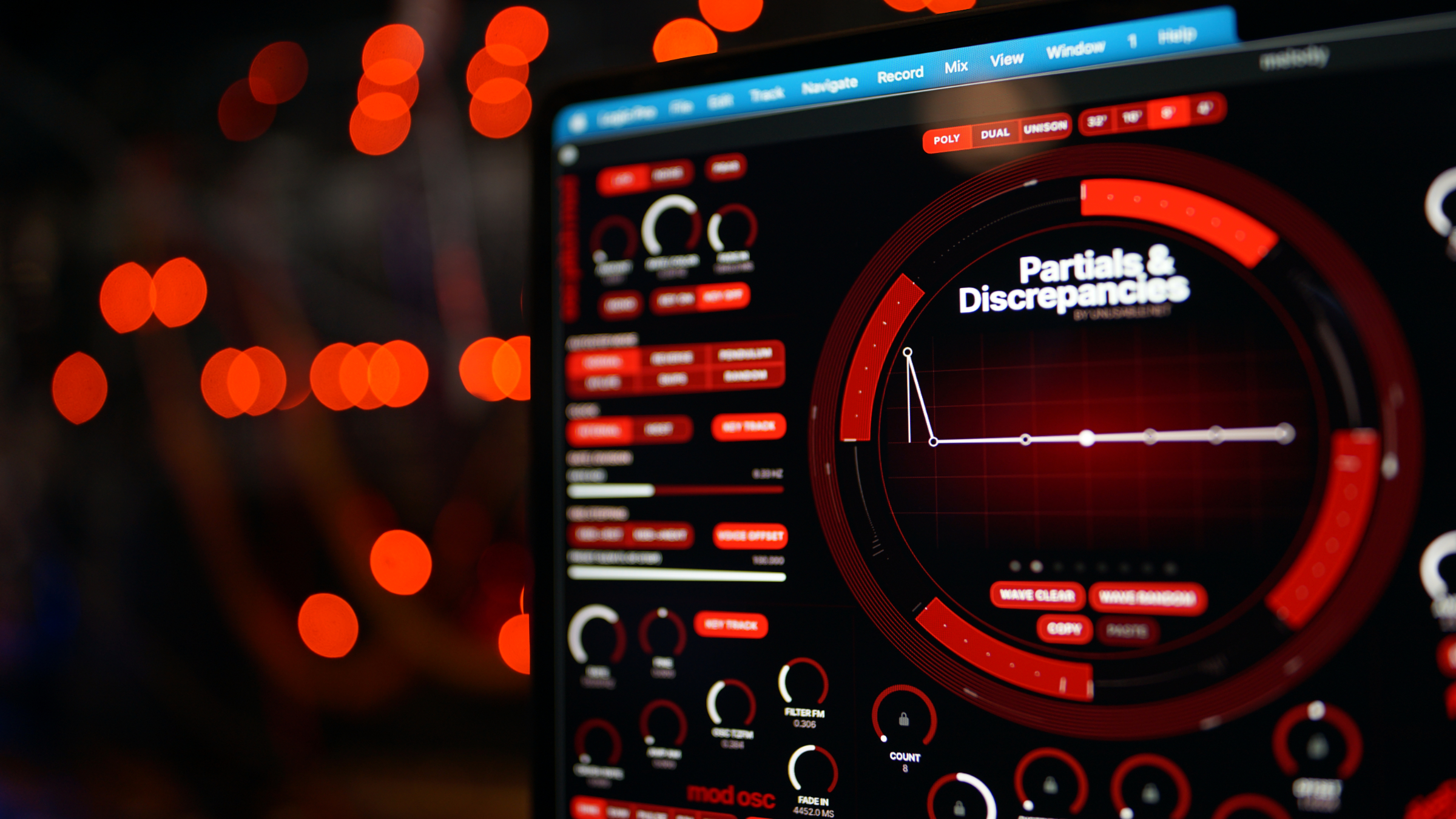
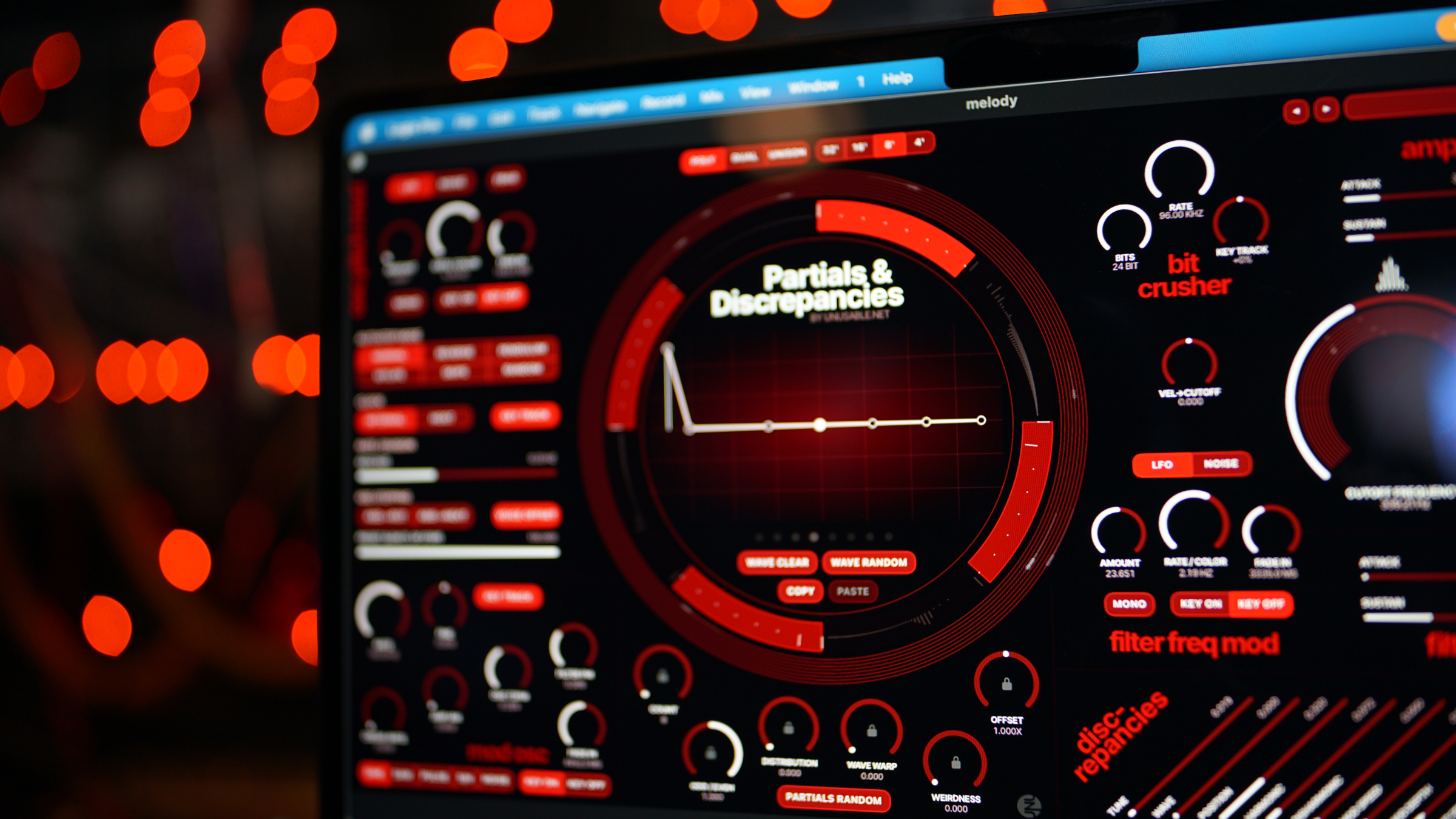
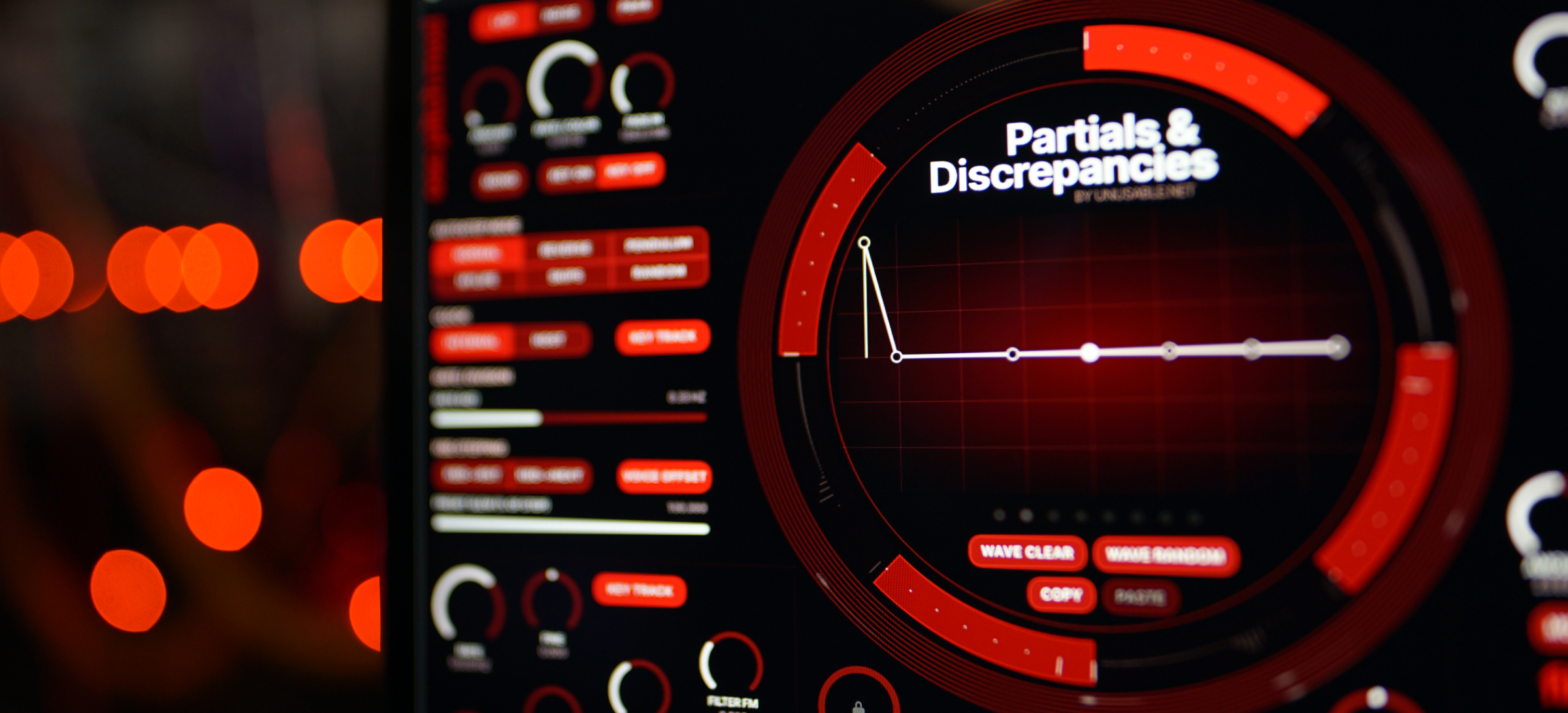
Live View follows an active voice and displays its current slewed geometry, partial settings and sequencer position. This gives a direct view of voice-level movement that was previously only heard.
X-Voice FM lets each voice modulate the next voice in a circular chain. The source can come from the preceding oscillator or from its filtered signal. Velocity Position adds per-note control of oscillator slot placement.
Vel->Position lets the velocity of each voice select the slot or interpolation to be used by it. This opens up for very dynamic patches that breaks apart at certain velocity levels.
New effect modes
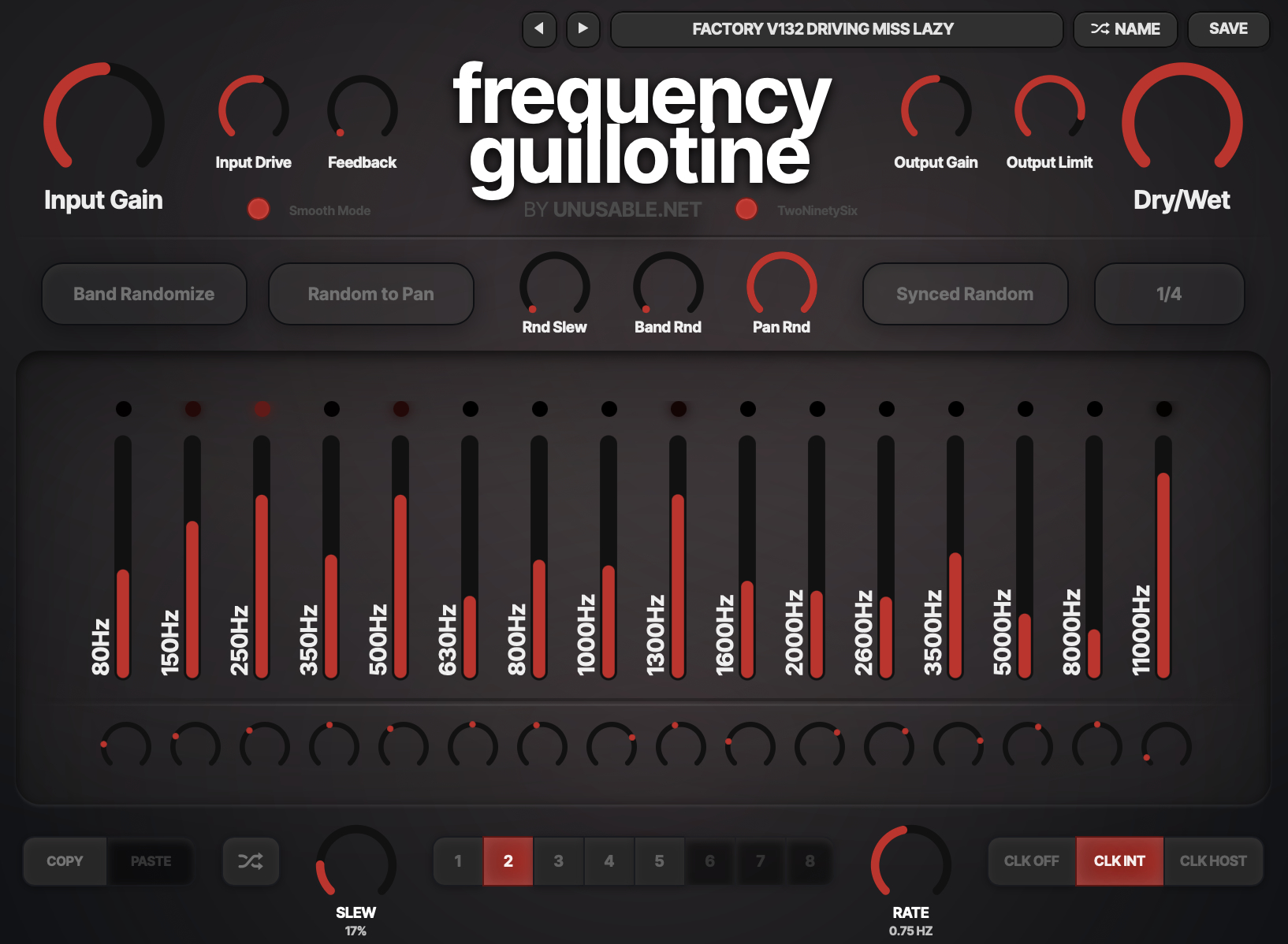
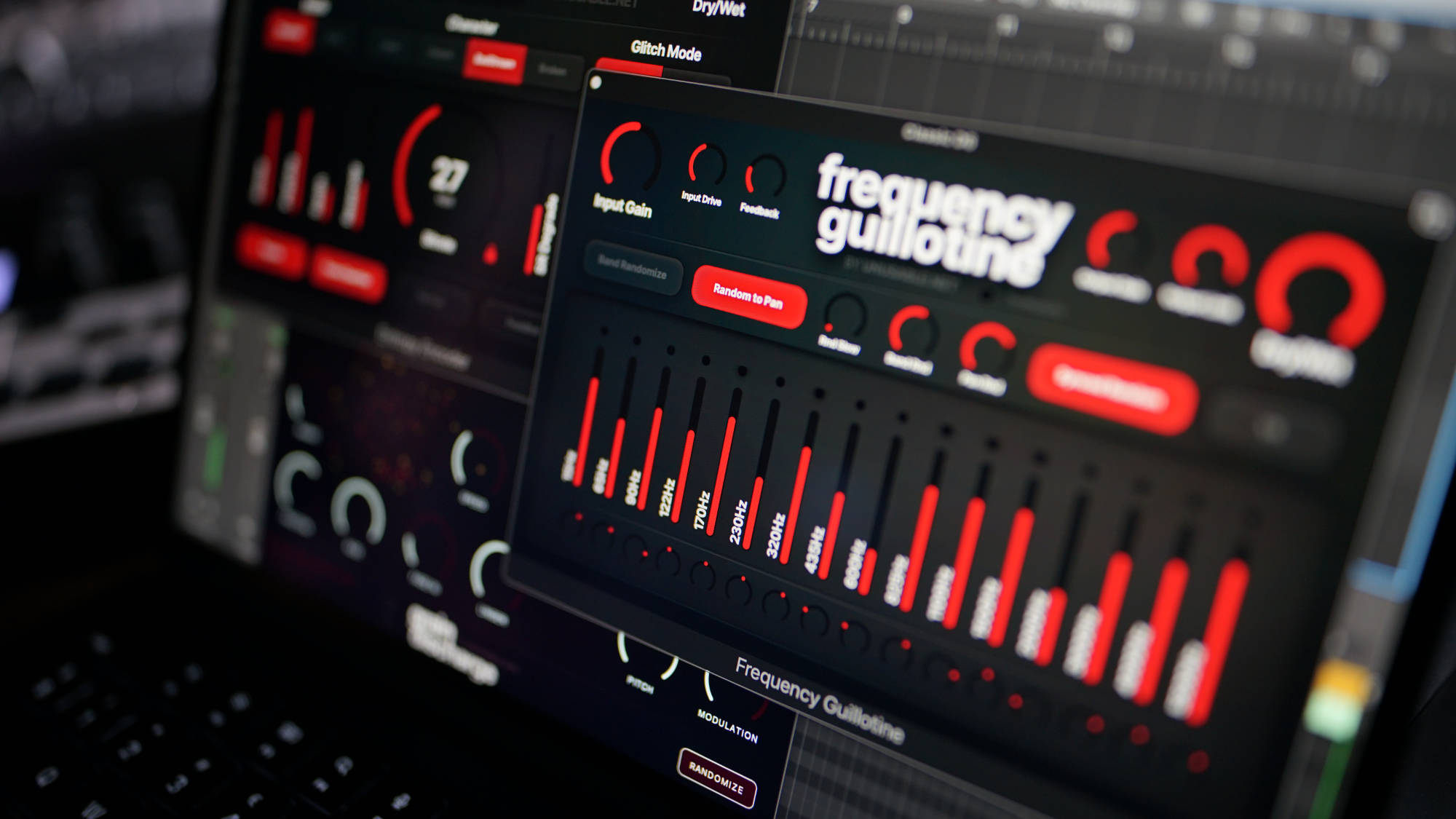
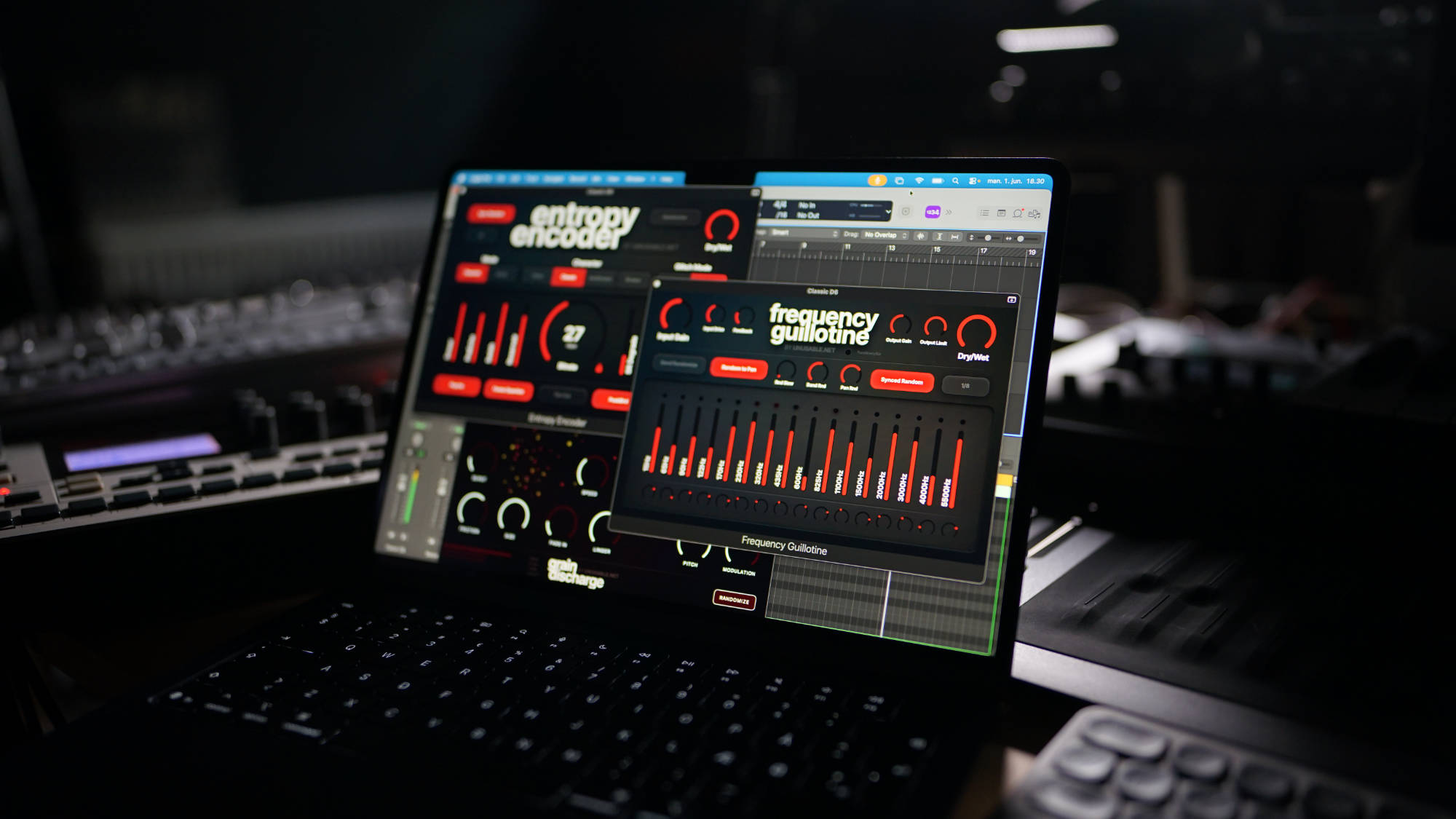
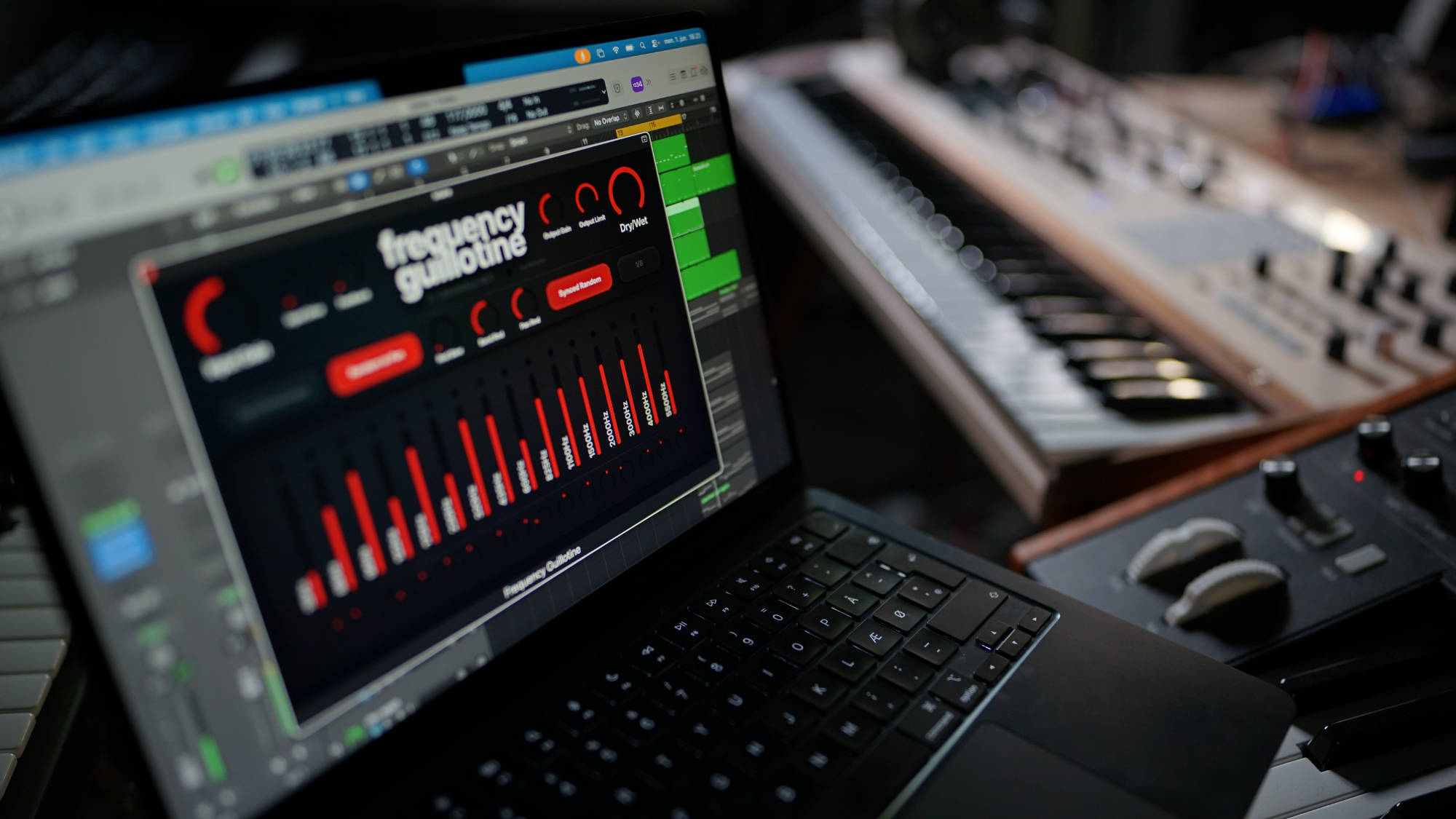
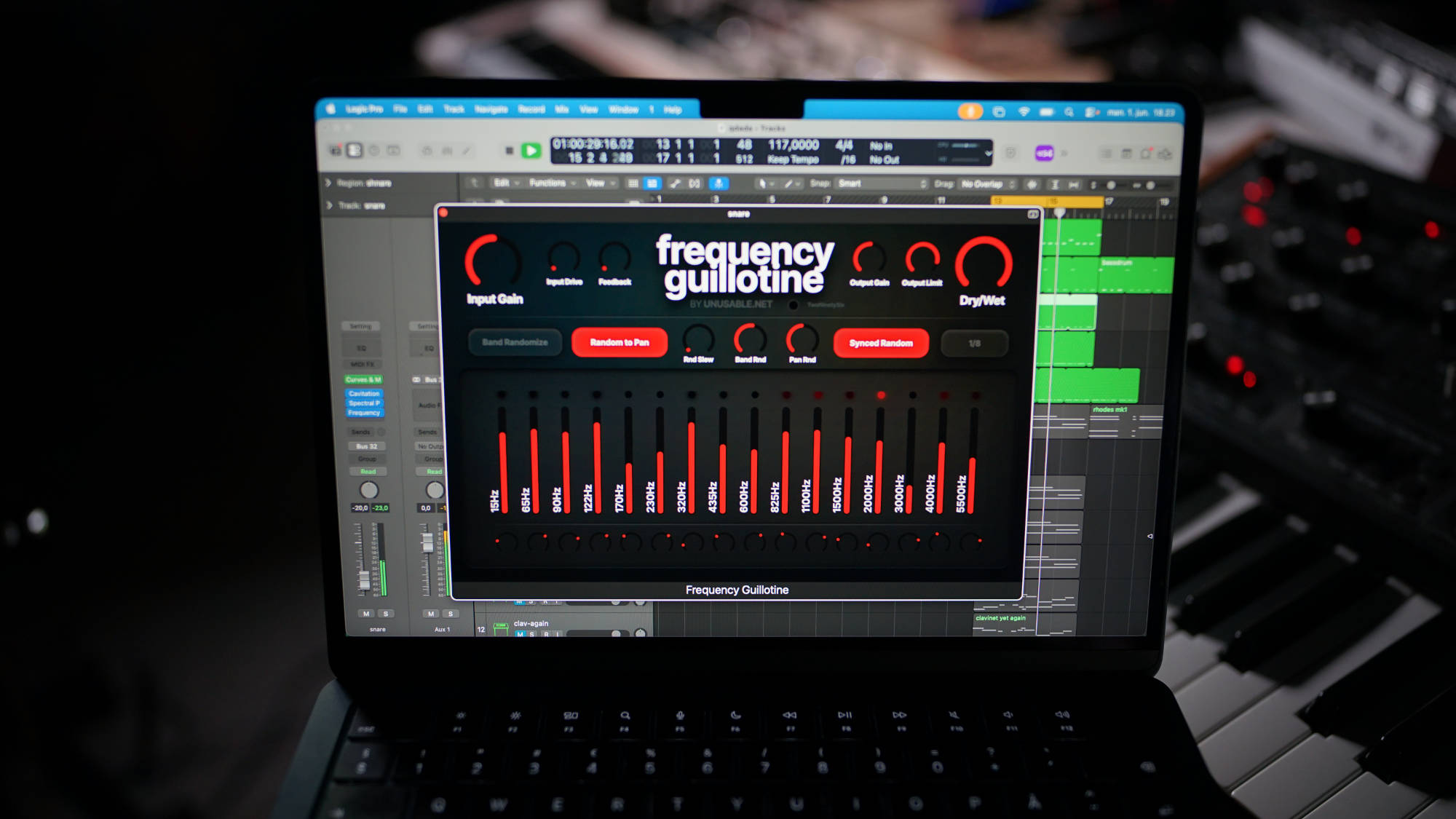
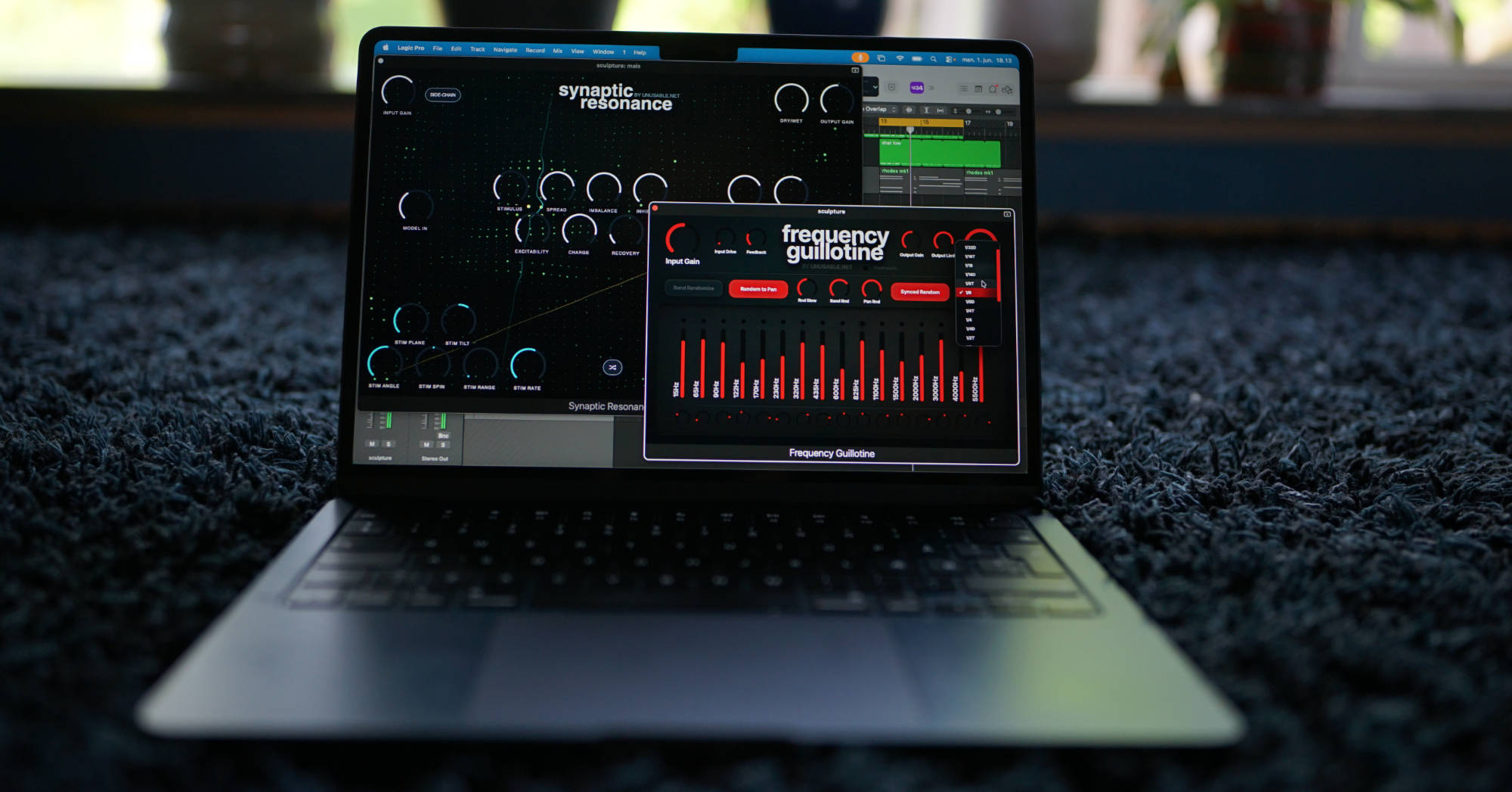
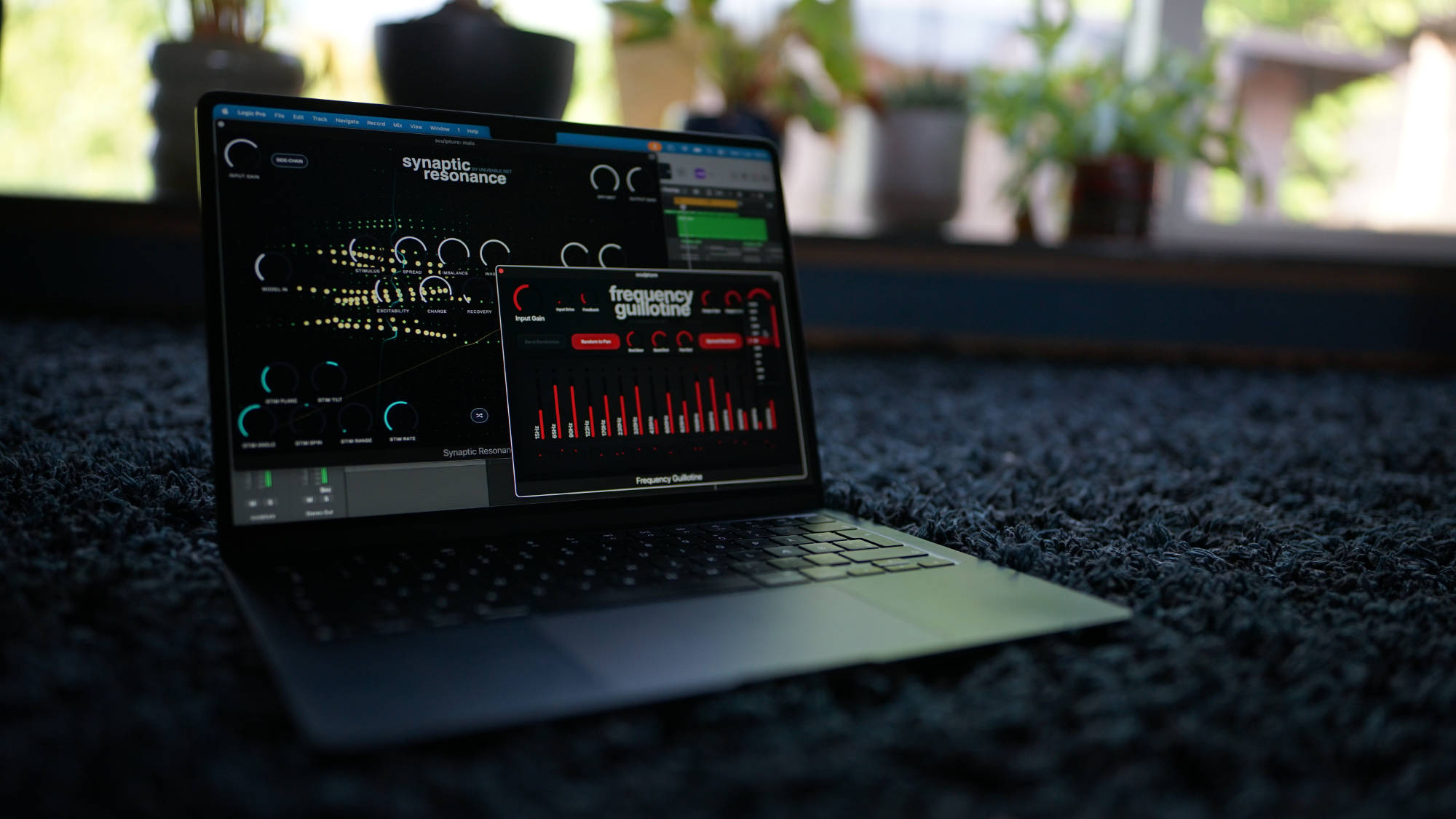
- Frequency Guillotine 1.3.2: Smooth Mode uses wider filter slopes, softer asymmetric drive, tape-style band saturation and gentler output limiting.
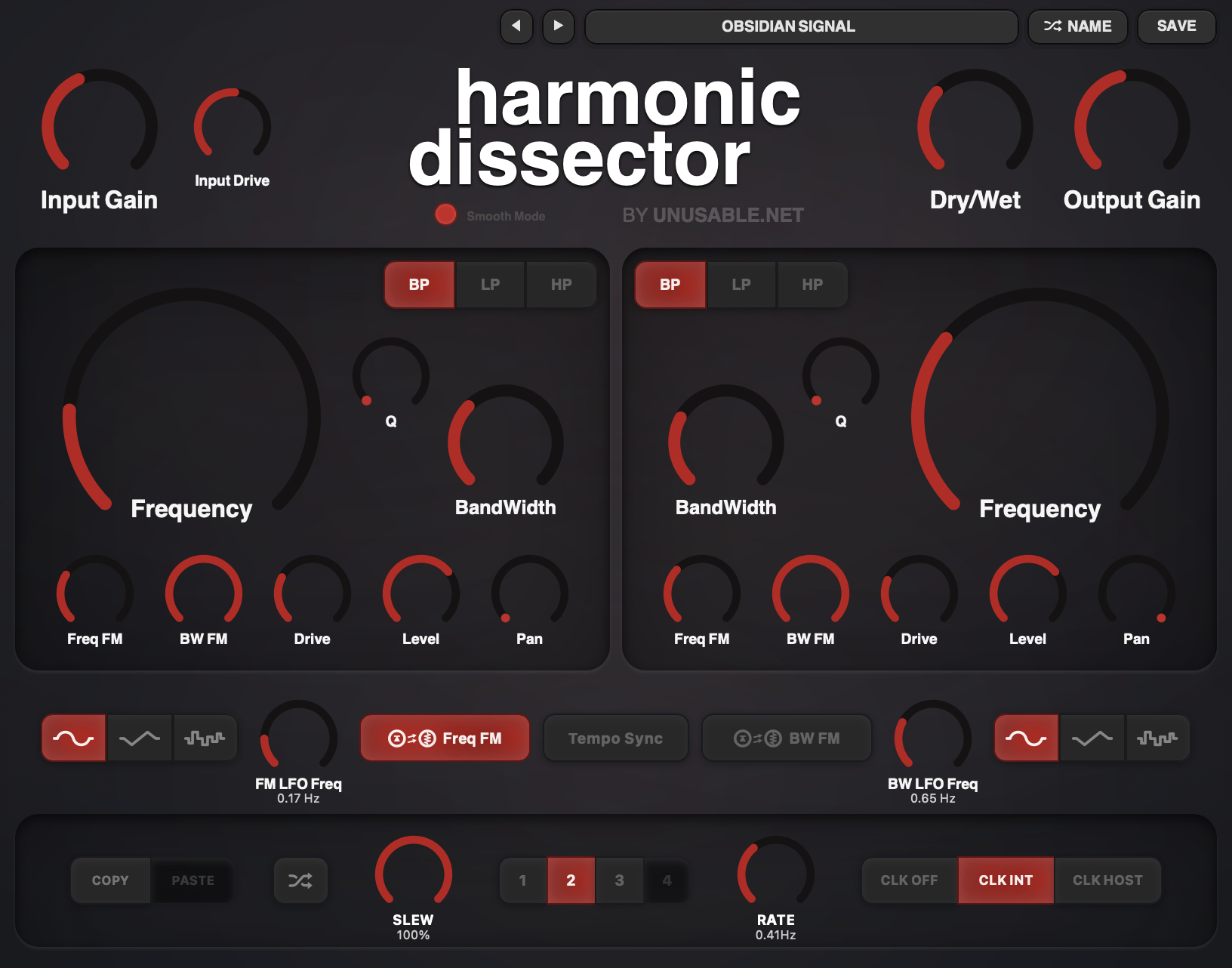
- Harmonic Dissector 1.3.2: Smooth Mode adds softer drive and drive-dependent high-frequency damping to the input and both filter sections.
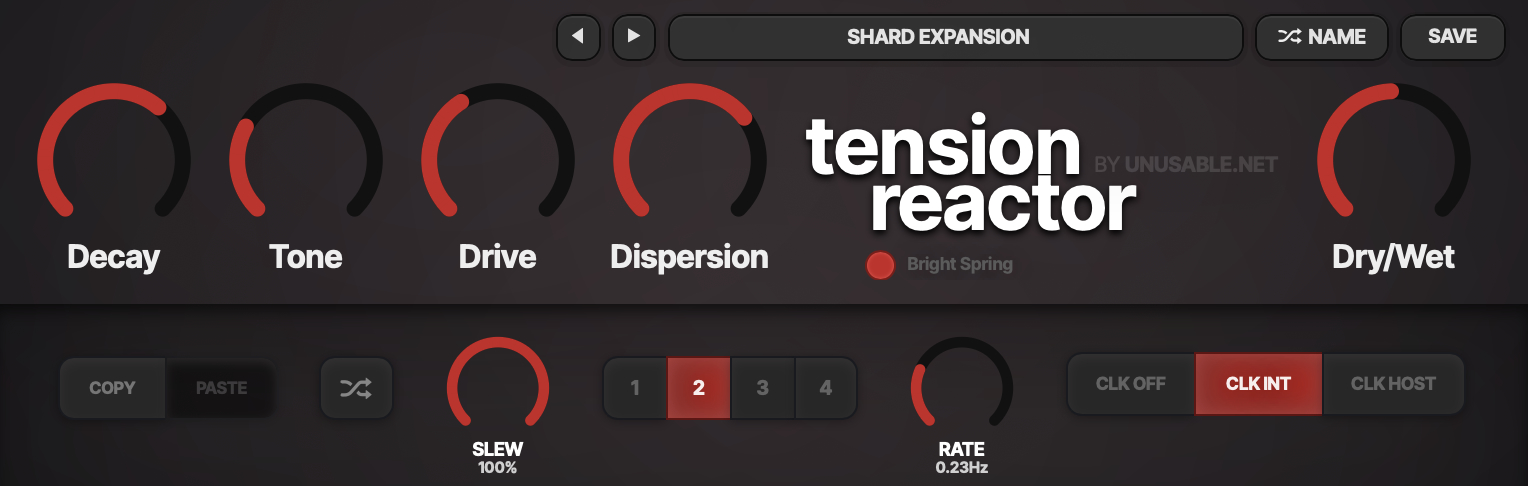
- Tension Reactor 1.3.2: Bright Spring introduces a separate spring path with more upper-frequency content, smoother decay and lower CPU use.
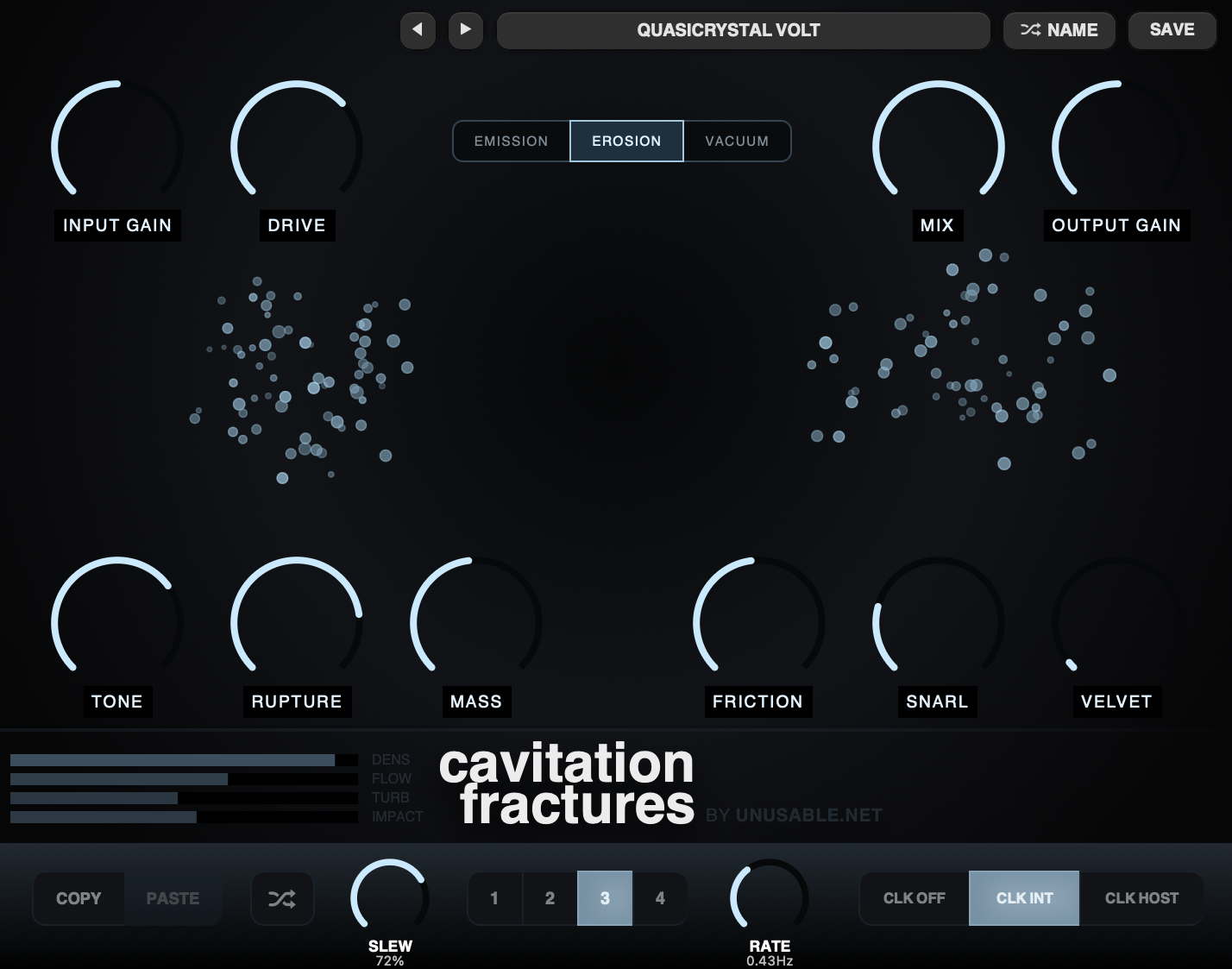
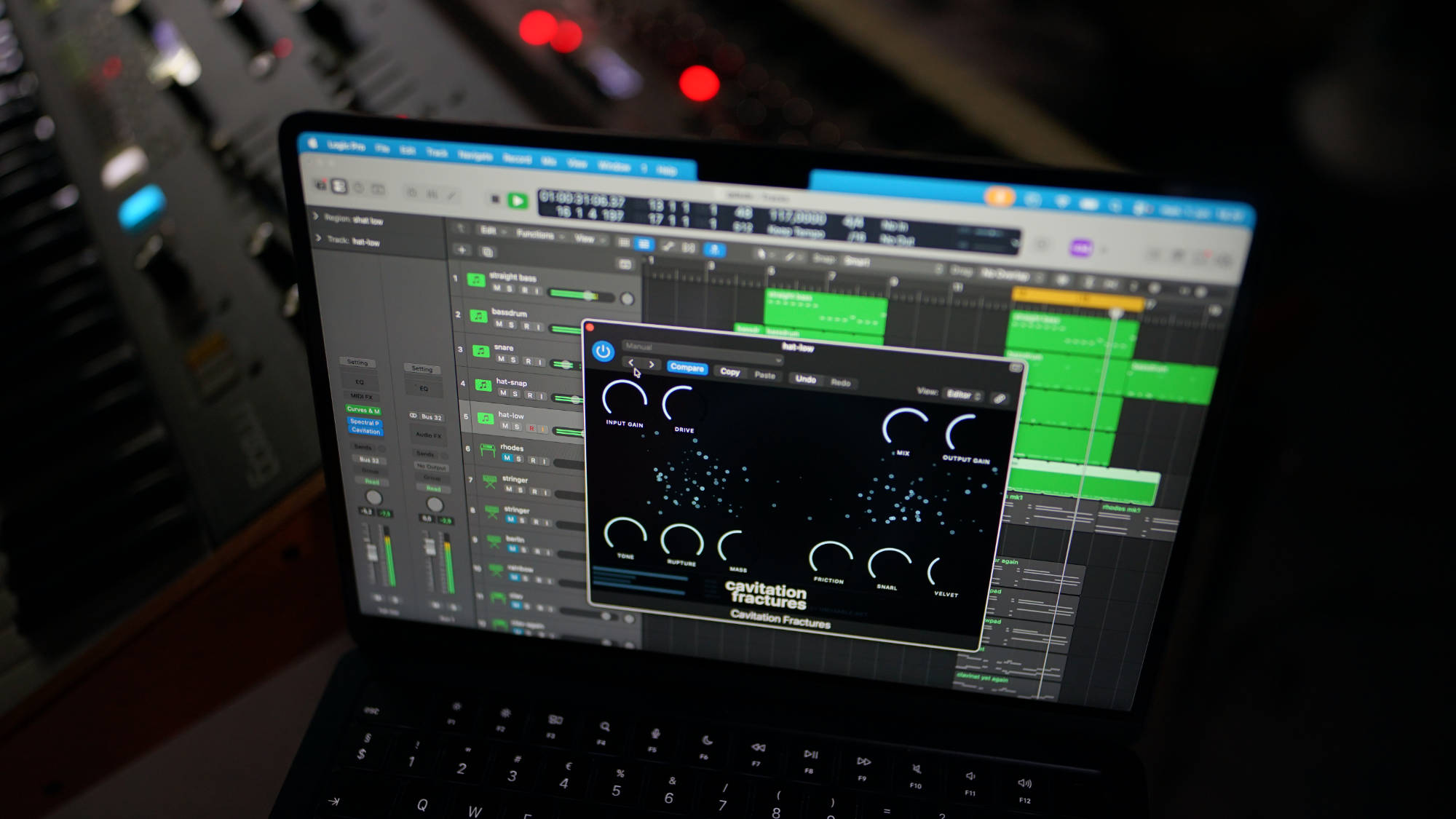
- Cavitation Fractures 1.3.2: Emission names the original mode. Erosion removes narrow frequency bands, while Vacuum subtracts from signal amplitude.
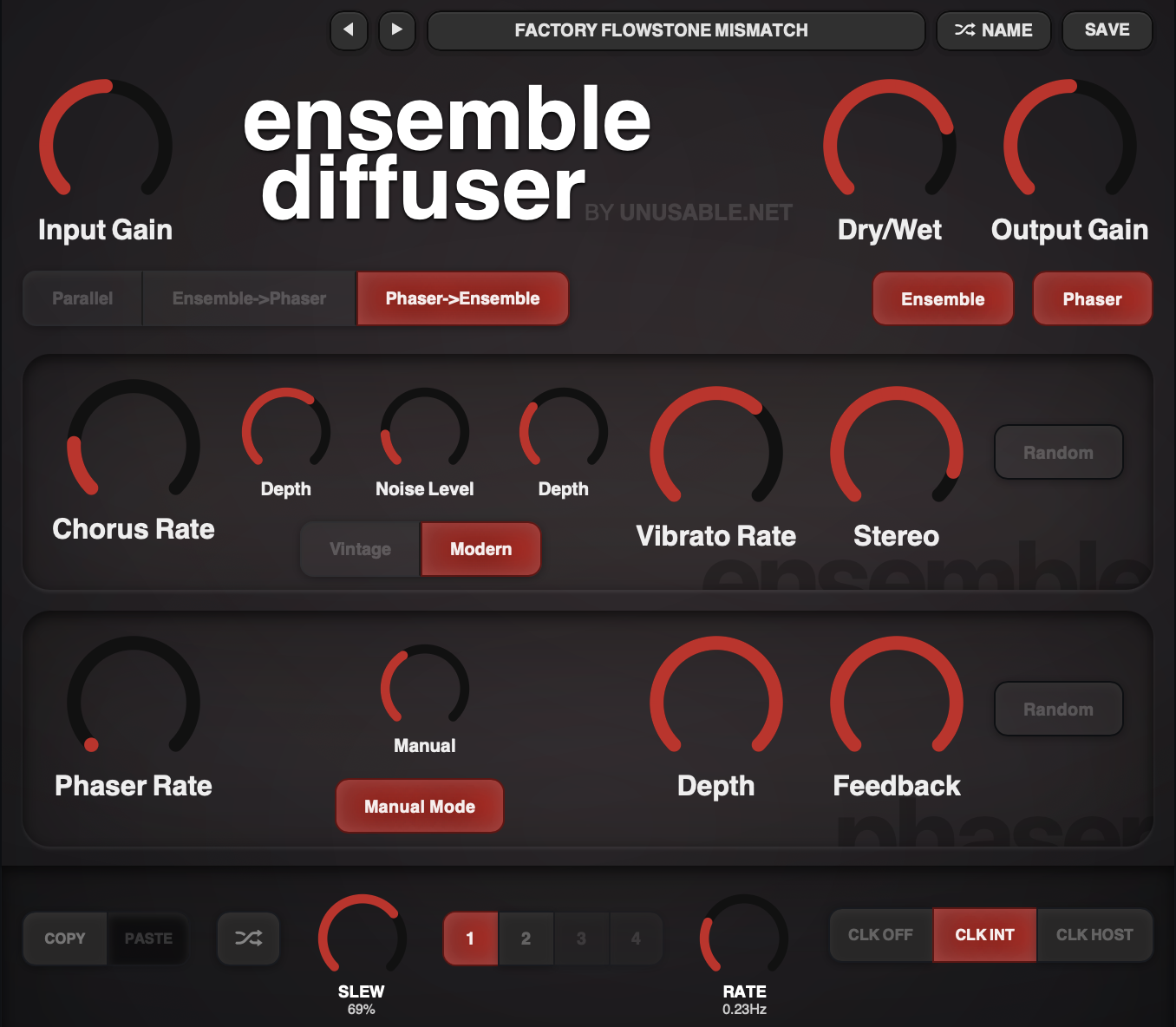
- Ensemble Diffuser 1.3.2: updated filtering, modulation smoothing, BBD character, phaser response and feedback behavior.
Shared workflow updates
Effect slot sequencers now share the same core editing behavior. Holding a parameter while the sequencer advances writes that value into each incoming slot. Making it possible to 'record' sequences as the slot steps on. Cmd/Ctrl-click previews and locks a slot without slew.
Copy/Paste, 30-step Undo and Redo are now available across most effects. Shift-drag adds linked editing to Frequency Guillotine and Harmonic Dissector.
Performance and support
The release includes CPU, memory, WebView and real-time state-management work across the lineup. Visual processing now stops more consistently when an editor is closed, repeated calculations are cached, and temporary audio buffers are preallocated in more places.
Basic user guides and current changelogs are now available on every plugin page. The full lineup supports VST3 on Windows 10/11 and VST3/AU on macOS 12+ (the latest version is tested and working on macOS 10.15).
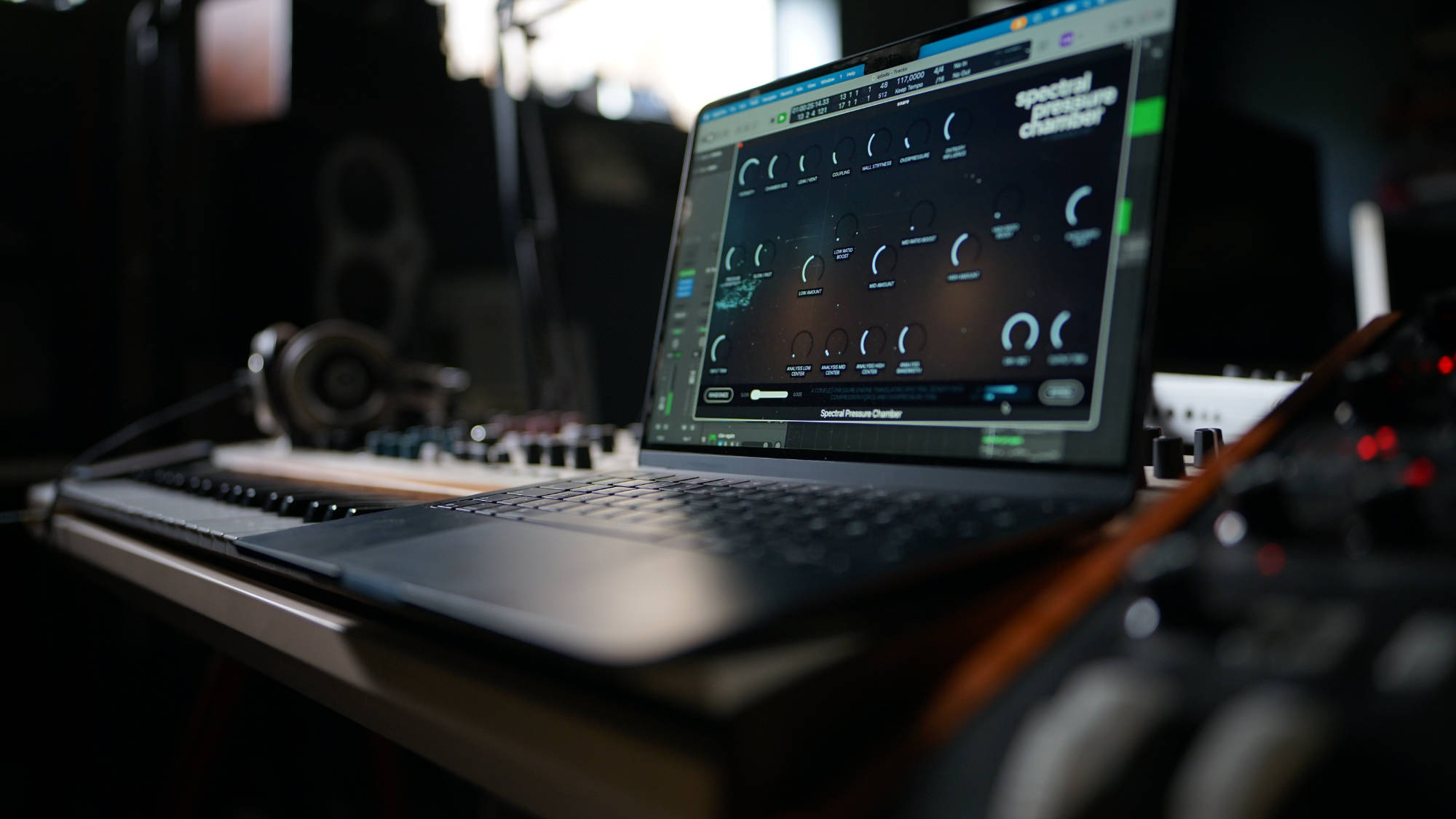
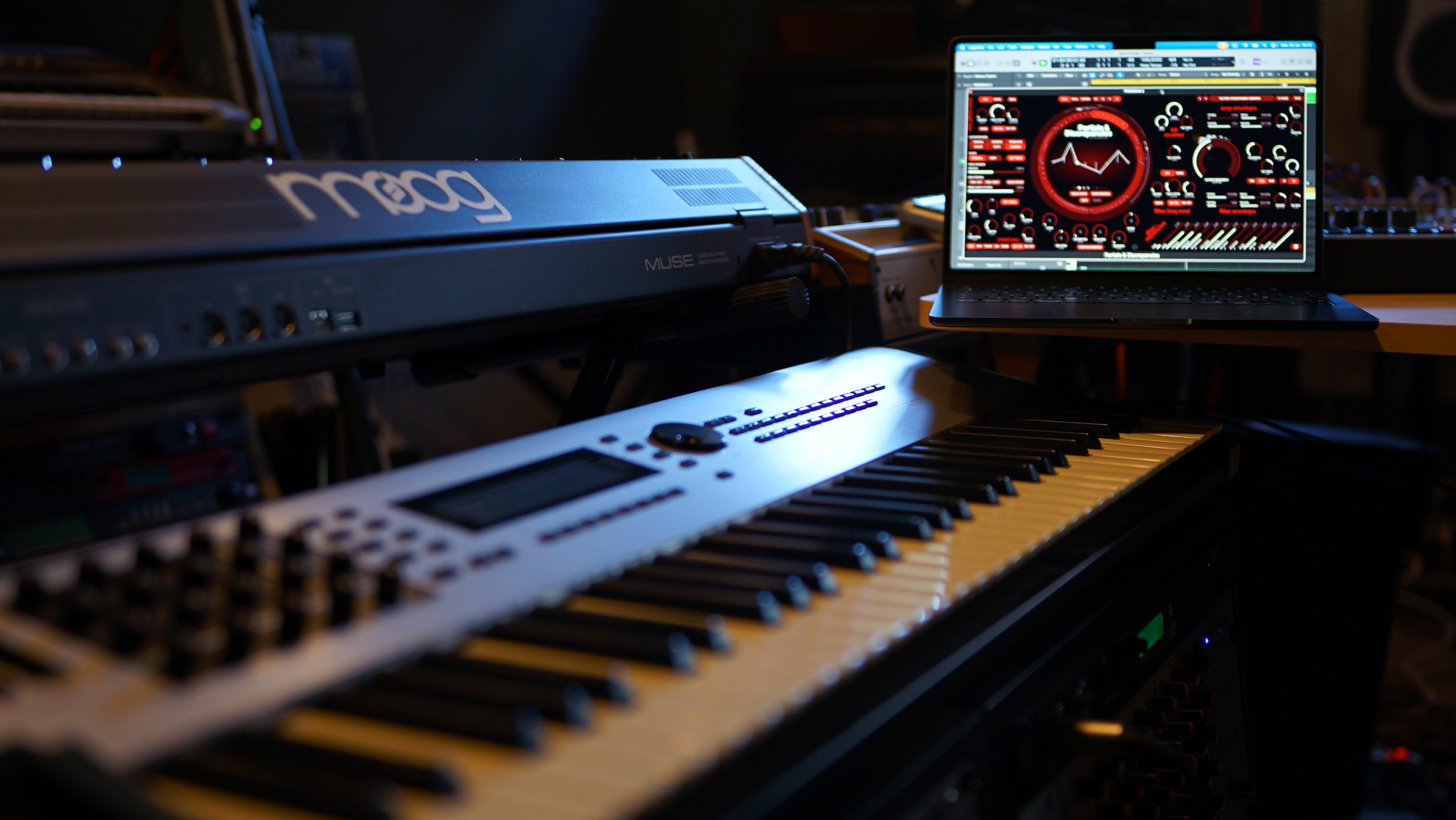
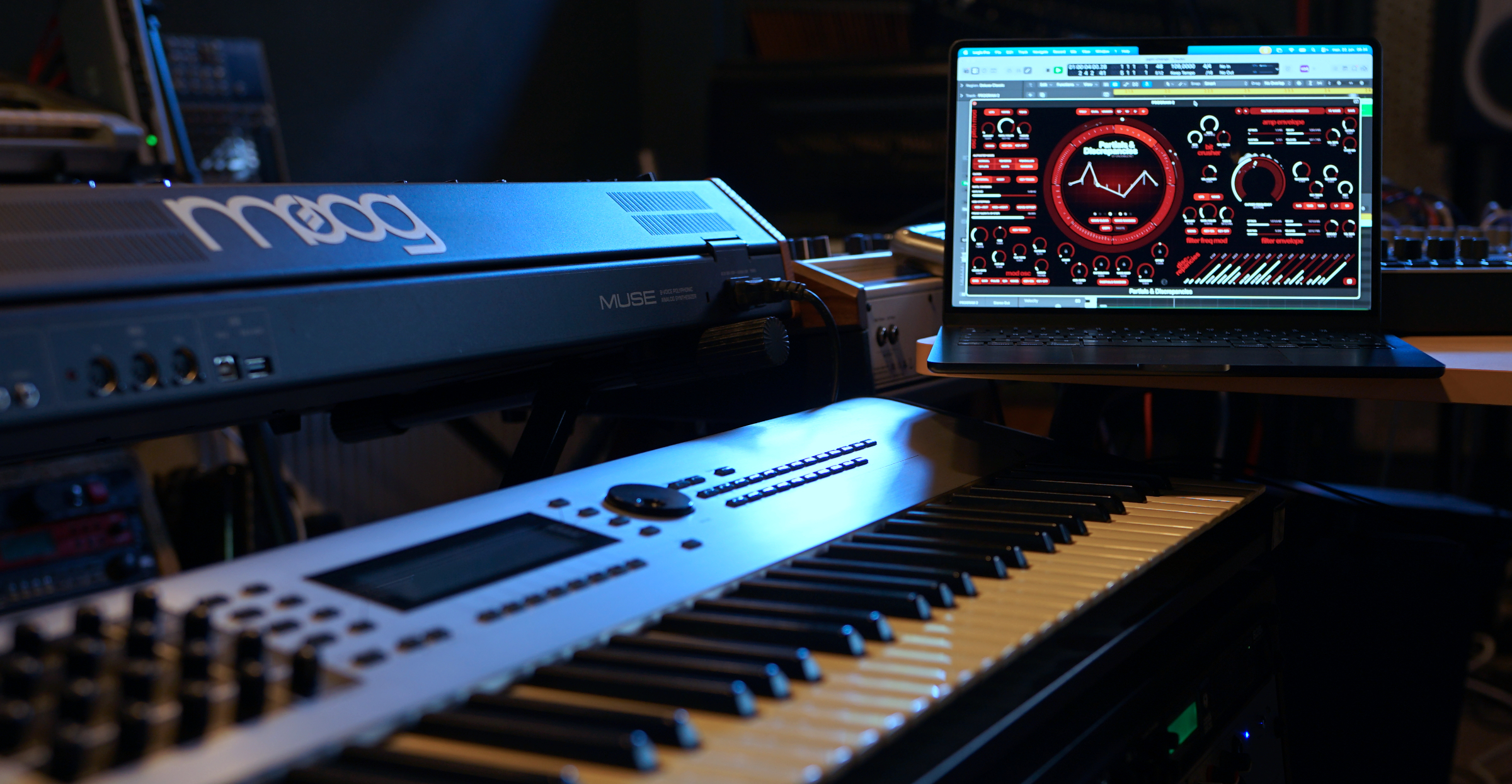
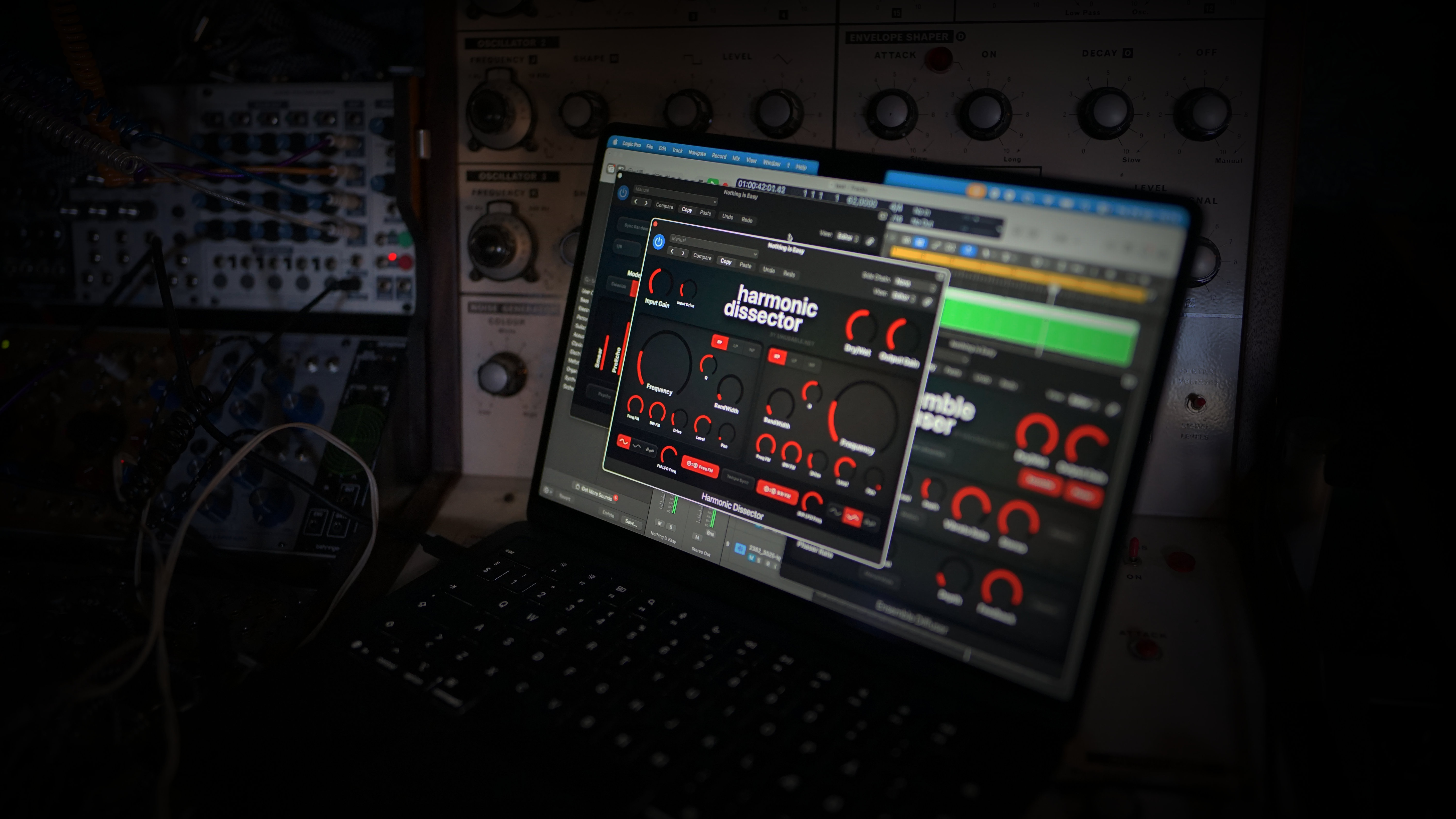
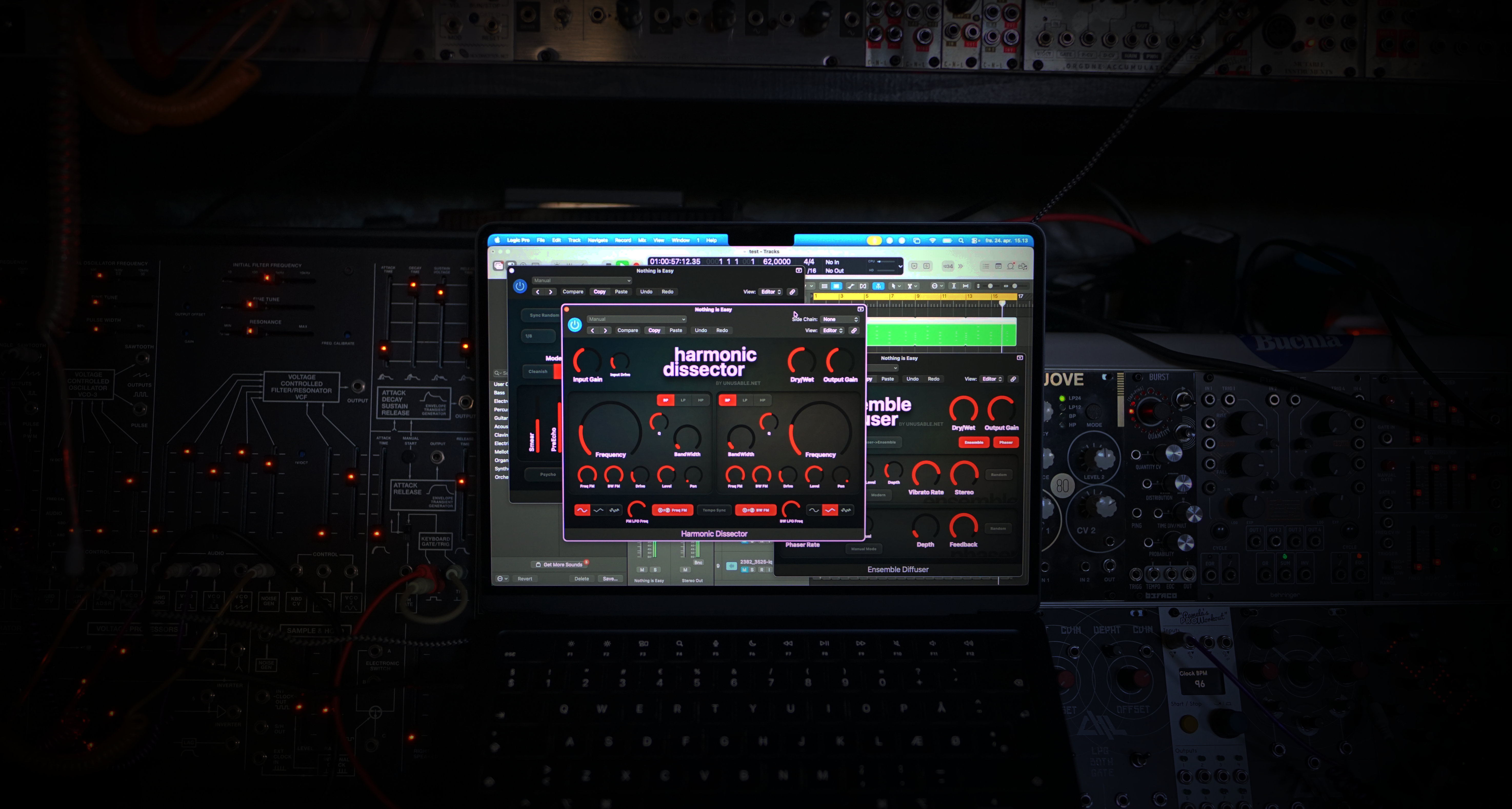
Press images, interface screenshots, studio photos and brand assets are available below.
What Makes The Line Distinct
- Unusual internal engines: many plugins are built around simulation-based or non-standard systems where behavior is the key feature.
- Direct interfaces: no extra pages or hidden layers. What you see is what you get.
- Limited by choice: these are focused tools, not stretched to cover every possible use case.
- Built for exploration: immediate controls and visual feedback leave room for happy accidents.
Pricing
- All individually sold effect plugins — 29 EUR each
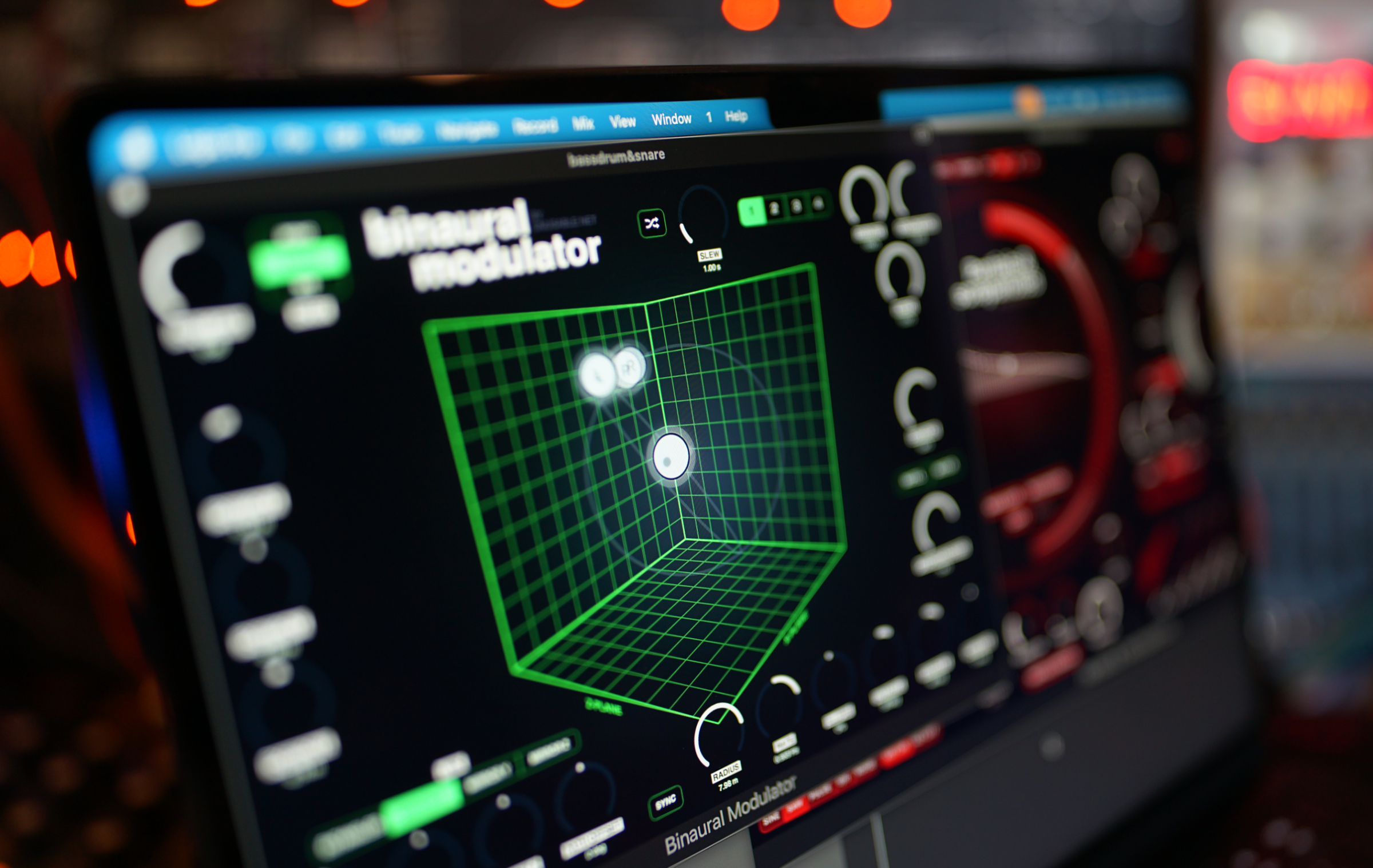
- Binaural Modulator — free
- Cavitation Fractures — free
- Geometry Reverb — free for paying customers via the account page
- 69 EUR for Curves & Membranes
- 79 EUR for Partials & Discrepancies
- 79 EUR for Emulated Effects Pack
- 99 EUR for Scientist Suite
- 179 EUR for Full Suite v2
All prices include 25% VAT.
Bundles and pricing
Bundles
- Emulated Effects Pack — 79 EUR
- Scientist Suite — 99 EUR
- Full Suite v2 — 179 EUR
Unusable Engineering keeps pricing fair and stable.
Company background
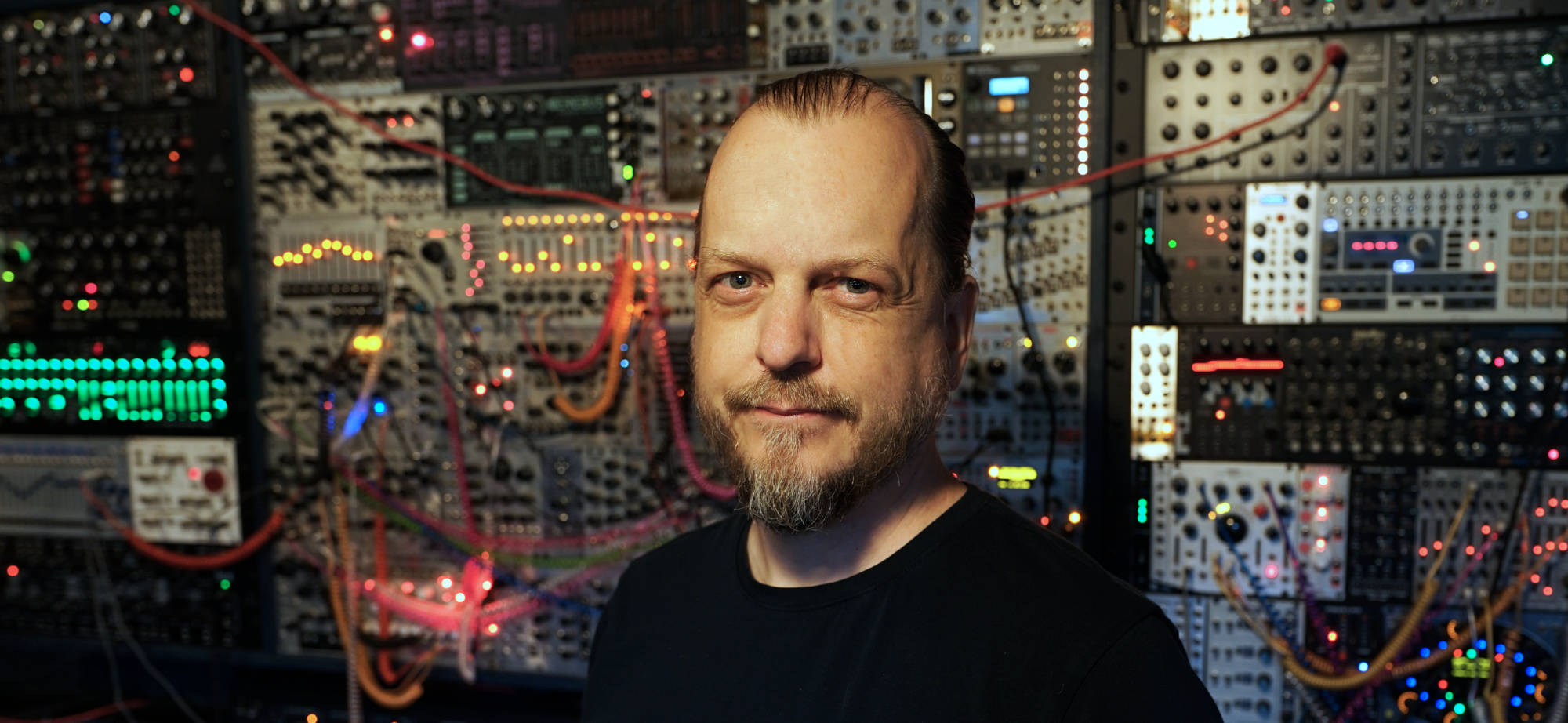
I started building these plugins to make music software feel rewarding.
A lot of software is impressive in ways I can respect, but not always enjoyable to use. Once things turn into multiple pages, hidden functions, and huge option sets, I often end up stepping through presets instead of learning and interacting with the tool. It becomes less about playing and more about producing. I've always enjoyed the most to play instruments and effects, to kind of write the music together with the machines.
What I missed was the feeling I got from simple hardware in the studio: a clear purpose, a clear surface, visual feedback, and a sense that it reacts to both intensity and sound changes in ways that turns the playing into a dialogue with the device.
That is where Unusable Engineering comes from. These are simple and straight forward tools with unusual internal behavior, direct controls, and limitations chosen on purpose. The point is not to cover every possible task. It is to make tools that are quick to grasp, inspiring to use, somewhat surprising and capable of leading somewhere interesting.
Unusable Engineering build plugins by exploring ideas, combining stuff that are not usually combined and by trying to utilize the best parts of the software paradigm to make inspiring tools. We believe that copying hardware into a software interface gives you the worst of two worlds - it will never have the tactile feel of the original, and the device will be limited by physical restrictions in a setting where those are not needed. We still love to emulate a good circuit, but when we bring it to the software realm, our goal is to push it to do stuff that are not possible in the hardware.
The core however is joy. We build stuff that brings us joy - that makes it fun to make music with the computer. Giving you creative sparring and happy accidents.
Press facts
- Company: Unusable Engineering ApS
- Founder: Rasmus Nyåker
- Press contact: [email protected]
- Support: [email protected]
- Website: https://www.unusable.net/
- Platforms: Windows 10/11, macOS 10.15+
- Formats: VST3, AU
- Current lineup size: 15 plugins
- Review licenses: available on request
- Location: Denmark
Current lineup
Launch additions
- Partials & Discrepancies: 8-voice additive polysynth built around a faster and more visual way of shaping partials.
Product page: https://www.unusable.net/synthesizers/partials-and-discrepancies/
Walkthrough: https://youtu.be/qRixRjx-pQU
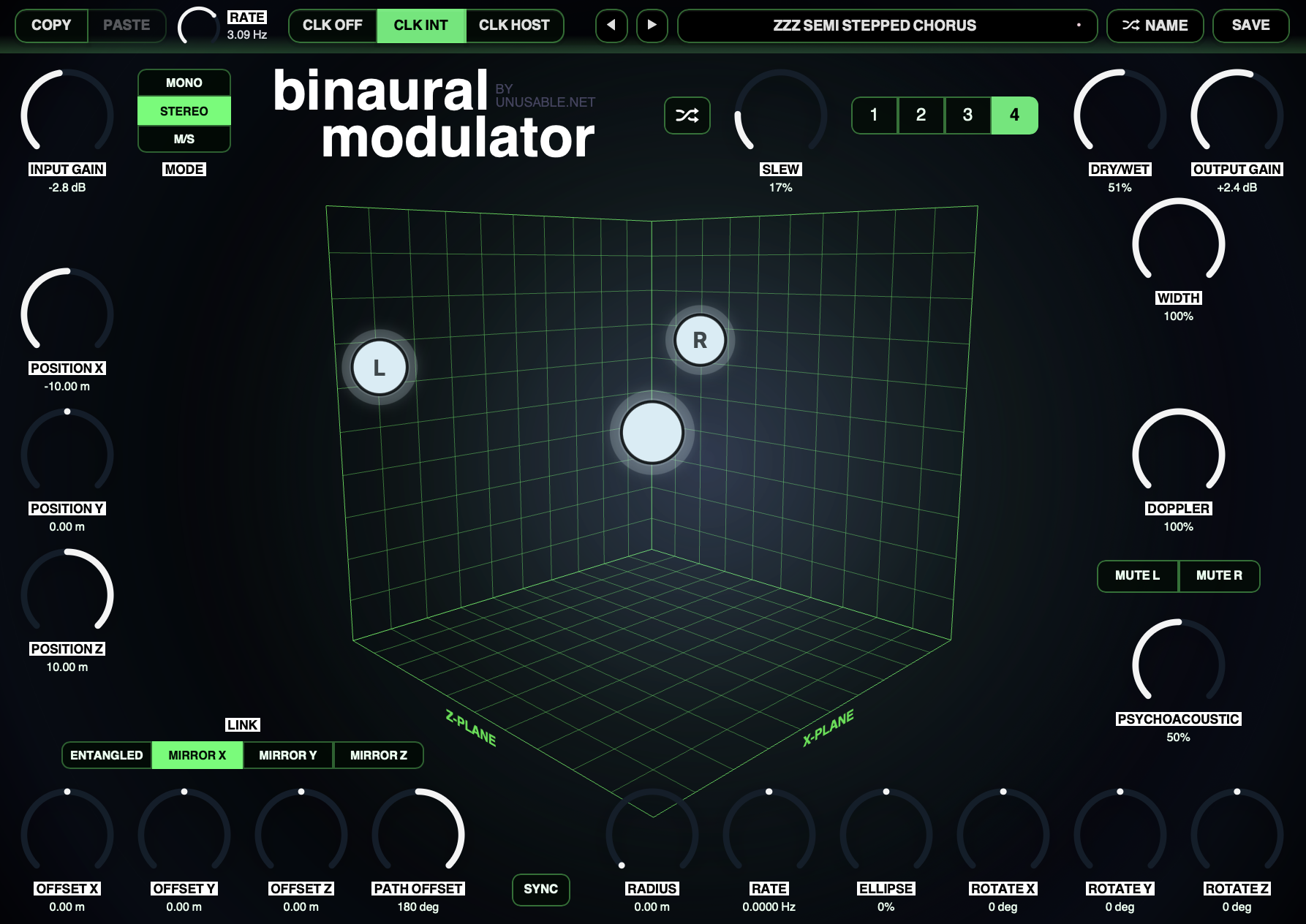
Sound example: https://www.youtube.com/watch?v=u7tKCp3qiuo - Binaural Modulator: Spatial modulation effect built around a room model with a fixed listener and moving sound-source nodes.
Product page: https://www.unusable.net/effects/binaural-modulator/
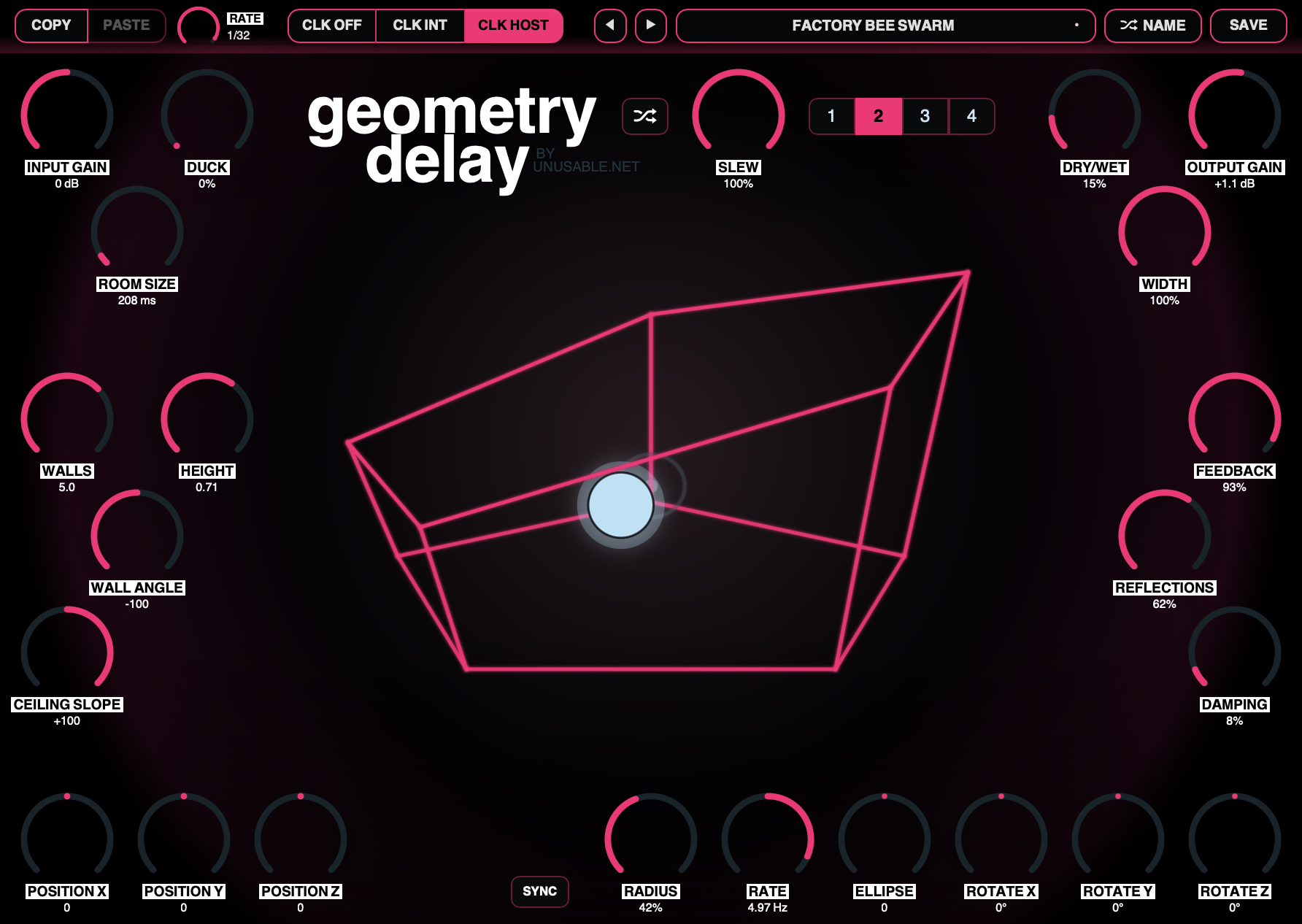
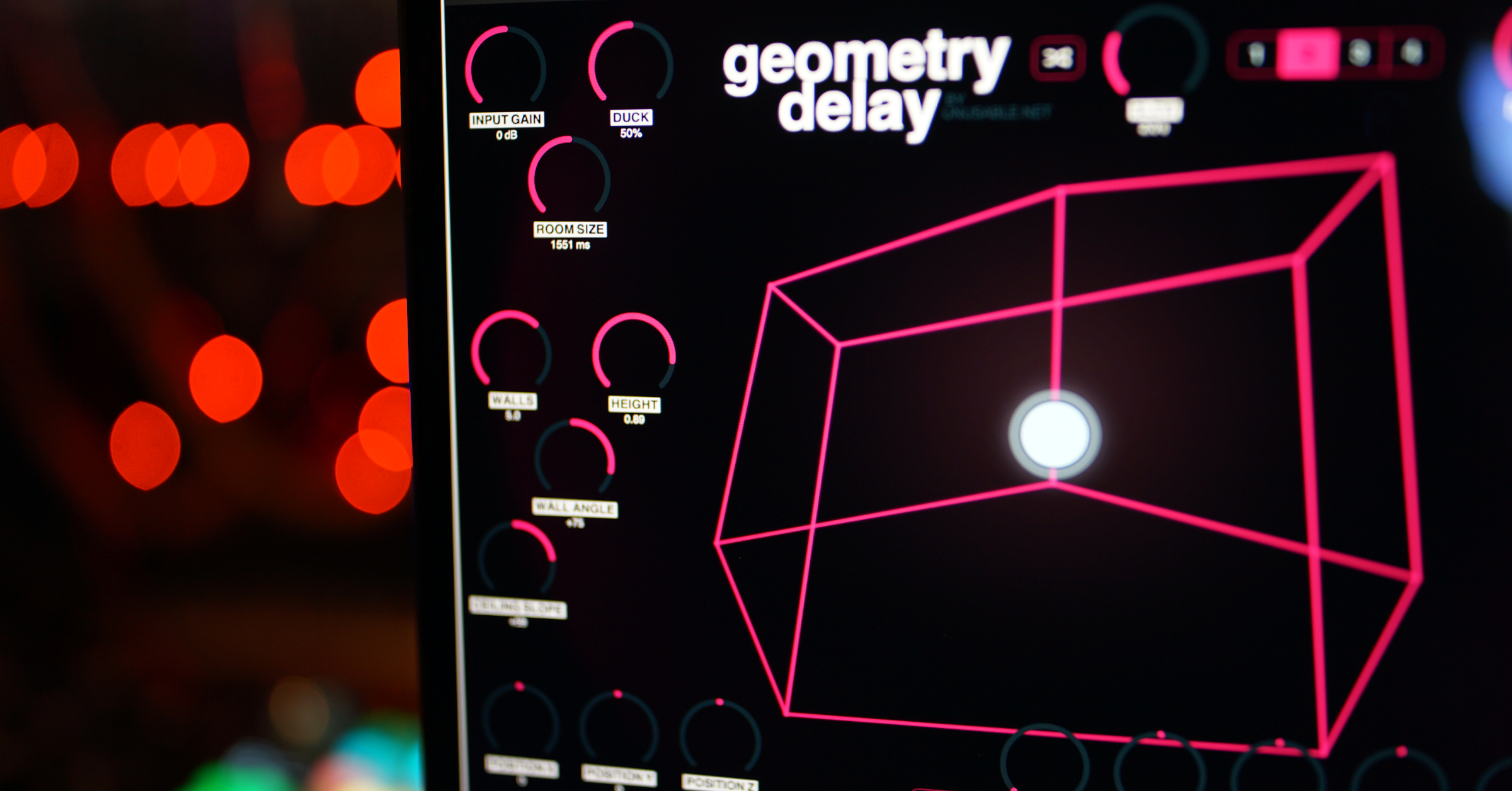
Walkthrough: https://youtu.be/gcSHuv84tYw - Geometry Delay: Multi-tap delay built around a room abstraction where walls, floor, and ceiling act as delay taps.
Product page: https://www.unusable.net/effects/geometry-delay/
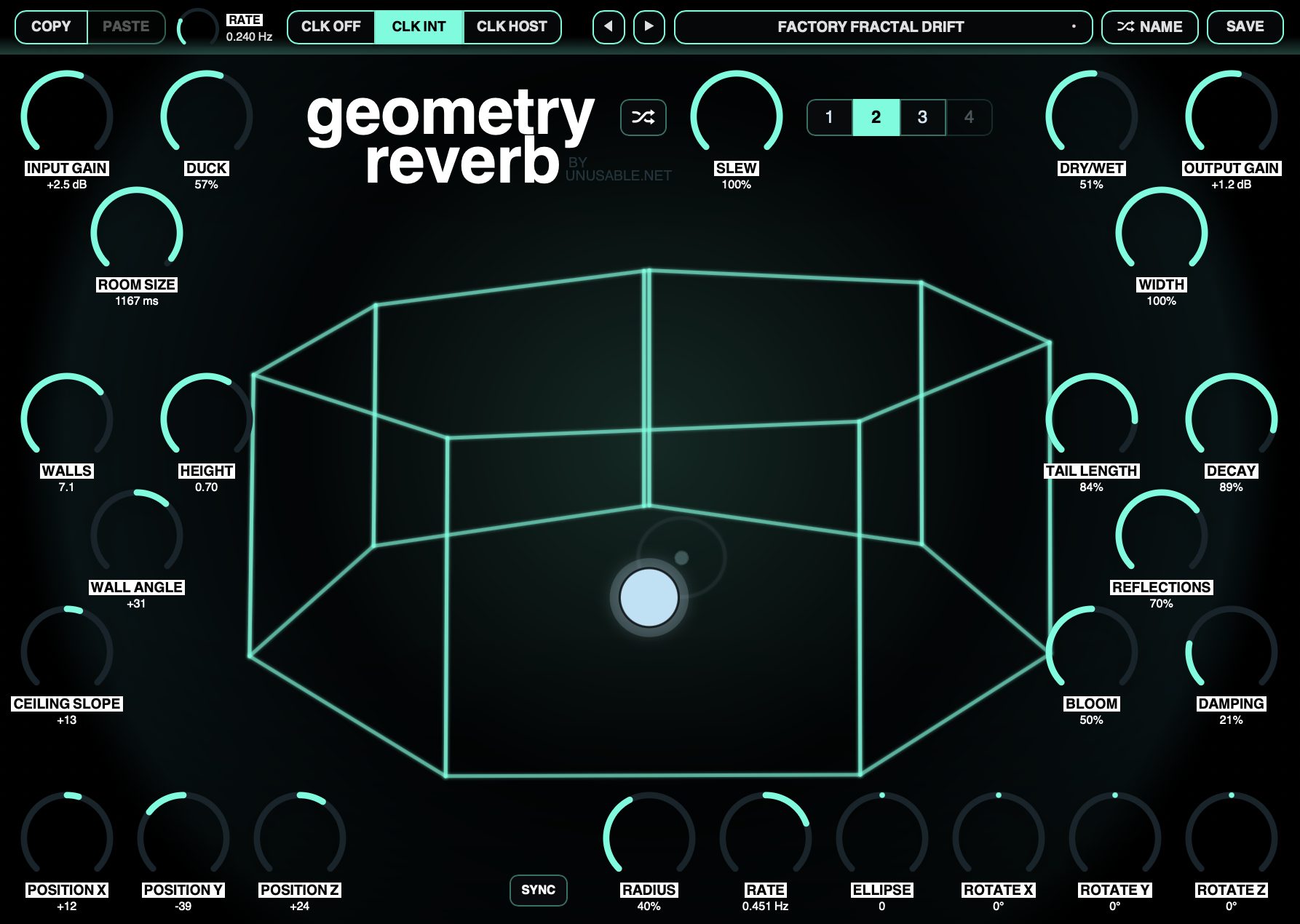
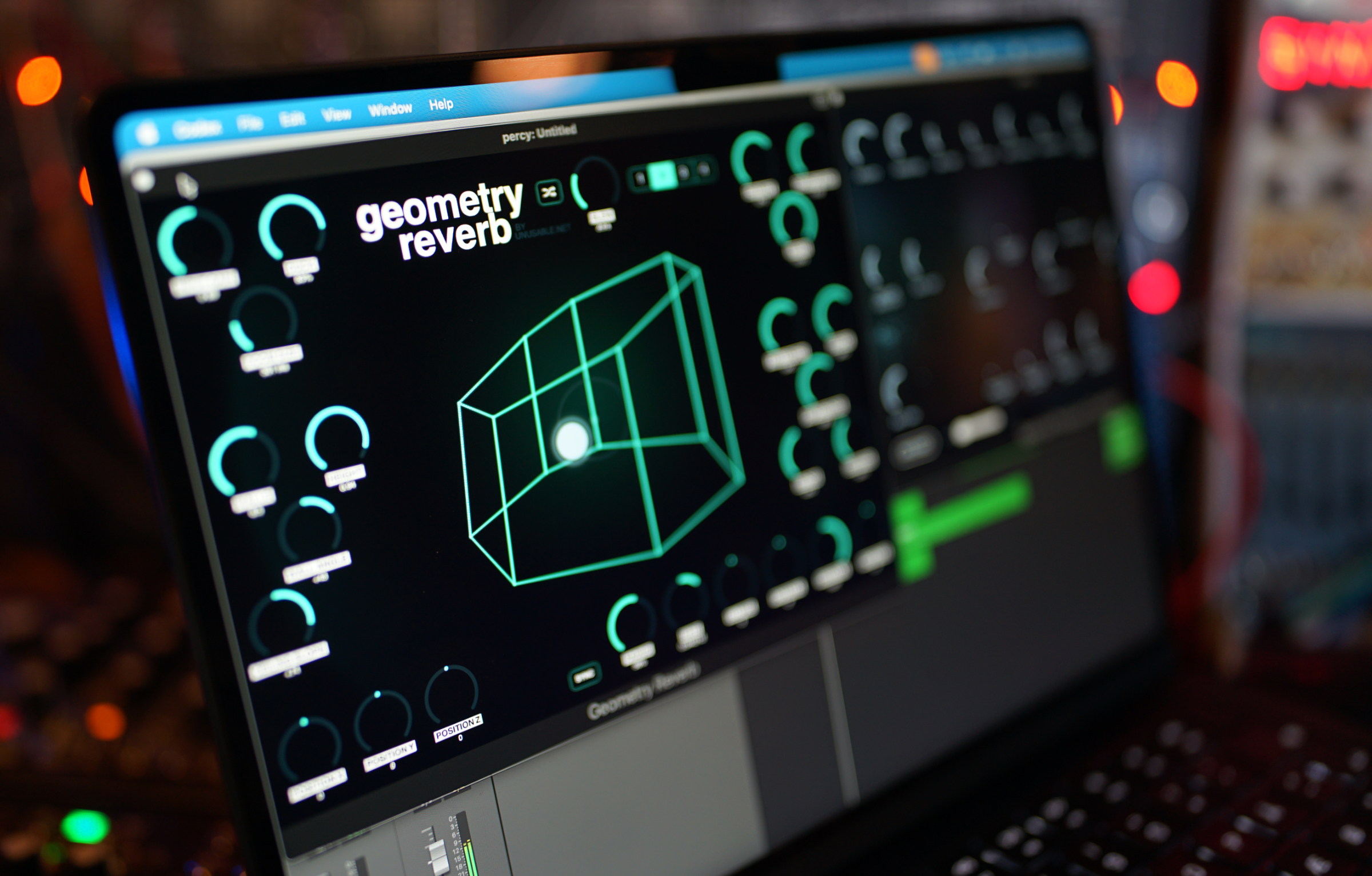
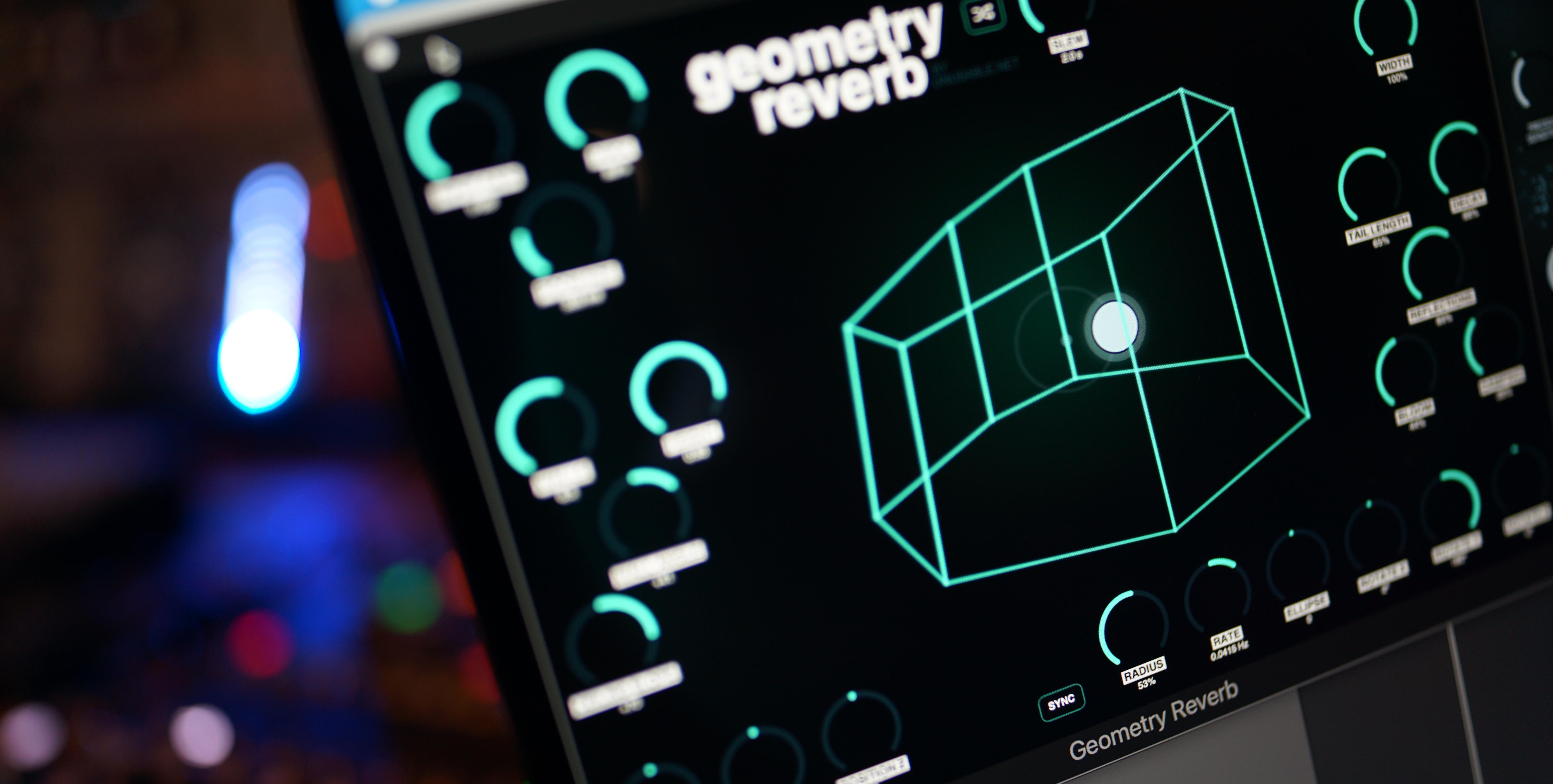
Walkthrough: https://youtu.be/XttQBS7u-qI - Geometry Reverb: Hall reverb using the same room-based abstraction model and 3D orbital modulation approach as Geometry Delay.
Product page: https://www.unusable.net/effects/geometry-reverb/
Walkthrough: https://youtu.be/FFA8FlT4bmI
Synthesizers
- Partials & Discrepancies: Additive polysynth with slot-based motion and voice-level discrepancy.
Product page: https://www.unusable.net/synthesizers/partials-and-discrepancies/
Walkthrough: https://youtu.be/qRixRjx-pQU
Sound example: https://www.youtube.com/watch?v=u7tKCp3qiuo - Curves & Membranes: Single-oscillator mono synth using Bézier waveshapes and membrane filters.
Product page: https://www.unusable.net/synthesizers/curves-and-membranes/
Walkthrough: https://www.youtube.com/watch?v=GgsCDjBzLlk
Effects
- Quadrant Modulator: Four-quadrant multiplier with a drawable oscillator, pitch following, one-shot shaping and an eight-slot sequencer.
Product page: https://www.unusable.net/effects/quadrant-modulator/
Walkthrough: https://youtu.be/uNMlndy2M9E
Sound examples: https://youtu.be/ucppkRqpAHA - Binaural Modulator: Spatial modulation effect for auto-pan, movement, and stranger stereo behavior.
Product page: https://www.unusable.net/effects/binaural-modulator/
Walkthrough: https://youtu.be/gcSHuv84tYw - Geometry Delay: Spatial multi-tap delay with room-shaped timing and Doppler-style motion.
Product page: https://www.unusable.net/effects/geometry-delay/
Walkthrough: https://youtu.be/XttQBS7u-qI - Geometry Reverb: Hall reverb with room-based abstraction and 3D orbital modulation.
Product page: https://www.unusable.net/effects/geometry-reverb/
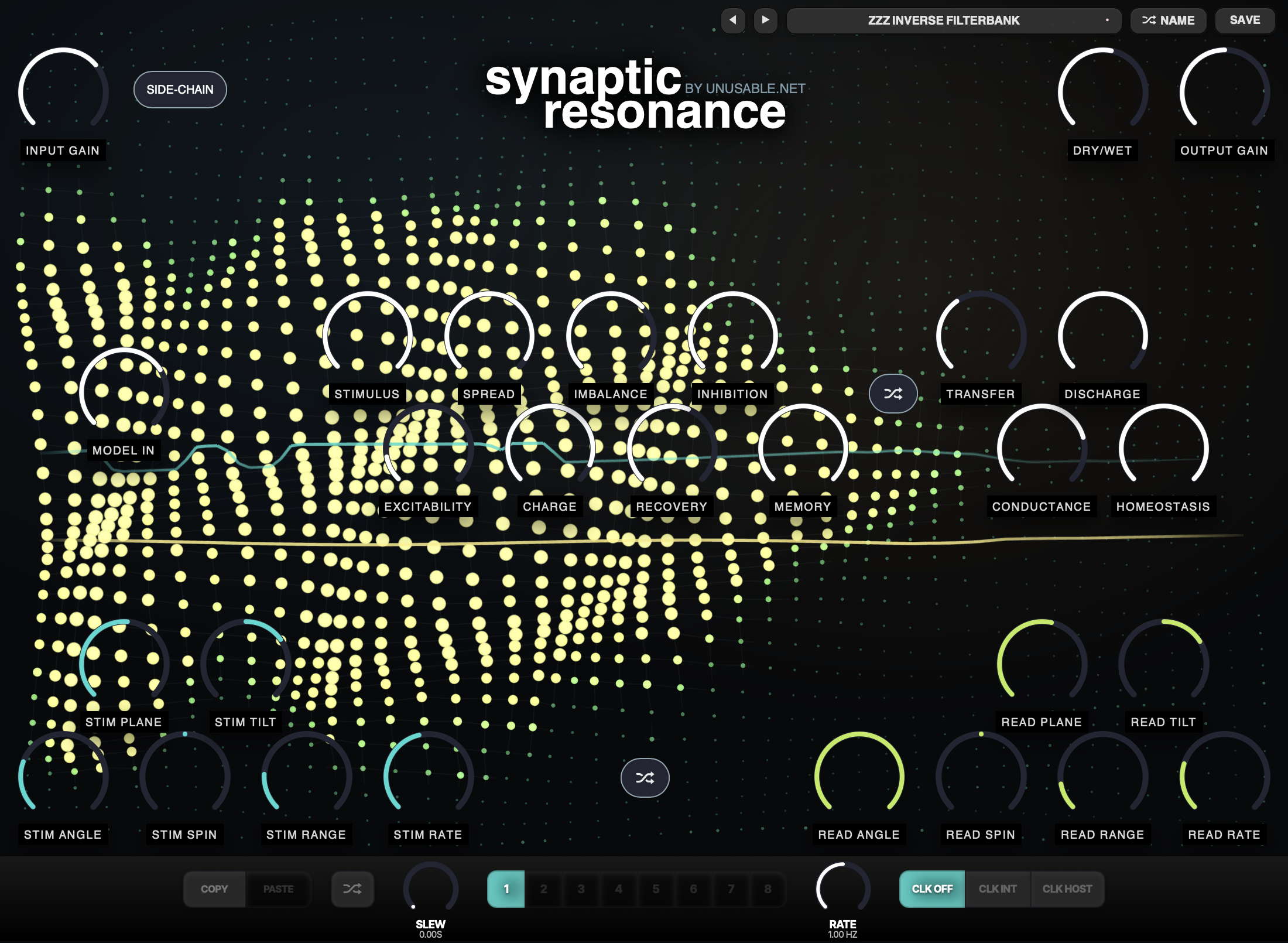
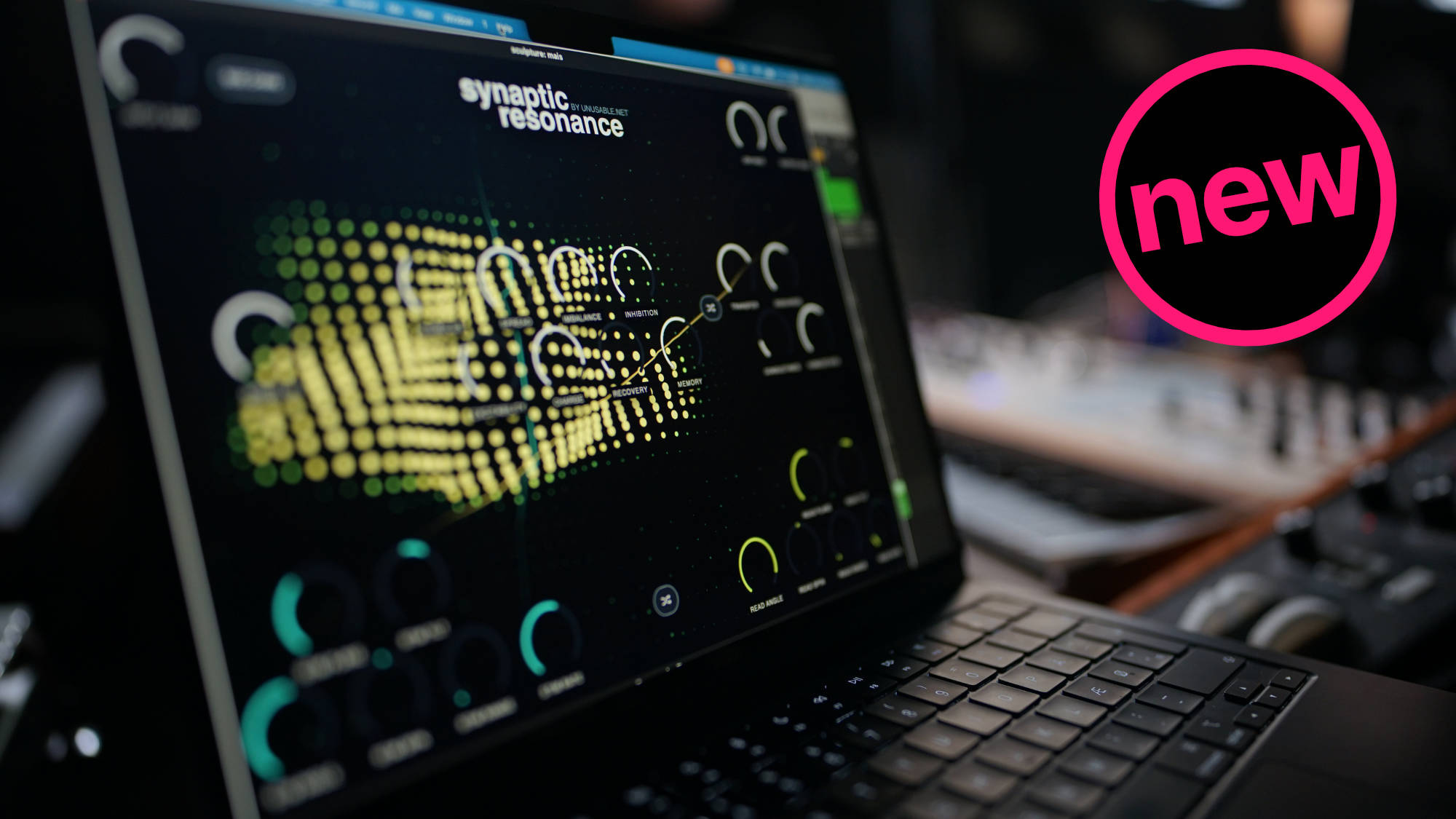
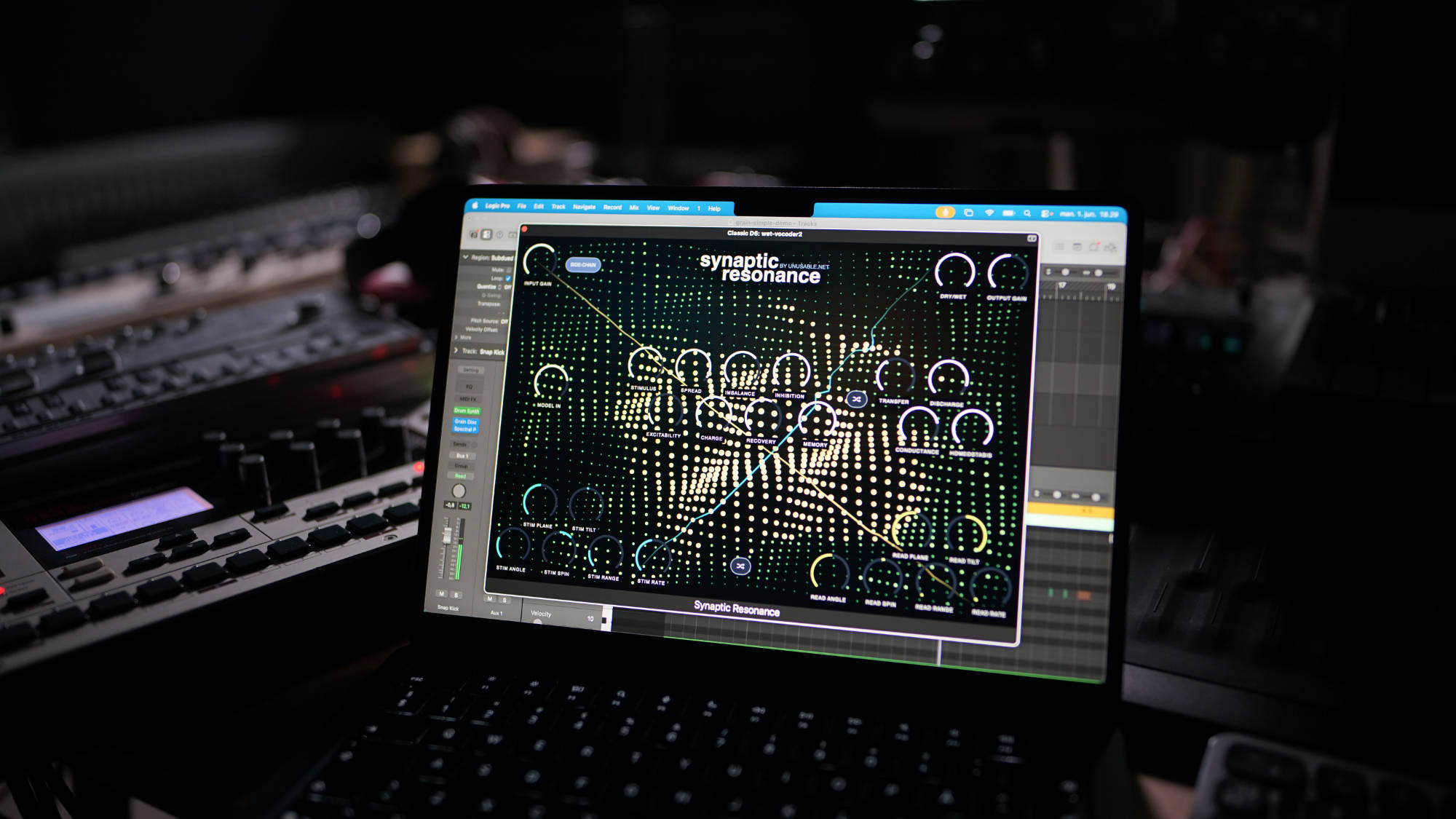
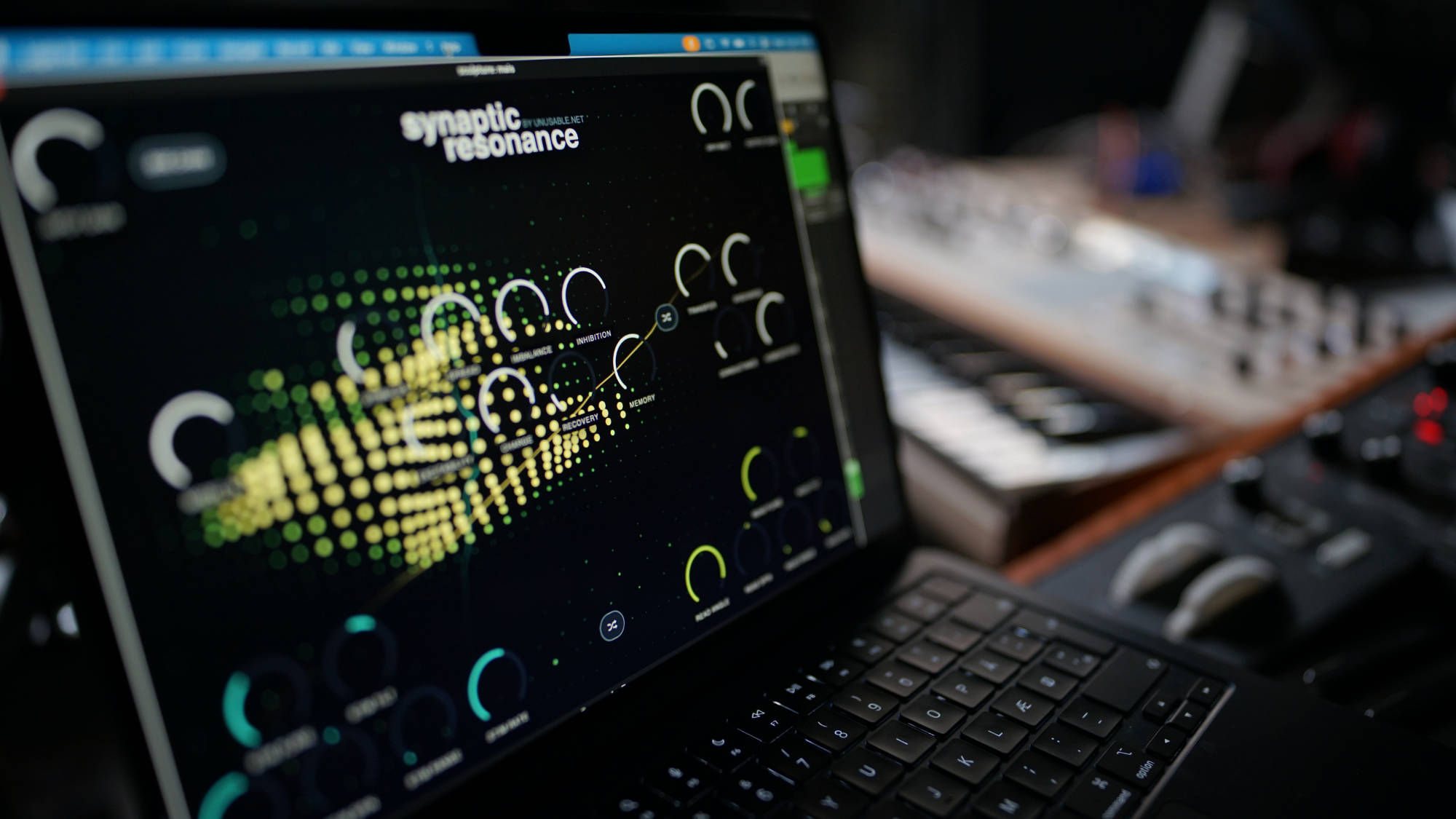
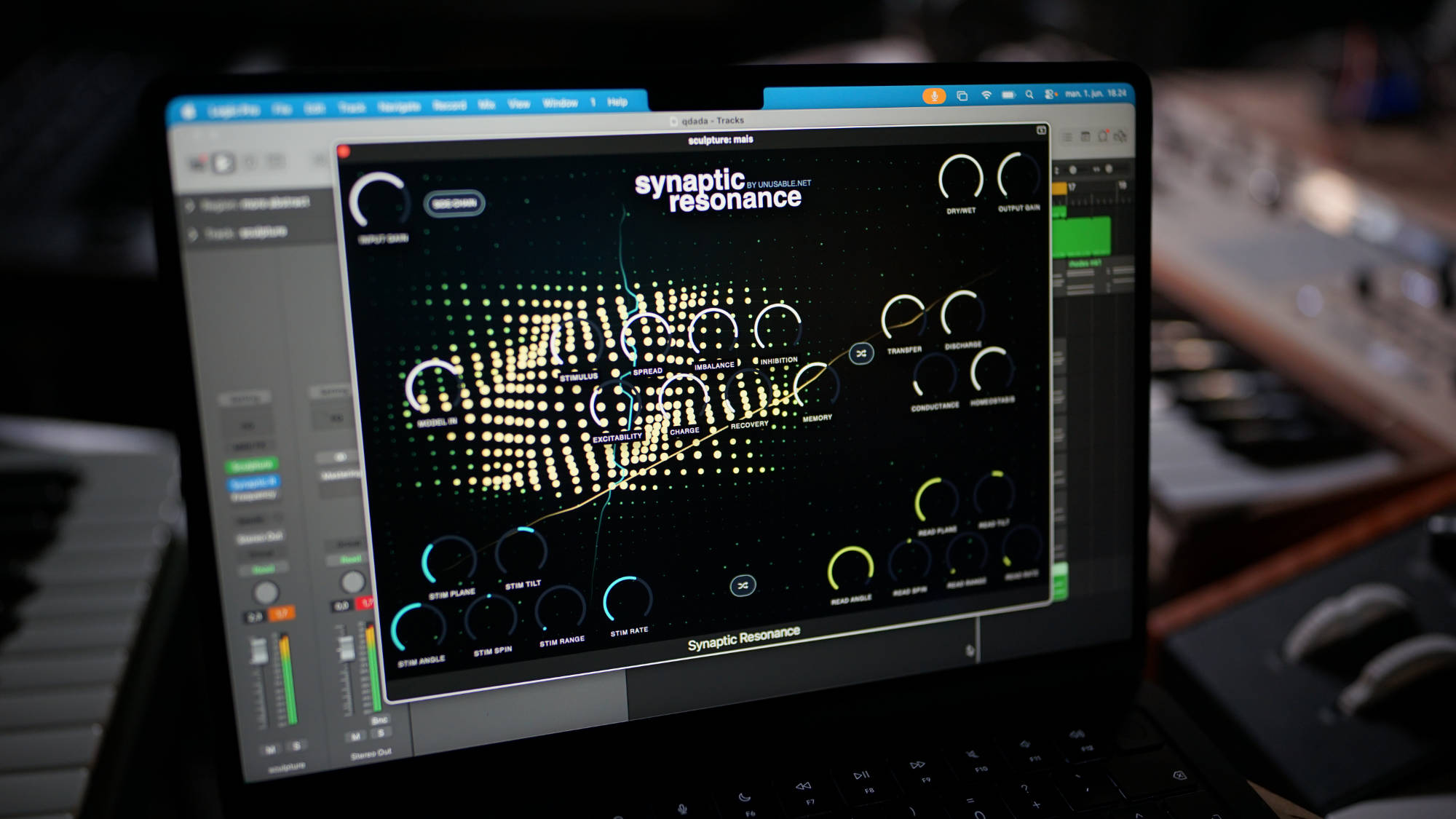
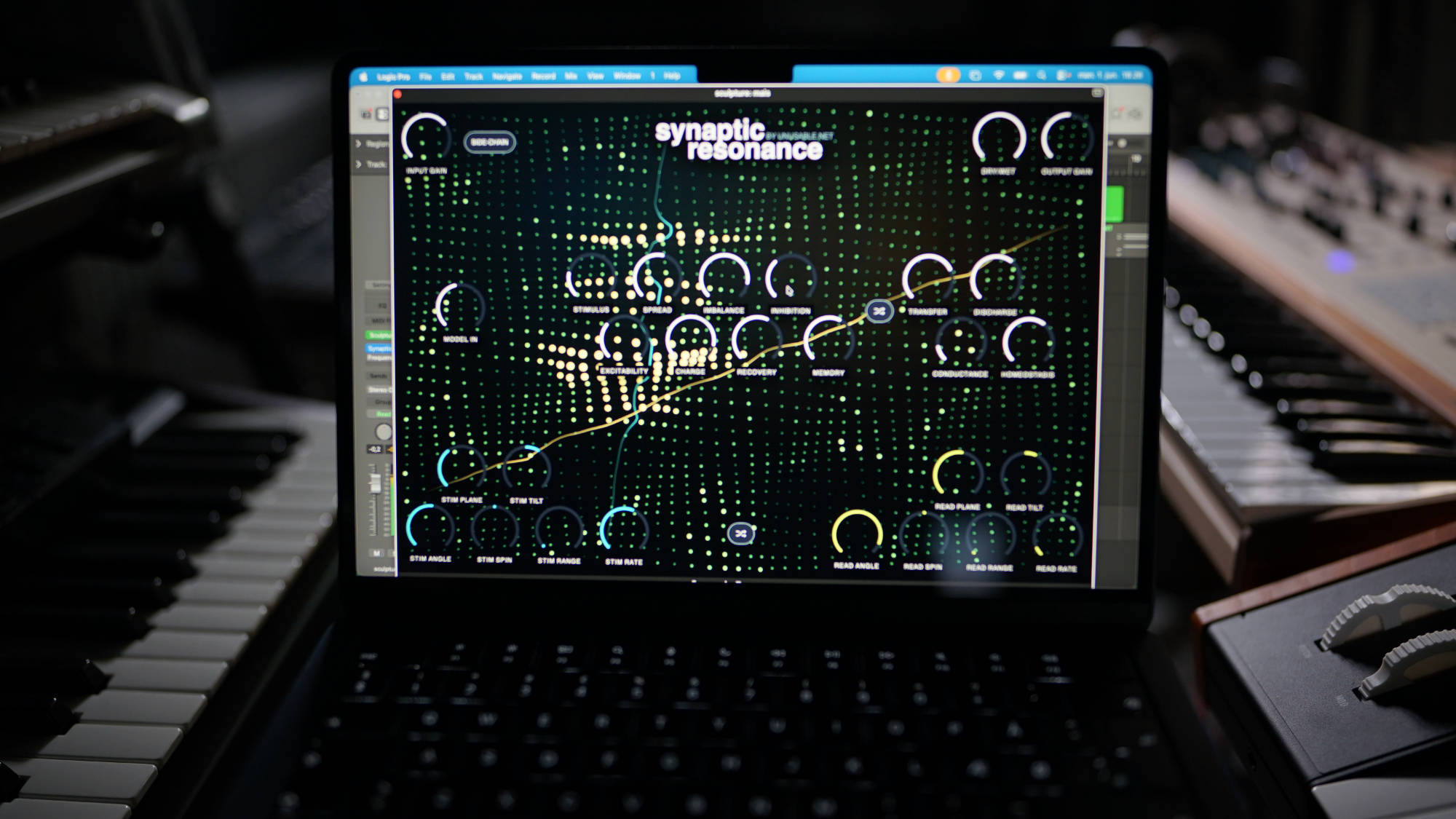
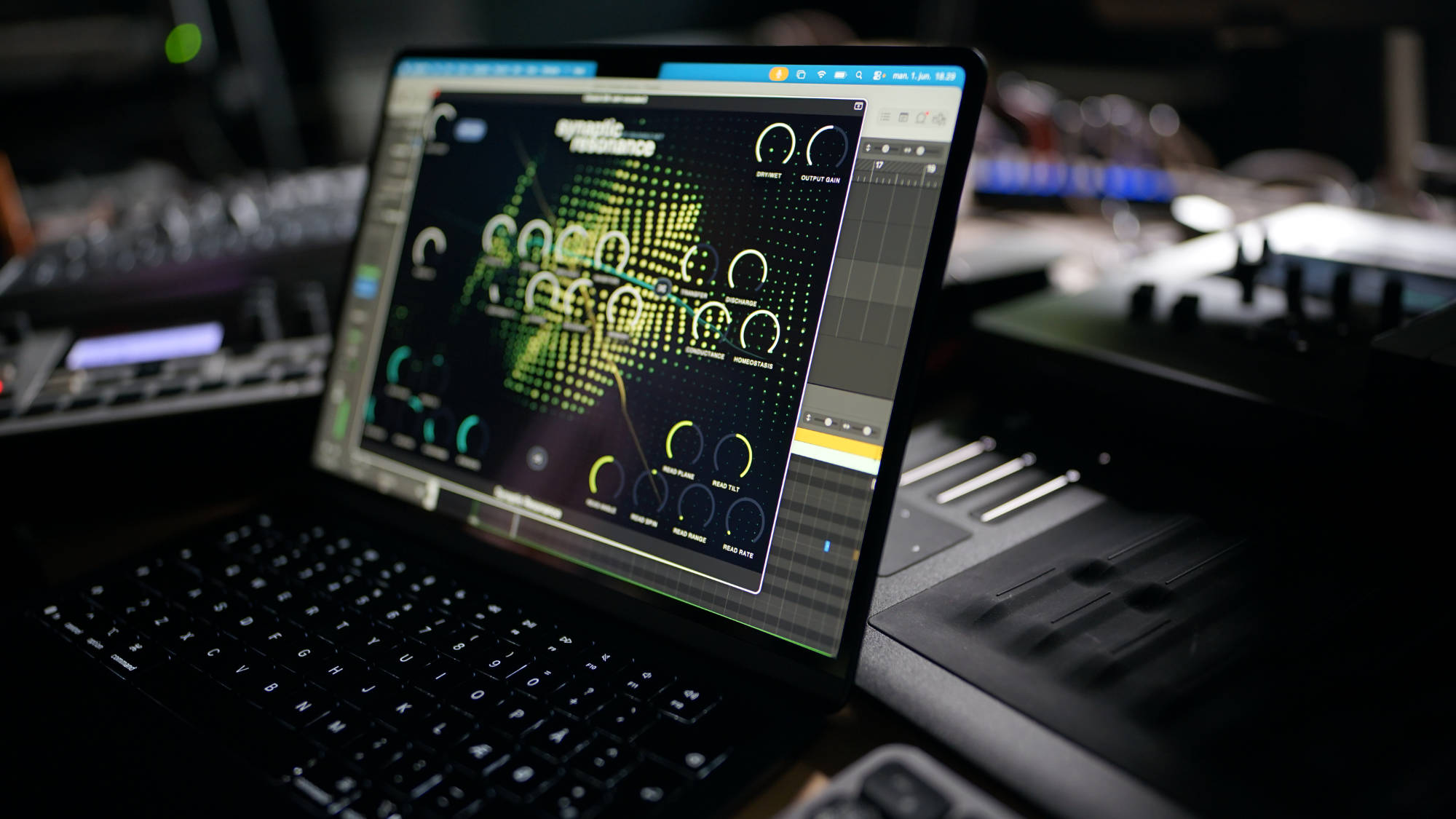
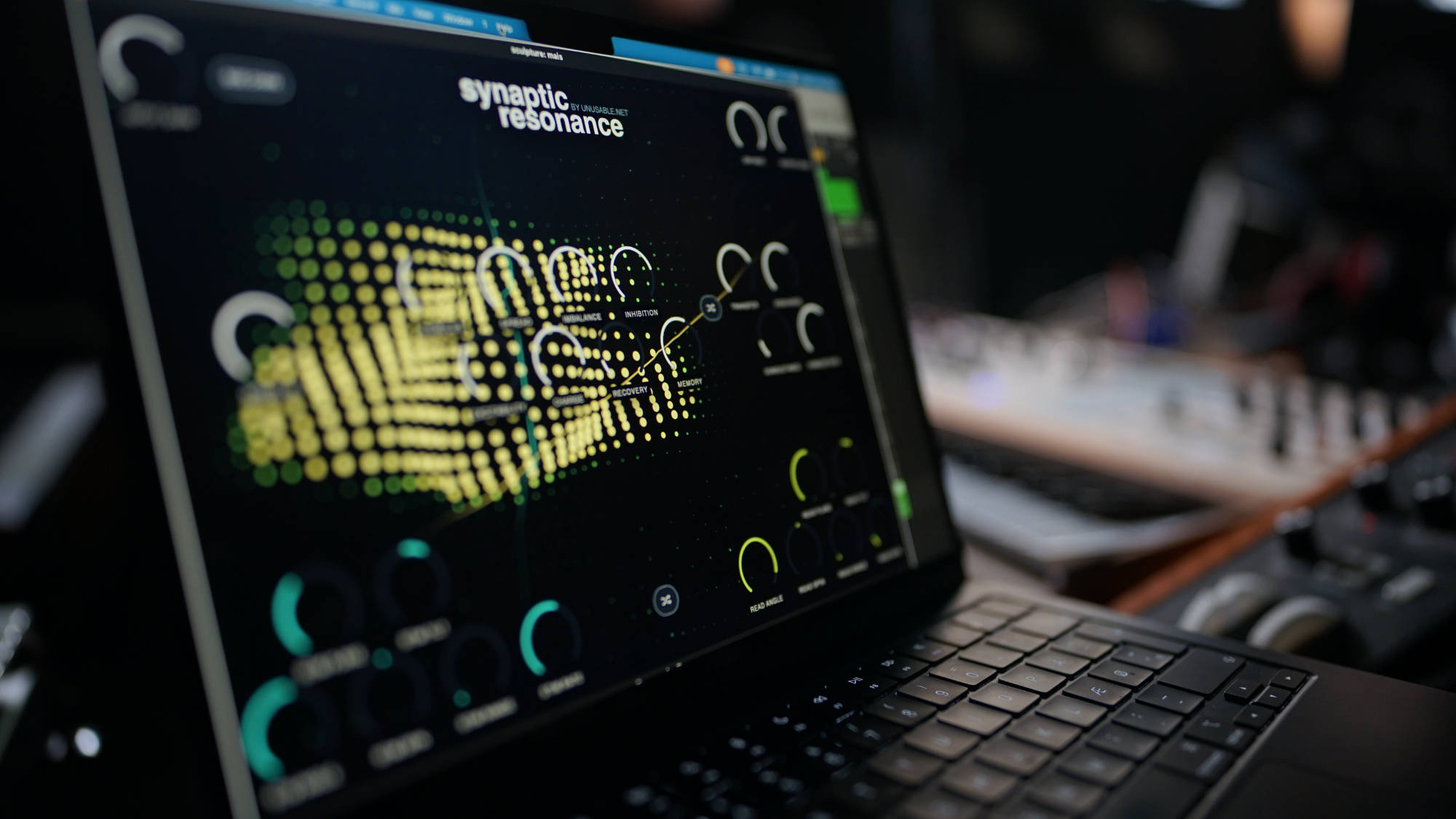
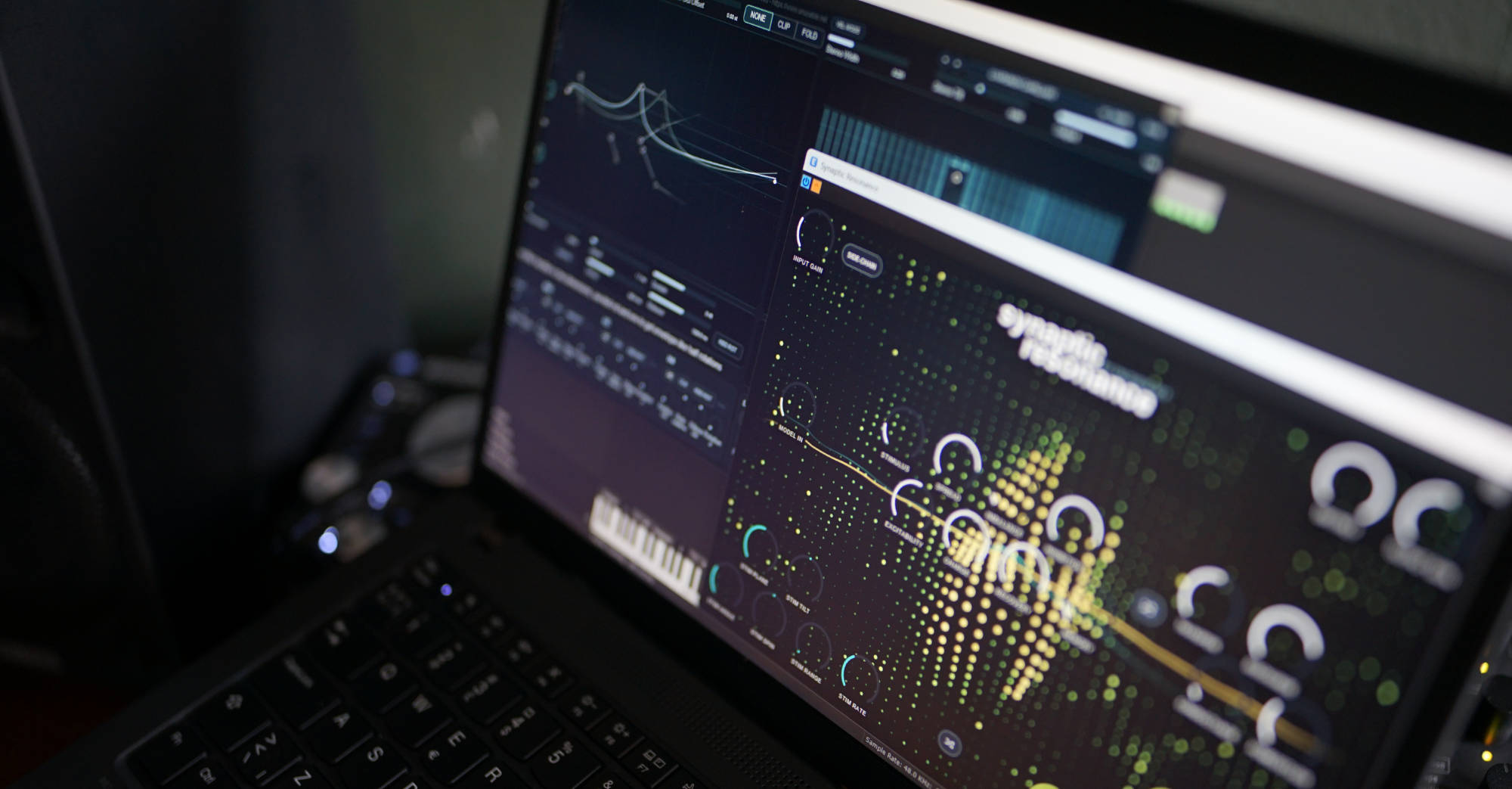
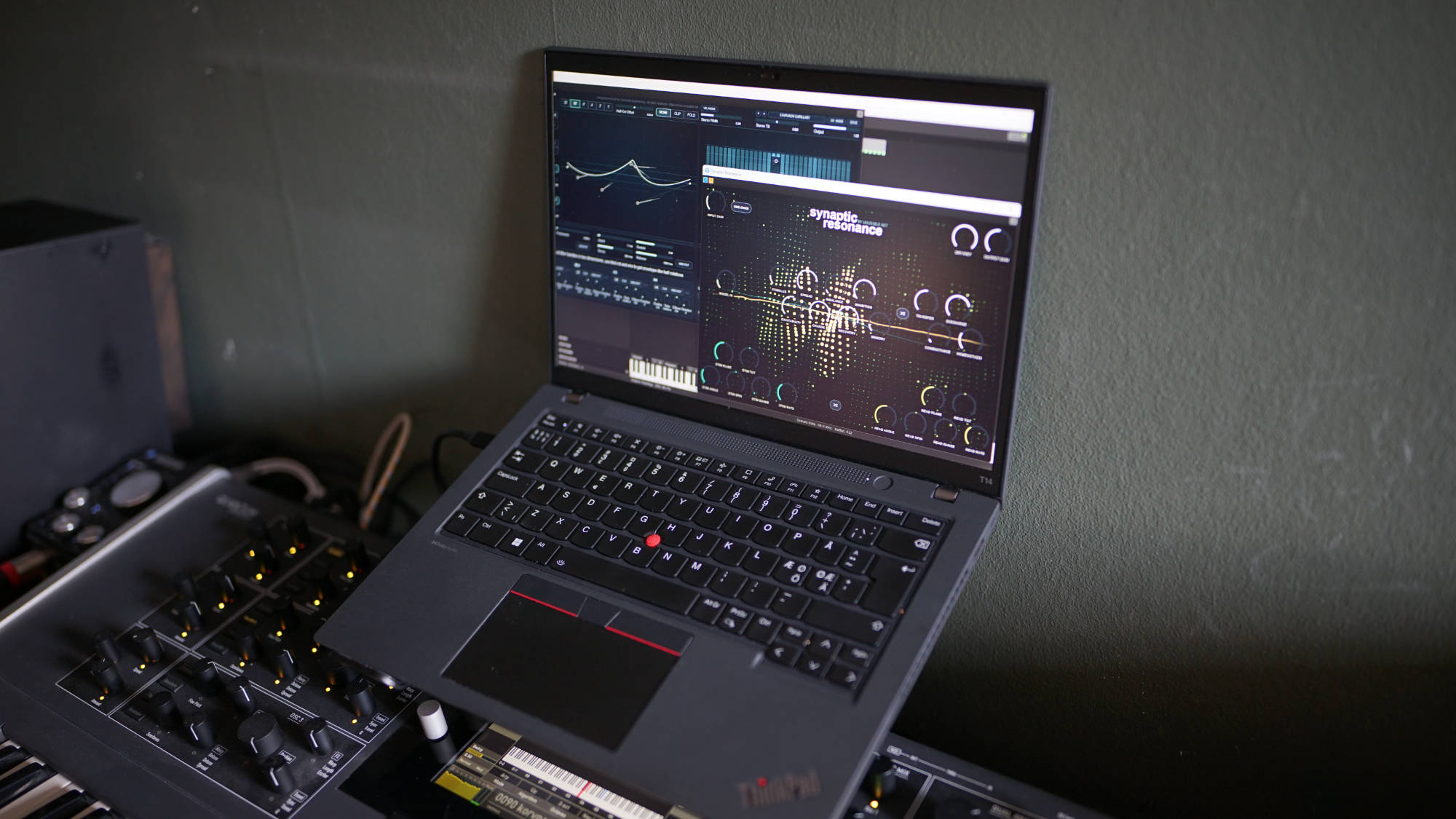
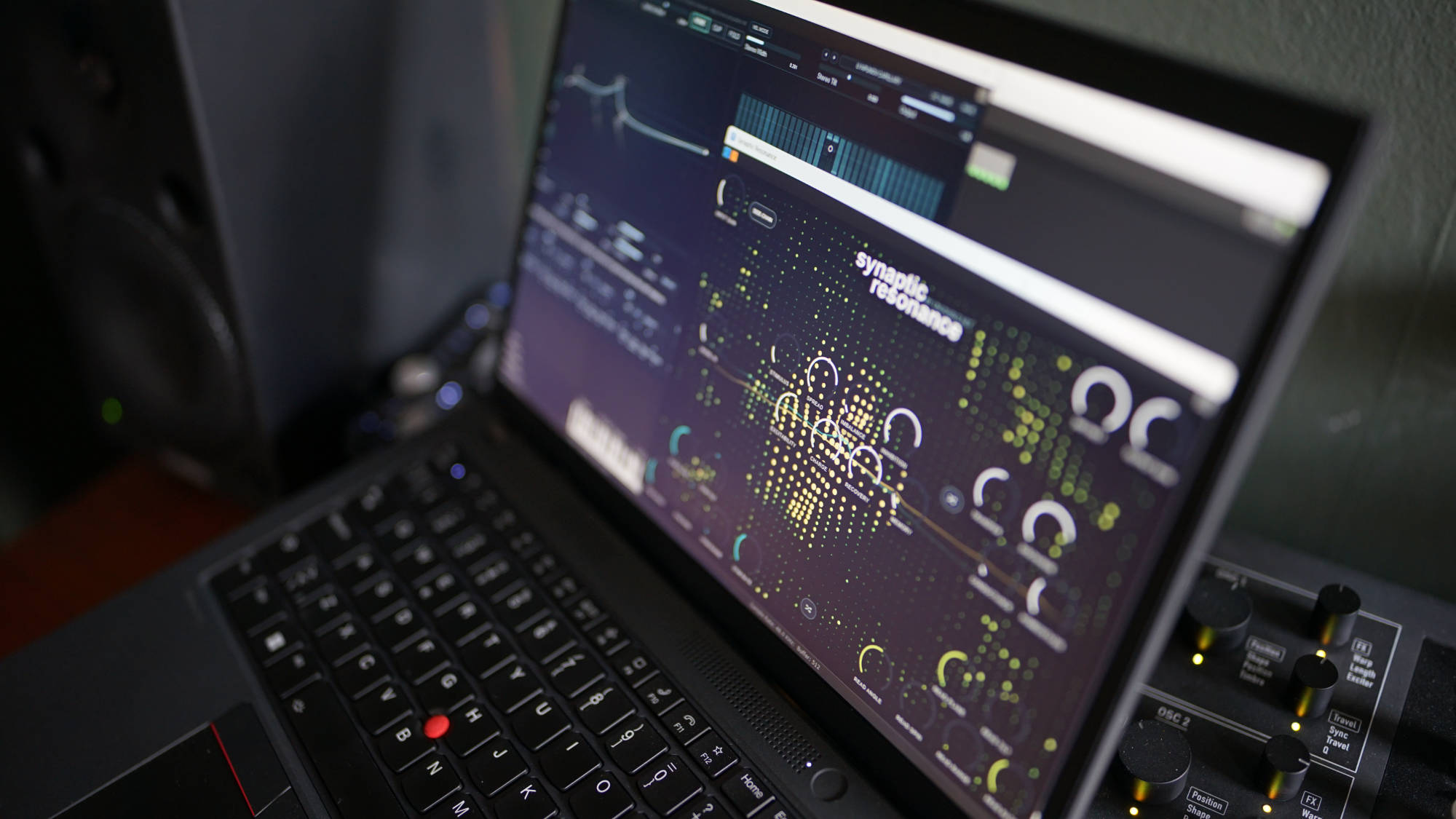
Walkthrough: https://youtu.be/FFA8FlT4bmI - Synaptic Resonance: Audio-driven neural simulation filterbank and vocoder.
Product page: https://www.unusable.net/effects/synaptic-resonance/
Walkthrough: https://www.youtube.com/watch?v=Z3iVAKzbGLI
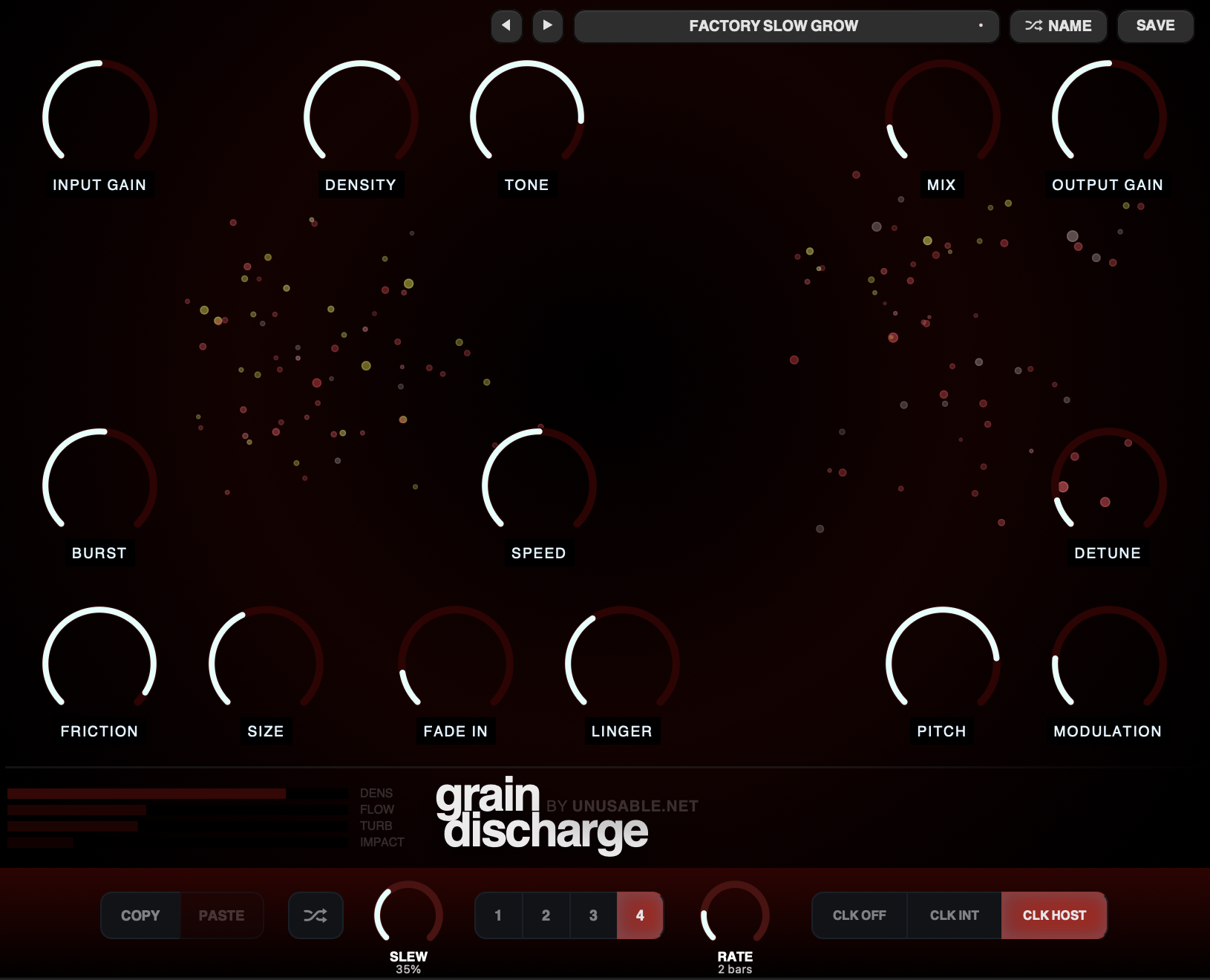
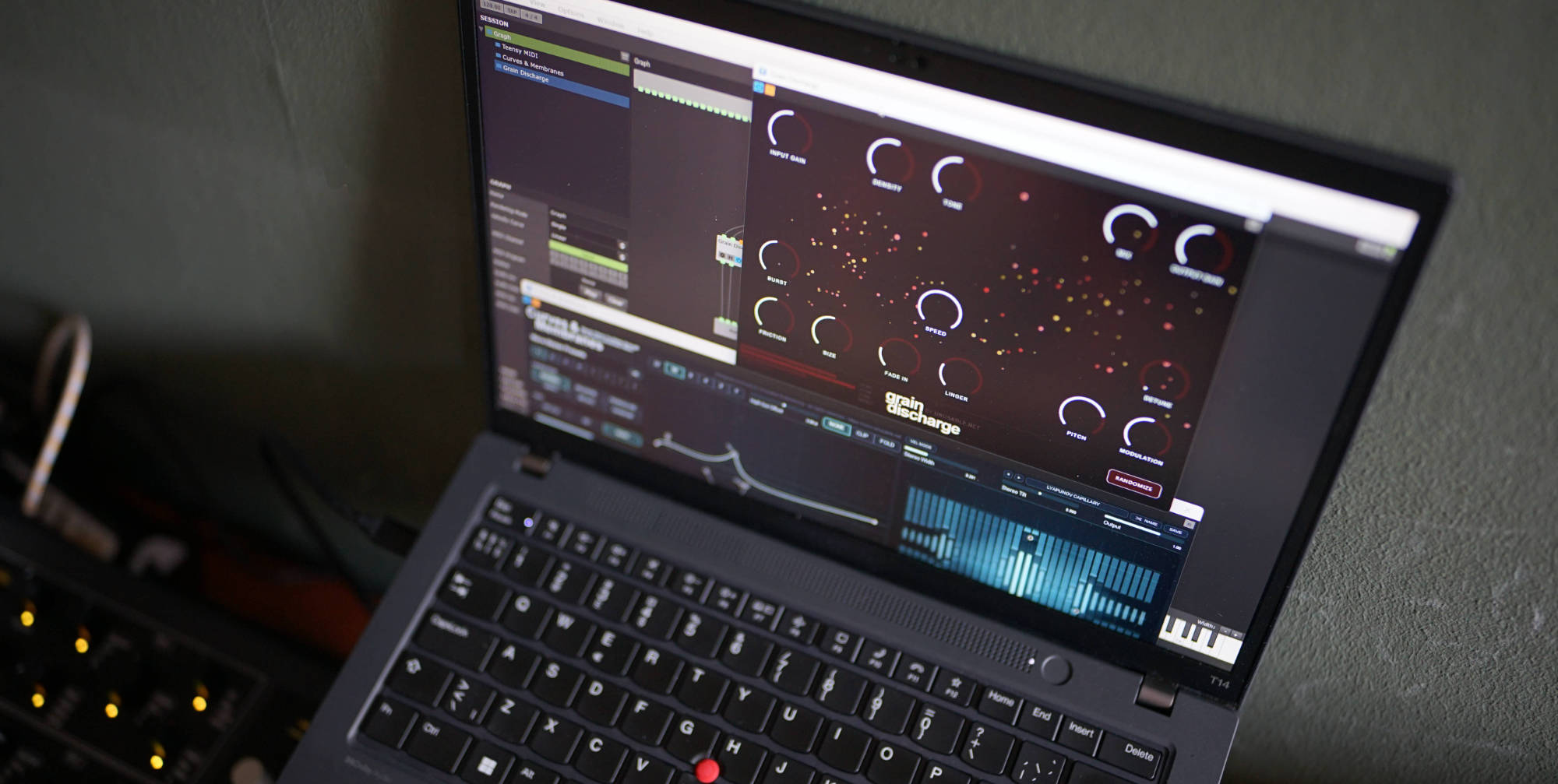
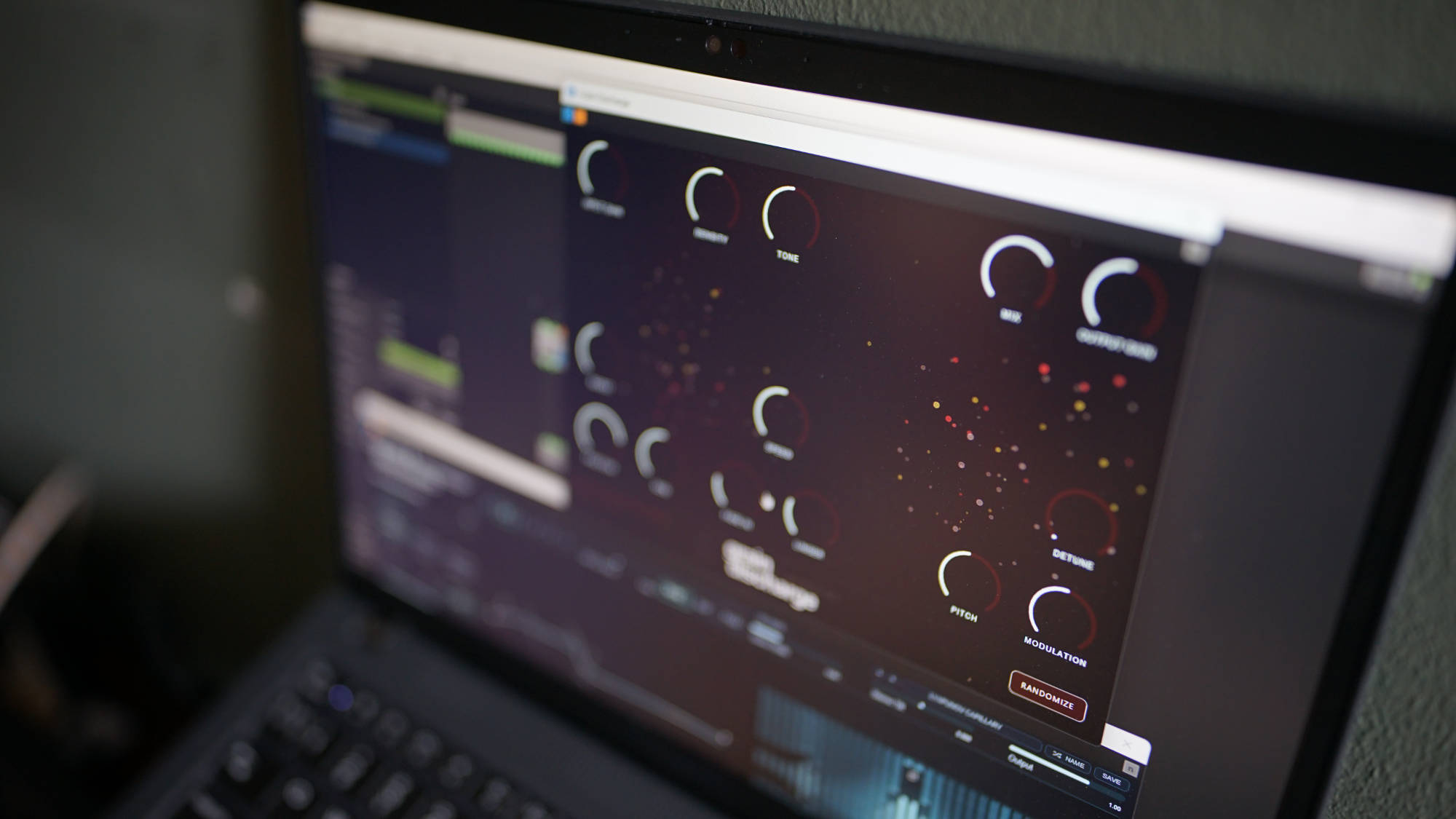
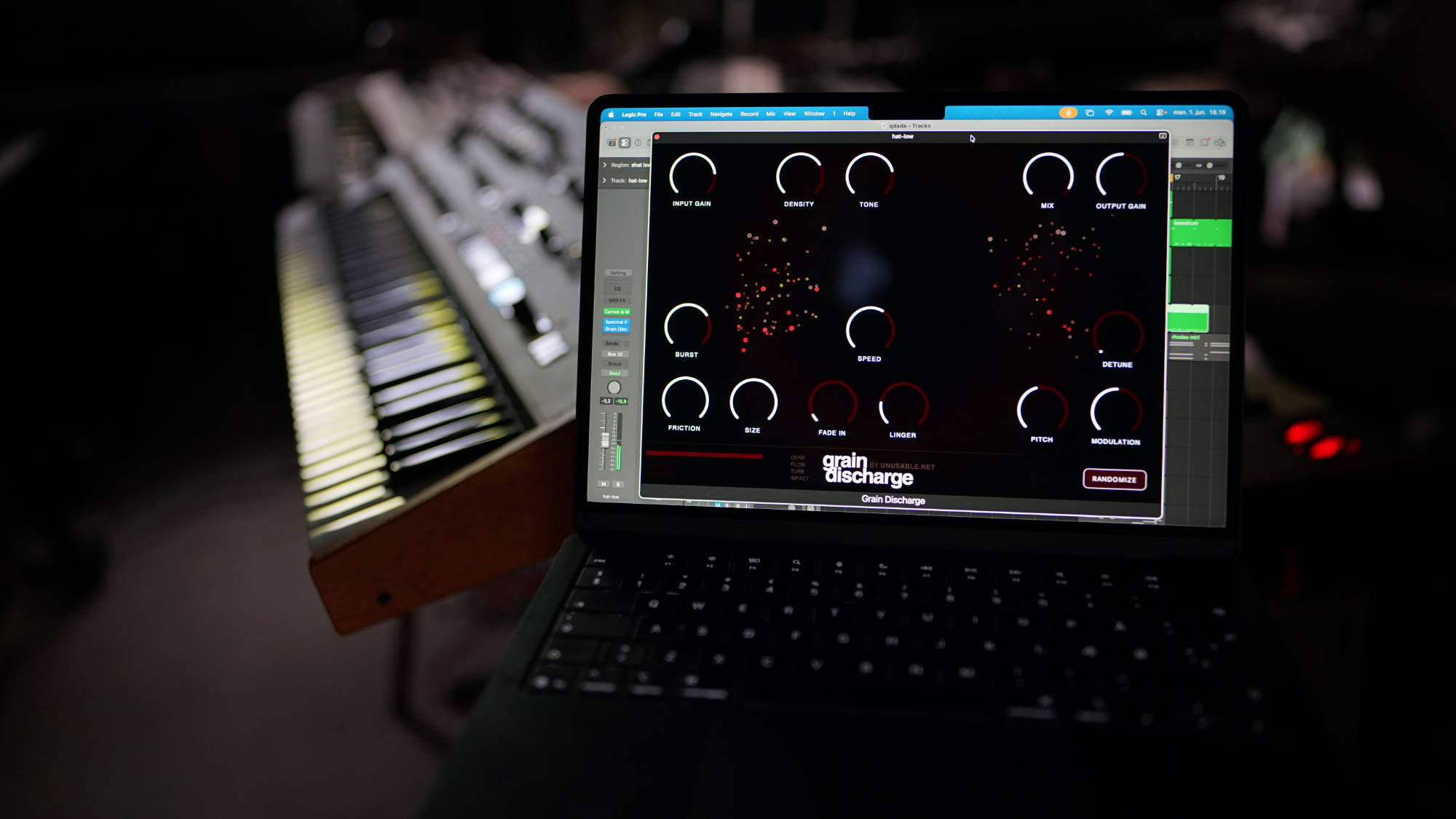
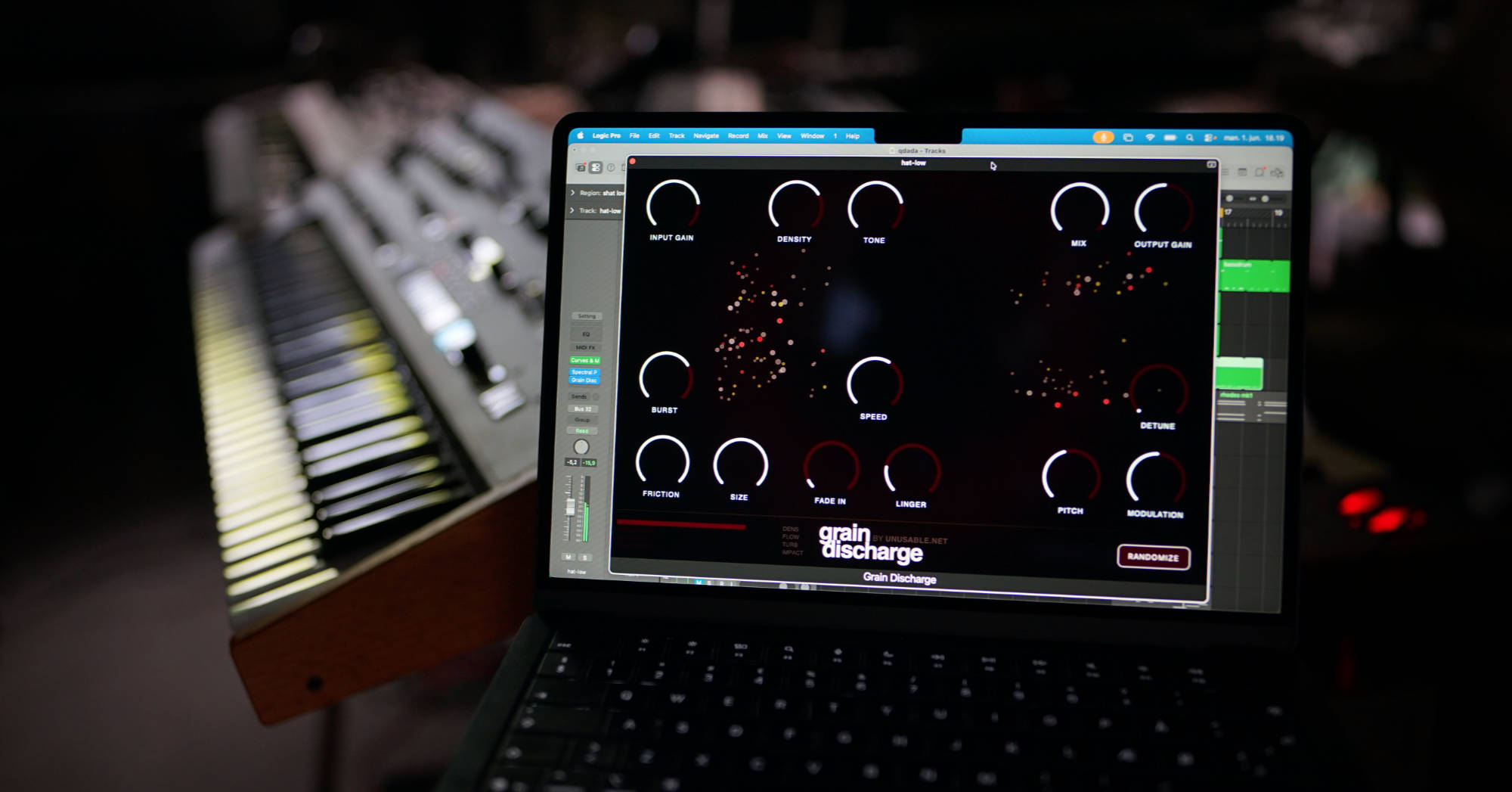
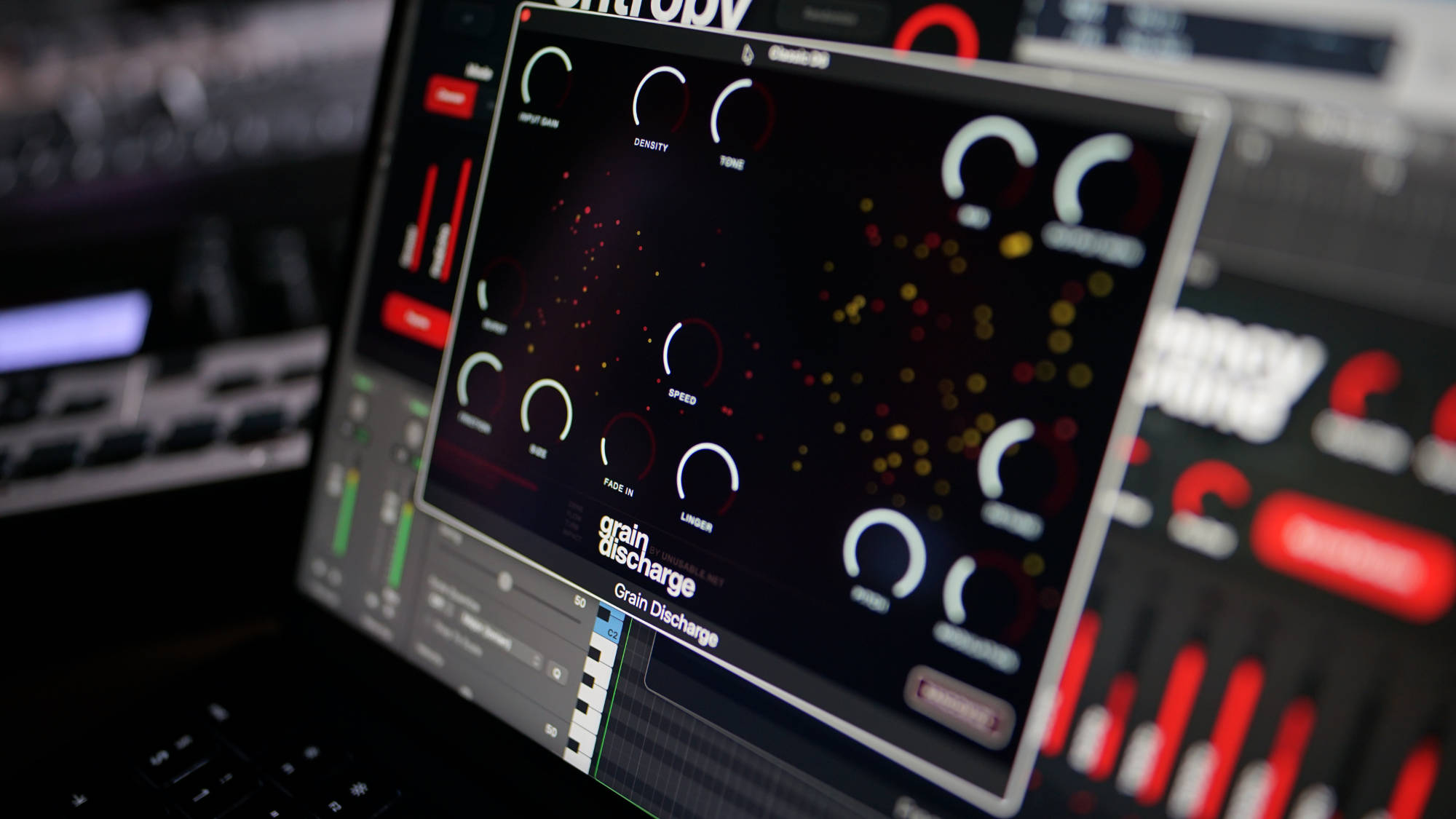
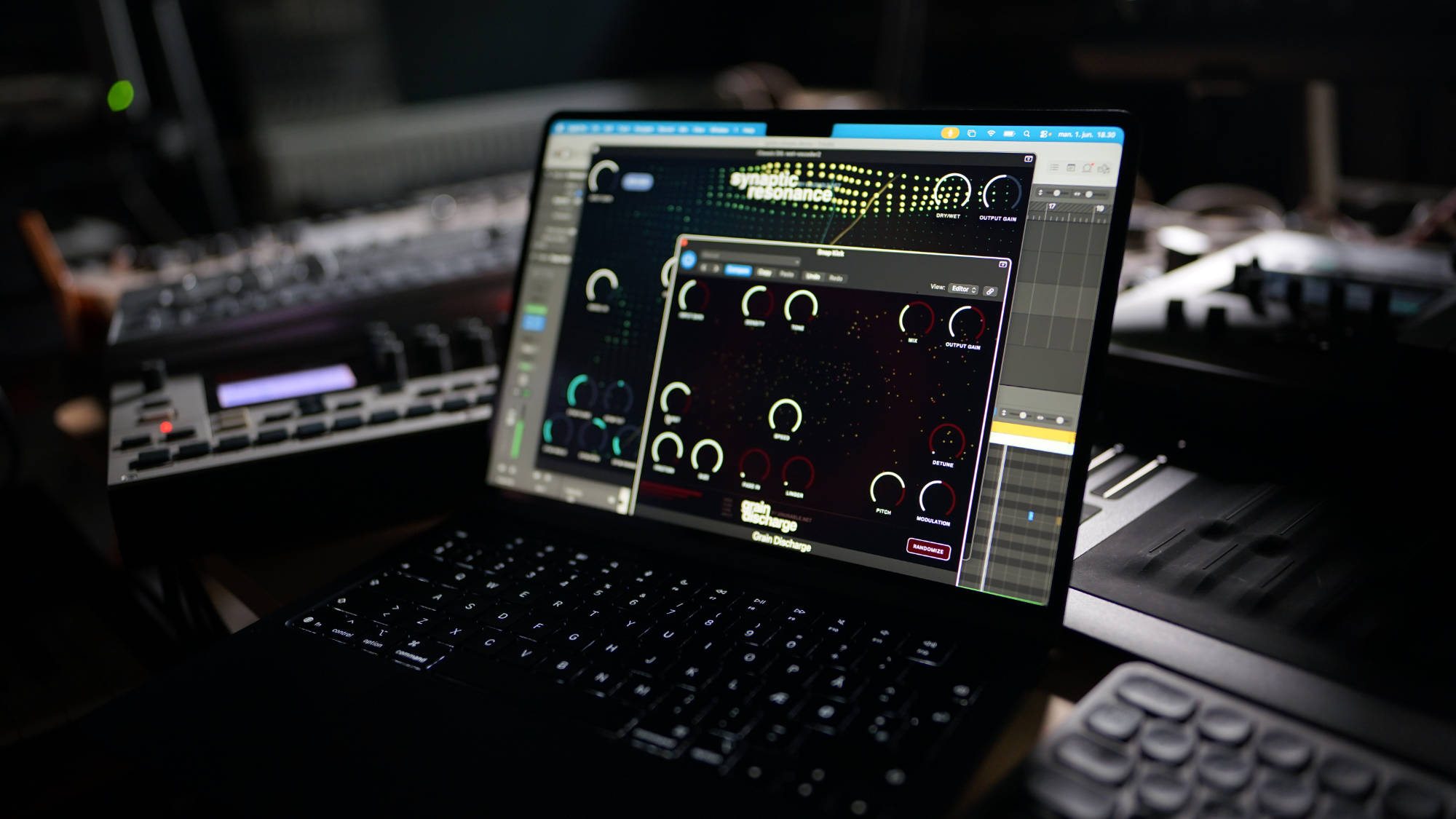
Sound example: https://www.youtube.com/watch?v=Ix7s8ming7o - Grain Discharge: Granular processor driven by fluid-like cavitation behavior.
Product page: https://www.unusable.net/effects/grain-discharge/
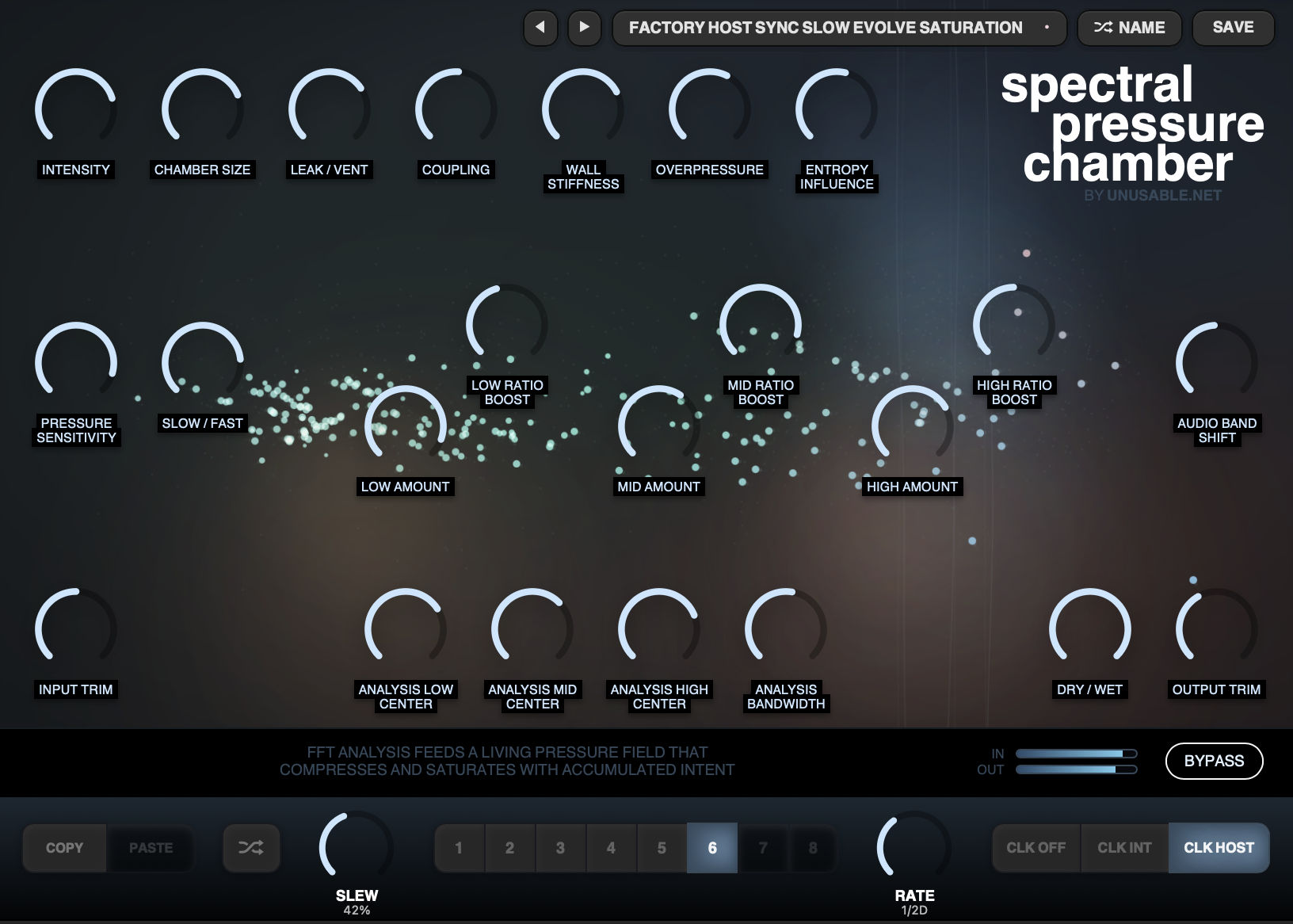
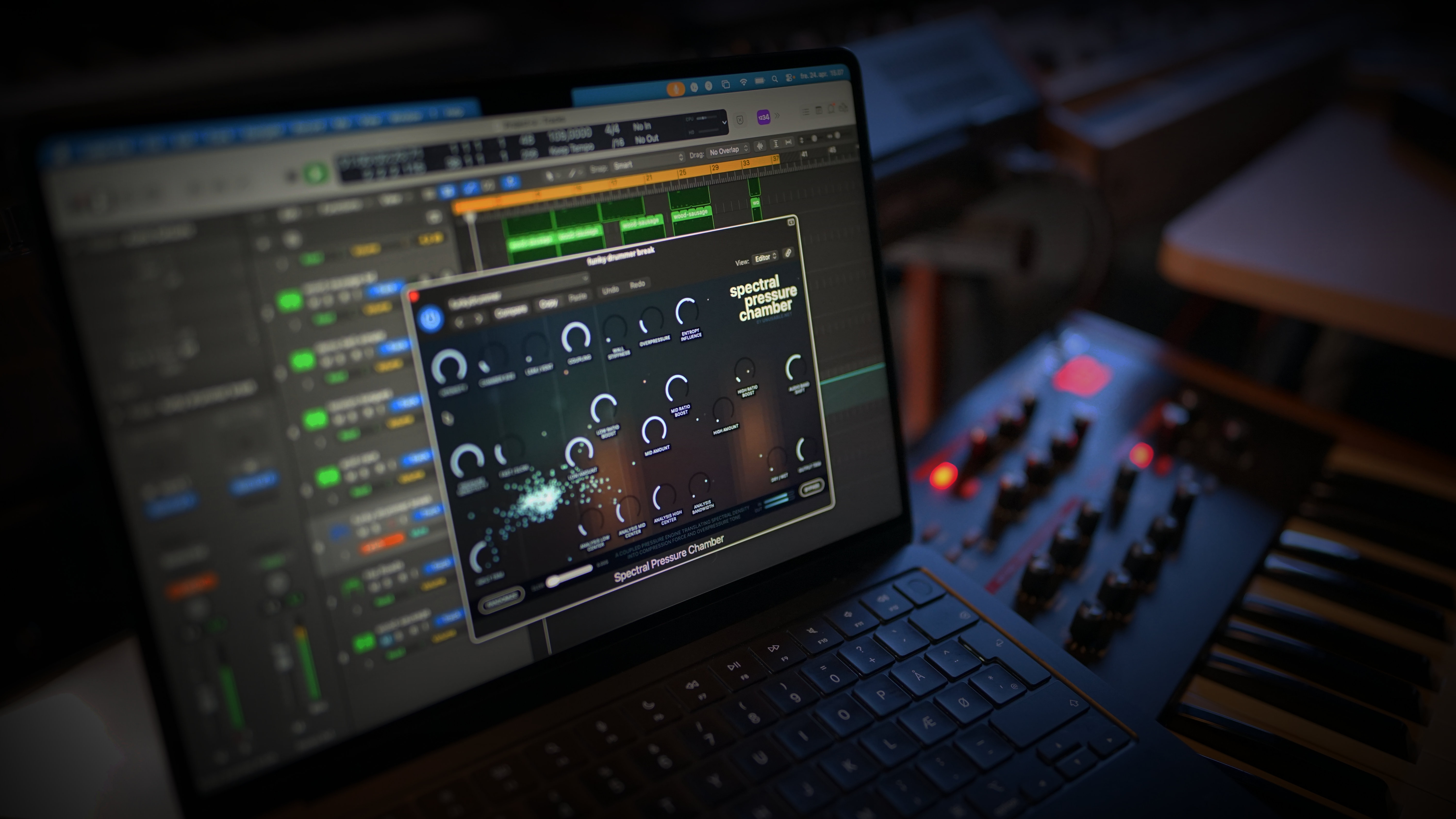
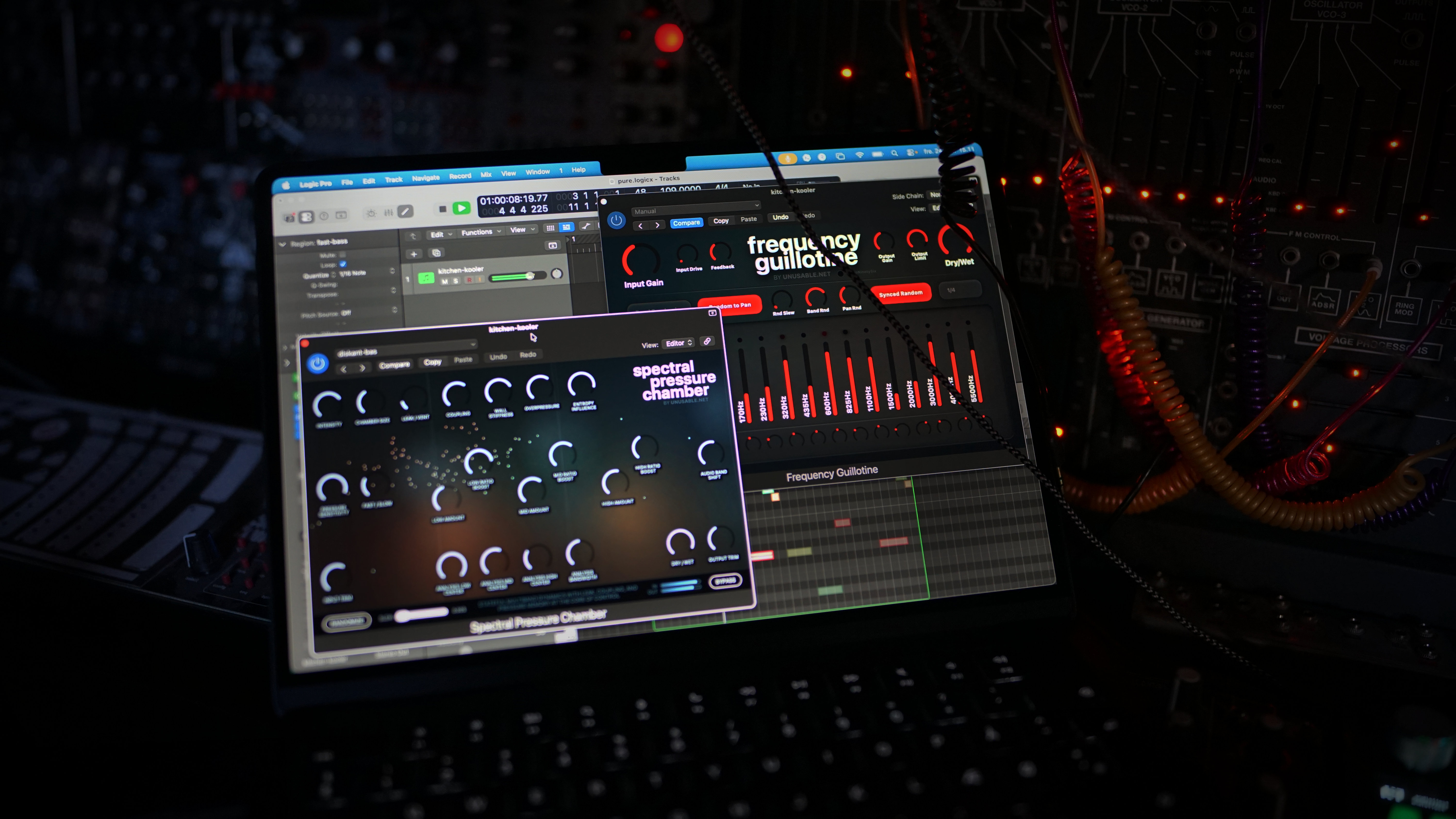
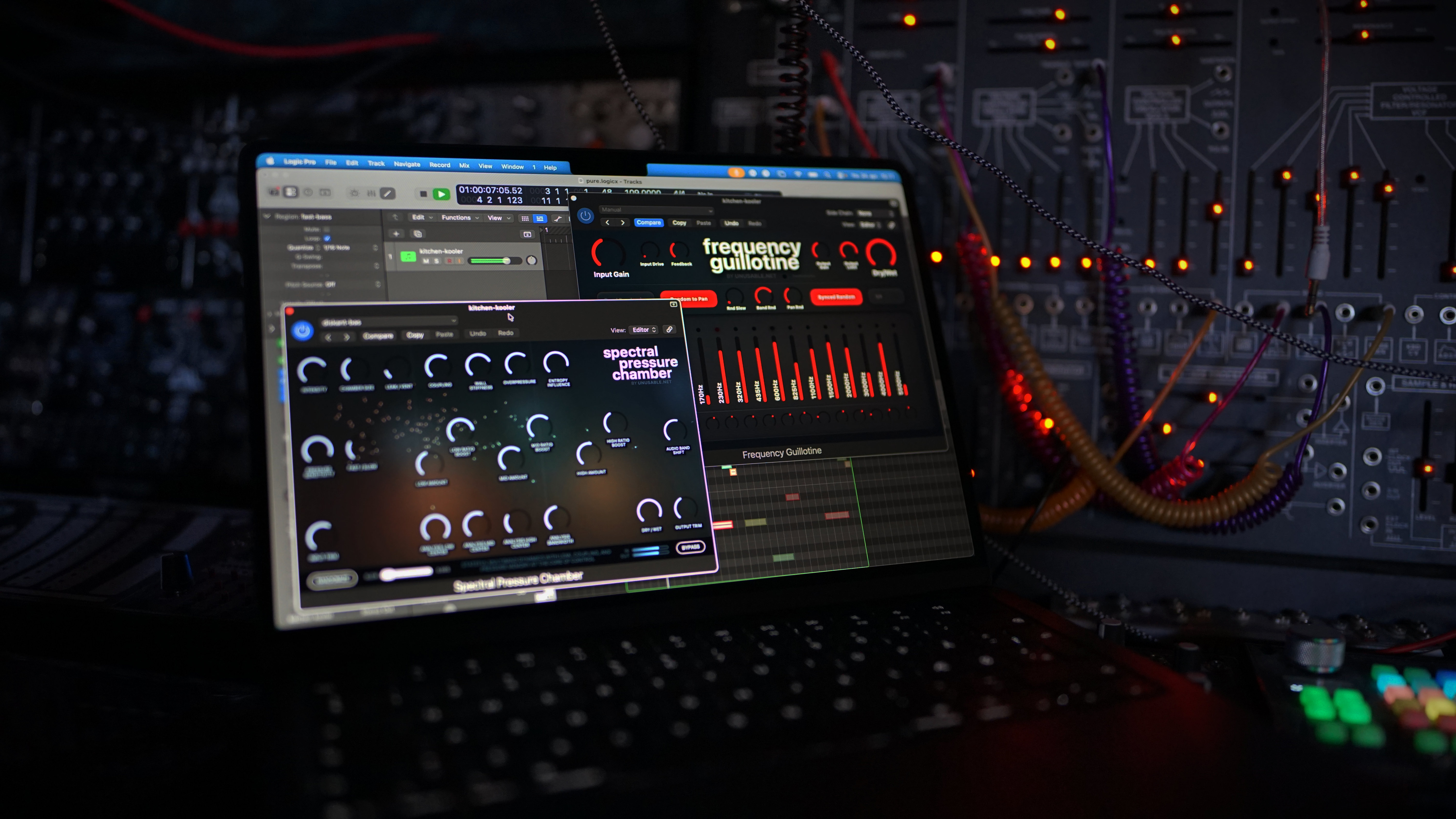
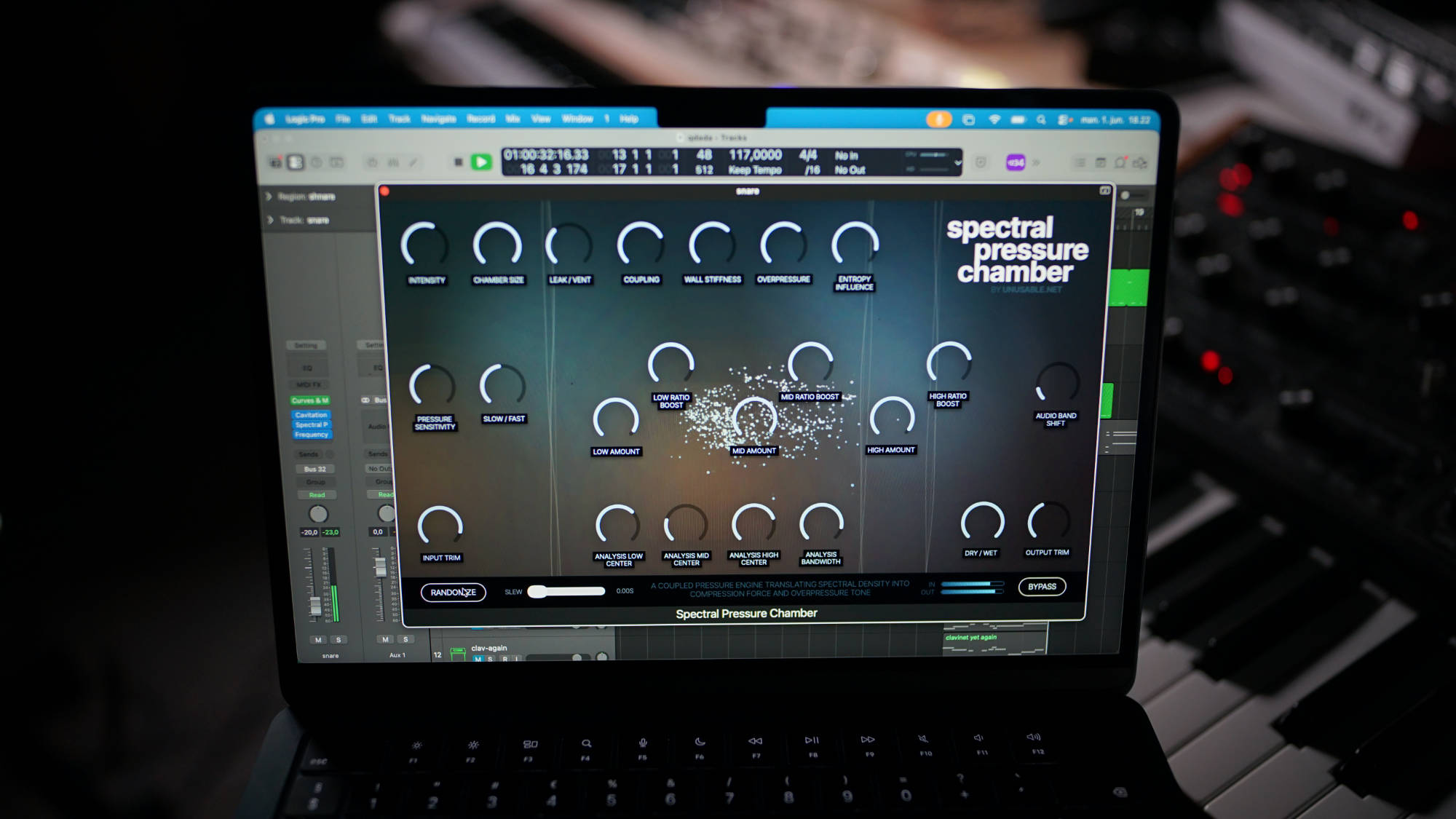
Walkthrough: https://www.youtube.com/watch?v=nJDcE7kFzg0 - Spectral Pressure Chamber: Thermodynamic simulation driving multiband compression and saturation.
Product page: https://www.unusable.net/effects/spectral-pressure-chamber/
Walkthrough: https://www.youtube.com/watch?v=RX9XrffwO_o - Cavitation Fractures: Distortion effect driven by fluid dynamic simulation.
Product page: https://www.unusable.net/effects/cavitation-fractures/
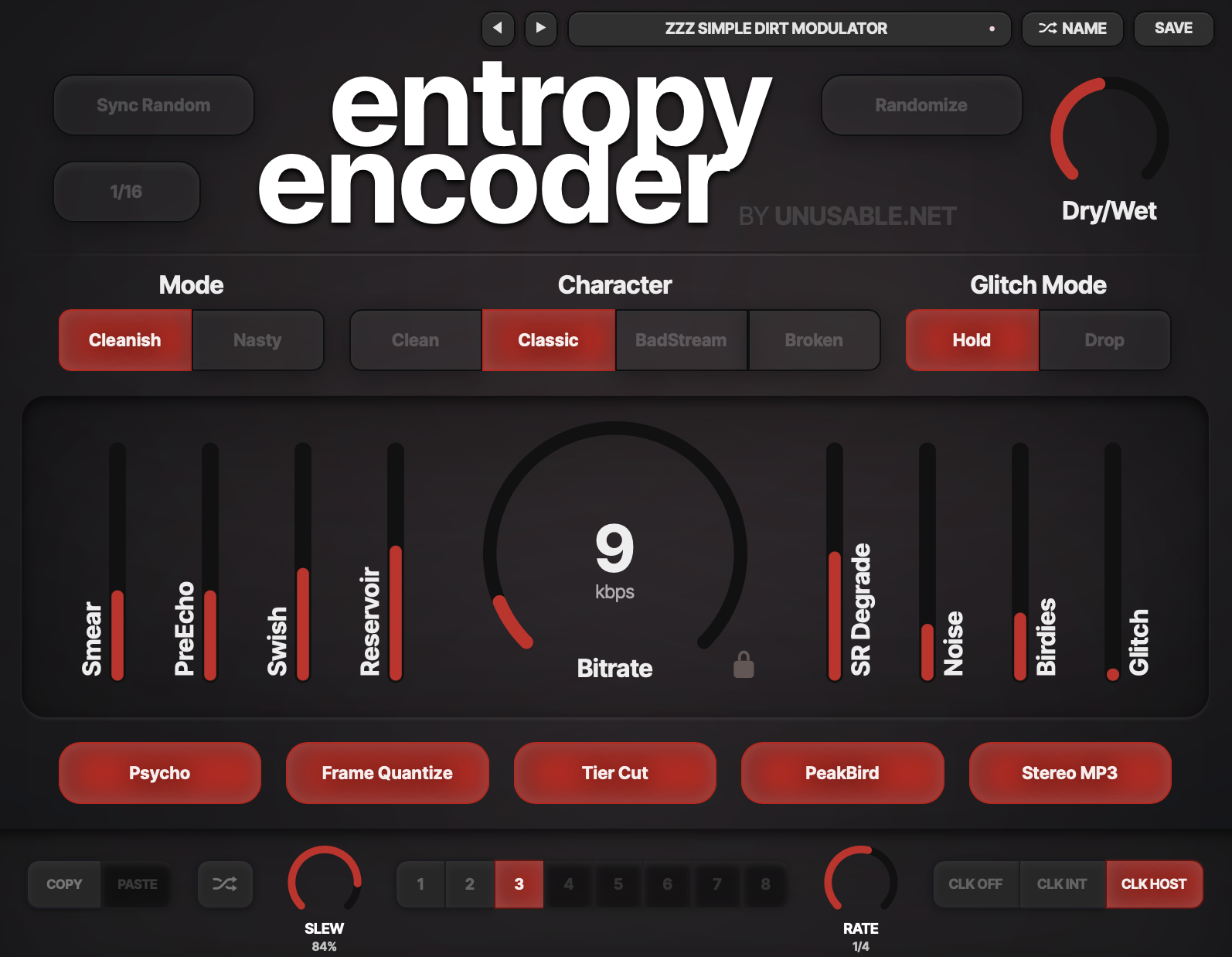
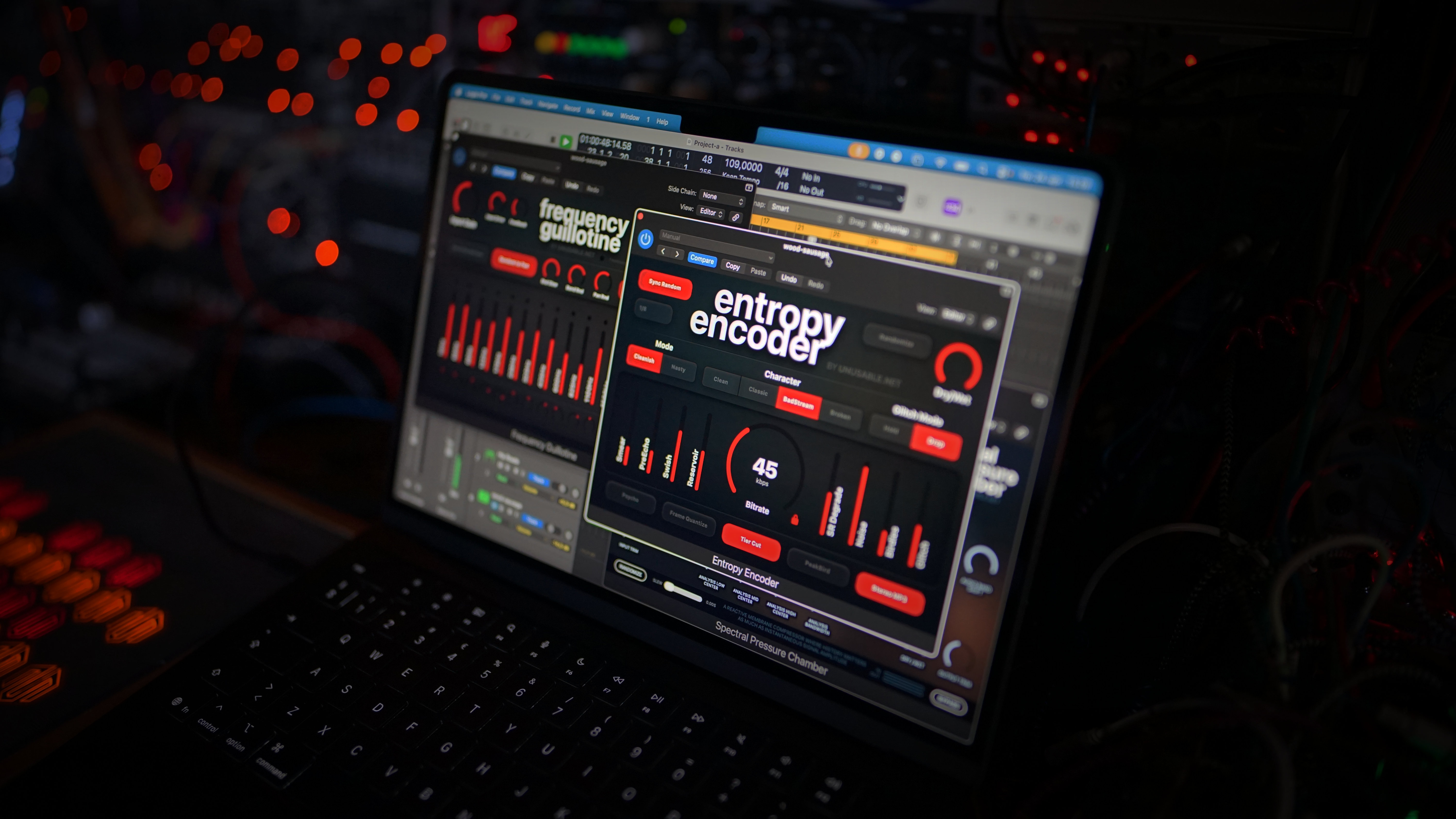
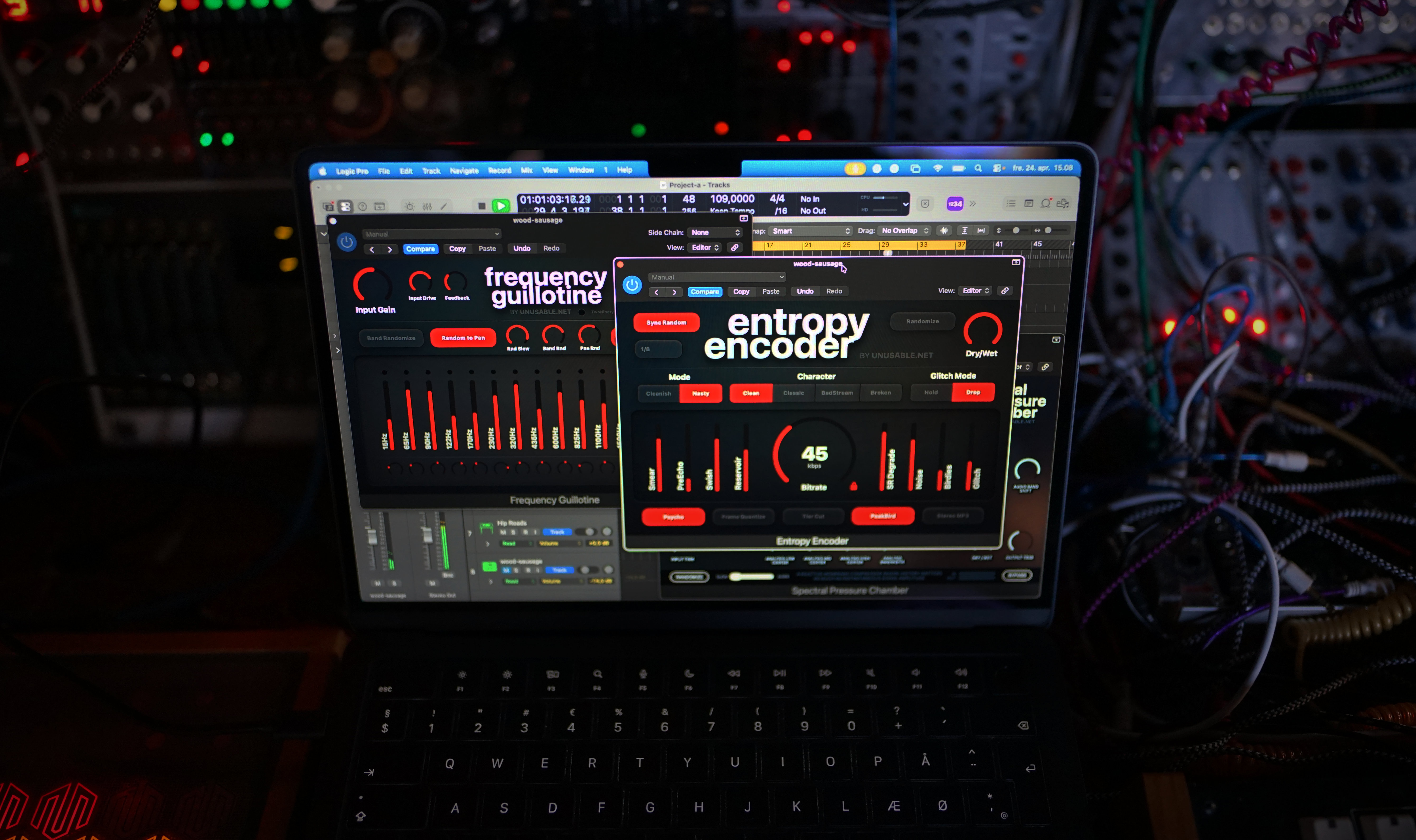
Walkthrough: https://www.youtube.com/watch?v=RaddU29F_Mk - Entropy Encoder: Realtime emulation of a bad MP3 codec with a synced random option.
Product page: https://www.unusable.net/effects/entropy-encoder/
Walkthrough: https://www.youtube.com/watch?v=XB66cV84d14 - Ensemble Diffuser: Circuit emulation of a 3-voice vibrato, chorus, and 8-stage phaser based on two rare classics.
Product page: https://www.unusable.net/effects/ensemble-diffuser/
Walkthrough: https://www.youtube.com/watch?v=pHI53wAHoeg - Frequency Guillotine: Modular-style filterbank reimagined for movement and performance inside the DAW.
Product page: https://www.unusable.net/effects/frequency-guillotine/
Walkthrough: https://www.youtube.com/watch?v=48GIa24OH8o - Harmonic Dissector: Dual parallel resonant filter with four slewed slots, clocked stepping, and per-section motion.
Product page: https://www.unusable.net/effects/harmonic-dissector/
Walkthrough: https://www.youtube.com/watch?v=6l3tE2yEfqE - Tension Reactor: Physically modelled spring reverb with circuit emulation based on a strange 70s classic.
Product page: https://www.unusable.net/effects/tension-reactor/
Walkthrough: https://www.youtube.com/watch?v=3mheUr3PRNw
Press assets note
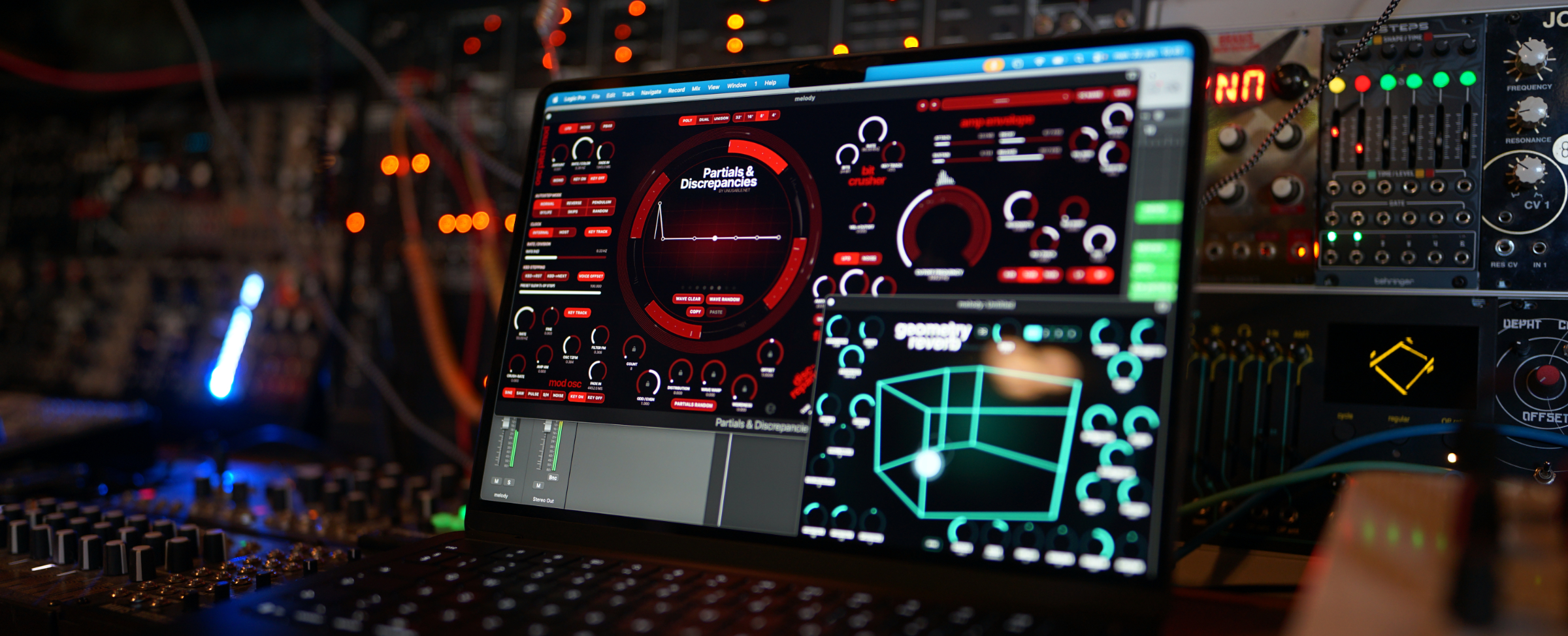
This press page includes downloadable and reusable assets for editorial coverage, including logo files, transparent logo variants, product screenshots, lineup images, and demo and video links.
For review access, additional materials, or product-specific questions, contact:
Rasmus Nyåker
[email protected]