Unusable Engineering ApS
effect

Cavitation Fractures

A fluid-dynamics processor that can add fracture, erode narrow bands, or pull event-shaped holes from the signal.

DistortionAU/VST3Mac/Win

Processing Modes

  • Added Erosion, and Vacuum modes and a button for Emission (original mode). The new modes use the controls and simulation in different ways, producing subtractive effects that makes for more subtle usage.

Slot Sequencer

  • Parameters held while sequencing now overwrite every slot passed during the gesture.
  • Added Cmd/Ctrl+click slot preview, which pauses sequencing and auditions the selected slot without slew.

Shortcuts And History

  • Added active-slot copy and paste with Cmd/Ctrl+C and Cmd/Ctrl+V.
  • Added multi-step undo with Cmd/Ctrl+Z.
  • Added redo with Cmd/Ctrl+Shift+Z.

Performance And Real-Time Safety

  • Metering and visual energy calculations are skipped while visualization is inactive.
  • Increased preallocated processing capacity to avoid audio-thread allocation when hosts temporarily exceed their advertised block size.
  • Reduced editor-related processing when the interface is closed without changing audio behavior.
  • Improved slot parameter lookup and runtime override handling.

What it is

Cavitation Fractures is an experimental effect inspired by fluid dynamics and pressure collapse events. It listens for energy and transients, tracks strong frequencies in the source, and turns each detected collapse into an additive or subtractive event. Most of the time Emission sounds like putting sounds through the wires on a snare drum. Erosion and Vacuum use the same unstable system to remove sound instead. It sounds more subtle, but still strange. And best of it all... ...it is free.

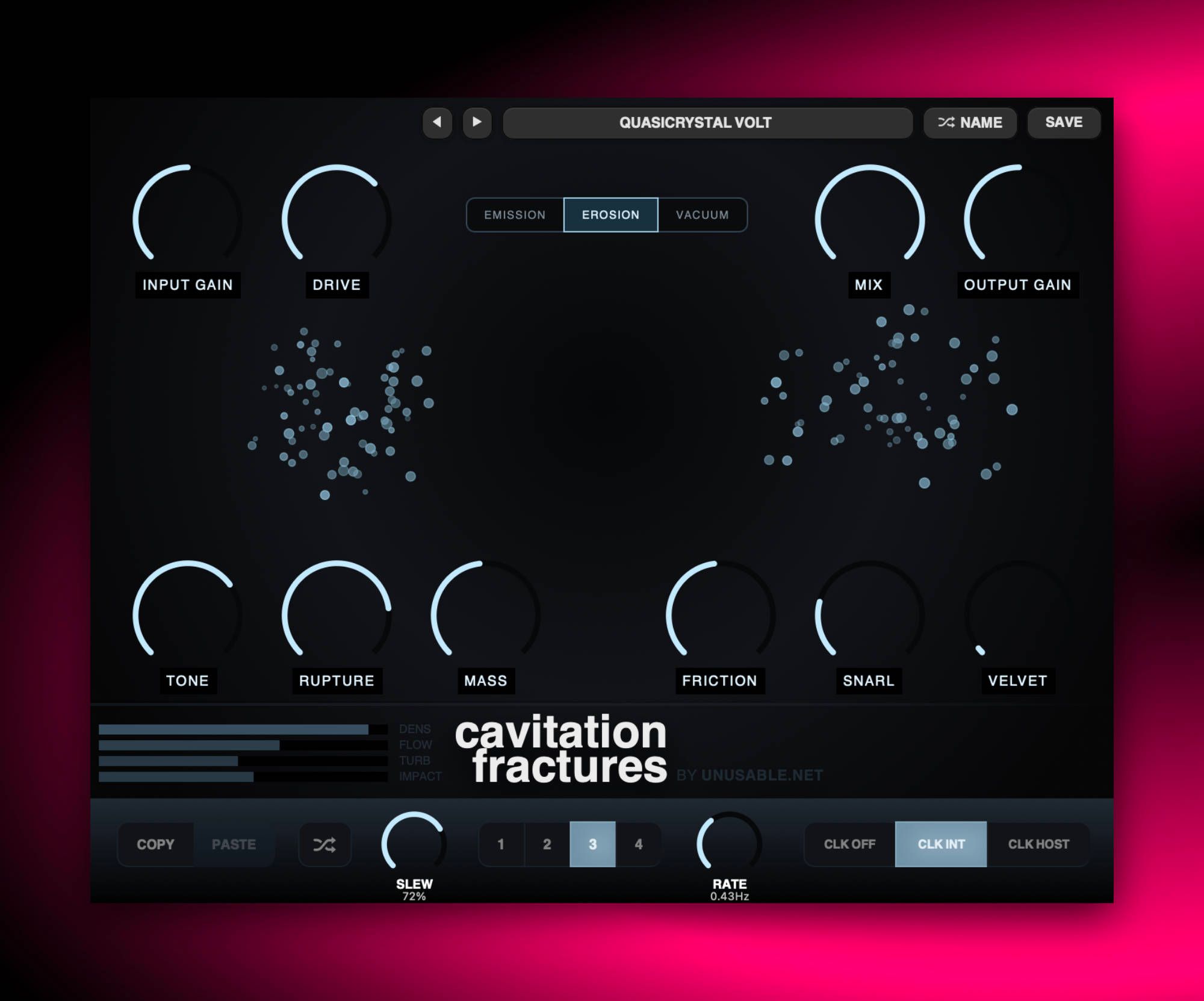
Emission adds resonant bursts, noise, folding, and saturation. Erosion drives the input and cuts narrow moving bands around tracked frequencies. Vacuum drives the input and applies short pressure-drop envelopes across the wet signal. Rupture, Mass, Friction, Snarl, and Velvet control the same simulation in all three modes, so changing mode preserves the control layout while changing what the collapse events do.

Use Emission for cracked transients and unstable resonant debris. Use Erosion when the source should remain recognizable but develop moving holes and spectral thinning. Use Vacuum for rhythmic pressure loss and amplitude cavities. Drive can be used before either subtractive process, while Mix sets how much of the original signal remains.

Highlights

Three collapse modes

Emission adds fracture energy, Erosion removes moving spectral bands, and Vacuum creates event-shaped pressure drops.

Fluid motion controls

Rupture, Mass, and Friction shape event density, weight, and movement.

Sound driven Fireworks

The simulation is driven by sound and shapes the sound while being a beautiful distraction in your DAW.

Full walkthrough

A quick 2-minute walkthrough of Cavitation Fractures covering its functionality, the philosophy behind it, and how it behaves across all sources in a mix.

Slot sequencer

On Cavitation Fractures, the slot sequencer is a quick way to move between different fracture states instead of treating the plugin like a fixed distortion. Saving a few variations with different drive, mass, tone, or rupture settings makes it easy to let the distortion breathe and shift as the material develops.

With longer slew times it can move from restrained breakup into more splintered collapse without obvious steps, and with fewer active slots it can act almost like a custom modulation source. It is a simple addition, but on this plugin it gives the unstable engine a more performable shape.

Watch slot sequencer video
Reference

Quick user guide

Cavitation Fractures uses input-triggered cavitation events to drive three different processes: additive fracture (the original mode), moving spectral erosion, and event-shaped attenuation. The same controls alter event generation, pitch tracking, motion, and smoothing in all three modes; the lower strip stores and sequences those states.

01

Signal path and level controls
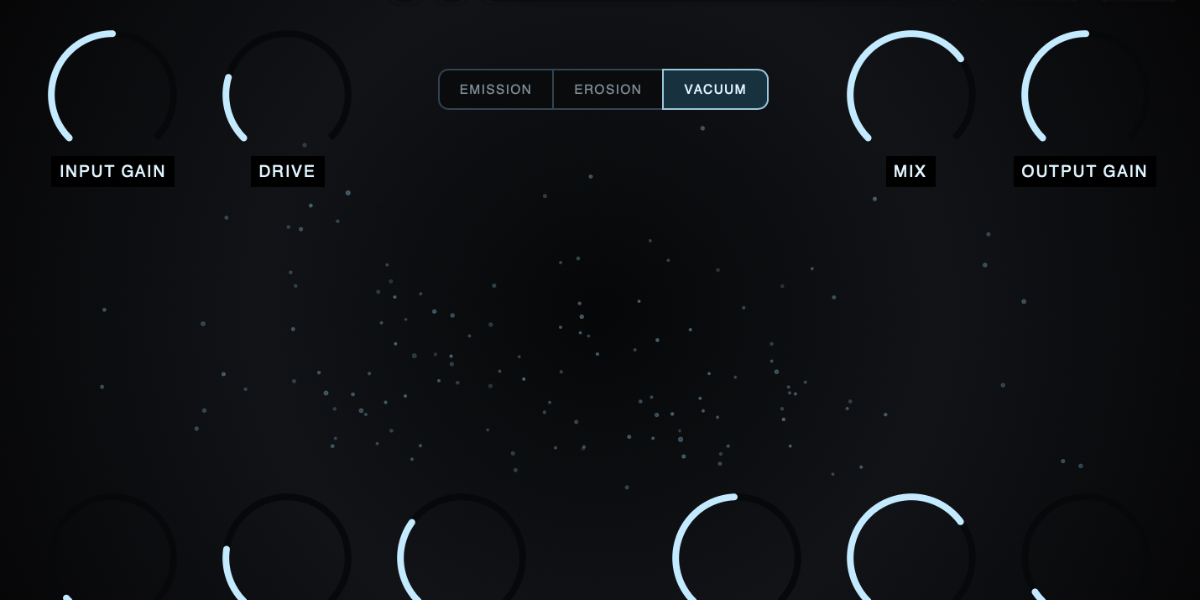
Cavitation Fractures input, output, mix, drive, and tone controls

The input is split between the dry path and a 4x-oversampled wet path. The wet path detects incoming level and transients, generates cavitation events, applies the selected processing mode, then passes through tone shaping and output protection before the dry/wet blend.

Input Gain changes the level entering the detector and wet processing. It therefore changes both distortion level and how readily the input triggers cavitation events.

Drive in Emission, increases gain into the asymmetric fold and saturation stages. In Erosion and Vacuum, it applies tube-style saturation before material is removed.

Tone tilts the processed spectrum. Negative values reduce high-frequency content and emphasize the lower body; positive values emphasize upper harmonics. It also changes the positive/negative asymmetry slightly.

Mix crossfades between the original input and the complete processed signal.

Output Gain changes the final level after the dry/wet blend and before the last soft limiter.
02

Processing modes

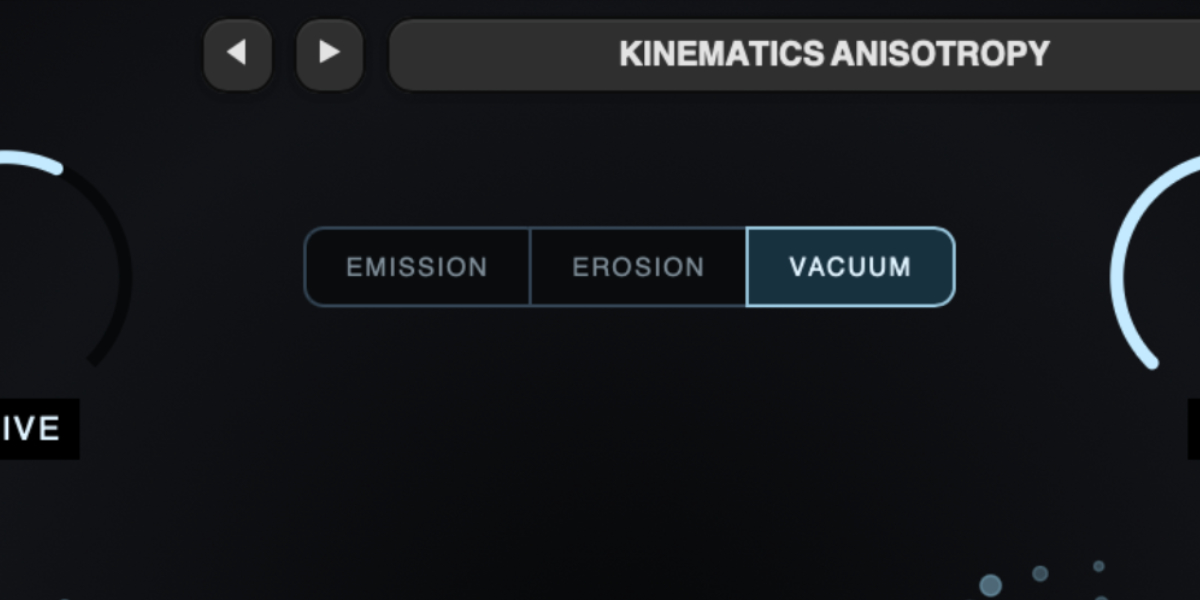
Cavitation Fractures Emission, Erosion, and Vacuum mode controls

The event detector, pitch analysis, and particle simulation stay active in every mode. Mode changes what each detected collapse does to the wet signal. Switching modes is smoothed to prevent a discontinuity at the output.

Emission adds new audio to the input. Each collapse injects noise-like burst energy and a short resonant shock, followed by asymmetric folding and saturation. This is the original, densest, and most obviously synthetic mode.

Erosion uses each collapse to open up to three narrow moving cuts in the input spectrum. Their center frequencies follow tracked input frequencies when analysis is confident, while Mass changes their bandwidth and event duration. The result is moving spectral holes rather than added resonances.

Vacuum uses the same tracked events to reduce the level of the complete wet signal for short periods. Three simultaneous event envelopes multiply together, producing pressure-drop shapes while retaining a 5% signal floor.

Mode is global. It is stored in the plug-in state and presets, but is not changed by slot selection, slot randomization, or sequencer stepping.

03

Cavitation controls

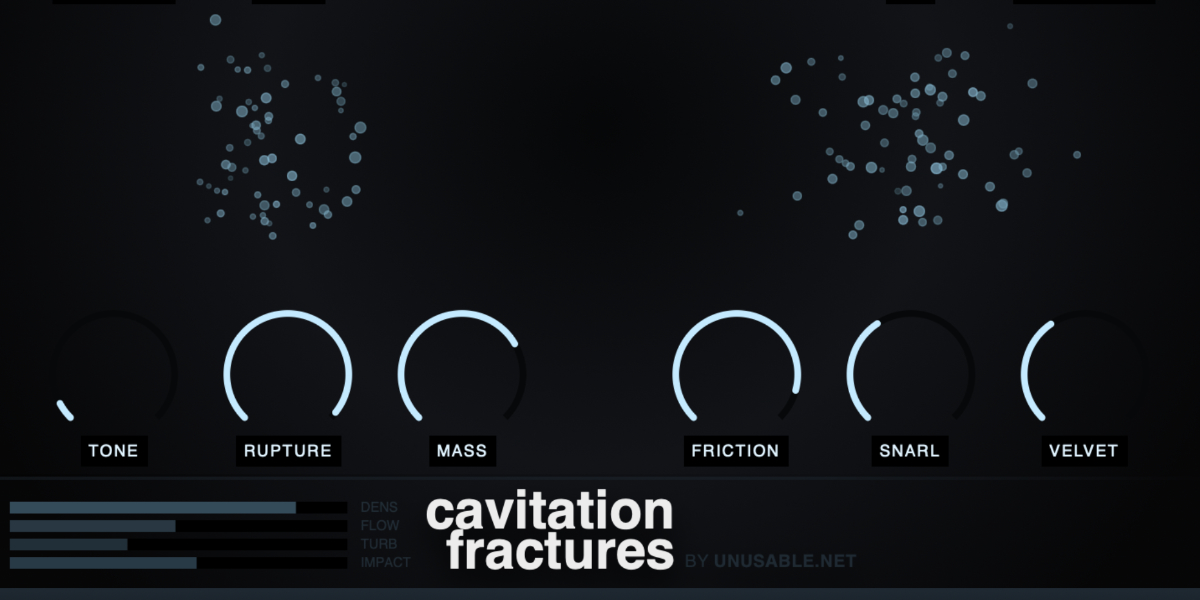
Cavitation Fractures Rupture, Mass, Friction, Snarl, and Velvet controls

The five central macros control groups of related simulation and event parameters. Cavitation events are created only when input energy is present; transient strength affects their probability and intensity.

Rupture sets event activity. It raises transient sensitivity, lowers the event threshold, increases event rate and shock injection, and produces denser aftershock cascades. Most of its increase is concentrated toward the upper end of the control.

Mass increases bubble size, event duration, active population, and rebound strength. Higher values produce longer, denser, lower-weighted clusters; lower values favor shorter micro-events.

Friction inversely controls simulation movement. Turning it down increases swirl, timing jitter, population drift, bubble-size variation, and stereo coupling; turning it up restrains those changes.

Snarl sets the balance between input-derived pitch tracking and free resonant spread. Higher values hold detected spectral frequencies more closely; lower values widen detuning and allow the resonators to move independently.

Velvet lengthens the attack of each event and reduces shock level, fold/noise emphasis, event sensitivity, and cluster chaos. Higher values round the leading edge and damp the brightest bursts.

Internal safety scaling reduces the most unstable combinations of high Rupture, low Snarl, high Drive, low Friction, and low Velvet before final limiting.

04

Input analysis and particle display

Cavitation Fractures particle visualization and meters

A fast and slow envelope follower separates transient energy from sustained level. A separate FFT tracker estimates strong input frequencies for the resonant shock stage. Analysis and event generation run in the audio processor and do not depend on the interface being open.

The transient detector controls when events are launched. Silence or signal below the internal threshold does not generate an autonomous stream of particles.

The FFT tracker supplies candidate frequencies to the event resonators. Snarl determines how strongly those frequencies are retained versus replaced by randomized resonant frequencies.

The particles in the display are visual records of triggered cavitation events, not audio samples. Their position, velocity, age, and energy reflect channel, event strength, population size, movement, and decay.

The input, density, turbulence, and output meters are display summaries. They do not feed control data back into the audio engine.

05

Slots and slot sequencer

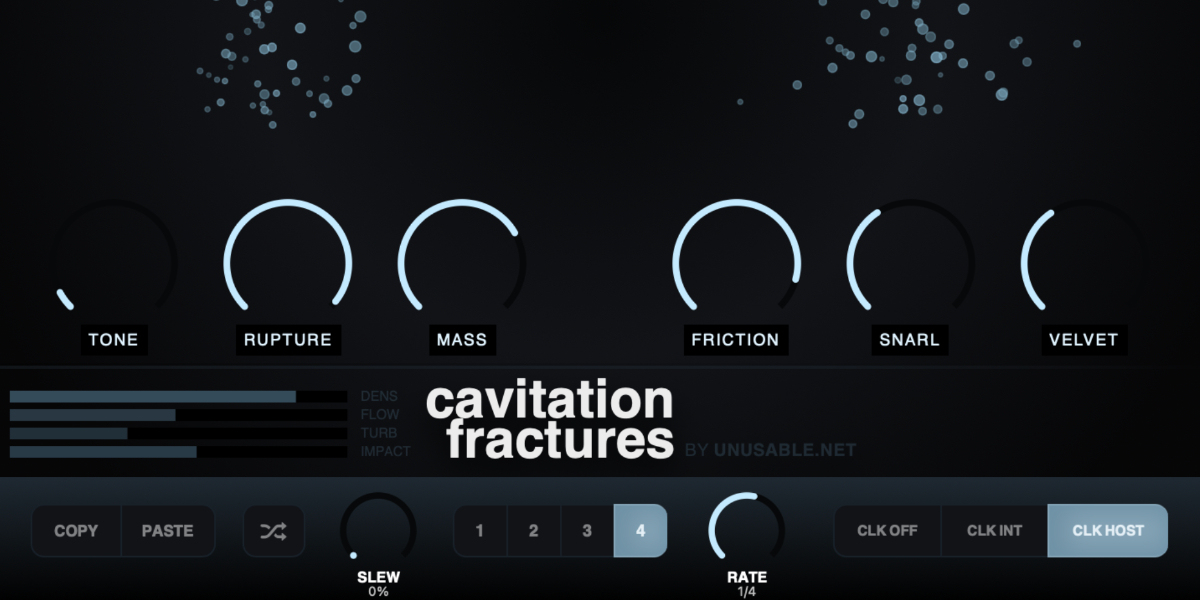
Cavitation Fractures slot sequencer controls

Four slots store Drive, Tone, Rupture, Mass, Friction, Snarl, and Velvet. Mode, Input Gain, Mix, and Output Gain remain global and are not changed by slot selection, randomization, or automatic stepping.

1-4 select a slot and show its stored cavitation state.

Copy / Paste copies or pastes the complete selected slot state. Pasting applies the destination immediately and stops any active slew for those values.

Random generates new values for the seven slot-controlled parameters. Input Gain, Mix, and Output Gain are unchanged.

CLK OFF stops automatic stepping. Manual slot changes and randomization still use Slew.

CLK INT runs the sequence from the internal clock. Rate is displayed in Hz.

CLK HOST runs from DAW transport and changes Rate to musical divisions.

Slew sets interpolation time between slot states. Each parameter has an independent interpolation lane.

Rate sets internal speed or host-clock division, depending on the selected clock source.

Holding a parameter while slots advance writes that one value into every incoming slot and prevents that control from jumping. Other parameters continue their existing slew.

Shift-click or double-click slot
Enable or disable that slot. At least one slot always remains enabled.
Cmd/Ctrl-click slot
Preview and lock that slot, pause sequencing, and show a white inset outline.
Cmd/Ctrl+C / Cmd/Ctrl+V
Copy or paste the selected slot.
Cmd/Ctrl+Z
Undo the previous edit gesture.
Cmd/Ctrl+Shift+Z
Redo an undone gesture unless a new edit has cleared the redo history.
06

Presets and control shortcuts

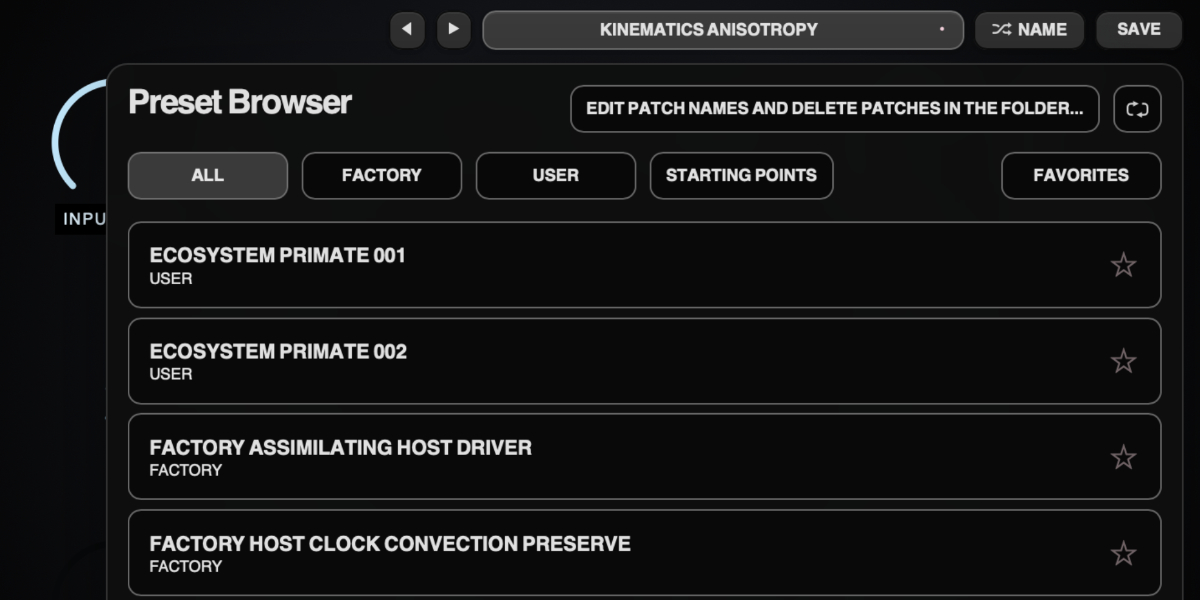
Cavitation Fractures preset navigation, name display, and save controls

The preset name opens the browser. Presets store the complete plug-in state, including Mode, global controls, all four slots, and sequencer settings.

Preset arrows step through available presets and wrap between the first and last entries.

Preset name opens the preset browser.

Name generates a preset name.

Save writes the complete state. Saving without first generating a name creates one automatically.

Factory / User / Starting Points / Favorites filter the preset browser.

Versioned Save writes a numbered copy when the current preset has changed.

Folder opens the preset directory for external renaming or deletion.

Refresh reloads externally renamed or deleted preset files.

Drag up / down
Increase or decrease a knob value with linear vertical movement.
Double-click control
Reset it to the initial value.
Cmd/Ctrl-click or Option/Alt-click control
Reset it to the initial value.
Wheel over control
Adjust without dragging.
Option/Alt-wheel
Fine adjustment.
Shift-wheel
Coarse adjustment.

Recommended for

  • Cracked transient layers on drum groups
  • Aggressive bass edge without losing note center
  • Sound-design transitions and impact textures

Fit and focus

Great fit for:

  • strange and animated distortion with artifacts
  • science-inspired DSP concepts
  • creative tools that reward experimentation

Questions people ask

What is Cavitation Fractures?

It is a fluid-dynamics inspired processor that converts detected collapse events into additive distortion, moving spectral cuts, or event-shaped attenuation.

How is it different from typical distortion plugins?

Most distortion plugins apply fixed shaping. Cavitation Fractures generates collapse events from input dynamics and can use them either to add nonlinear energy or remove parts of the existing signal.

What is it for?

Sometimes you want to break out of the old paths, or have something that sounds unpolished. Sometimes you need more dirt on a sound to make the rest of the channel strip come alive. Cavitation Fractures is not the solution most of the time, but sometimes it is.

What does it do to sound?

Emission introduces crackle, torn harmonic edges, and resonant breakup. Erosion creates moving narrow gaps in the spectrum. Vacuum creates short level collapses that follow the same event pattern.

Compatibility

macOS 12+, Windows 10/11
macOS: AU/VST3, Windows: VST3

These plugins use detailed real-time processing and are happiest on reasonably recent CPUs, especially when several instances are running at once.

The science-native interface simulations are beautiful to watch and interact with, but in larger sessions, closing plugin windows you are not actively editing can free up resources for other hungry plugins. Audio processing continues normally.

Slot sequencer

A shared walkthrough of the Unusable slot sequencer system, including how stored states, stepping, and slew can turn a static patch into motion.

Preset system

A shared walkthrough of the Unusable preset system, with practical tips for saving, naming, organizing, and moving between ideas.

Bundle option

Also available in bundle form

If this plugin fits your workflow, there is a good chance one of the bundles will fit even better and reduce total spend.

Scientist Suite

The science-metaphor lineup: Curves & Membranes, Spectral Pressure Chamber, Cavitation Fractures, Grain Discharge, and Synaptic Resonance.

€79.00€146.00incl. 25% VAT

Includes 5 products.

Full Suite v2

All unusable tools in one package, built to surprise, inspire, and keep the creative process moving.

€159.00€399.00incl. 25% VAT

Includes 14 products.