Unusable Engineering ApS
effect

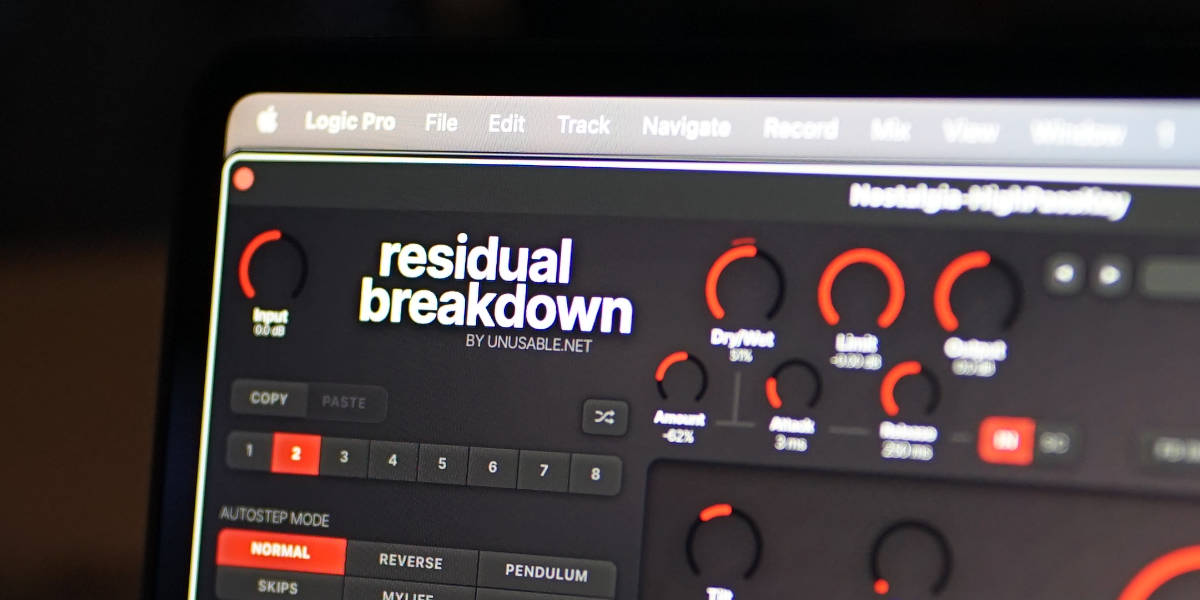
Residual Breakdown

A transistor-inspired fuzz with self-oscillation, pitch quantization, side-chain-controlled mix, and an 8-slot sequencer.

Sequenced FuzzAU/VST3Mac/Win

What it is

Residual Breakdown started with trying to model a three transistor fuzz that had its hay-day in the late 90's and early 00's. It turned out that it was near impossible to make an accurate emulation of three transistors operating at the very edge. So the project was shelved for some time. But sometimes accurate replication is not worth it, especially in software. No matter how good an emulation you make, it is still an emulation. And a computer offers another world of capabilities... So the project was revived leaving the strict component-for-component clone. The circuit behavior has been tuned and extended into a wider instrument for distortion, rhythm, and controlled instability.

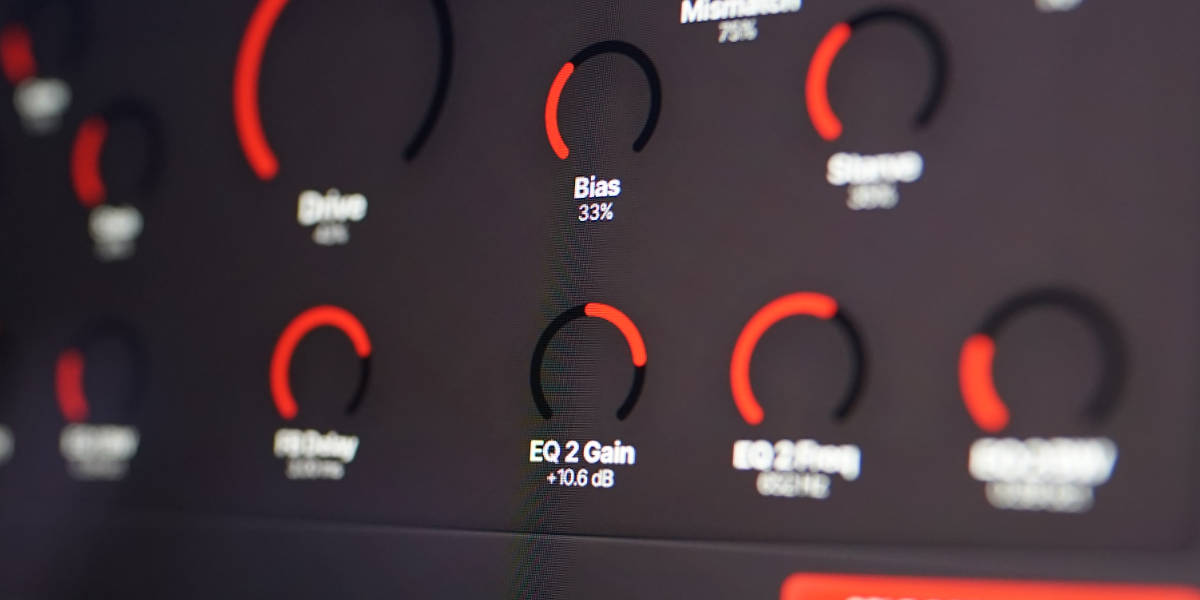
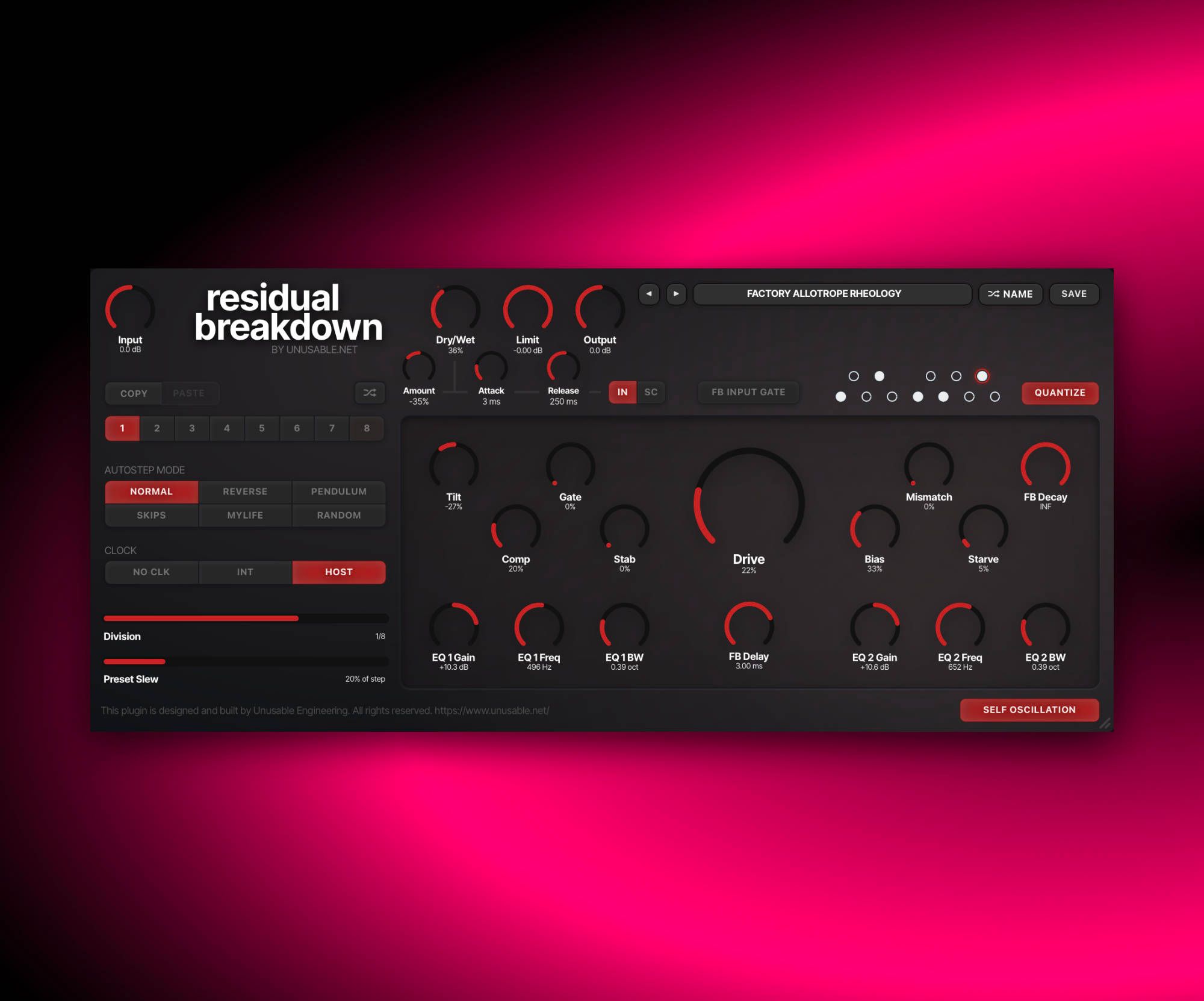
The core of the distortion is seven controls that affect each other differently depending on the other controls' settings. Drive, Comp, Gate, Stab, Bias, Mismatch, and Starve can move the fuzz from dense saturation through square-edged clipping and broken sputter into sustained feedback. The feedback appearing as the level goes down is highly unstable, so we added the capability to switch it off when you want the fuzz without the internal tone.

While it is perfectly suited for guitar, it works well on most sources that needs aggressive distortion. But you can also use it as a tuned feedback voice, or a sequenced distortion that changes character every step. Two output EQ bands can reshape each slot, the feedback can follow a custom scale or MTS-ESP tuning, and a main-input or side-chain envelope follower can move the Dry/Wet balance in either direction. It grew way beyond its original goal, into something maybe more complex, but also more capable and fun.

Highlights

Transistor-inspired fuzz model

A nonlinear model connects clipping, bias, compression, gating, supply behavior, and transistor mismatch to generate distortion.

Switchable self-oscillation

An internal loop emerge around the input signal, shape how long it survives, or disable it completely for fuzz-only processing.

Tuned unstable feedback

Quantize the feedback tone to a custom pitch-class set, glide between slot pitches, and follow MTS-ESP tuning while retaining some instability.

8-slot fuzz sequencer

Store every fuzz, feedback, delay, tilt, and EQ control per slot, then step or morph through six stepping patterns from an internal clock or in sync with the host clock.

Dry/Wet envelope follower

Use the main input or side-chain envelope to move Dry/Wet above or below its base setting, with bipolar Amount and separate Attack and Release.

Per-slot output shaping

A pre-fuzz Tilt control and two serial parametric output bands let each sequenced state carry its own frequency balance.

Full walkthrough

A complete walkthrough of Residual Breakdown covering its sequenced fuzz, distortion controls, self-oscillation, feedback tuning, envelope follower, and slot-based workflow.

A workflow video with tips and tricks, using the stock Rhodes emulation from Logic as the source.

No-talking sound examples running guitar through different settings, with bass guitar and an 808 clone also used as source material.

Residual Breakdown uses its self-oscillation and slot sequencer to play a theremin imitation entirely on its own.

Fuzz slot sequencer

Each of the eight slots stores a complete fuzz and output-EQ state. Preset Slew moves continuously between those states, including the feedback frequency implied by the fuzz controls. With No Clk selected the transition is measured in milliseconds; with Internal or Host clock it becomes a percentage of the current step length.

Normal, Reverse, Pendulum, Skips, MyLife, and Random patterns decide which enabled slot comes next. Slots can be disabled, copied, pasted, randomized, or temporarily locked for editing. Holding a slot-controlled parameter while the sequence runs writes that value into every slot reached during the gesture.

The sequencer can create ordinary rhythmic changes in distortion, but it becomes more unusual when feedback, Delay, Decay, and the two EQ bands move together. Slow slew produces continuous morphing settings; short steps can turn the complete fuzz into a pattern playing instrument on its own.

Watch slot sequencer video
Reference

Quick user guide

Residual Breakdown is a transistor-inspired fuzz, regenerative feedback instrument, and eight-slot sequenced effect. This guide follows the signal from input through the fuzz and wet-path EQ to the Dry/Wet blend, limiter, and output, then covers self-oscillation, quantization, envelope control, slot editing, and presets.

01

Signal path and global controls

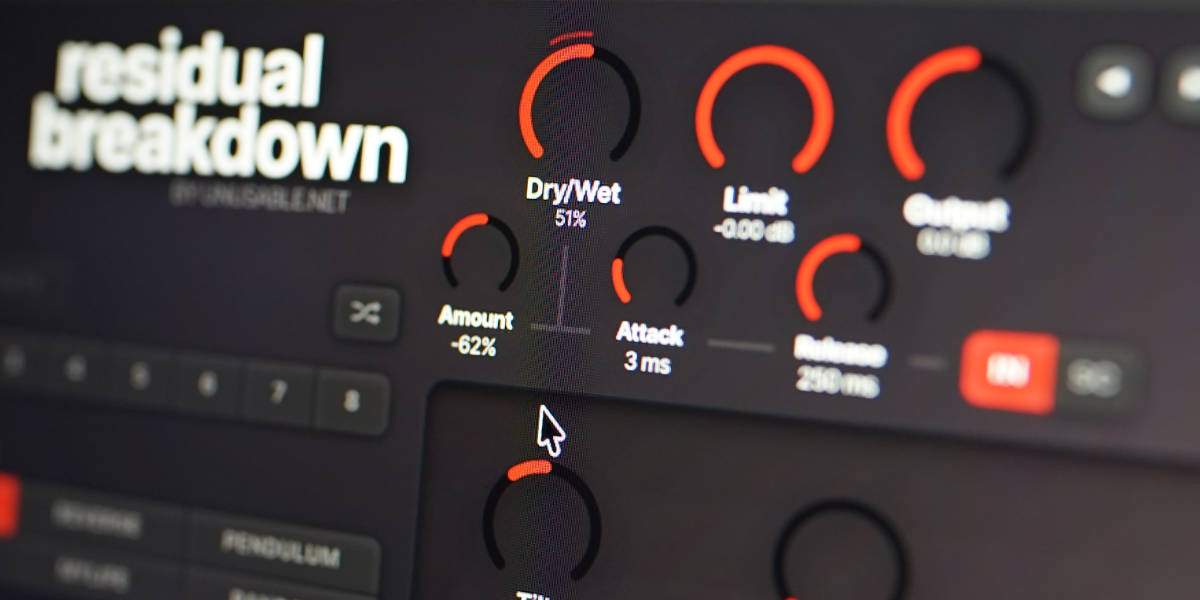
Residual Breakdown input, dry wet, limiter, output, and envelope follower controls

Input Gain feeds both the dry and fuzz paths. The fuzz output passes through the two-band parametric EQ, then meets the dry signal at Dry/Wet. The safety limiter follows the blend, and Output sets the final level.

Input sets the level entering the dry path and fuzz circuit. Gain staging makes a difference: changing Input can move the circuit between softer breakup, hard clipping, choking, and feedback interaction.

Dry/Wet blends the gained dry signal with the post-fuzz EQ signal.

Limit sets the ceiling of the final safety limiter after Dry/Wet. Lower settings provide more containment and can add more limiter character.

Output sets the final gain after the limiter.

Tilt is placed before the fuzz. Both parametric EQ bands are placed after the fuzz in series on the wet path, so they do not alter the dry part of a partially mixed signal.

02

Fuzz and circuit controls

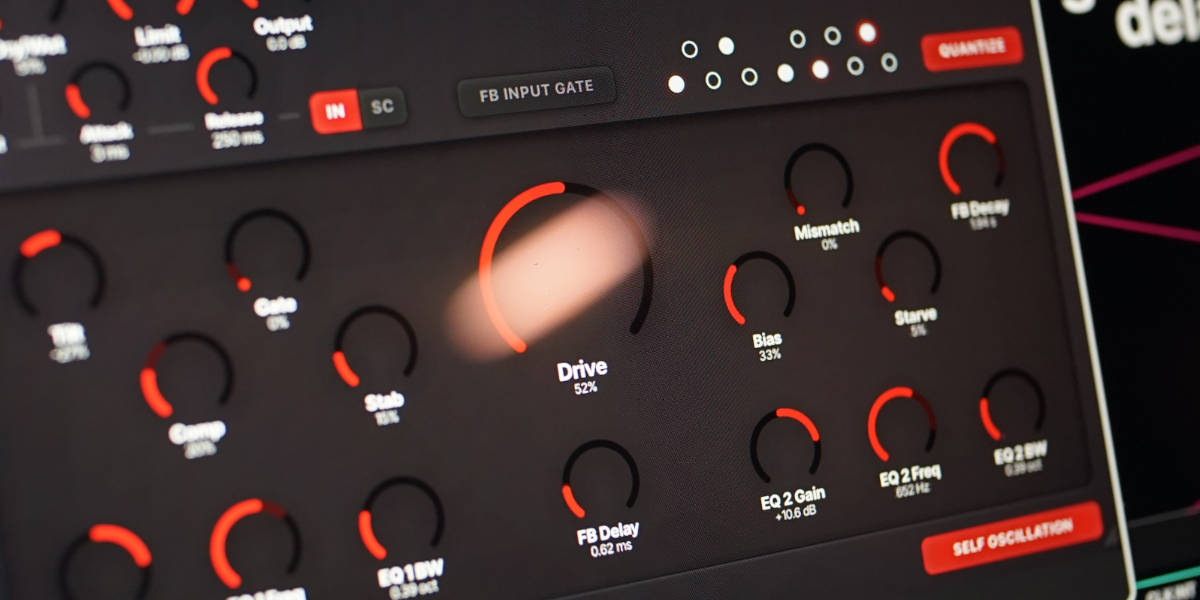
Residual Breakdown fuzz controls centered on Drive

The main controls describe interacting circuit conditions rather than separate studio processors. A change to one can alter clipping, level, gating, feedback strength, pitch, and recovery elsewhere.

Tilt tilts the input spectrum before distortion. Turn left for morw low frequencies and right for more high frequencies. Its percentage sets both direction and depth.

Comp changes compression and the operating resistance around the later transistor stage. It can soften strong input, reduce loop gain, and alter how the fuzz recovers.

Gate raises the effective input threshold and changes the second transistor's collector resistance. Higher settings choke quieter signal and shorten or break up note tails.

Stab changes the effective supply path around the unstable stages. It has a strong effect on feedback strength, oscillation pitch, and how readily the circuit settles.

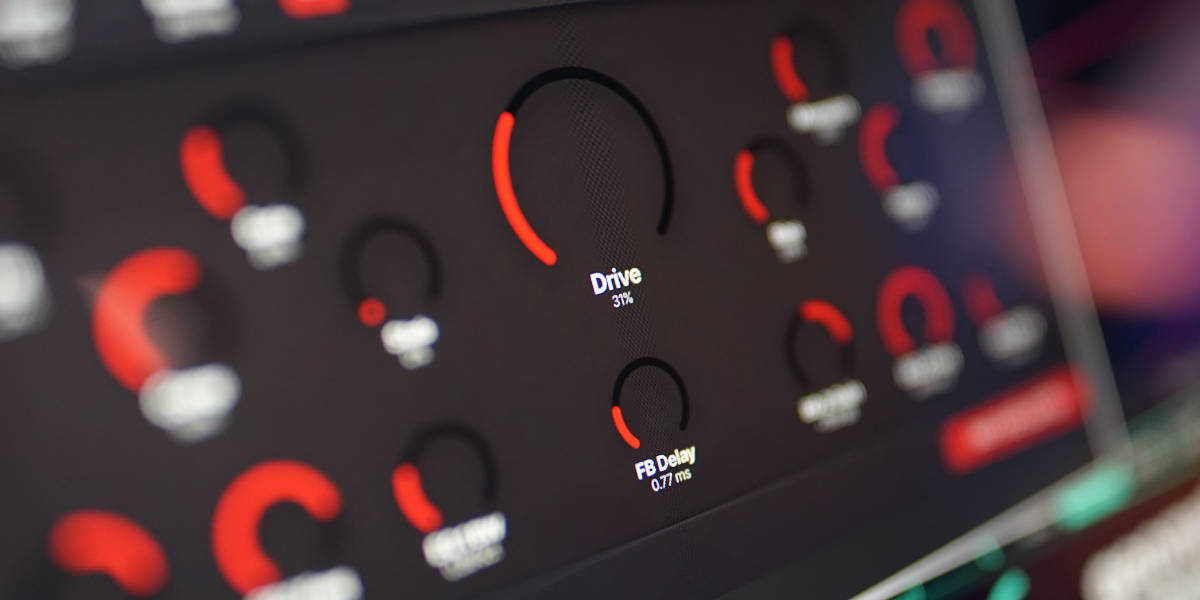
Drive changes the fuzz gain, clipping hardness, internal feedback, and regenerative loop strength. High settings can approach square-edged clipping and make self-oscillation easier to sustain.

Bias moves the circuit operating point and supply range. It changes symmetry, sustain, clipping balance, and the pitch region available to the feedback loop.

Mismatch increases the difference between the modeled transistor gains. It can add asymmetry, hardness, instability, and a less even response between positive and negative waveform halves.

Starve reduces and softens the effective power supply. It can harden edges at moderate settings, then introduce sag, sputter, pitch movement, and incomplete recovery as it rises.

For a hard, approximately square fuzz, begin with high Drive, low Comp and Gate, Bias near the middle, and enough Input level to keep the stages saturated. Add Mismatch or moderate Starve for a rougher edge.

03

Self-oscillation and feedback

Residual Breakdown self-oscillation and regenerative fuzz controls

The regenerative loop is a key part of the fuzz model. Input activity excites and loads it, while the circuit controls determine whether a tone grows, bends, chokes, or fades.

Self Oscillation enables or disables the regenerative loop. Turn it on for a feebback fest. Turning it off fades the feedback and disables FB Delay, FB Decay, FB Input Gate, and Quantize while leaving input fuzz and sequencing active.

FB Delay adds 0 to 4 ms of delay inside the regenerative path. Small changes can shift phase, texture, and unquantized pitch for instability, it is not an echo.

FB Decay sets how long stored regenerative energy survives, from 50 ms to 10 seconds. The maximum position is infinite, allowing a viable loop to continue without decay.

FB Input Gate keeps normal input response while signal is present, then fades the complete output over roughly five seconds after sustained silence. Leave it off when continuous self-noise and free-running feedback are desirable.

The input can suppress a loop by loading the same modeled stages that generate it. Depending on the controls, self-oscillation may therefore become clearest after a played note falls away.

Drive, Gate, Comp, Stab, Bias, Mismatch, and Starve all influence the free feedback frequency. The only way to control it is to play around with the controls.

04

Feedback quantization and MTS-ESP

Residual Breakdown feedback pitch quantizer and note selection

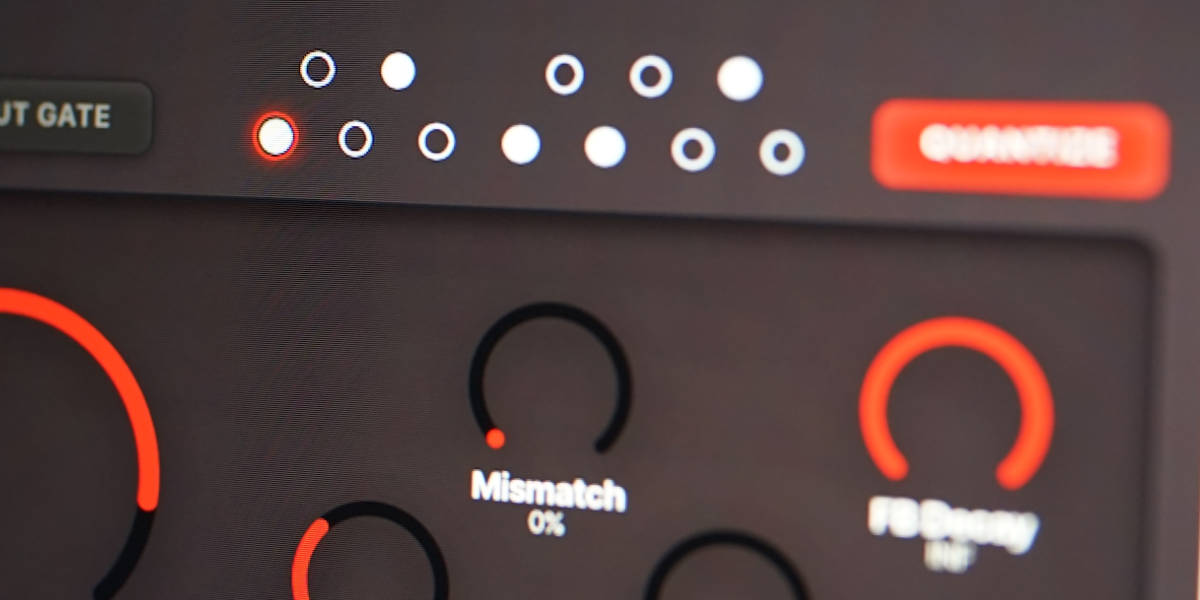
Quantize constrains the frequency implied by the active fuzz state to a selectable pitch-class set. It provides a musical target without removing all movement from the regenerative circuit.

Quantize snaps the feedback target to the nearest enabled note when Self Oscillation is active.

Note dots select the pitch classes available to the quantizer. The red outline identifies the pitch class currently being used.

At least one note must be enabled for quantization to act. With all notes disabled, the feedback remains unquantized.

MTS-ESP tuning is applied automatically when a compatible tuning master is available.

When Preset Slew moves between slots, the quantized target glides continuously to the next pitch. The note display follows that glide.

Quantization stabilizes the target, but small cycle-to-cycle deviations and circuit texture is kept to keep the sound alive.

05

Per-slot output EQ

Residual Breakdown second output EQ band controls

Two parametric bands run in series after the fuzz and before Dry/Wet. Every EQ control belongs to the active slot, allowing EQ movement to be sequenced with the distortion.

EQ 1 / EQ 2 Gain boosts or cuts the selected band from -18 to +18 dB. The center position is neutral.

EQ 1 / EQ 2 Freq sets each band's center frequency from approximately 50 Hz to 4 kHz.

EQ 1 / EQ 2 BW sets bandwidth from 0.20 to 4 octaves. Lower values are narrower; higher values affect a broader region.

Because the bands process the wet path, their effect becomes less prominent as Dry/Wet moves toward dry.

Narrow boosts can emphasize a feedback pitch or create vowel-like slot changes. Broad cuts are useful for keeping heavily driven or starved states under control. With high slew and frequency changes the distortion gets sweeping filter effects.

06

Dry/Wet envelope follower

Residual Breakdown dry wet envelope follower controls

The envelope follower controls Dry/Wet around its manually selected base position. Its source can be the main input or the plug-in side-chain, and Amount can act in either direction.

Amount sets bipolar modulation depth. Positive values make louder detector signals wetter; negative values make them drier.

Attack sets how quickly the detected level can move Dry/Wet upward or downward when signal arrives, from 1 to 500 ms.

Release sets how quickly the modulation returns after the detector level falls, from 10 ms to 5 seconds.

IN uses the main input as the envelope source.

SC uses the dedicated side-chain bus as the envelope source. Select and route a side-chain in the host before using this mode.

The outer red arc-line around Dry/Wet shows the effective modulated position. With Amount at zero, Dry/Wet remains at its manual setting and the modulation display is inactive.

The follower changes only the blend. The main input remains the audio source for the fuzz even when SC is selected.

07

Slots and slot sequencer

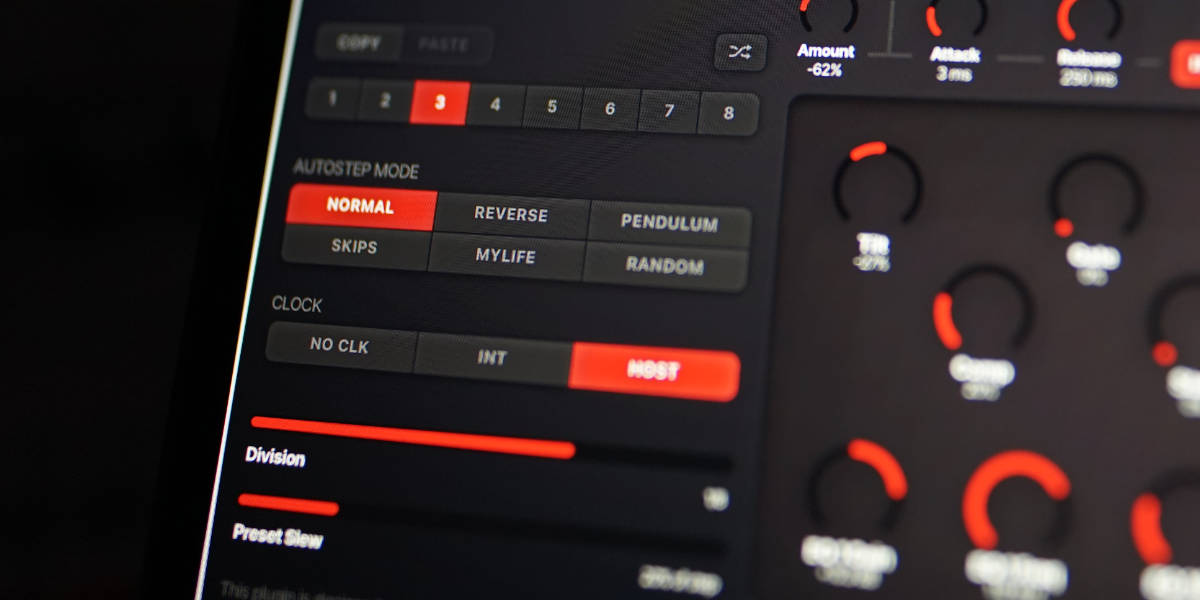
Residual Breakdown slot bank, traversal modes, clock, division, and preset slew

Eight slots store the complete fuzz, feedback timing, Tilt, and two-band EQ state. Global level, tuning, self-oscillation, follower, and sequencer controls remain unchanged when the active slot changes.

1-8 select a slot for editing and auditioning. With No Clk selected, manual changes use Preset Slew.

Copy / Paste copies or pastes every slot-controlled value. Cmd/Ctrl+C and Cmd/Ctrl+V perform the same actions.

Random generates a new complete state for the selected slot.

Normal / Reverse / Pendulum / Skips / MyLife / Random sets the order in which enabled slots are visited. MyLife advances one step and then moves two steps back.

No Clk stops automatic stepping. Slots can still be selected manually or automated by the host.

Int uses the internal clock. Rate is shown in Hz.

Host follows host transport and musical divisions. Changing division rebases the clock without resetting the current step pattern.

Preset Slew sets transition time from 0 to 8 seconds with No Clk. In Int and Host modes it becomes a percentage of the current step duration.

Holding a slot-controlled knob while sequencing writes that value into every slot reached by the gesture. Other controls continue to follow their stored slot states.

Shift-click or double-click slot
Enable or disable that slot. At least one slot always remains enabled.
Cmd/Ctrl-click slot
Select and lock the slot immediately, pause automatic stepping, and show a bright outline. Repeat to clear the lock.
Cmd/Ctrl+C / Cmd/Ctrl+V
Copy or paste the selected slot.
Cmd/Ctrl+Z
Undo the previous complete edit gesture.
Cmd/Ctrl+Shift+Z
Redo an undone gesture unless a new edit has cleared the redo history.
08

Presets and control gestures

Residual Breakdown preset browser with factory preset list

A preset stores the complete plug-in state: global controls, all eight slots, enabled slots, tuning choices, envelope follower, and sequencer settings.

Preset arrows step through available presets. Cmd/Ctrl-click Previous jumps to the first entry; Cmd/Ctrl-click Next jumps to the last.

Preset name opens the preset browser.

Name generates a new preset name.

Save writes the complete state. Saving without first generating a name creates one automatically.

Init Patch restores the initial Residual Breakdown state.

Factory / User / Starting Points / Favorites filters the preset browser.

Versioned Save writes a numbered copy when the current preset has changed.

Folder opens the preset directory for external renaming or deletion.

Refresh reloads externally renamed or deleted preset files.

Drag up / down
Increase or decrease a knob value with linear vertical movement.
Double-click control
Reset it to its initial value.
Cmd/Ctrl-click or Option/Alt-click control
Reset it to its initial value, except where Cmd/Ctrl-click has a specific slot or preset-navigation function.
Wheel over control
Adjust without dragging.
Option/Alt-wheel
Make a fine adjustment.
Shift-wheel
Make a coarse adjustment.

Recommended for

  • Hard, square-edged guitar and synth fuzz with interactive bias and supply behavior
  • Gated sputter, broken note tails, and decay that changes with playing dynamics
  • Tuned feedback notes that emerge between phrases or continue indefinitely
  • Host-synchronized distortion patterns with smooth or abrupt movement between slots
  • Side-chain-driven transitions between clean articulation and saturated sustain

Fit and focus

Great fit for:

  • interactive explorative fuzz where every control changes the state
  • feedback, instability, and effects that respond to performance
  • sequenced processing that can become part effect and part instrument

Questions people ask

Is Residual Breakdown a direct clone of a particular fuzz pedal?

No. It was inspired by the behavior of a self-oscillating three-transistor fuzz design, but it has been tuned and extended for a wider range of musical uses. The aim is to preserve the interactive clipping, choking, and feedback behavior without treating every original limitation as sacred.

Can I use it without the self-oscillation?

Yes. Self Oscillation is a global switch that is off by default. Keeping it off leaves the input fuzz, Tilt, output EQ, slot sequencing, envelope-controlled Dry/Wet, limiter, and level controls available while disabling the feedback-only controls.

How does the feedback react to the input?

The input excites and loads the regenerative circuit. Depending on the slot settings, the feedback may be suppressed while you play, pulled around by the signal, or emerge as the note decays. FB Input Gate adds an optional practical mode that fades the complete output after prolonged silence instead of allowing background self-noise to continue indefinitely.

Can the self-oscillation play in tune?

It can be constrained to a custom set of pitch classes with the Quantize section. MTS-ESP tuning is used automatically when a compatible master is available. Quantization controls the target while the circuit still contributes movement, texture, and small pitch deviations.

What is stored in each sequencer slot?

Each slot stores Tilt, Drive, Comp, Gate, Stab, Bias, Mismatch, Starve, FB Delay, FB Decay, and both output EQ bands. The rest of the controls (Input, Dry/Wet, Limit, Output, Self Oscillation, FB Input Gate, feedback note selection, and the Dry/Wet follower) are global.

What does the side-chain control?

The side-chain can drive the Dry/Wet envelope follower. Amount is bipolar, so louder side-chain signals can make the effect wetter or drier. It is great fun to feed a beat into it and either get rhythmic distortion chops or fuzz that is pumping up as the beat fades.

Compatibility

macOS 12+, Windows 10/11
macOS: AU/VST3, Windows: VST3

These plugins use detailed real-time processing and are happiest on reasonably recent CPUs, especially when several instances are running at once.

Slot sequencer

A shared walkthrough of the Unusable slot sequencer system, including how stored states, stepping, and slew can turn a static patch into motion.

Preset system

A shared walkthrough of the Unusable preset system, with practical tips for saving, naming, organizing, and moving between ideas.

Bundle option

Also available in bundle form

If this plugin fits your workflow, there is a good chance one of the bundles will fit even better and reduce total spend.

Emulated Effects Pack

Six circuit-inspired effects for fuzz, modulation, filtering, spring space, and controlled digital decay.

€79.00€174.00incl. 25% VAT

Includes 6 products.

Full Suite v2

All unusable tools in one package, built to surprise, inspire, and keep the creative process moving.

€179.00€496.00incl. 25% VAT

Includes 16 products.