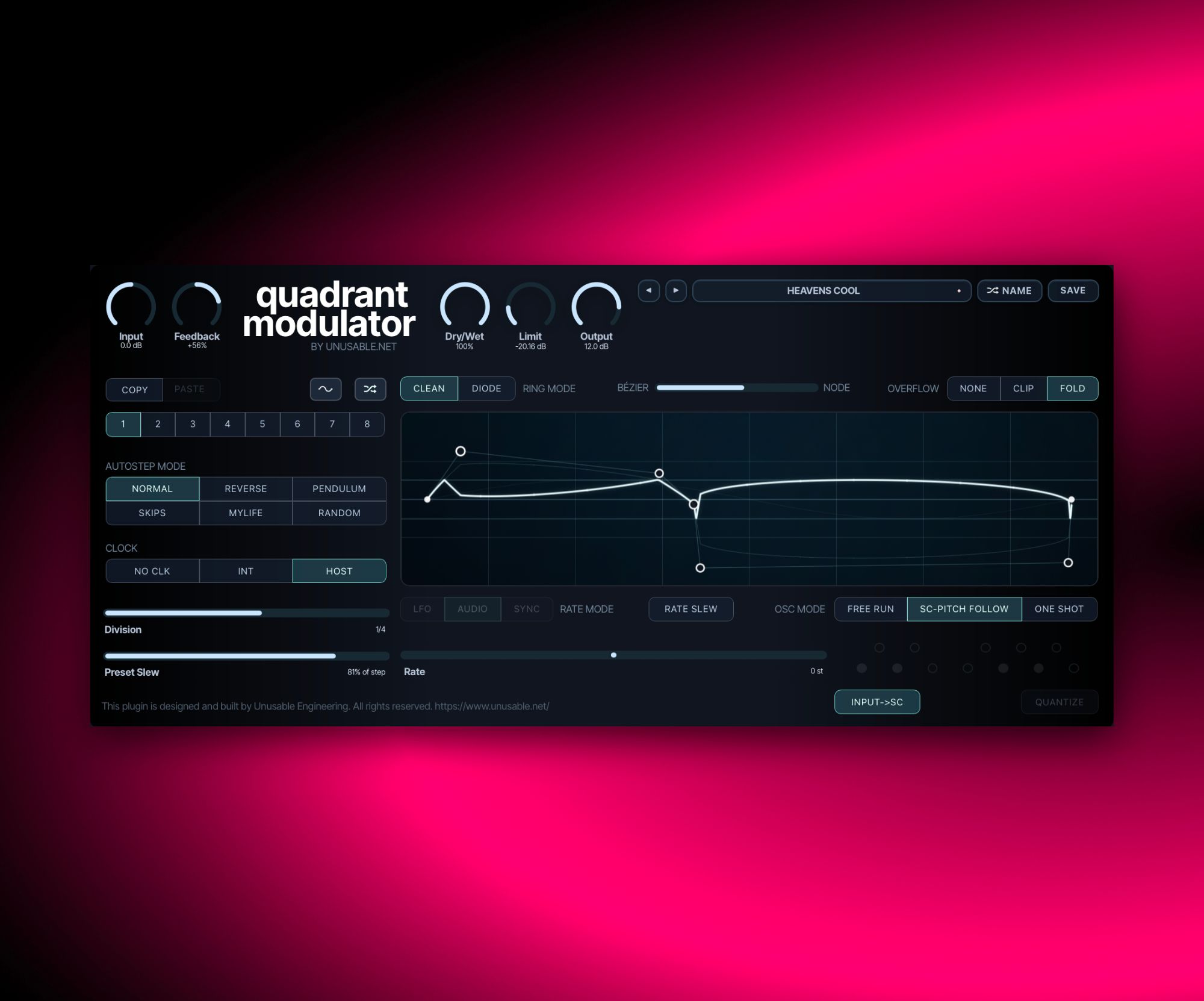
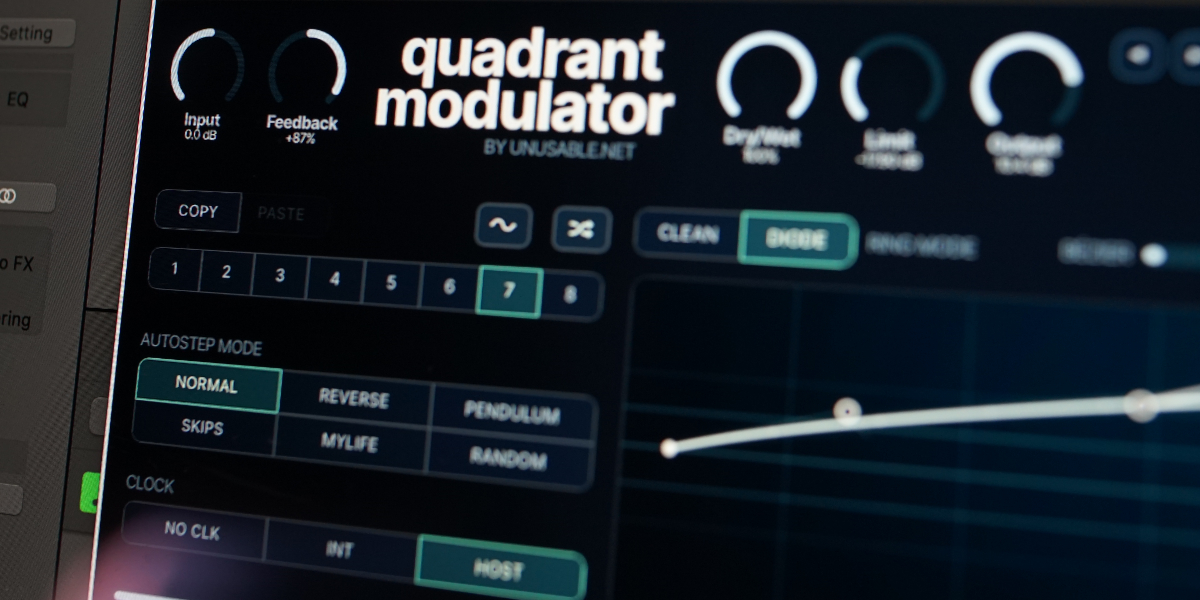
A four-quadrant multiplier with a bezier oscillator, pitch following, one-shot shaping, and an 8-slot waveform sequencer.
Ring-ModAU/VST3Mac/Win
1.0.2 - 2026-10-28
Preset Workflow
Cmd/Ctrl-clicking Name uses the host track name when available. Existing names get the next free numbered suffix; unsupported hosts leave the name unchanged.
Interface
Fixed styling of the sine button for Catalina users.
1.0.1 - 2026-10-08
Interface
Added a resize icon and per-instance window-size recall.
What it is
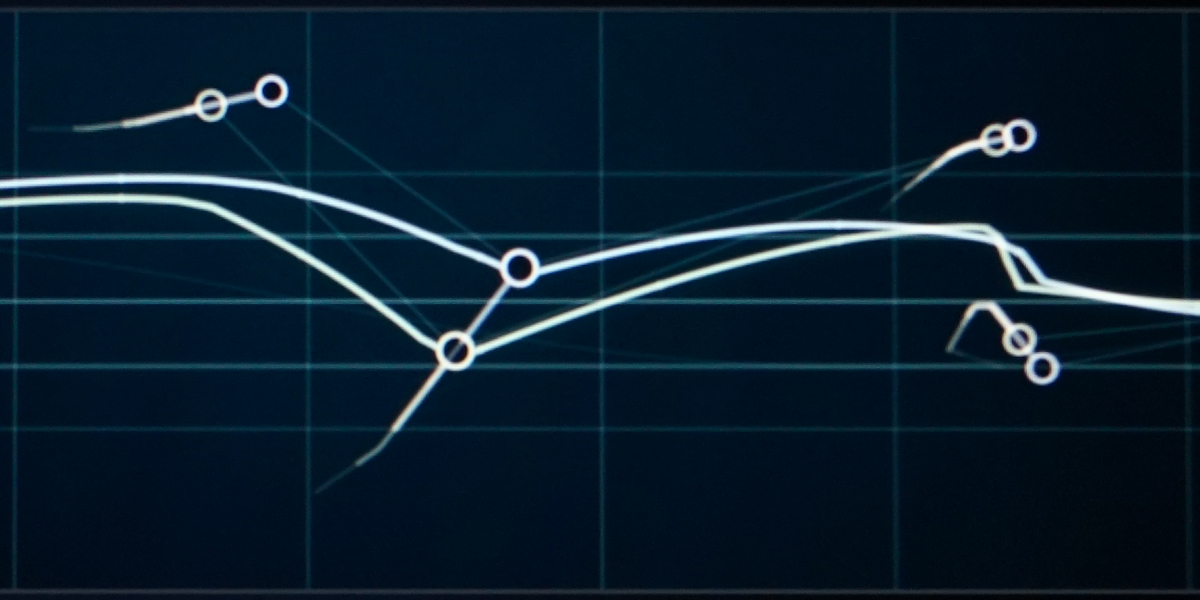
Quadrant Modulator is a four-quadrant multiplier effect built around the visual oscillator from Curves & Membranes. It can work as a ring modulator, but the drawable waveform, multiple oscillator modes, pitch control, and sequencing take it much further.
The oscillator can run freely, follow the pitch of the side-chain or main input through a phase-locked loop, or play one cycle as a one-shot shape. Draw smooth harmonic curves in Bezier mode or sharper, overtone-rich shapes in node mode and anything in between. Waveform areas below the horizon invert the incoming signal for four-quadrant multiplication; shapes kept entirely above or below it act as amplitude modulation.
Use it for tuned ring modulation, animated amplitude shaping, clocked clicks, sliding pitch sequences, or unstable side-chain tracking on complex material. A feedback path returns the fully wet signal to the input, while the dry/wet mix feeds a tube-style limiter that can add distortion even when the modulation itself is bypassed by a fully dry setting.
Highlights
Three oscillator modes
Free Run repeats at a fixed rate, SC Pitch Follow tracks the incoming pitch, and One Shot plays a single waveform cycle.
Flexible frequency control
Move between LFO and audio rates, host-synced divisions, scale quantization, MTS-ESP tuning, and pitch-follow offsets up to two octaves.
Drawable waveform geometry
Shape five linked points in smooth Bezier or angular node mode, then use None, Clip, or Fold overflow behavior.
Ring modulation or amplitude shaping
Cross the horizon to invert the input, or keep the waveform on one side for regular amplitude modulation.
8-slot waveform sequencer
Store waveform, rate, overflow, and shape states, then step or morph through them in six different patterns.
Feedback and tube-style limiting
Feed the wet result back into the modulator, blend the dry signal, and drive the final limiter for extra color.
Full walkthrough
A complete walkthrough of Quadrant Modulator covering four-quadrant and amplitude modulation, oscillator modes, pitch following, waveform shaping, tuning, feedback, and the slot sequencer.
Twenty minutes of no-talking sound examples using a soft pad from Partials & Discrepancies, with every Quadrant Modulator preset explored in sequence.
Waveform slot sequencer
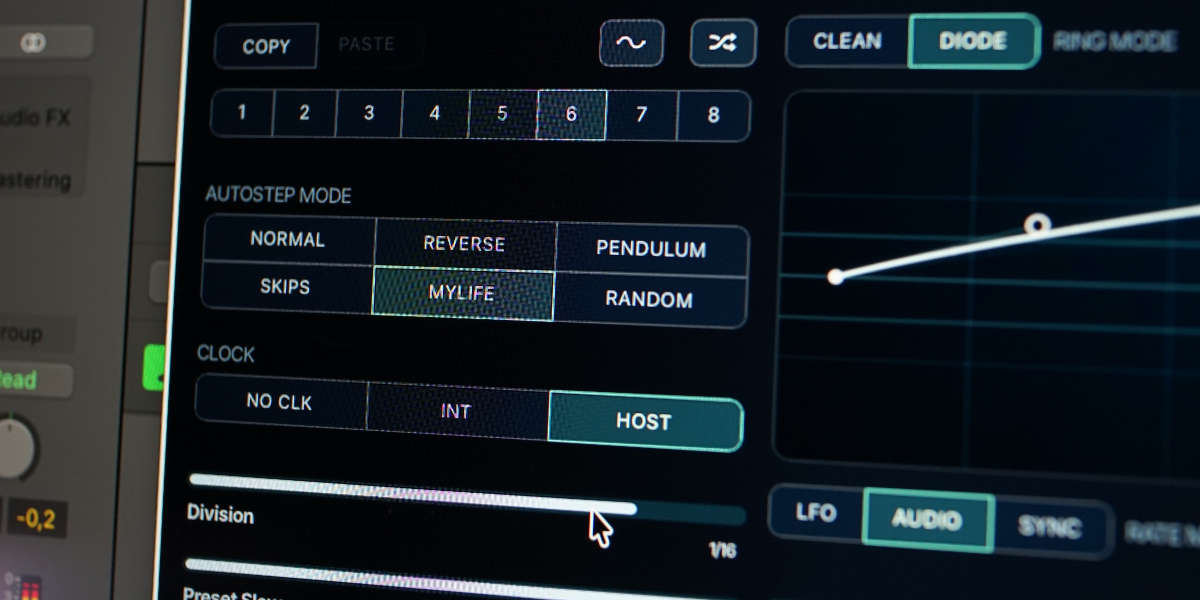
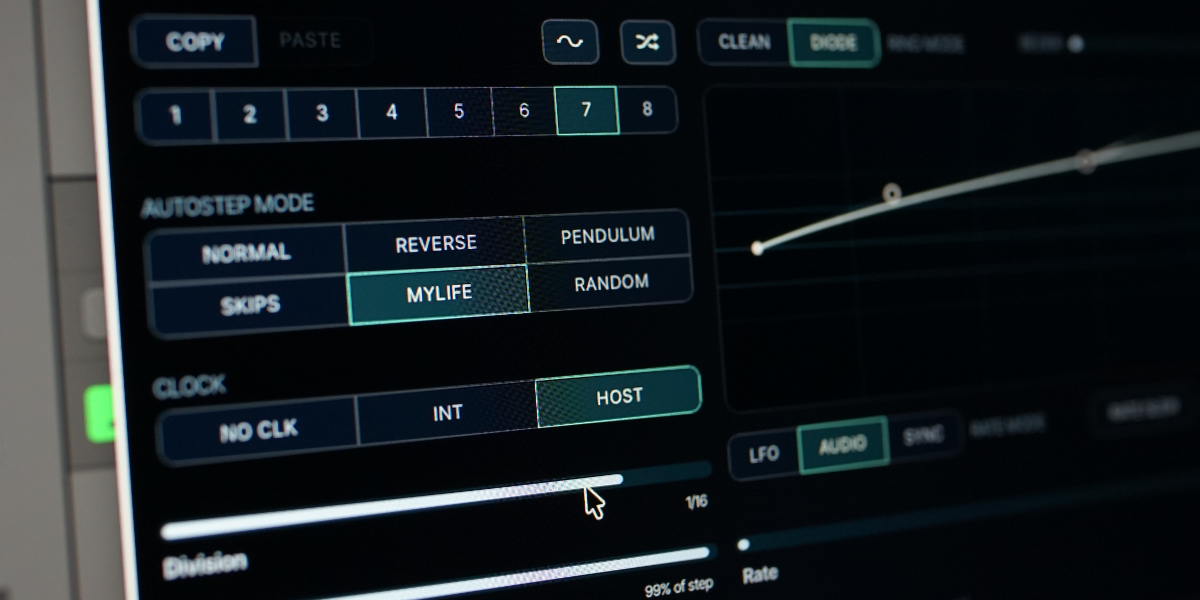
Each of the eight slots stores a waveform, oscillator rate, overflow mode, and shape type. Preset Slew morphs between slot states from 0 ms to 8 seconds. With internal or host clock active, slew is set as a percentage of the current step length.
The sequencer can move through slots in Normal, Reverse, Pendulum, Skips, MyLife, or Random order. Double-click or shift-click disables a slot. Cmd-click on macOS or Ctrl-click on Windows solos a slot and temporarily stops stepping and slew.
Oscillator rate does not follow slot slew automatically. Rate Slew can be enabled per slot, making it possible to build pitch sequences with slides on selected steps.
Quadrant Modulator is a four-quadrant multiplier built around the visual oscillator from Curves & Membranes. This guide covers its modulation signal path, oscillator modes, rate and tuning controls, waveform editor, eight slots, sequencing, feedback, limiting, and preset workflow.
01
Four-quadrant signal path
The incoming audio is multiplied by the oscillator waveform. Positive waveform values change its amplitude; negative values also reverse its polarity, producing ring-modulation sidebands.
Input sets the level entering the multiplier and feedback path.
Clean uses direct four-quadrant multiplication for a precise response.
Diode uses a diode-inspired model for a less exact, more circuit-like ring-modulation character.
Feedback returns the fully wet modulated signal to the input. The center position is off; left applies inverted feedback and right applies non-inverted feedback.
Dry/Wet blends the unprocessed input with the modulated signal before limiting.
Limit sets the maximum level of the tube-style soft limiter. It can also add color to a fully dry signal because it follows the mix.
Output sets final level after the limiter.
A waveform that crosses the horizon performs four-quadrant or ring modulation. Keeping the complete waveform on one side of the horizon produces amplitude modulation.
02
Oscillator modes
The same drawn waveform can repeat continuously, follow an incoming pitch, or run once as a clocked or manually triggered amplitude shape.
Free Run repeats the waveform continuously at the selected Rate.
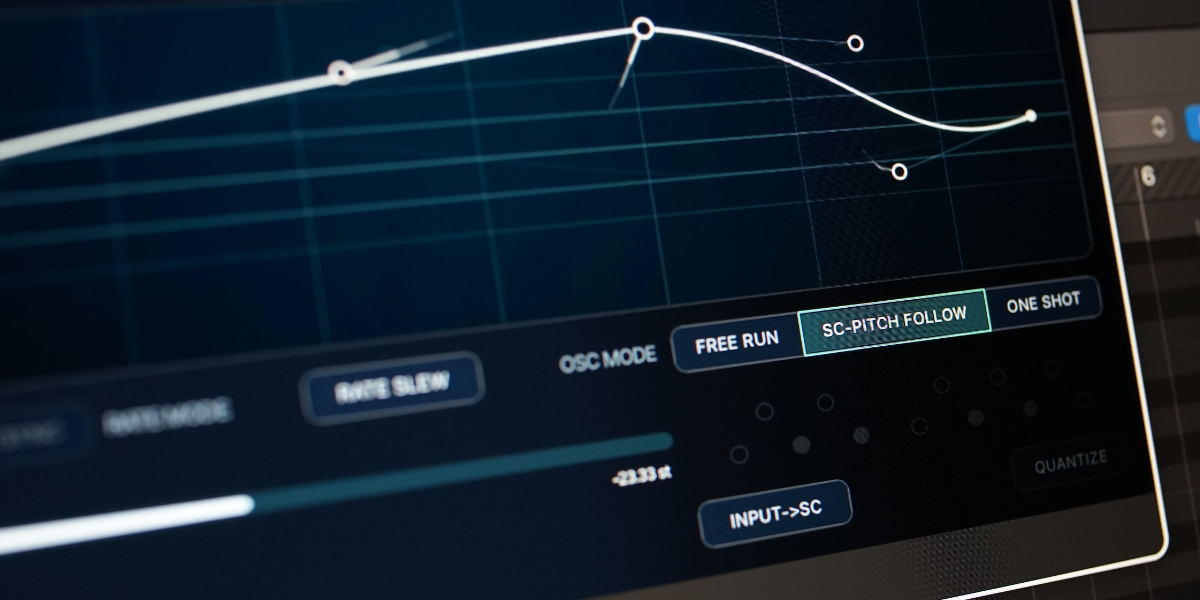
SC-Pitch Follow uses a phase-locked loop to follow the pitch of the side-chain signal. Simple monophonic sources track most clearly; complex or noisy material can produce less predictable movement.
Input->SC forces pitch tracking to use the main input. This is useful in hosts that do not mirror the main input when no side-chain bus is connected.
One Shot plays one complete waveform cycle at each slot or clock trigger, then returns to zero until the next trigger.
At audio rates, One Shot creates short impulses suited to clicks-and-cuts processing. At slower rates, the waveform behaves like a single-cycle amplitude envelope.
A clock impulse retriggers One Shot even when only one slot is enabled or a slot is locked.
03
Rate, sync, and tuning
Rate changes meaning with the selected rate and oscillator modes. The mode is global, while its free frequency, synchronized division, or pitch-follow offset belongs to the active slot.
LFO sets a free frequency from 0.01 to 20 Hz.
Audio sets a free frequency from 1 Hz to 14 kHz.
Sync sets a DAW-clock division from 1/32 triplet to 8 bars. Each division restarts the oscillator cycle as well as setting its duration.
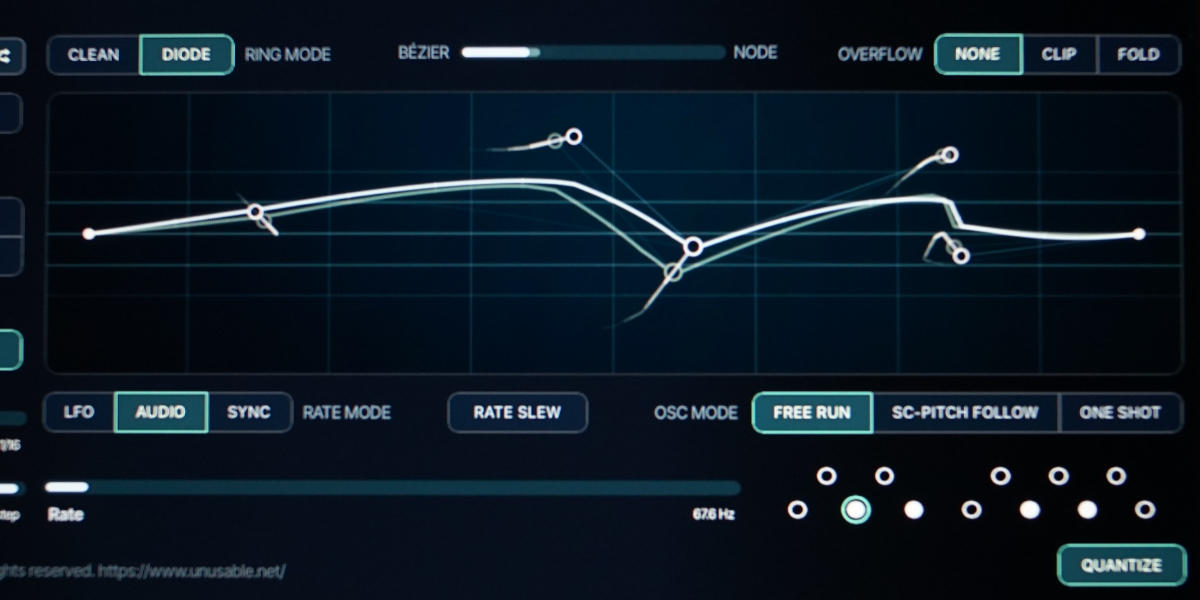
Quantize snaps LFO or Audio frequency to the nearest enabled note. Toggle the octave-pattern dots to build the required pitch set; the illuminated ring shows the note currently in use.
MTS-ESP tuning is applied automatically when a compatible tuning source is available.
Rate in SC-Pitch Follow becomes a pitch offset from -24 to +24 semitones. Magnetic positions make common intervals and their second-octave equivalents easier to select.
Rate Slew includes oscillator rate in slot interpolation for the active slot. Leave it unlit for immediate rate changes, or enable it only on the steps that should slide.
Quantize applies only to the rate target. Slew between quantized notes remains continuous, and Sync temporarily disables quantization.
04
Waveform editor
Five linked points define one single-cycle waveform. Their shared geometry can move from smooth curves to straight segments without normalizing away positive or negative bias.
Bézier / Node morphs between smooth Bézier curves and straight segments. Bézier shapes tend toward softer harmonic content; Node shapes can create sharper edges and richer overtones.
The midpoint influences its neighboring handles, and those handles in turn influence the outer points. This linked structure makes broad changes possible without redrawing the complete cycle.
Sine resets the active slot geometry to the initial sine-based waveform.
Random generates new waveform geometry for the active slot.
None leaves excursions outside the inner waveform boundary unrestricted.
Clip clips excursions at the boundary above and below the horizon.
Fold folds excursions back inward. The effect becomes more pronounced toward Node mode.
Drag point
Move a node or handle directly. During sequencing, the held change is written into every slot passed by the gesture.
Shift-drag point
Lock movement to the first detected horizontal or vertical axis.
Option/Alt-drag point
Scale the complete slot geometry around the horizon while preserving horizontal positions and relative levels. Crossing zero inverts the waveform.
Double-click point
Move that point to the horizon without changing its horizontal position.
05
Slots and slot editing
Eight slots store independent modulation states. Global gain, mix, feedback, limiter, oscillator mode, ring model, quantizer configuration, and sequencer settings remain outside the slots.
1-8 select a slot for editing and immediate audition when the sequencer clock is off.
Each slot stores waveform geometry, Bézier/Node position, overflow mode, free frequency, sync division, side-chain pitch offset, and Rate Slew state. Rate Mode itself is global.
Copy / Paste copies or pastes the complete active-slot state.
Holding a slot-stored button or control while sequencing writes its current state into every slot reached before release. This makes it possible to record edits across a running pattern.
Shift-click or double-click slot
Enable or disable the slot. At least one slot remains enabled.
Cmd/Ctrl-click slot
Select and lock that slot immediately, bypassing slew and automatic stepping. Repeat to clear the lock.
Cmd/Ctrl+C / Cmd/Ctrl+V
Copy or paste the active slot.
Cmd/Ctrl+Z
Undo the previous slot-edit gesture.
Cmd/Ctrl+Shift+Z
Redo an undone gesture unless a new edit has cleared the redo history.
06
Slot sequencer and slew
The sequencer advances through enabled slots and can morph their stored oscillator states. Its clock and Preset Slew are independent from the oscillator Rate control.
Normal / Reverse / Pendulum / Skips / MyLife / Random select the order used to visit enabled slots. MyLife advances one step and then moves two steps back.
No Clk stops automatic stepping. Slots remain available for manual selection and DAW automation.
Int advances from the internal sequencer rate.
Host advances from musical divisions of the DAW clock and follows transport position.
Preset Slew sets transitions from 0 to 8 seconds with No Clk. In Int and Host modes it becomes a percentage of the current step length.
Preset Slew morphs waveform geometry, shape mode, and overflow continuously. Oscillator rate follows only on slots where Rate Slew is enabled.
Manual edits take control immediately. On release, the next slot transition begins from the value or geometry currently heard and shown.
07
Presets and control gestures
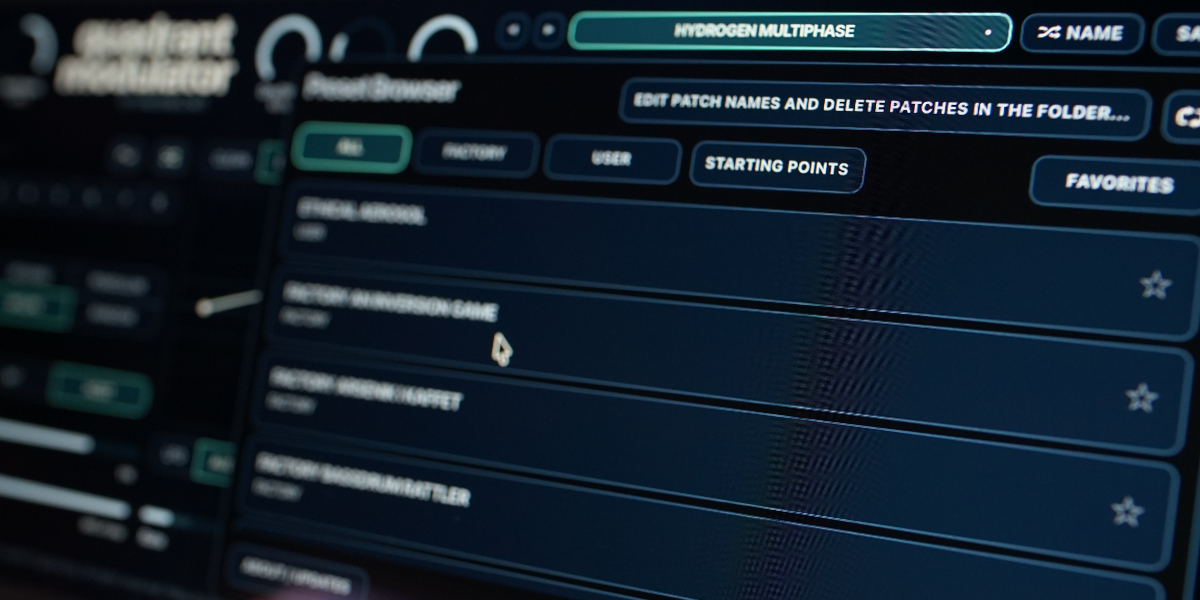
The preset name opens the browser. A preset stores the complete plug-in state, including all eight slots, enabled slots, global controls, oscillator mode, tuning controls, and sequencer settings.
Preset arrows step through available presets and wrap between the first and last entries.
Preset name opens the preset browser.
Name generates a preset name.
Save writes the complete state. Saving without first generating a name creates one automatically.
Factory / User / Starting Points / Favorites filter the preset browser.
Versioned Save writes a numbered copy when the current preset has changed.
Folder opens the preset directory for external renaming or deletion.
Refresh reloads externally renamed or deleted preset files.
Drag up / down
Increase or decrease a knob value with linear vertical movement.
Double-click control
Reset it to its initial value.
Cmd/Ctrl-click or Option/Alt-click control
Reset it to its initial value.
Wheel over control
Adjust without dragging.
Option/Alt-wheel
Make a fine adjustment.
Shift-wheel
Make a coarse adjustment.
Questions no-one asked:
What is four-quadrant modulation?
It multiplies the incoming audio by a bipolar waveform. Positive parts pass the signal with changing amplitude, while negative parts also invert it. This produces ring-modulation behavior and new sidebands.
Can Quadrant Modulator follow the pitch of incoming audio?
Yes. SC Pitch Follow uses a phase-locked loop to follow the side-chain or main input. It is most stable on simple monophonic signals and becomes less predictable as the source grows more complex.
Can it work as an amplitude shaper?
Yes. Keep the waveform entirely above or below the horizon for amplitude modulation, or use One Shot at slower rates as a single-cycle envelope triggered by a slot change or clock.
Does it support tempo sync and microtonal tuning?
Yes. Sync mode ranges from 1/32 triplets to 8 bars. Free LFO and audio rates can be quantized to a custom note set, with MTS-ESP support for microtonal tuning.
Compatibility
macOS 12+, Windows 10/11 macOS: AU/VST3, Windows: VST3
These plugins use detailed real-time processing and are happiest on reasonably recent CPUs, especially
when several instances are running at once.
The science-native interface simulations are beautiful to watch and interact with, but in larger
sessions, closing plugin windows you are not actively editing can free up resources for other hungry
plugins. Audio processing continues normally.
Slot sequencer
A shared walkthrough of the Unusable slot sequencer system, including how stored states, stepping, and slew can turn a static patch into motion.
Preset system
A shared walkthrough of the Unusable preset system, with practical tips for saving, naming, organizing, and moving between ideas.
Bundle option
Also available in bundle form
If this plugin fits your workflow, there is a good chance one of the bundles will fit even better and reduce total spend.
Scientist Suite
The science-metaphor lineup: Curves & Membranes, Quadrant Modulator, Spectral Pressure Chamber, Cavitation Fractures, Grain Discharge, and Synaptic Resonance.