
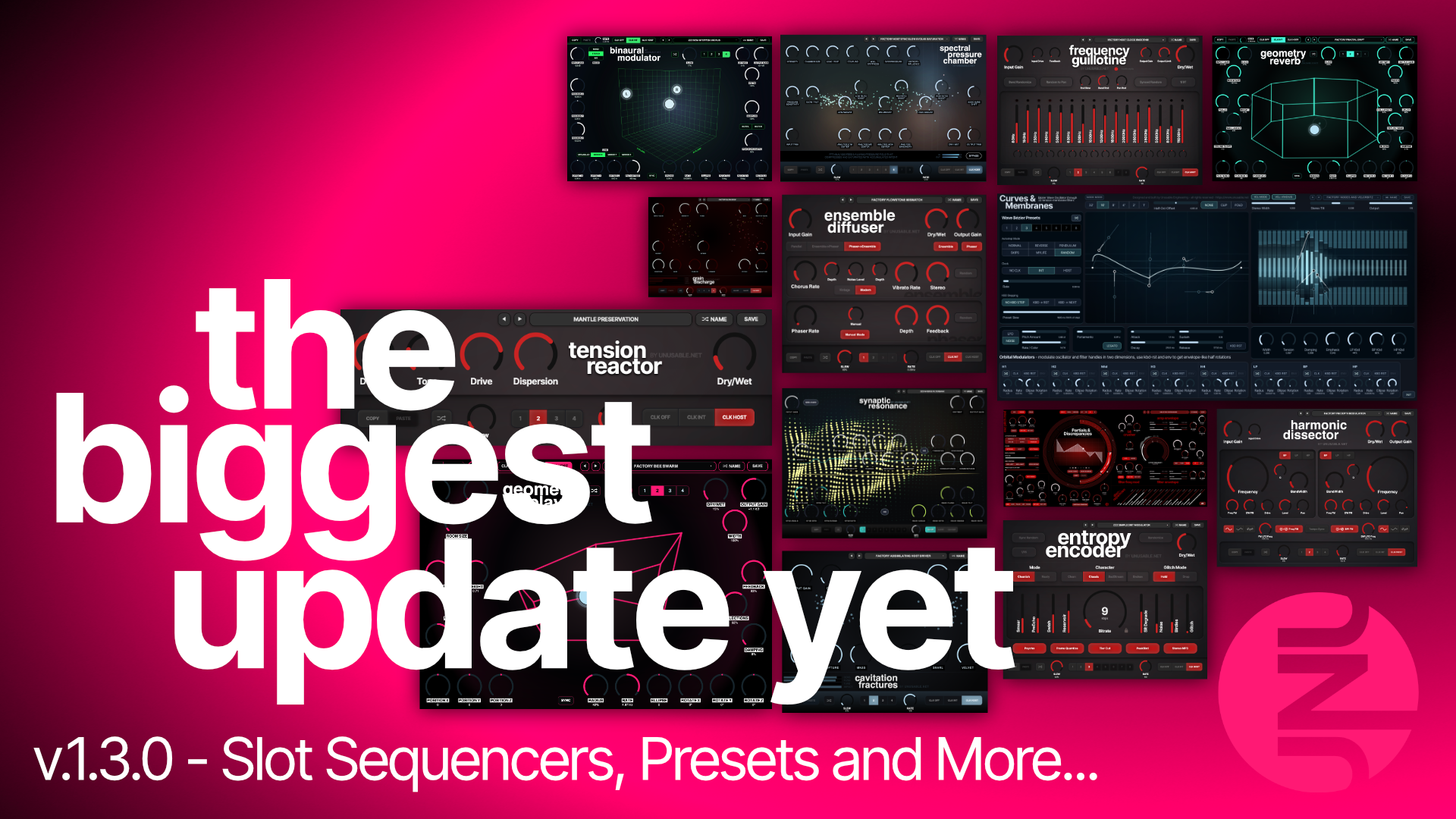
After a deserved vacation, or at least a vacation, I have managed to push most of the plugins forward. Some by small steps, and some by fairly giant leaps.
Personally, I think this is a huge update.
The two main changes are:
- every plugin now has a preset system with a preset browser
- every effect now has a slot sequencer
The slot sequencer is pretty simple in many ways, but it changes what you can do with the effects quite a lot. By stepping or slewing between different settings, you can create anything from fairly normal modulation to much stranger moving soundscapes.
I will try to keep this reasonably short. Let us see how that goes.
Preset browsers in all plugins
All plugins now have a preset system with a browser.
They also have a new About screen where you can:
- see the installed version
- check if an update is available
- see which email address was used for the license
All plugins also include some basic presets now.
It is still my slightly quirky preset system. I originally did not think presets were especially necessary, since I tried to make the plugins simple enough to understand and tweak directly.
But users gave me some good reasons for wanting them.
And with the next part of this update, presets suddenly became much more useful.
Slot sequencers in all effects
All effects now have a slot sequencer.
Some plugins have 8 slots and some have 4, but they work more or less the same way:
- store different parameter states in slots
- randomize the parameters in a slot
- step between slots
- slew between slots
- use either internal clock or host clock
- enable or disable slots with double-click or shift-click
In some plugins, Dry/Wet is included in the slot state because I thought it made the sequencing more useful or expressive.
The Geometry series already had slots, so the missing controls have been added in the top-left corner. In the other effects, the sequencer is placed in a new extended section at the bottom of the interface.
Personally, I think this has opened the effects up quite a lot.
Changing only level or panning between slots can create tremolo or auto-pan. Changing more parameters can create stepped filter movements, slow morphing effects, rhythmic changes, or fairly weird modulation that would otherwise need a lot of automation.
There has been no change to the actual sound engines, but the new movement options have made me find quite a few new and sometimes surprising uses for plugins I have already spent far too much time with.
I am really looking forward to hearing what you make with them.
A small Logic note
In Logic, when the host panel is minimized, some controls near the top of the plugin may not be clickable.
The host title bar is transparently covering part of the interface.
Please fix that, Apple.
Frequency Guillotine: faster band editing
Frequency Guillotine now lets you draw across all 16 bands while holding Option/Alt.
Click a band while holding Option/Alt, keep the mouse button down, and move across the other bands to change their levels.
This makes editing shapes across the filterbank much faster than adjusting every band individually like some sort of punishment.
Curves & Membranes: velocity-controlled orbital movement
Curves & Membranes has a new toggle called Vel->Radius.
This multiplies the radius of the orbital modulators based on incoming velocity, up to 5x.
Velocities up to 40 use the normal radius. From there, the amount increases linearly until velocity 127, which gives the full 5x radius.
It is useful for expressive patches where harder notes should introduce more movement.
Credit to Jan, who suggested this a couple of months ago.
Curves & Membranes: Node Mode
Curves & Membranes also has a new oscillator mode called Node Mode.
In this mode, the Bézier handles are replaced by vector points.
That gives you deeper wave folding and makes some more traditional waveform shapes possible as well.
To me, it gives the synth a more modern and aggressive character, which is sometimes exactly what a patch is missing.
I am fairly sure you will find good uses for both of the new functions.
Curves & Membranes: patch folder migration
With 1.3.0 on Mac, I have moved the Curves & Membranes patch folder so it now lines up with Partials & Discrepancies and the rest of the plugins.
If you have patches from an earlier version, there is a button at the bottom of the new patch browser that should migrate those patches to the new folder automatically.
Smaller fixes
There has also been a round of smaller bug fixes across the full lineup to improve stability and general behaviour.
The interfaces in the Emulated Effects series have also been brightened slightly to improve contrast.
The latest versions are available through the account page:
What is next?
Well.
In hindsight, maybe I did not take the vacation thing seriously enough.
For the coming period, I still have a few things I want to improve in the current plugins before I start building new products again.
I would also like to spend more time in the studio using the full catalogue and actually making some music with it. A radical idea…
I also need to start taking marketing and promotion more seriously.
If you have any good pointers on where and how to market Unusable Engineering, please reach out. I have received a few proposals from YouTubers and others, but I am still quite blissfully unaware of who is who and what is what in that world.
So if you know someone relevant, or have an idea that might help me reach more people, do not be a stranger.
Lastly, thank you
I want to thank all current customers for the support.
Reading your messages and hearing how you use the plugins has been one of the biggest pleasures of doing this.
Even when things have not been up to the standard I wanted, or when I have released something with issues, I have received an almost unreasonable amount of patience, useful feedback, and support.
That has honestly been a blessing. No exaggeration.
I originally built these devices mainly for my own use, but they have become better through your ideas, requests, and bug reports.
And I have become a better developer while testing the waters in what was, to me, previously unknown territory.
Thanks for that.
All the best,
Rasmus Nyåker