
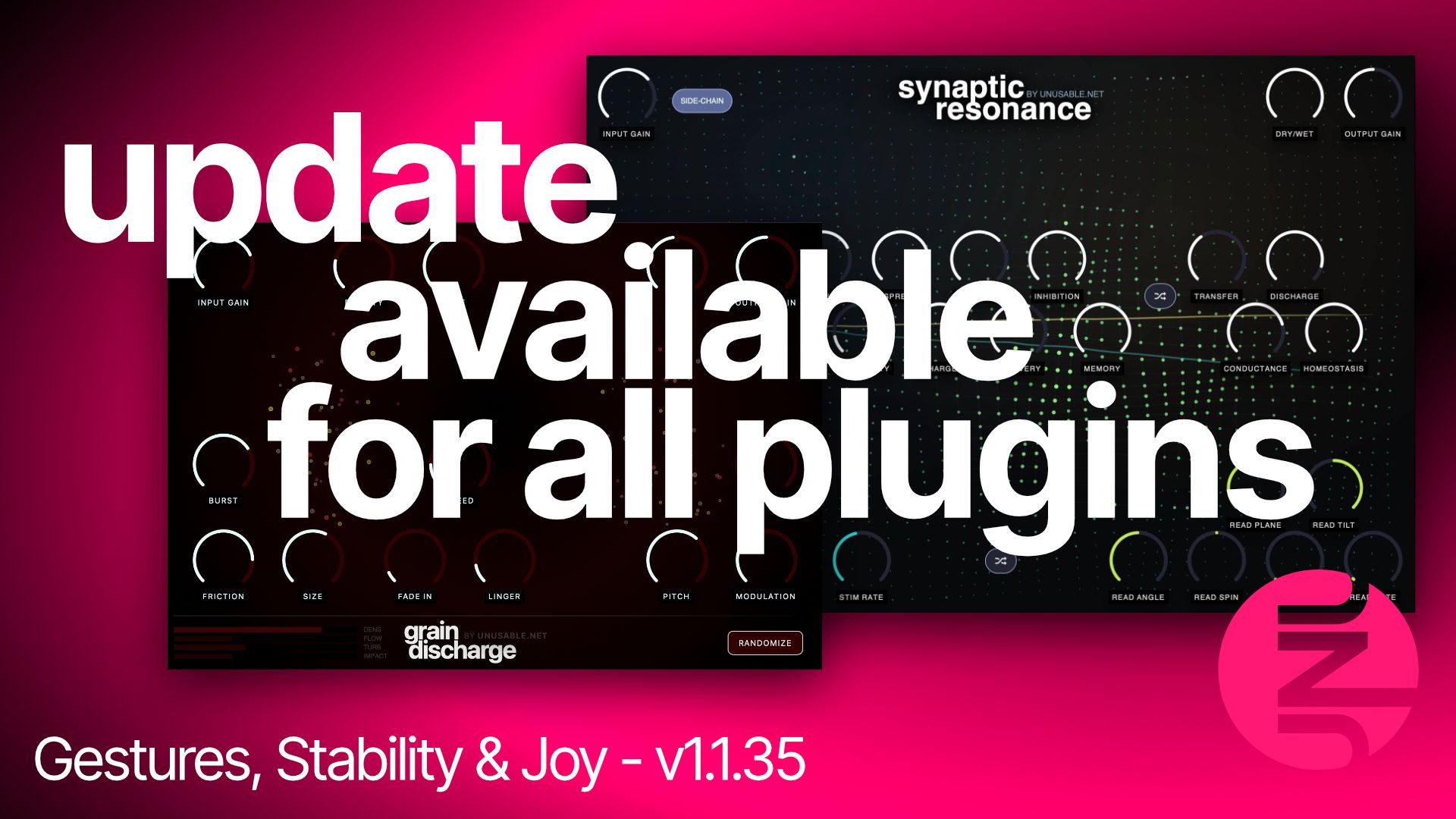
Another round of updates is live across the whole lineup.
Most of it is interaction-related, plus a bit of stabilization in Curves & Membranes. And since I have also been getting questions about the little preset system in that synth, I figured I might as well explain how it actually works.
General interaction updates
All plugins have received a handful of interaction fixes.
- Interface rescaling is now less hacksy. It only scales via sideways movement now, and it locks to fixed sizes to reduce the risk of blur from odd scaling ratios. There are still some DAWs that can scale it freely, but the plugin native corner resize is working the same way in all tested DAWs.
- Scroll gestures now change parameters while hovering them. On a Mac trackpad that means two-finger swipe, on the Magic Mouse it is one-finger swipe, and on other mice. It works on windows too, but I didn’t manage to crack how to bypass personal trackpad and mouse scroll direction settings, so it is following the user preferences for now. Btw. I enjoy this feature a lot myself, so thanks for suggesting it, Jan.
One small note: because the interfaces are webview-based, a parameter can sometimes “hold on” to the scroll gesture for a bit if it has been clicked first.
Curves & Membranes preset system
The little preset system in Curves & Membranes has also had some stabilization added. Closing the window or reopening a project should now remember both preset and state properly.
And since I have had questions about it recently, here is the quick version of how it works:
- You make a patch you want to save.
- You click the randomize name button until the display shows a name you like.
- You click Save. (If your DAW has access to your Documents folder, the preset will be saved there.)
- You can step back and forth between presets with the arrows, but as the synth currently comes with no presets, you need to save some first.
- If you want to rename a preset, you need to do it manually by renaming the file.
So yes, it is a bit different and quirky. And yes, I should probably finish that manual soon. ;)
A note: I noticed an issue earlier today, as the presets are saved to the documents folder, sometimes macOS thinks they don’t need to be on the computer, so it keeps an iCloud copy only. If your presets disappear from C&M, that is the issue, and it is fixed by clicking the cloud-arrow-down icon in finder for the folder.
What’s under development
Partials & Discrepancies and Geometry Delay are what I am focused on right now.
Partials & Discrepancies
Partials & Discrepancies is no longer throwing random bugs at me, so I am mostly doing presets for it now and planning videos.
I still need to test the VST versions on both Mac and PC, but it feels like a really strong addition to basically any synthesist’s toolbox.
It can cover a fairly wide range of sounds, and it has some quirks I have not really seen in other additive synths before.
If you follow me on YouTube, Facebook, or Instagram, you may already have seen the teaser. If not, here it is:
I also got a question about it on YouTube, so here is the slightly longer explanation.
It is an 8-voice polysynth built around one additive oscillator with up to 128 free-running partials per voice.
The partial levels are controlled by 7 nodes. Below the midline, the partials are phase-inverted.
You can control:
- number of partials, from 8 to 128
- odd / even balance
- how the partials are distributed relative to the node curve
You can also offset the partial frequencies from the fundamental in three different ways:
- Offset, which moves all partials closer together or further apart by the same amount
- Wave Warp, which moves partials closer and further apart in waves across the range
- Weirdness, which started as a bug in an early version, made the sound dissonant, and then turned into something I missed enough that I put it back in on purpose
All of those settings are stored in preset slots, which can be stepped, slewed, offset by voice number, stepped at audio rates following key frequency, and more. It a parameters’ “lock” is active, the shown setting will override the setting for all slots.
There is also a mod oscillator running at full audio rate, which can be used for:
- thru-zero FM of the additive oscillator
- linear filter FM
- amp AM
- modulation of the bitcrusher
It has a choice of sine, saw, pulse, sample-and-hold, or noise.
Then there are 2 LFOs, hardwired to oscillator and filter respectively, each using either sine or noise. They can either be active during the note, or triggered by note release so sounds break up during the release phase.
After the oscillator, the signal goes through a bitcrusher, then into the filter, which is a more analog-like state-variable affair with LP and BP mode, 1 to 3 poles, and saturation / overdrive for extra resonance crunch.
At the end of the chain there is a dry/wet mix of a kind of snappy compressor for more percussive sounds.
There are also 2 envelopes, hardwired to filter and amp.
The Discrepancy controls are another important part of the synth. They are built around a random multiplier that is unique for each voice and can be regenerated with the dice in the corner.
That row of controls determines how much influence that multiplier has. Some of those controls are macro-style and spread the multiplier across multiple parameters, while others affect just one. If you turn up tuning there, the voices detune relative to each other a bit like an analog synth drifting slightly out of calibration. In dual mode, that makes two voices play together on each note, which gets you into classic two-oscillator detuned territory. Use it on stereo and the voices spread in the stereo field. Use it on position and the voices offset between slots, so they play interpolated additive settings.
There are 3 voice displays, each showing voice amplitude as brightness.
- The first shows the voices in relation to the slots, so you can see which setting each voice is currently playing.
- Then there are 8 dots in the middle of the circle, which can be clicked to disable individual voices. Quite fun when a sequence is running and voices start dropping out. ;)
- The third is at the filter, where the voices show each one’s actual cutoff position.
Around that knob there is also a spectrum display showing the current synth output.
But writing does not really show what a synth can do, so I will make a few videos that go through both sound design and the individual parts in more detail.
Geometry Delay
The other plugin in the teaser is Geometry Delay.
I actually started it because I was missing a delay while testing on PC. Not the most glamorous origin story, but there it is.
I love delays, and I have far too many hardware delays here: tape delays, BBDs, digital delays, multi-tap delays. And honestly, most of the classic types already have decent emulations. It is hard to find a new angle on delay that actually makes sense.
I also have 5 or 6 plugin ideas lying around where I tried different scientific models, and most of them turned out to be rubbish.
So I slept on it for a bit and eventually found a way to make the delay type I normally find the most annoying interface-wise a bit more interesting: multi-tap delay.
What I often get stuck in with multi-tap delays is either just following sync divisions or not being creative enough with the taps. So I started thinking: what if all taps could be changed at once in relation to each other, but in a way that still makes sense?
That led to the idea of a room as the control model:
- each wall is a delay tap
- the floor and ceiling are taps too
- making the room larger makes the delays longer
- changing the number of walls adds taps
- angling walls or the ceiling changes the filtering on the taps
It is not a simulation of sound in a room, and the walls do not reflect into each other. So it is neither a normal delay nor a room simulation. It is more a way of controlling multi-tap delay through a spatial model.
Inside the room there is an emitter/listener node. As you move that around, you get Doppler behaviour because the delay times change. Moving away from one wall makes the pitch go down and the delay get longer, while moving closer to another makes the delay shorter and pushes the pitch upward.
You can automate the room size, height, and so on. But you can also use an orbital modulator on the position of the node, in full 3D.
It is a pretty odd, but to me quite refreshing, take on multi-tap delay. I hope it can drag people away from the dotted eighth-note trap and into using delay for everything from chorus and vibrato to weird transitions and more animated textures.
There is of course random with slew, so the room can slowly change into something new. There are also 4 slots that can store preset states, which you can automate between.
It is not as heavy as some of the other effects, but it is not super cheap on CPU either.
Release timing
Partials & Discrepancies and Geometry Delay will be released at the same time, and there will be crossgrade offers for all owners of a paid Unusable Engineering plugin or bundle.
The target is a release before the end of this month (June 2026), mainly because I would quite like to go on vacation with my family in mid-July.
All the best,
Rasmus Nyåker